
This page is not an official page of the app or its developer, but an independent editorial publication created for informational and commentary purposes. Unless expressly stated otherwise, neither the app nor its developer is affiliated with, endorsed by, sponsored by, authorized by, or otherwise officially connected with MWM, Apple, Google Play, the app publisher, or the app's developer, and nothing on this page implies that the app was developed using MWM's services. Any trademarks, logos, screenshots, and other content remain the property of their respective owners.


Easy Connect by MCZ
Experience the perfect blend of Italian design and modern technology. Remotely manage your stove, set custom heating schedules, and ensure a warm welcome home with just a tap on your phone.
Downloads
0User Rating
Total Ratings
0Publisher
Category
ProductivityLocales
1Latest Version
2.1.3Size
49.1 MBFirst Released
Oct 23, 2020Effortless Comfort in the Palm of Your Hand
Easy Connect brings modern intelligence to your MCZ stove, combining Italian design with seamless Wi-Fi control for a smarter, cozier home environment.
Instant Remote Control
Ignite your stove or adjust settings from your office or commute, ensuring you always walk into a perfectly pre-warmed home.
Precision Scheduling
Set daily and weekly routines with the intuitive chrono-thermostat to optimize pellet consumption while maintaining peak comfort.
The following screenshots and description are sourced directly from the app's official store listing and are the property of the app developer.
App Store
Screenshots
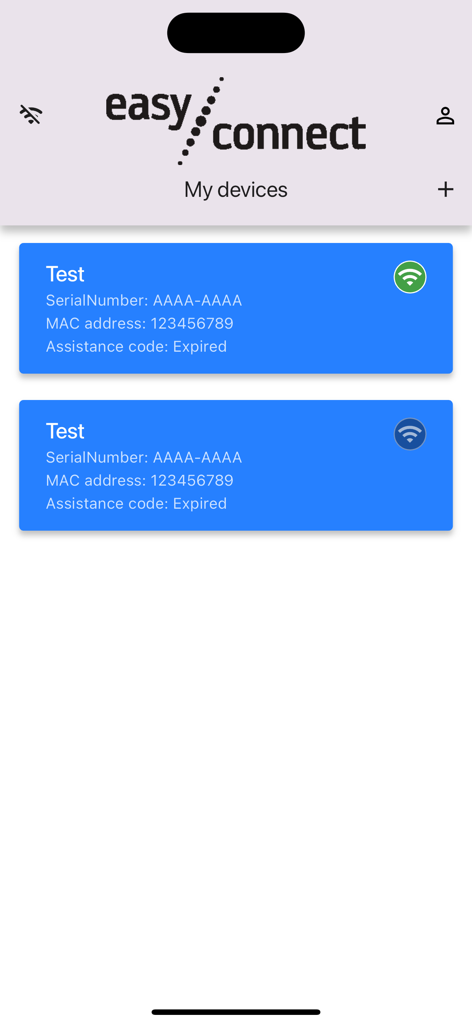
Easy Connect by MCZ app My Devices screen displaying connected heating units
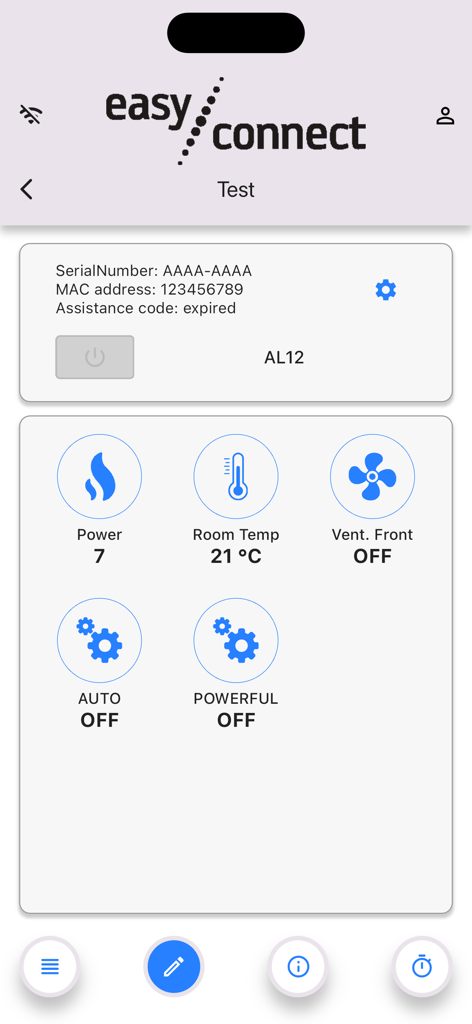
Interface of Easy Connect by MCZ showing real-time pellet stove status including room temperature and power levels.
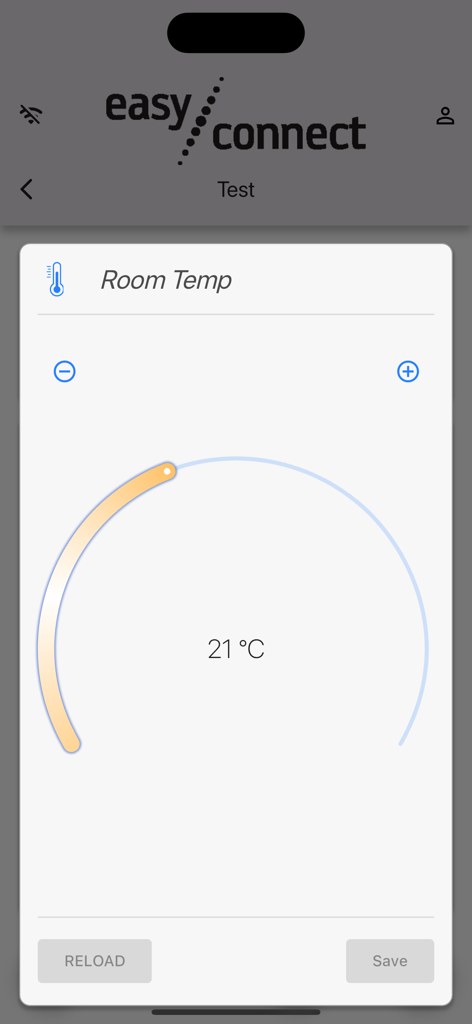
Easy Connect by MCZ app screen for adjusting room temperature with a dial set to 21 degrees Celsius
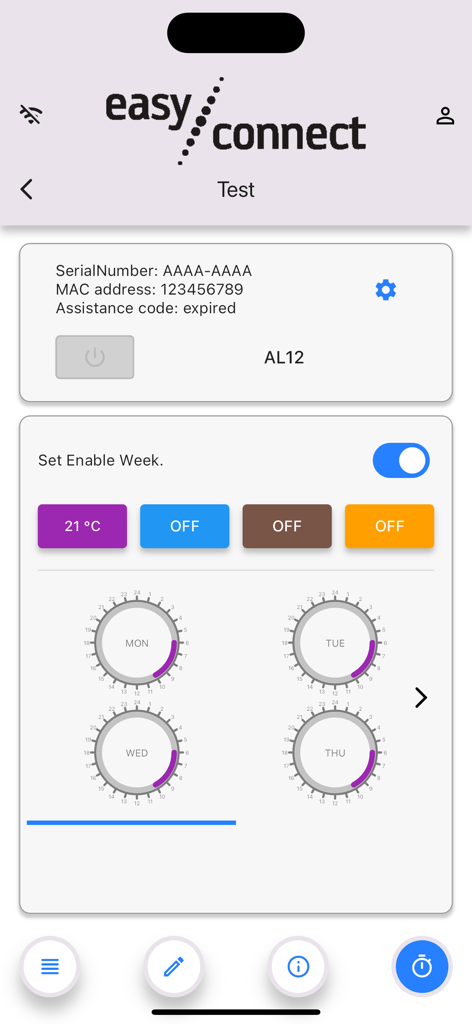
Weekly heating schedule settings in the Easy Connect by MCZ app showing daily timer dials and temperature controls.
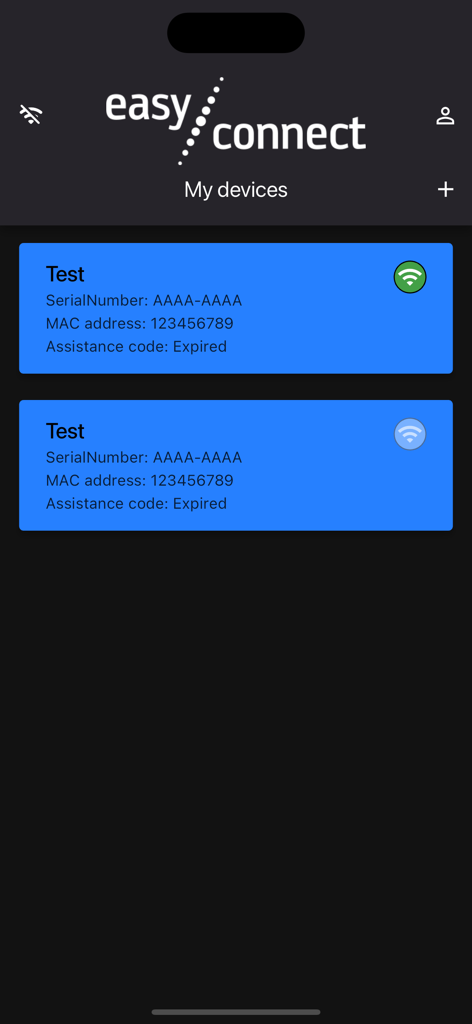
The My Devices dashboard in the Easy Connect by MCZ app showing connected smart stove units and their status.
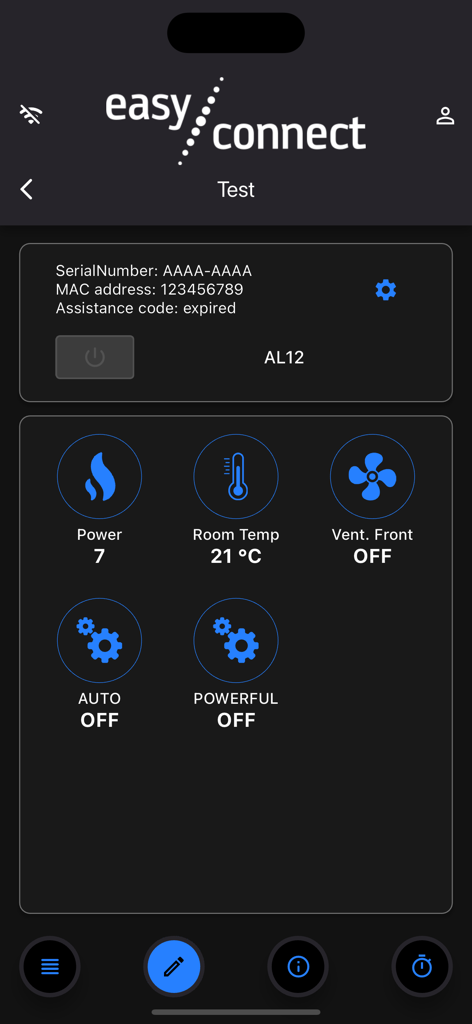
Easy Connect by MCZ app interface showing pellet stove power and room temperature controls
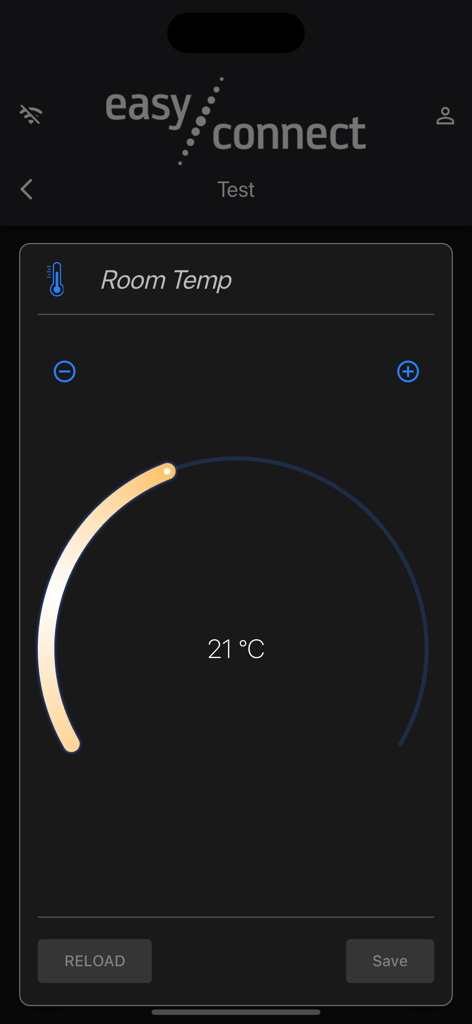
Easy Connect by MCZ app interface showing a room temperature setting of 21 degrees Celsius with a dial control
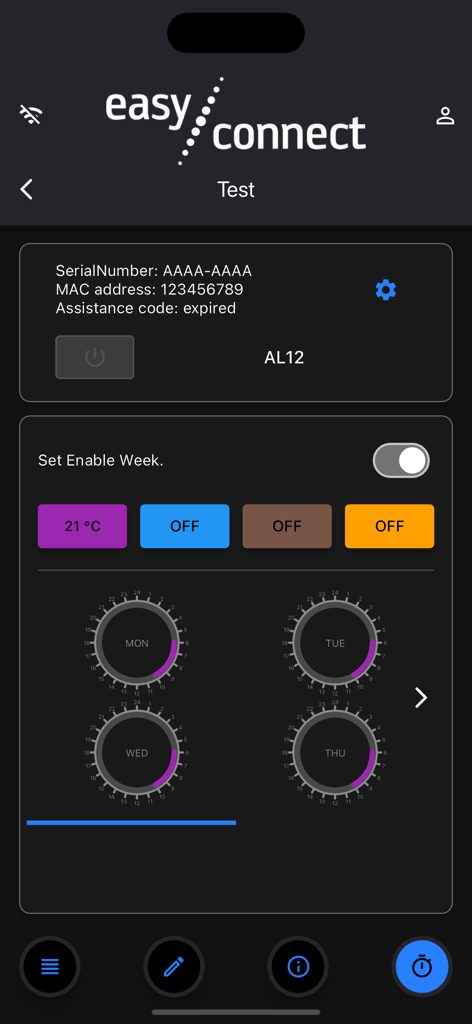
Weekly chrono-thermostat scheduling screen in the Easy Connect by MCZ app for pellet stove management
Description
Download
More Like This
Top-ranked apps in the same category

ChatGPT
OpenAI OpCo, LLC

Google Gemini
Google LLC

Claude by Anthropic
Anthropic PBC

Gmail - Email by Google
Google LLC

千问 - 阿里最强大模型官方AI助手
Shanghai Zhixin Puhui Technology Co., Ltd.

Grok
X.AI Corporation

Google Drive
Google LLC

Microsoft Authenticator
Microsoft Corporation

Google Sheets
Google LLC
This page is not an official page of the app or its developer, but an independent editorial publication created for informational and commentary purposes. Unless expressly stated otherwise, neither the app nor its developer is affiliated with, endorsed by, sponsored by, authorized by, or otherwise officially connected with MWM, Apple, Google Play, the app publisher, or the app's developer, and nothing on this page implies that the app was developed using MWM's services. Any trademarks, logos, screenshots, and other content remain the property of their respective owners.