
This page is not an official page of the app or its developer, but an independent editorial publication created for informational and commentary purposes. Unless expressly stated otherwise, neither the app nor its developer is affiliated with, endorsed by, sponsored by, authorized by, or otherwise officially connected with MWM, Apple, Google Play, the app publisher, or the app's developer, and nothing on this page implies that the app was developed using MWM's services. Any trademarks, logos, screenshots, and other content remain the property of their respective owners.

Easy Exif Editor
Take complete control of your photo and video details. Whether you're a professional photographer managing RAW files or a privacy-conscious creator removing location data, our intuitive on-device tools make metadata editing seamless and secure.
Downloads
0User Rating
Total Ratings
0Publisher
Category
Photo & VideoLocales
1Latest Version
1.0Size
2.4 MBFirst Released
Feb 3, 2026Master Your Photo Metadata
Professional-grade tools to edit, organize, and protect your digital assets with precision and ease.
Total Privacy Protection
Instantly strip GPS coordinates and sensitive metadata before sharing to keep your home and private locations secure.
Pro-Level RAW Support
Edit EXIF and IPTC data for professional formats like CR3, ARW, and DNG directly from your mobile workflow.
The following screenshots and description are sourced directly from the app's official store listing and are the property of the app developer.
App Store
Screenshots
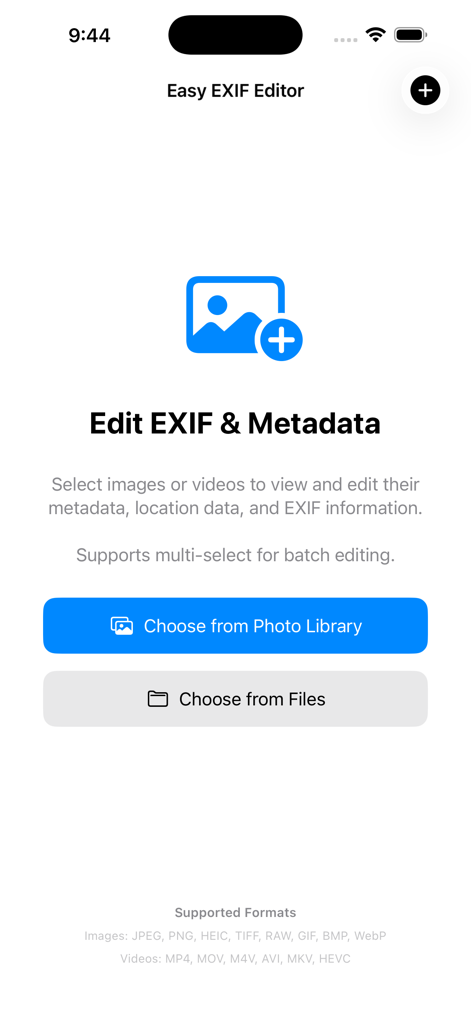
Easy EXIF Editor home screen with options to choose images or videos from photo library or files to edit metadata
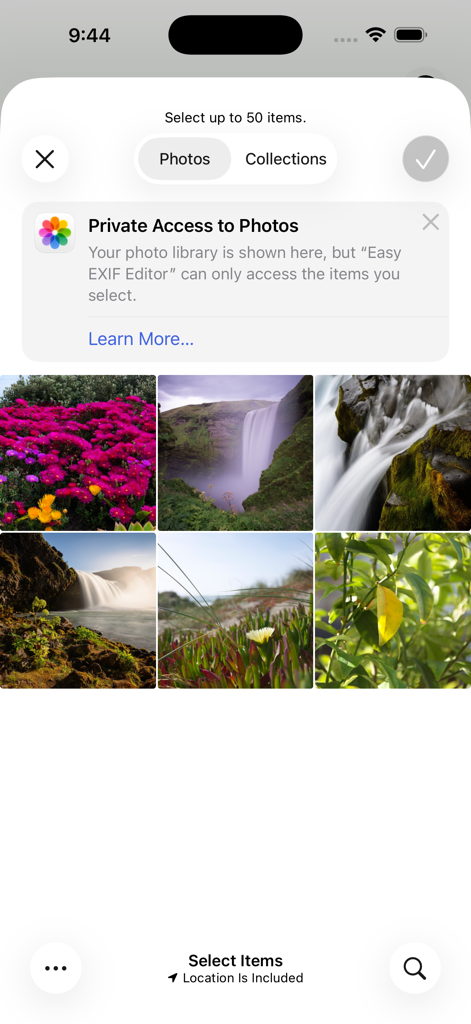
Interface of Easy Exif Editor showing a photo selection grid and a privacy notice regarding private access to the photo library.
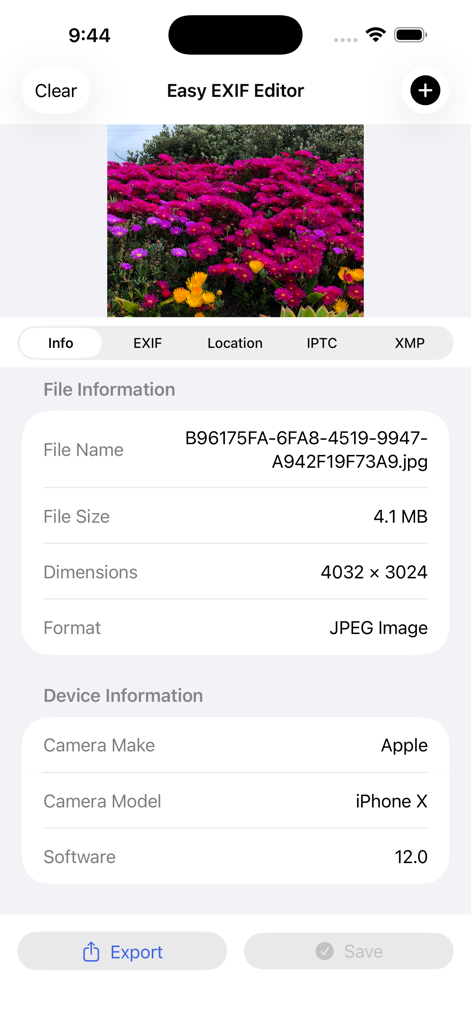
Easy EXIF Editor interface showing file and device information for a photo of pink flowers
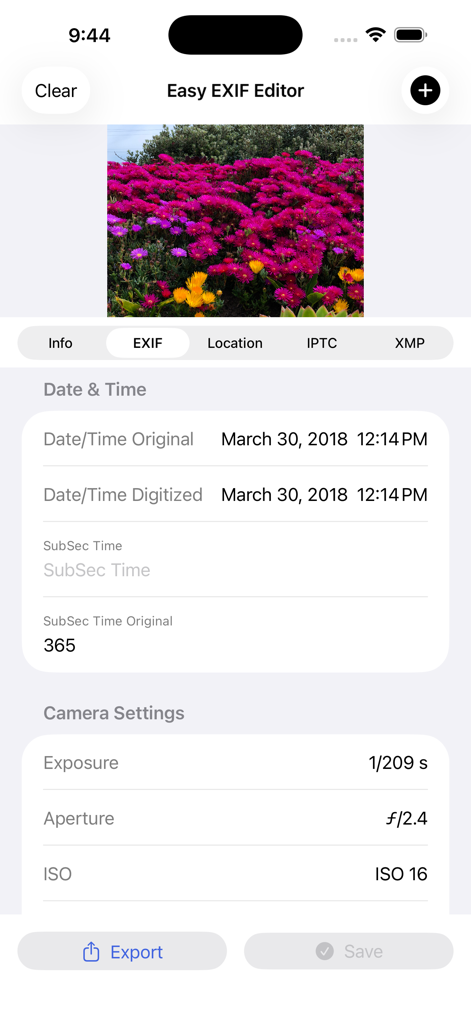
Interface of Easy EXIF Editor showing photo metadata including camera settings like exposure aperture and ISO
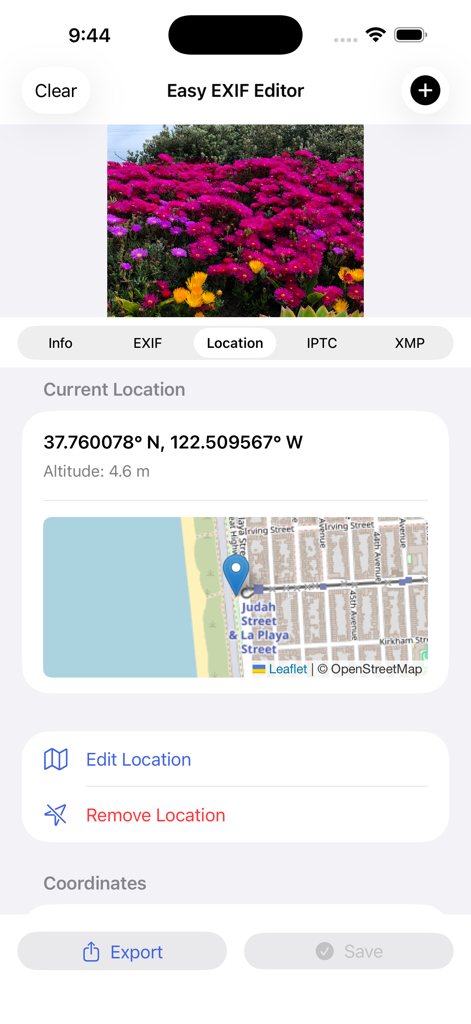
Interface of Easy Exif Editor displaying GPS coordinates and a map location for a photo of flowers
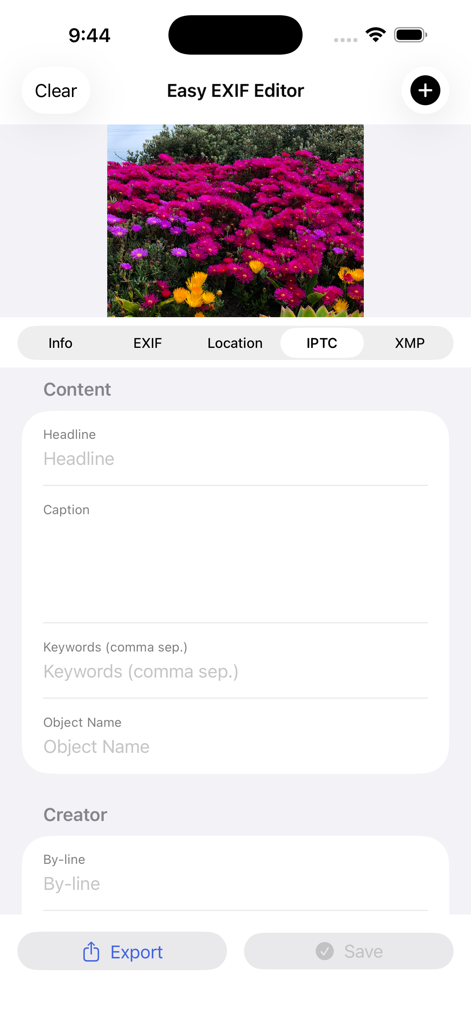
IPTC metadata editing screen in Easy Exif Editor for a photo of pink flowers
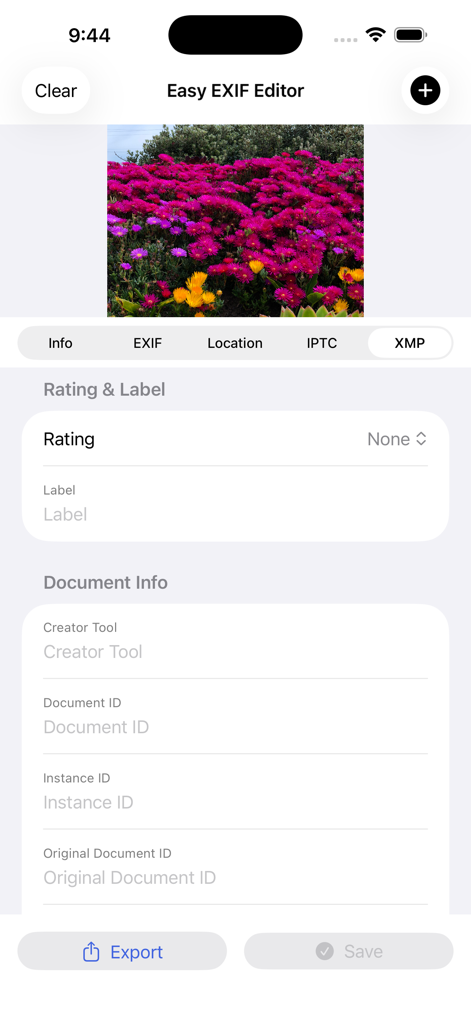
Interface of the Easy Exif Editor app showing XMP metadata fields like rating and document info for a photo of pink flowers
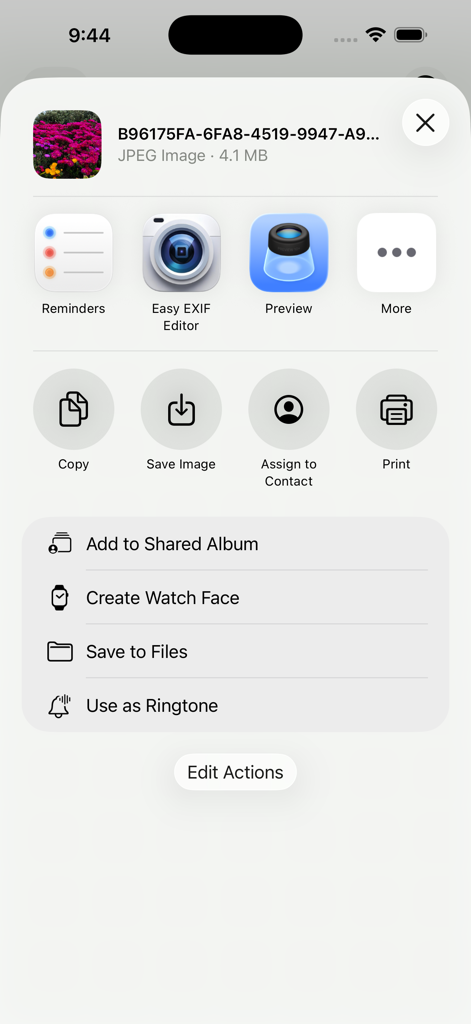
Easy EXIF Editor integrated into the iOS system share menu for quick photo metadata editing
Description
Download
More Like This
Top-ranked apps in the same category

CapCut: Photo & Video Editor
BYTEDANCE PTE. LTD.

Instagram, Inc.

YouTube
Google LLC

Canva: AI Photo & Video Editor
Canva Pty Ltd

快手
Beijing Kwai Technology Co., Ltd.

Snapchat
Snap, Inc.

Meta AI - Vibes & AI Glasses
Meta Platforms, Inc.

Edits: Video Editor
Instagram, Inc.

Meitu- AI Photo & Video Editor
Xiamen Meitu Technology Co., Ltd.
This page is not an official page of the app or its developer, but an independent editorial publication created for informational and commentary purposes. Unless expressly stated otherwise, neither the app nor its developer is affiliated with, endorsed by, sponsored by, authorized by, or otherwise officially connected with MWM, Apple, Google Play, the app publisher, or the app's developer, and nothing on this page implies that the app was developed using MWM's services. Any trademarks, logos, screenshots, and other content remain the property of their respective owners.