
This page is not an official page of the app or its developer, but an independent editorial publication created for informational and commentary purposes. Unless expressly stated otherwise, neither the app nor its developer is affiliated with, endorsed by, sponsored by, authorized by, or otherwise officially connected with MWM, Apple, Google Play, the app publisher, or the app's developer, and nothing on this page implies that the app was developed using MWM's services. Any trademarks, logos, screenshots, and other content remain the property of their respective owners.


EasyC@M
The ultimate low-latency UVC viewer for gamers and creators. Connect your Switch, DSLR, or PC to enjoy high-quality video with Picture-in-Picture, recording, and seamless multitasking.
Downloads
9K+User Rating
Total Ratings
0Publisher
Category
Photo & VideoLocales
2Latest Version
1.2.7Size
1.6 MBFirst Released
Sep 18, 2023Supercharge Your iPad's Potential
The most efficient way to turn your USB-C iPad into a high-performance portable display. Connect your console, camera, or PC and experience your gear on the industry's best screen.
The Ultimate Gaming Monitor
Transform your iPad into a premium portable screen for your Nintendo Switch or Steam Deck. Enjoy a lag-free experience on a high-resolution display while you travel.
Pro-Level Multitasking
Don't let your screen go to waste. Use Picture-in-Picture and Split View to monitor your external video feed while chatting on Discord or browsing the web.
The following screenshots and description are sourced directly from the app's official store listing and are the property of the app developer.
App Store
Screenshots
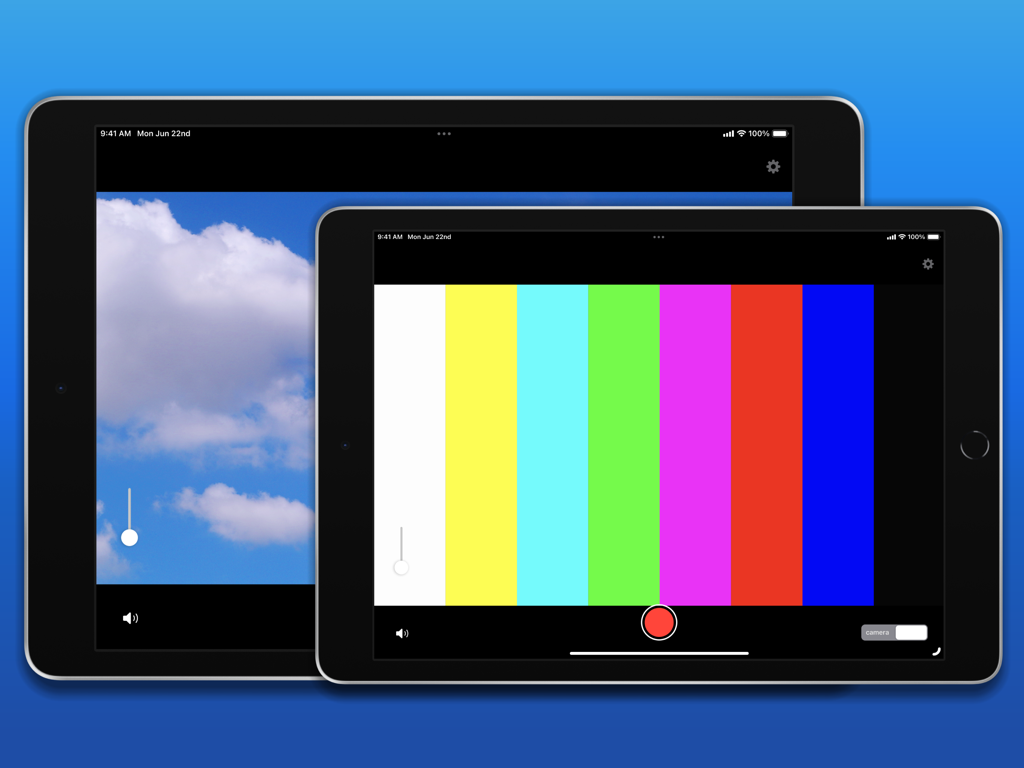
Two iPads running EasyC@M displaying external video input including color bars and a cloud landscape.
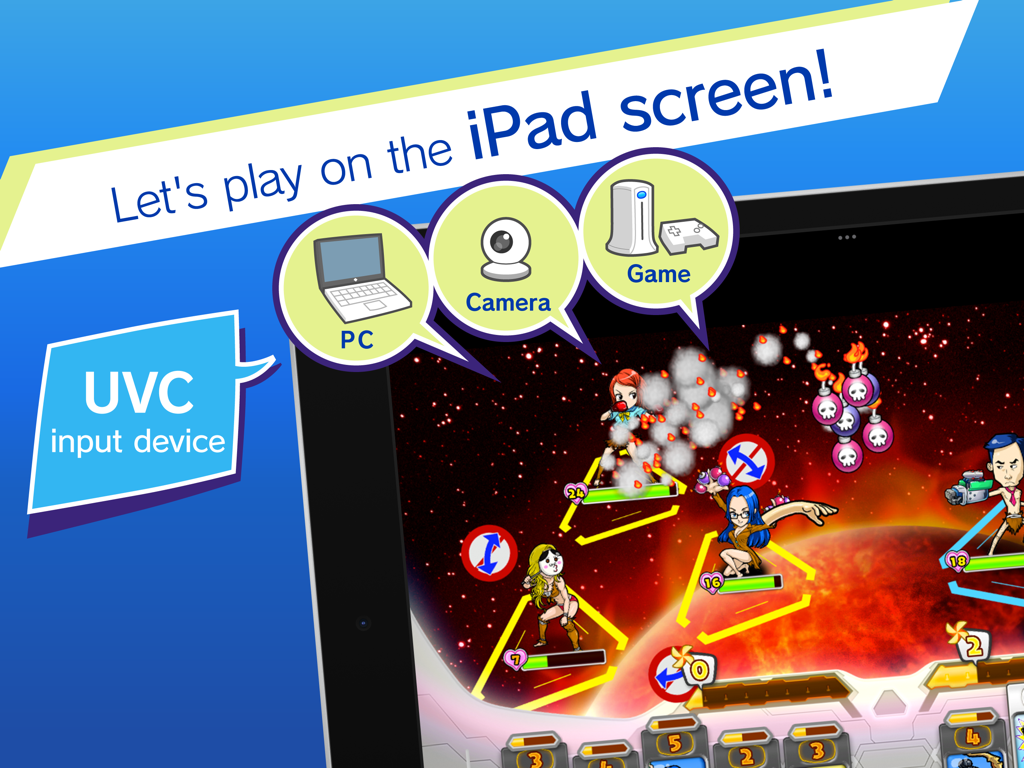
EasyC@M app showing an iPad used as a monitor for gaming and cameras via UVC input
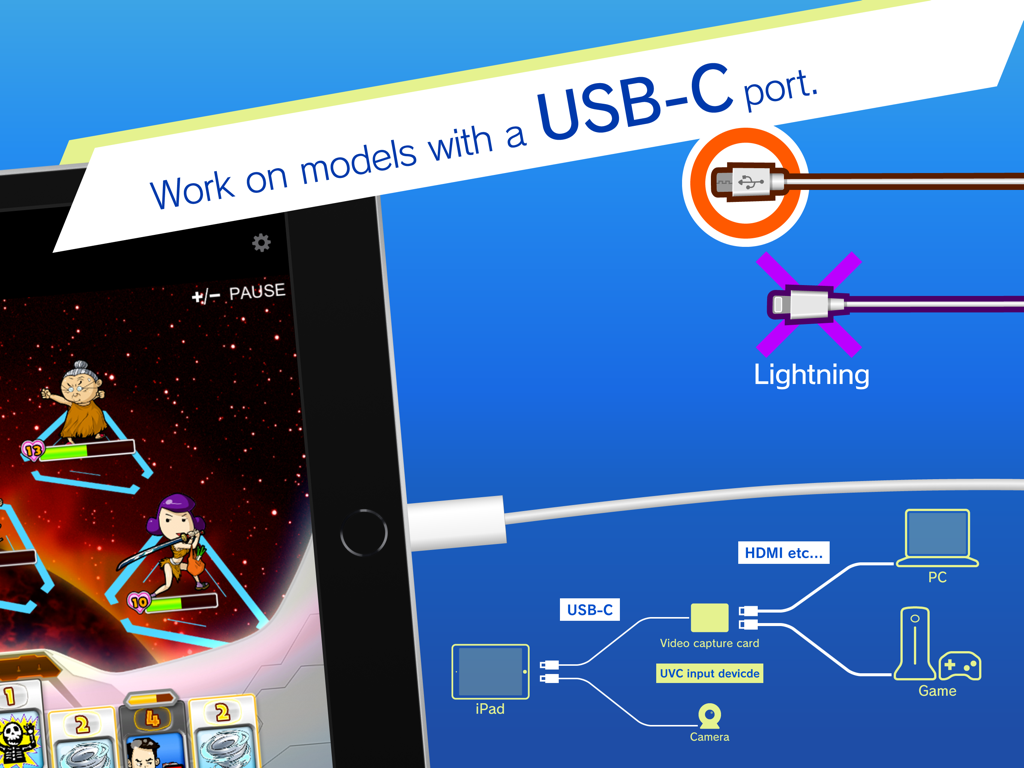
Infographic showing EasyC@M compatibility with USB-C iPads and connection diagram for cameras and consoles
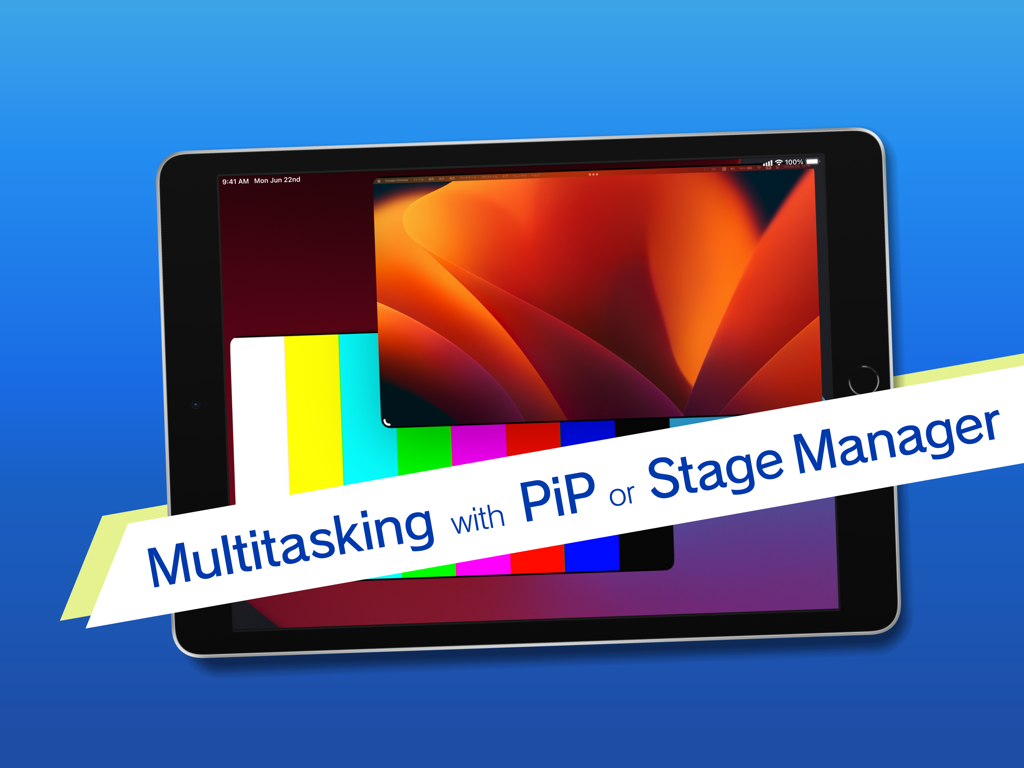
iPad showing EasyCAM app with Picture-in-Picture and Stage Manager multitasking features
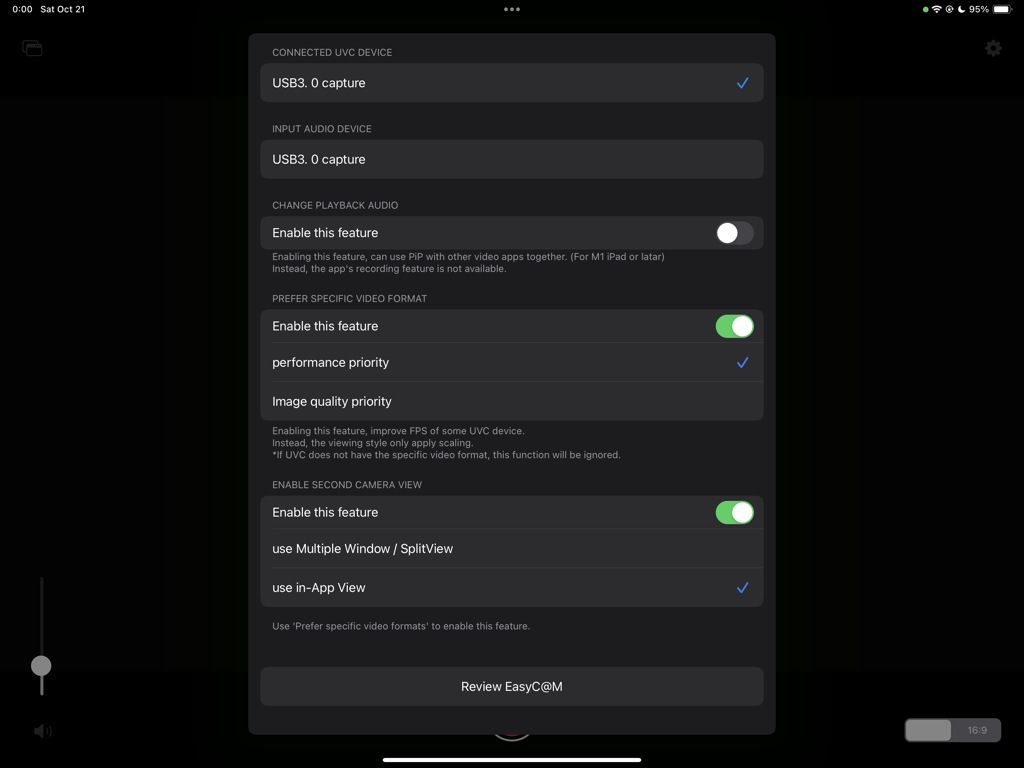
Settings menu of the EasyC@M app for configuring USB capture devices and video preferences on an iPad.
Description
Download
More Like This
Top-ranked apps in the same category

CapCut: Photo & Video Editor
BYTEDANCE PTE. LTD.

Instagram, Inc.

YouTube
Google LLC

Canva: AI Photo & Video Editor
Canva Pty Ltd

Snapchat
Snap, Inc.

快手
Beijing Kwai Technology Co., Ltd.

Edits: Video Editor
Instagram, Inc.

Meitu- AI Photo & Video Editor
Xiamen Meitu Technology Co., Ltd.

Google Photos: Backup & Edit
Google LLC
This page is not an official page of the app or its developer, but an independent editorial publication created for informational and commentary purposes. Unless expressly stated otherwise, neither the app nor its developer is affiliated with, endorsed by, sponsored by, authorized by, or otherwise officially connected with MWM, Apple, Google Play, the app publisher, or the app's developer, and nothing on this page implies that the app was developed using MWM's services. Any trademarks, logos, screenshots, and other content remain the property of their respective owners.