
This page is not an official page of the app or its developer, but an independent editorial publication created for informational and commentary purposes. Unless expressly stated otherwise, neither the app nor its developer is affiliated with, endorsed by, sponsored by, authorized by, or otherwise officially connected with MWM, Apple, Google Play, the app publisher, or the app's developer, and nothing on this page implies that the app was developed using MWM's services. Any trademarks, logos, screenshots, and other content remain the property of their respective owners.


EasyShare - device switch tool
Stop fearing the device switch. This app ends transfer headaches, delivering your data intact and fast.
Downloads
12.5M+User Rating
Total Ratings
2.7KPublisher
Category
UtilitiesLocales
67Latest Version
5.6.1Size
111.1 MBFirst Released
Apr 30, 2016An evaluation of EasyShare's core functionalities for efficient and secure mobile data transfer and device management.
EasyShare - Device Switch Tool: Key Features Analysis
Comprehensive Data Migration
The app provides a 'Phone Clone' function that allows users to seamlessly migrate a wide range of data, including photos, contacts, videos, and events, from an old phone to a new device.
High-Speed Wireless Transfer
This tool features a transfer speed of up to 40 MB/s, significantly faster than traditional methods like Bluetooth, ensuring quick and efficient data movement.
Robust Data Security
As an official Vivo tool, it ensures the security of transferred data, giving users peace of mind during the migration process.
Cross-Platform Compatibility
The tool supports data transfer between different mobile operating systems, including seamless migration from iPhone to Android devices like Vivo phones, addressing cross-platform transfer needs.
Offline Data Transfer
It allows users to transfer large volumes of data without consuming any mobile data, making it cost-effective and convenient in areas with limited connectivity.
Wireless PC Management for iPhone
The 'Connect PC' function enables wireless connection between an iPhone and a computer, facilitating photo management on the PC without requiring a data cable.
The following screenshots and description are sourced directly from the app's official store listing and are the property of the app developer.
App Store
Screenshots
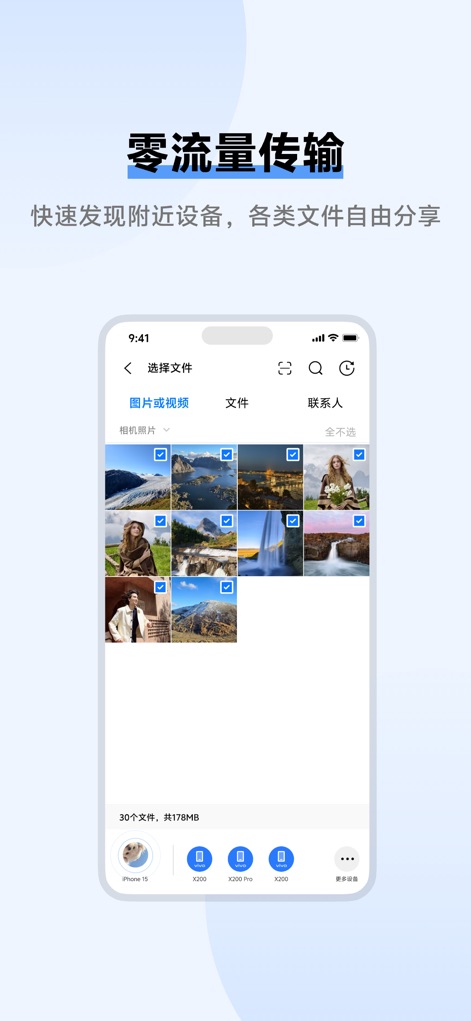
The app showcases a comprehensive file selection interface for easy data organization and clearly displays connected device icons at the screen's base for intuitive management.
Seamless File Selection
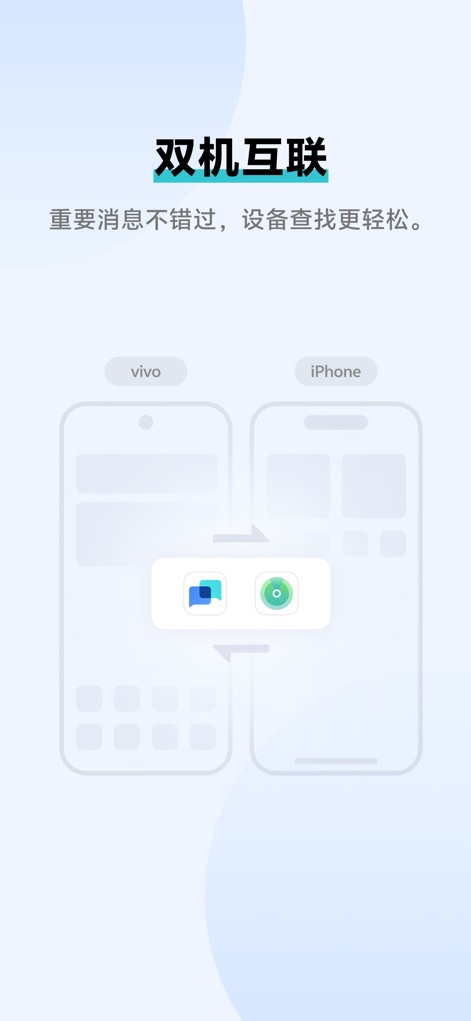
The app demonstrates its robust cross-device connectivity through animated dual phone outlines, showcasing how central app icons facilitate seamless intercommunication.
Cross-Device Connect
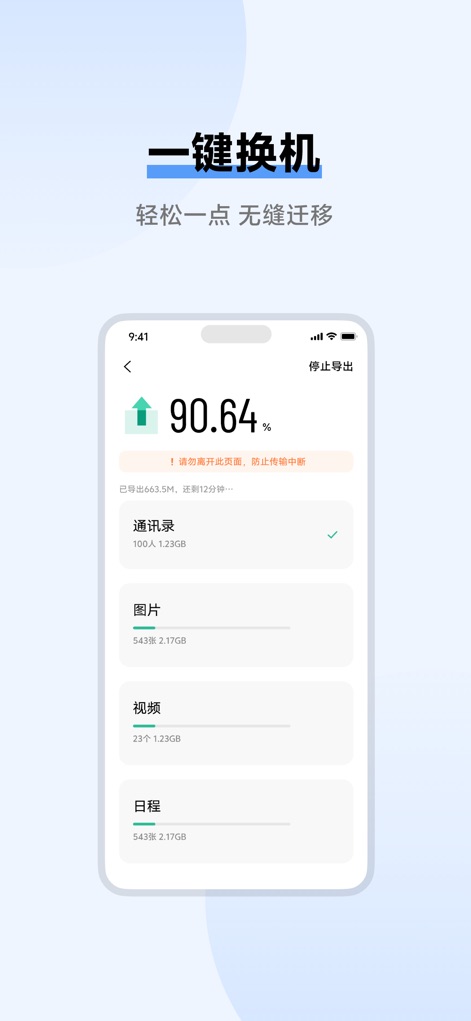
This tool simplifies device upgrades by displaying a prominent real-time progress percentage for data transfer and itemized categorized data lists for complete oversight.
Effortless Phone Migration
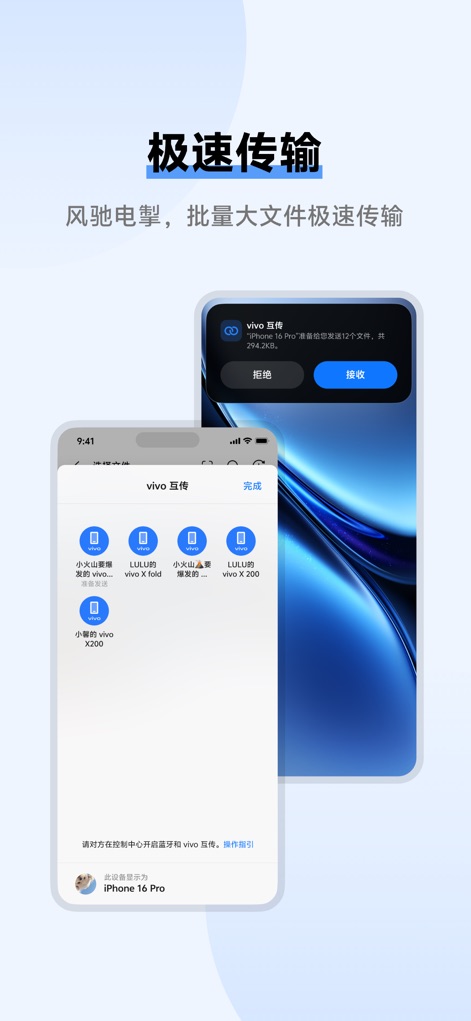
Users experience blazing-fast data transfer, clearly presented through a prominent transfer request notification and a detailed file list with visual icons for individual files.
Rapid Data Exchange
Description
Download
More Like This
Top-ranked apps in the same category

Google LLC

Google Chrome
Google LLC

中国移动(手机营业厅)
China Mobile Online Services Co., Ltd.

Google Authenticator
Google LLC

gov.br
Servicos e Informacoes do Brasil

Buddy VPN
Frederic Hennes Sprl

中国电信-全国统一官方服务平台
CHINA TELECOM Corporation Ltd.

Meu Social - Gás do Povo
Servicos e Informacoes do Brasil

Cleanup: Phone Storage Cleaner
DEEP FLOW SOFTWARE SERVICES - FZCO
This page is not an official page of the app or its developer, but an independent editorial publication created for informational and commentary purposes. Unless expressly stated otherwise, neither the app nor its developer is affiliated with, endorsed by, sponsored by, authorized by, or otherwise officially connected with MWM, Apple, Google Play, the app publisher, or the app's developer, and nothing on this page implies that the app was developed using MWM's services. Any trademarks, logos, screenshots, and other content remain the property of their respective owners.