
This page is not an official page of the app or its developer, but an independent editorial publication created for informational and commentary purposes. Unless expressly stated otherwise, neither the app nor its developer is affiliated with, endorsed by, sponsored by, authorized by, or otherwise officially connected with MWM, Apple, Google Play, the app publisher, or the app's developer, and nothing on this page implies that the app was developed using MWM's services. Any trademarks, logos, screenshots, and other content remain the property of their respective owners.


Elgato Stream Deck Mobile
Take total control of your workflow with a single tap. Automate apps like OBS, Zoom, and Spotify, customize your layout with endless icons, and experience the power of a pro-grade setup on the device already in your pocket.
Downloads
884K+User Rating
Total Ratings
9K+Publisher
Category
ProductivityLocales
19Latest Version
2.4.0Size
185.2 MBFirst Released
May 17, 2019Master Your Workflow with Digital Precision
Transform your iPhone or iPad into a professional-grade command center. Stream Deck Mobile brings the power of our iconic hardware to the screen you already own, tailored for creators and high-performance professionals.
Automate with Multi-Actions
Turn complex sequences into a single tap. Launch your apps, adjust lighting, and post to social media simultaneously to stay in your creative flow.
Limitless Customization
Express your style with custom icons and faceplates. Design your ideal layout with up to 64 keys to match your specific desk aesthetic and professional needs.
Frequently Asked Questions
Everything you need to know about Elgato Stream Deck Mobile
What is Elgato Stream Deck Mobile?
Elgato Stream Deck Mobile is a virtual keypad app that allows users to control applications and tools on their computer without touching a mouse or keyboard. It offers customizable actions and profiles.
How does Elgato Stream Deck Mobile work?
Elgato Stream Deck Mobile connects wirelessly to the Stream Deck desktop application on your macOS or Windows computer. It then functions as a customizable control interface for various apps and tools.
Is Elgato Stream Deck Mobile free to use?
Yes, Elgato Stream Deck Mobile offers a free version with 6 keys and unlimited actions forever. Users can upgrade to a Pro version for more keys and advanced customization options.
What are the benefits of Elgato Stream Deck Mobile Pro?
Stream Deck Mobile Pro provides up to 64 keys, double the largest physical Stream Deck. It also includes personalized backgrounds, custom layouts (e.g., 5x3 or 8x8 keys), and additional customization choices.
What apps can Elgato Stream Deck Mobile control?
Elgato Stream Deck Mobile controls many apps including OBS Studio, Twitch, YouTube, Discord, Spotify, Zoom, and Teams. It integrates with various popular tools for content creation and productivity.
Can I use Siri with Elgato Stream Deck Mobile?
Yes, Elgato Stream Deck Mobile supports "Hey Siri" voice commands. Users can create custom voice commands to control their setup, enabling hands-free operation of the app's functions.
Does Elgato Stream Deck Mobile support dark mode?
Yes, Elgato Stream Deck Mobile supports both dark and light modes. Users can swap between modes manually or set them to change automatically, with some faceplates adapting their appearance.
Can Elgato Stream Deck Mobile be used on an iPad with multitasking?
Yes, Elgato Stream Deck Mobile supports iPad multitasking. Users can run the app alongside other applications or websites, and even operate two Stream Deck Mobile keypads simultaneously on an iPad.
Does Elgato Stream Deck Mobile offer customization for keys?
Yes, Stream Deck Mobile allows extensive customization. Users can personalize keys with colorful icons and animations, organize actions into folders, and create specialized keypads with profiles.
Can Elgato Stream Deck Mobile connect to multiple computers?
Yes, Elgato Stream Deck Mobile can pair with multiple computers. Users can also run Stream Deck Mobile on multiple devices simultaneously, enhancing control across different setups.
The following screenshots and description are sourced directly from the app's official store listing and are the property of the app developer.
App Store
Screenshots
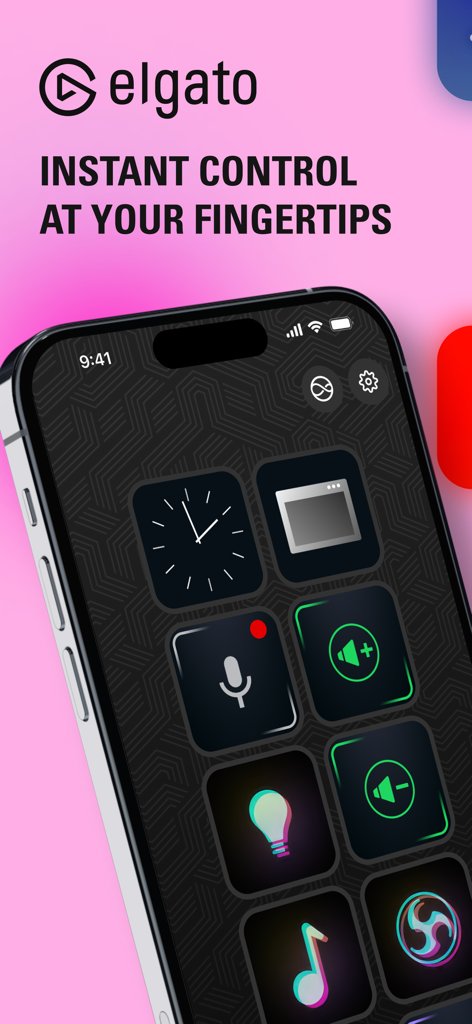
Elgato Stream Deck Mobile app interface showing customizable keys on an iPhone screen
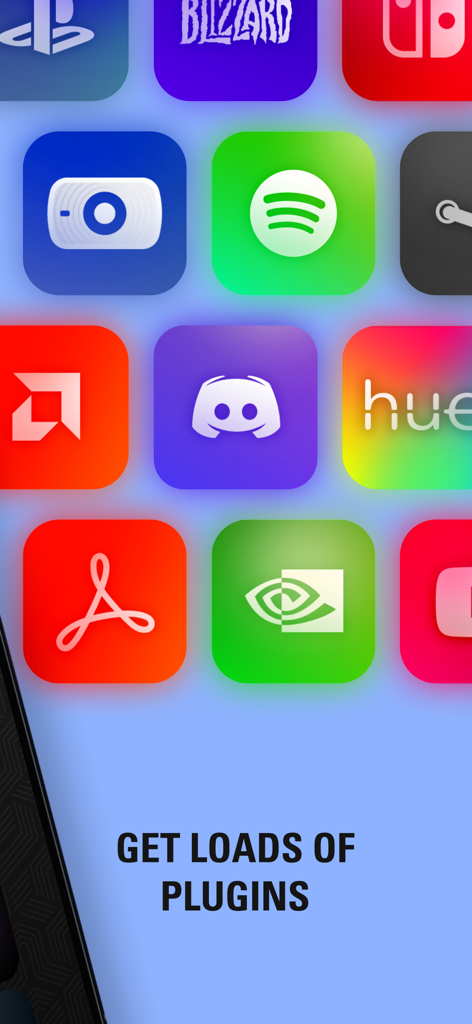
A grid of popular app and software plugin icons for the Stream Deck Mobile application
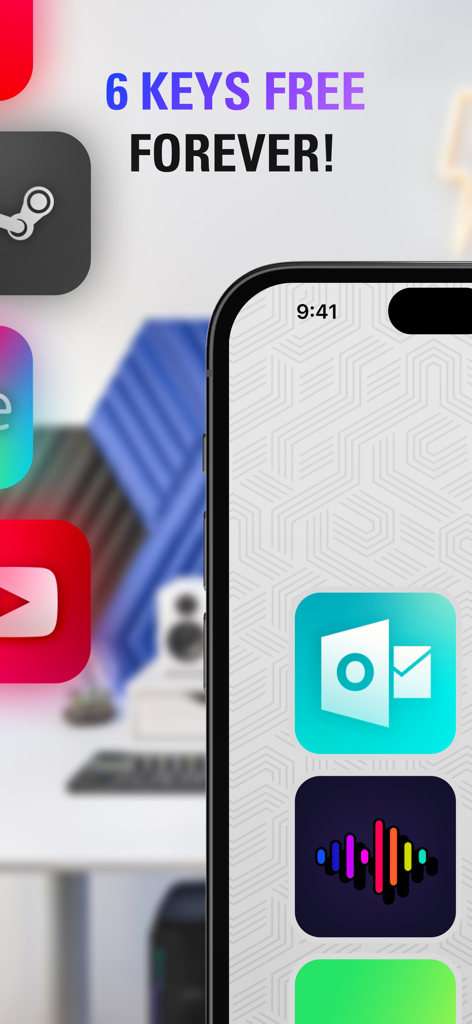
Elgato Stream Deck Mobile app interface on an iPhone screen showing six free keys and productivity icons
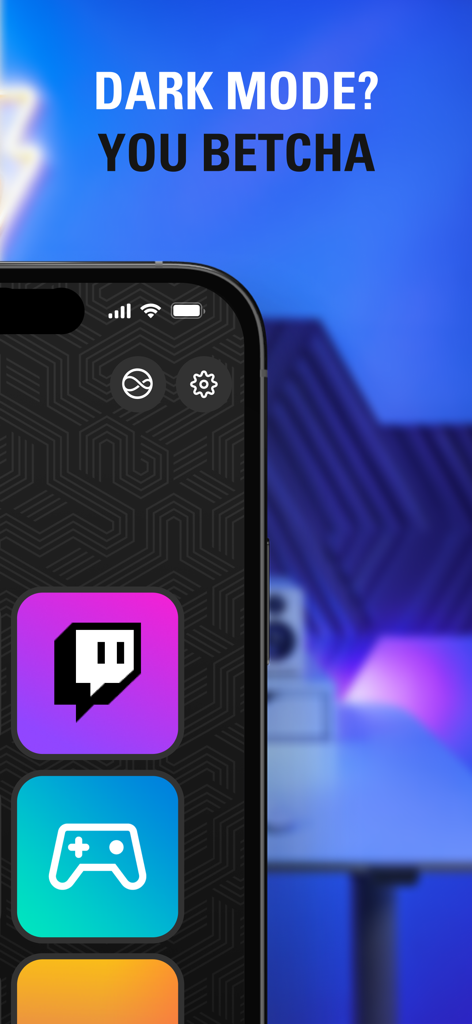
Elgato Stream Deck Mobile app interface in dark mode showing Twitch and gaming icons on an iPhone
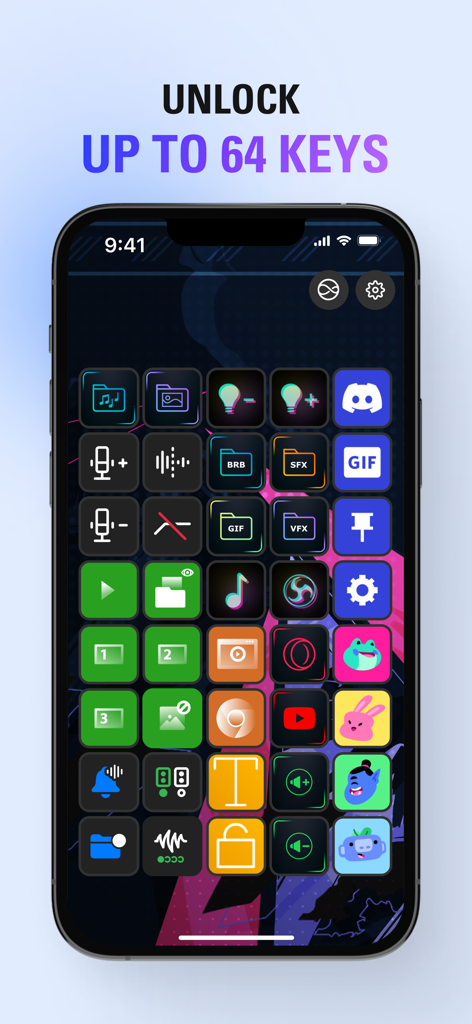
An iPhone displaying a customized grid of sixty four colorful action keys within the Elgato Stream Deck Mobile app
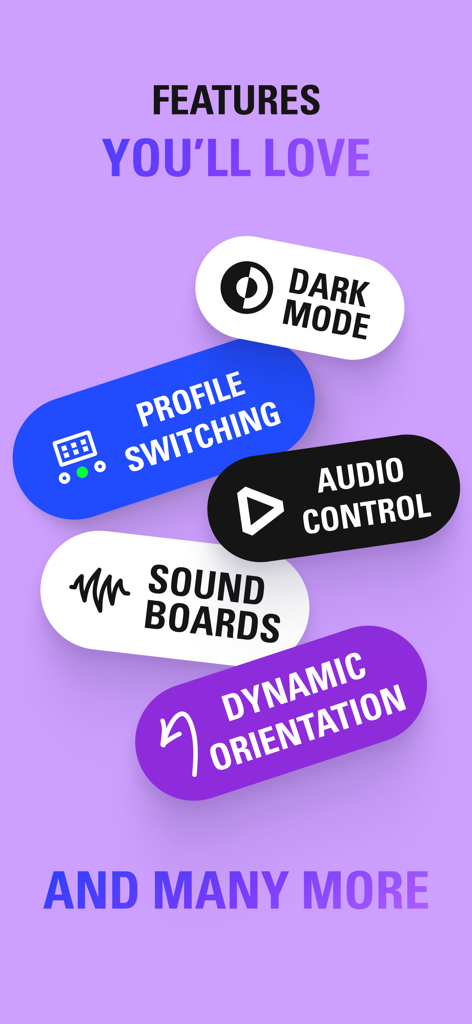
A list of features for the Elgato Stream Deck Mobile app including Dark Mode, Profile Switching, and Audio Control.
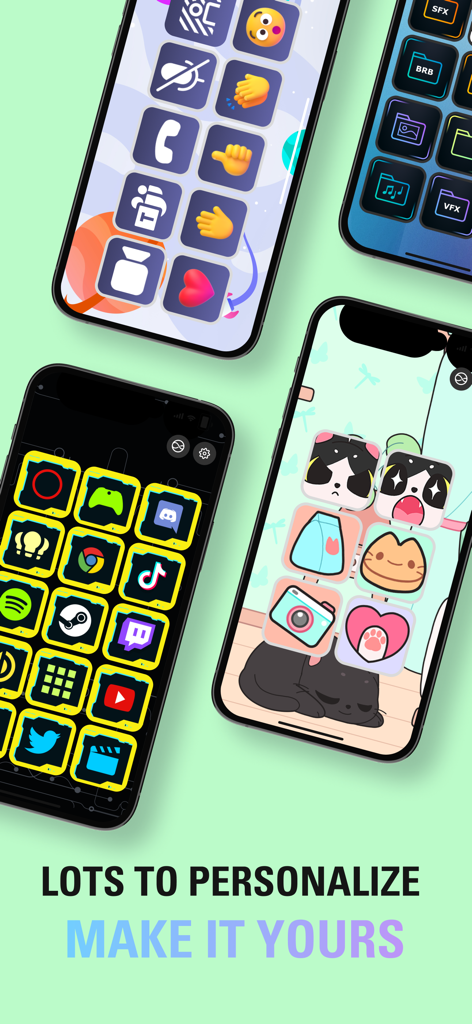
Multiple smartphones displaying different custom icon sets and personalized themes for the Elgato Stream Deck Mobile app
Description
Download
More Like This
Apps with similar features and user experience



This page is not an official page of the app or its developer, but an independent editorial publication created for informational and commentary purposes. Unless expressly stated otherwise, neither the app nor its developer is affiliated with, endorsed by, sponsored by, authorized by, or otherwise officially connected with MWM, Apple, Google Play, the app publisher, or the app's developer, and nothing on this page implies that the app was developed using MWM's services. Any trademarks, logos, screenshots, and other content remain the property of their respective owners.