MetaGrid Pro
MetaGrid Pro
Download on App Store

This page is not an official page of the app or its developer, but an independent editorial publication created for informational and commentary purposes. Unless expressly stated otherwise, neither the app nor its developer is affiliated with, endorsed by, sponsored by, authorized by, or otherwise officially connected with MWM, Apple, Google Play, the app publisher, or the app's developer, and nothing on this page implies that the app was developed using MWM's services. Any trademarks, logos, screenshots, and other content remain the property of their respective owners.


Logo of MetaGrid Pro
Download on App Store

MetaGrid Pro

Transform your iPad into an adaptive command center that evolves with your workflow. Automate complex tasks, trigger powerful macros, and master your creative apps with a single, intuitive tap.

Key Figures

Downloads

2K+

User Rating

4.2/5

Total Ratings

0

Publisher

MetaSystem Solutions Sp. z o.o.

Category

Productivity

Locales

1

Latest Version

1.6.16

Size

337.5 MB

First Released

Feb 8, 2022
Features

Master Your Creative Workflow

Transform your iPad into the ultimate command center. MetaGrid Pro dynamically adapts to your favorite desktop apps, putting professional tools and complex macros right at your fingertips.

Context-Aware Intelligence

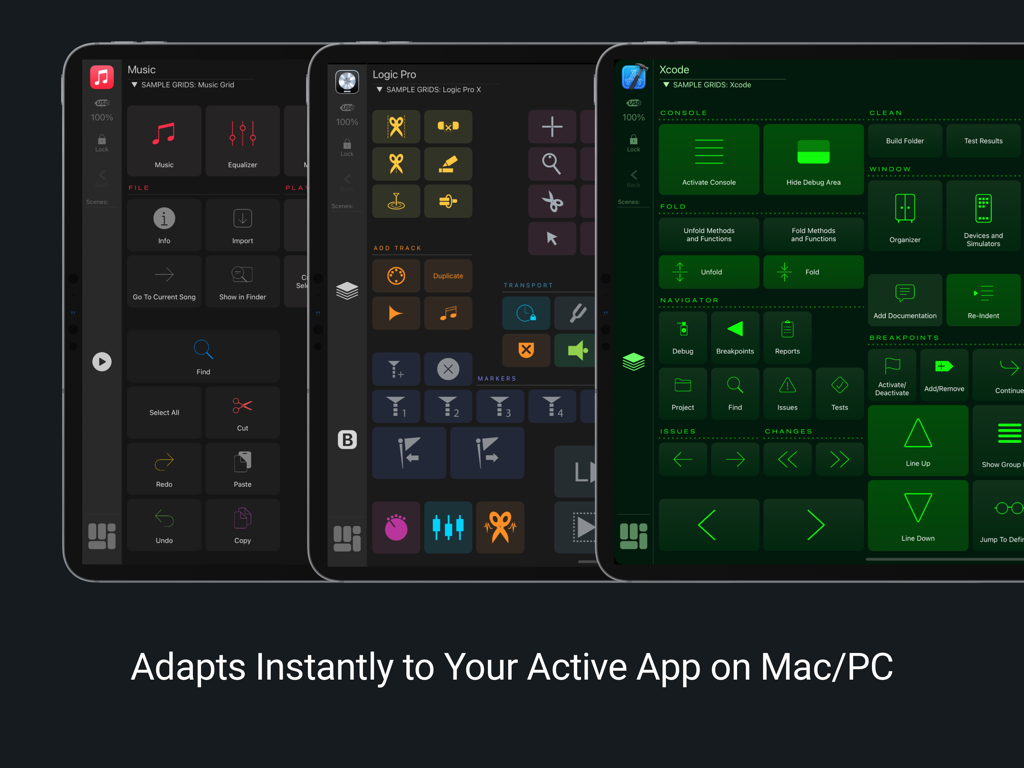
Stop hunting for shortcuts. MetaGrid Pro automatically switches layouts as you jump between apps like Photoshop, Logic Pro, or Blender, keeping your flow state intact.

One-Tap Powerful Macros

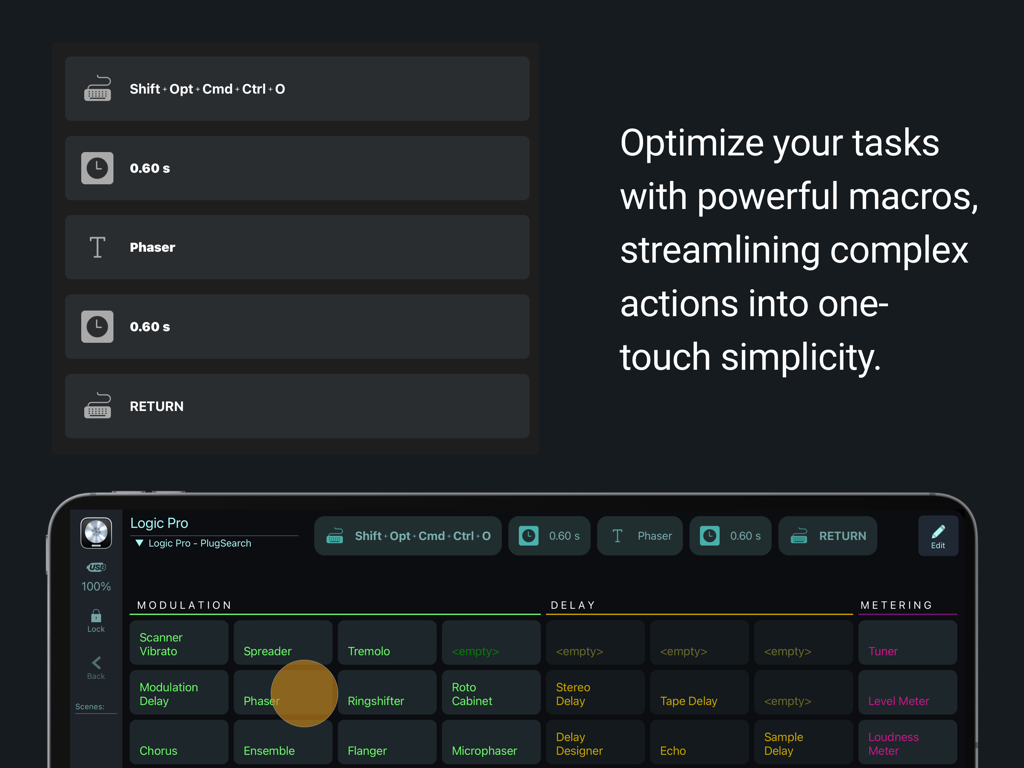
Eliminate repetitive tasks by chaining keystrokes, MIDI messages, and AppleScripts into single-tap actions. Build complex automations without writing a single line of code.

The following screenshots and description are sourced directly from the app's official store listing and are the property of the app developer.

App Store

Screenshots
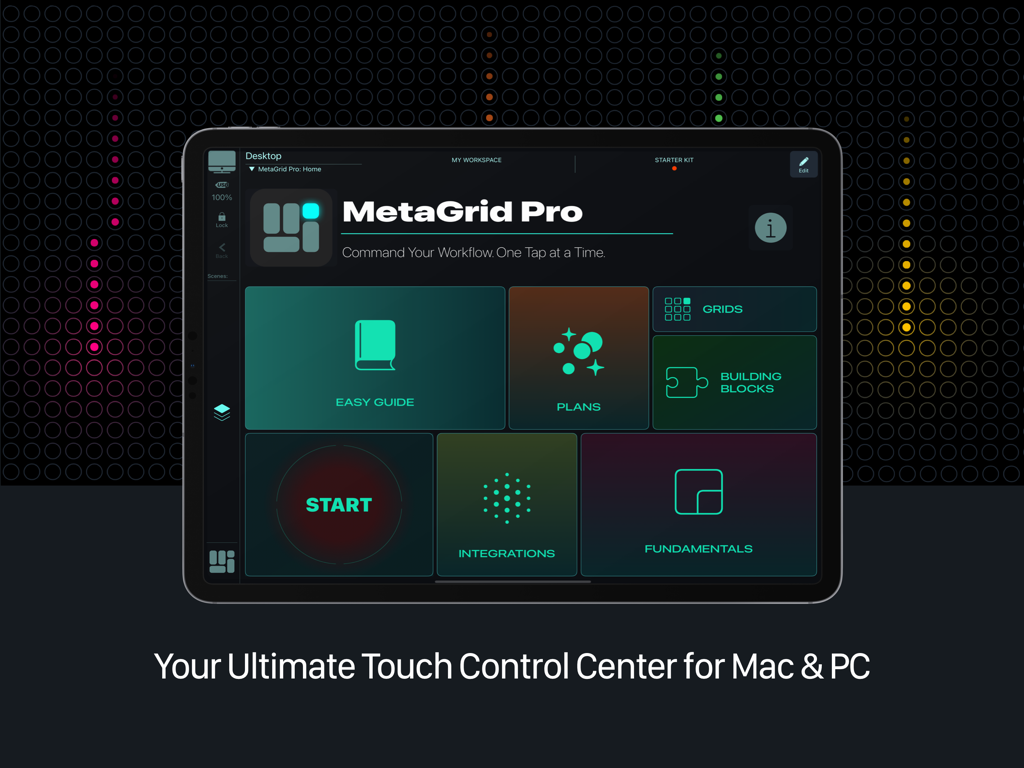
MetaGrid Pro - MetaGrid Pro home screen on an iPad displaying the touch control center for Mac and PC
MetaGrid Pro home screen on an iPad displaying the touch control center for Mac and PC

MetaGrid Pro - Three iPads showing MetaGrid Pro adaptive layouts for Music Logic Pro and Xcode
Three iPads showing MetaGrid Pro adaptive layouts for Music Logic Pro and Xcode

MetaGrid Pro - MetaGrid Pro interface showing a custom macro sequence and touch control surface for Logic Pro on an iPad
MetaGrid Pro interface showing a custom macro sequence and touch control surface for Logic Pro on an iPad

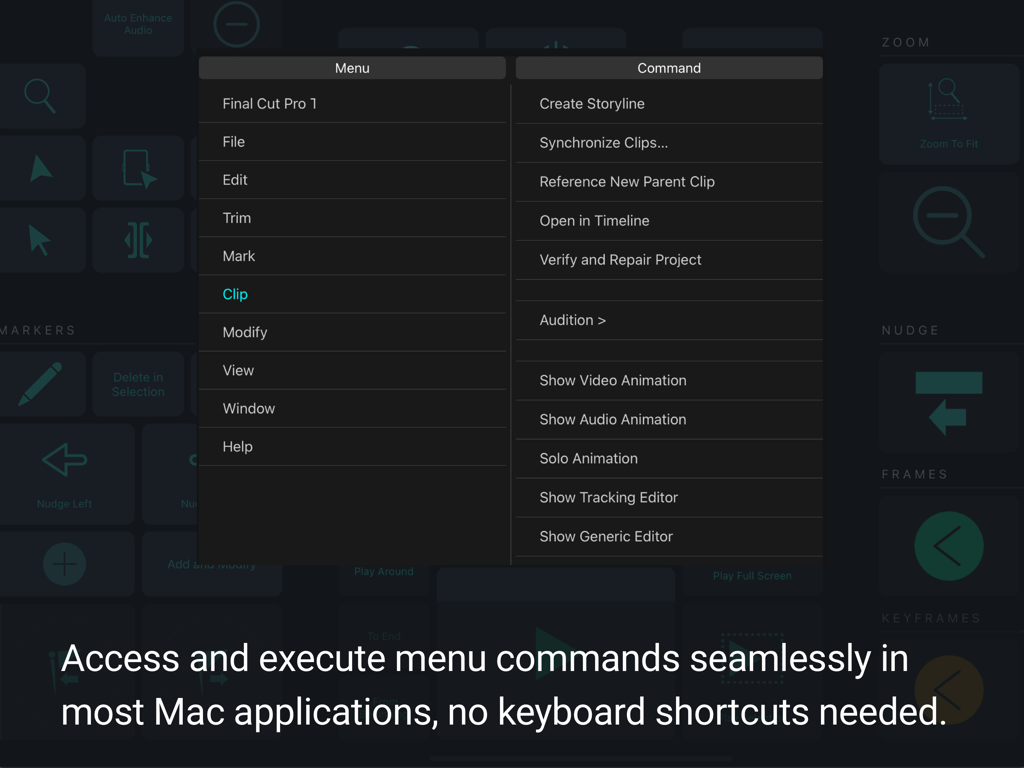
MetaGrid Pro - MetaGrid Pro interface showing menu command access for Final Cut Pro

MetaGrid Pro interface showing menu command access for Final Cut Pro

MetaGrid Pro - MetaGrid Pro app on iPad showing button customization menu and a grid of creative workflow tools
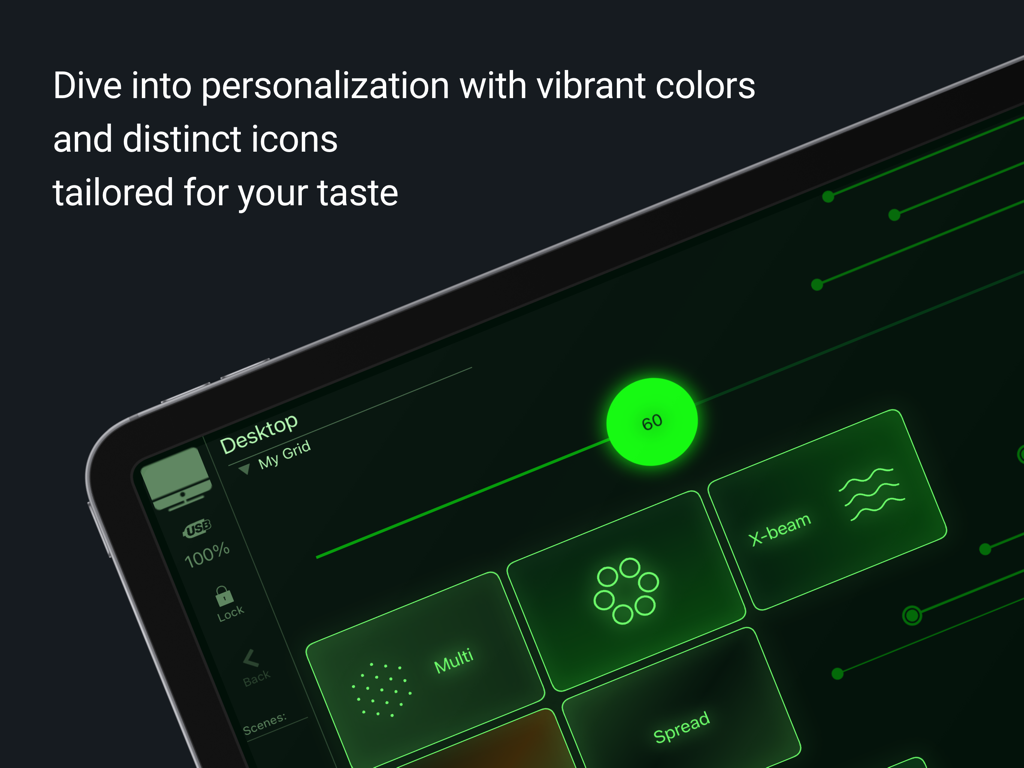
MetaGrid Pro app on iPad showing button customization menu and a grid of creative workflow tools

MetaGrid Pro - Customizable MetaGrid Pro interface with neon green icons and buttons on an iPad screen
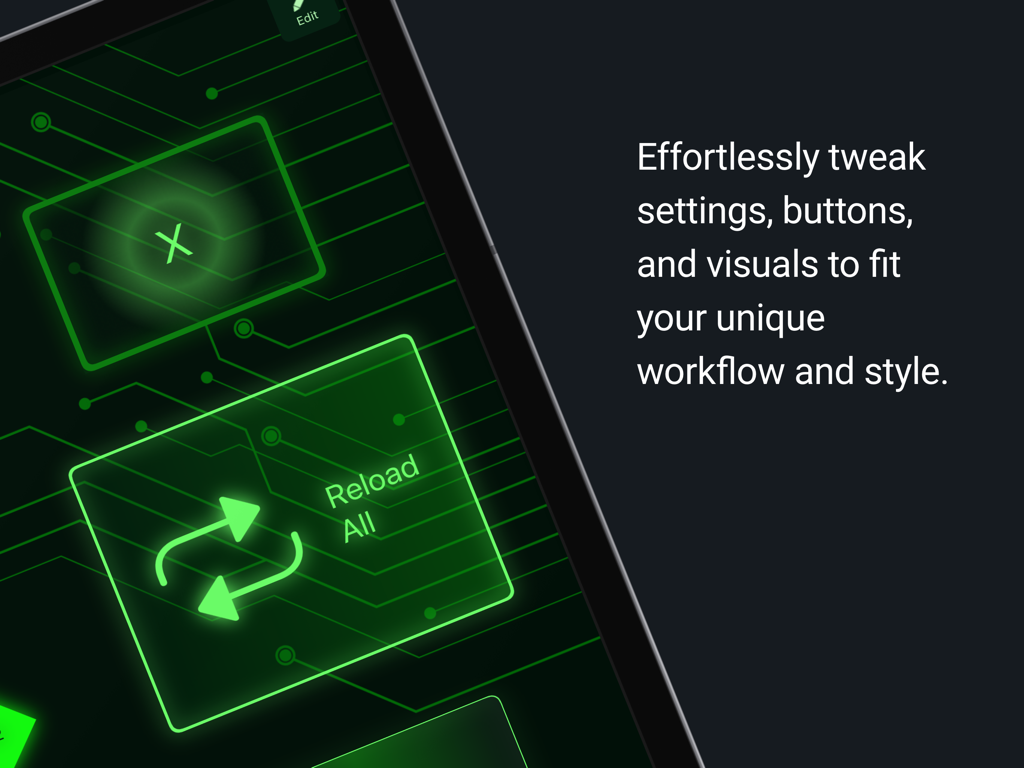
Customizable MetaGrid Pro interface with neon green icons and buttons on an iPad screen

MetaGrid Pro - MetaGrid Pro custom interface on iPad featuring glowing green buttons and circuit board graphics for workflow optimization
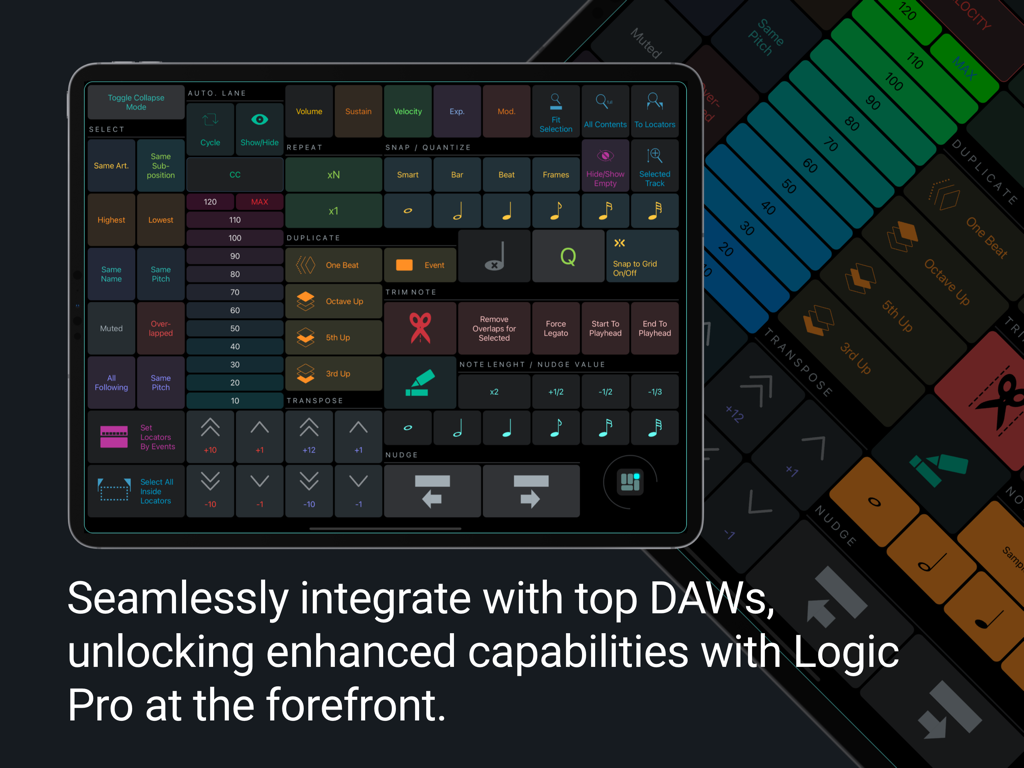
MetaGrid Pro custom interface on iPad featuring glowing green buttons and circuit board graphics for workflow optimization

MetaGrid Pro - MetaGrid Pro iPad interface with custom DAW control grid for Logic Pro
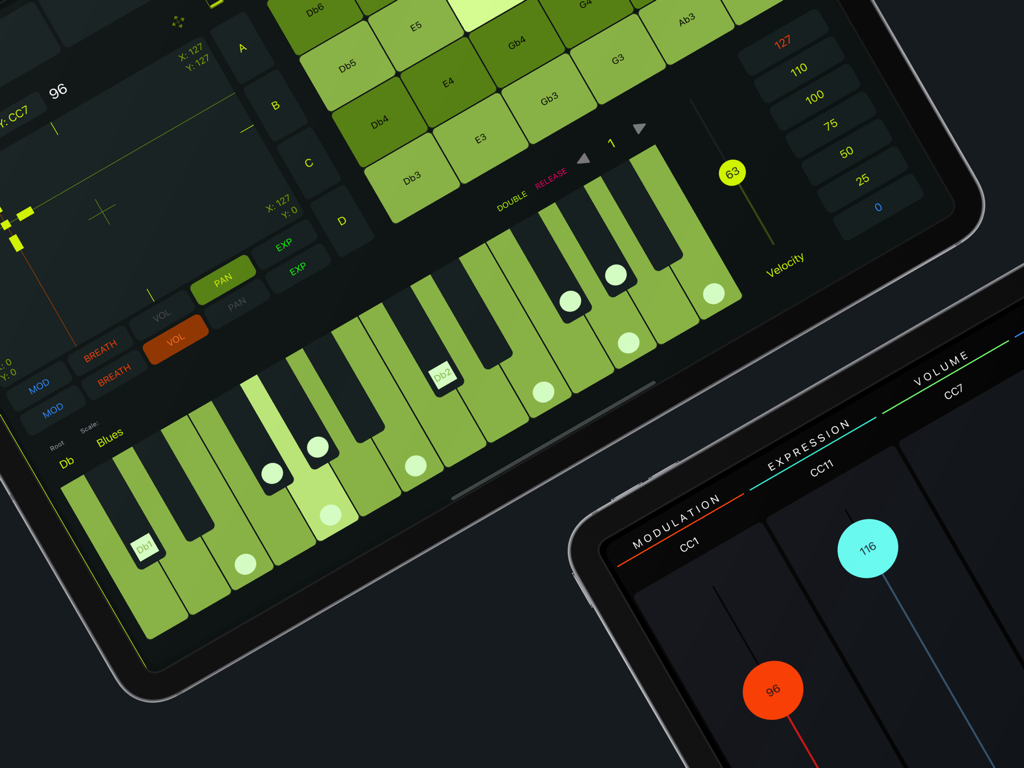
MetaGrid Pro iPad interface with custom DAW control grid for Logic Pro

MetaGrid Pro - MetaGrid Pro interface on iPad showing MIDI faders and a green piano keyboard for music production

MetaGrid Pro interface on iPad showing MIDI faders and a green piano keyboard for music production
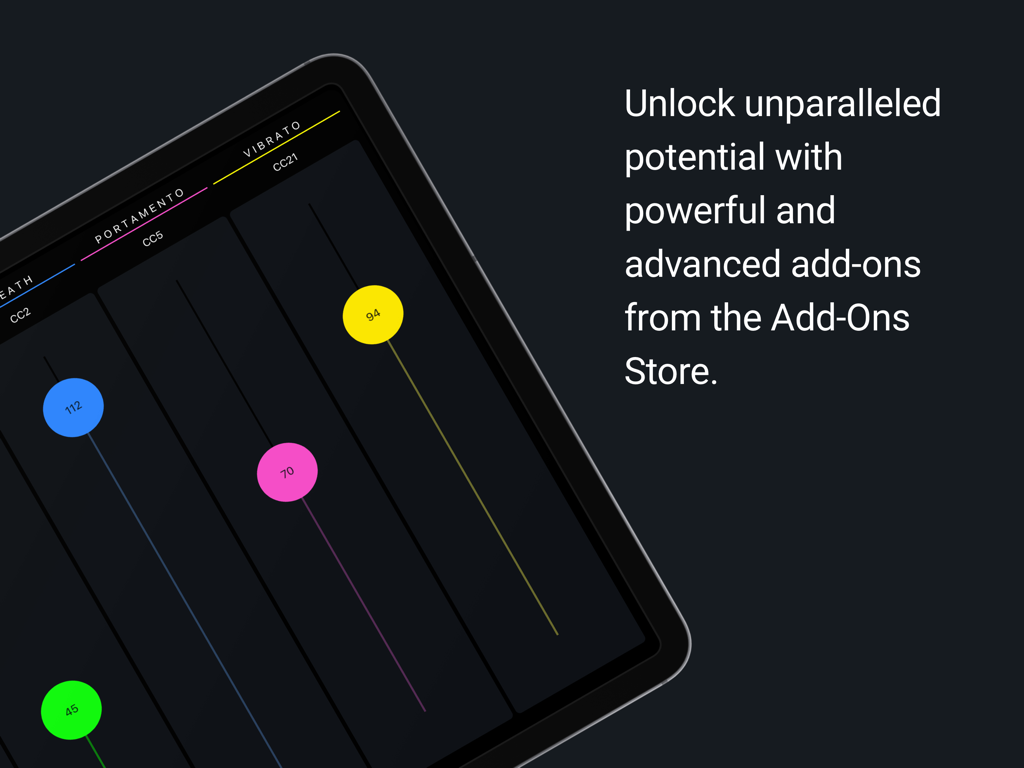
MetaGrid Pro - iPad screen displaying colorful MIDI faders for vibrato and portamento control in MetaGrid Pro

iPad screen displaying colorful MIDI faders for vibrato and portamento control in MetaGrid Pro

Description

Experience a touch-native controller that goes beyond hardware and traditional control apps. Switch apps, and MetaGrid Pro instantly adapts to show the right tools. Work faster with deep app integrations, customizable layouts, powerful macros, advanced DAW/MIDI control, and a growing library of ready-to-use presets. CORE FEATURES: • Adaptive Interface Your layouts update the moment you switch apps, windows, or tools. MetaGrid Pro adapts in real time — changing controls based on the active app, frontmost window, incoming MIDI, keyboard shortcuts, or Apple Scripts. For supported DAWs, it can also switch layouts based on track selection to stay in sync with your workflow. • Deep App Integration Control creative apps on Mac and PC more efficiently. On macOS, access every menu command in tools like Photoshop, Figma, Blender, and DaVinci Resolve — even ones without shortcuts. Run Apple Shortcuts and Keyboard Maestro macros directly, with no shortcut assignments required. • Full Customization Design every detail of your workspace. Resize any object, arrange flexible layouts, and style each grid with skins, adjustable chrome, and backgrounds — including curated textures and images. Every object is fully customizable with palettes, colors, layout options, thousands of icons, or your own artwork. • Presets Start fast with ready-to-use presets for major Apple apps, leading DAWs (Cubase, Ableton Live, Studio One, UAD Luna), audio tools like iZotope RX, design apps like Blender and Figma, and game audio systems like Wwise and FMOD. All presets are editable for Premium users, with optional expert-built multi-grid presets available for advanced workflows. • Master Control Turn repetitive tasks into instant actions with multi-step macros. Combine shortcuts, text insertions, menu commands, MIDI messages, pauses, and more — all from a single tap. • Gesture Pads Control apps with futuristic, highly responsive gesture pads. Multi-finger taps, swipes, and pans offer fast, intuitive navigation and fluid interaction. • Advanced Button Types Use momentary and latching switches, menu-driven buttons, multiple button layouts, and interactive switch groups that adapt to your workflow and provide clear feedback. • Advanced DAW / MIDI Tools Control your DAW with shortcut-free integration. Access extensive command sets in Cubase, Nuendo, Logic Pro, Studio One, and Ableton Live. MetaGrid Pro can switch layouts based on track selection or active editors in supported DAWs. Perform and shape sound with the Piano Keyboard, Drum Pads, and XY Pad — all from a touch-native interface. GENEROUS FREE VERSION: • One fully customizable workspace • Functional MIDI fader grid • Preview all presets (macros disabled) GO PREMIUM FOR COMPLETE CONTROL: • Unlimited workspaces, grids, and profiles • Macro triggering everywhere • Fully functional presets for major Apple apps • Popular presets for leading Mac and PC apps • Optional expert-made presets for advanced workflows • Advanced DAW command integration • Import and export profiles, workspaces, grids, and objects FROM US TO YOU: MetaGrid Pro is designed to give you more power, more speed, and more freedom than traditional controller tools. Going Premium helps us push that vision even further. COMMAND YOUR WORKFLOW. ONE TAP AT A TIME. Terms of Use (EULA): https://www.apple.com/legal/internet-services/itunes/dev/stdeula/

Download

Download on App Store

This page is not an official page of the app or its developer, but an independent editorial publication created for informational and commentary purposes. Unless expressly stated otherwise, neither the app nor its developer is affiliated with, endorsed by, sponsored by, authorized by, or otherwise officially connected with MWM, Apple, Google Play, the app publisher, or the app's developer, and nothing on this page implies that the app was developed using MWM's services. Any trademarks, logos, screenshots, and other content remain the property of their respective owners.