
This page is not an official page of the app or its developer, but an independent editorial publication created for informational and commentary purposes. Unless expressly stated otherwise, neither the app nor its developer is affiliated with, endorsed by, sponsored by, authorized by, or otherwise officially connected with MWM, Apple, Google Play, the app publisher, or the app's developer, and nothing on this page implies that the app was developed using MWM's services. Any trademarks, logos, screenshots, and other content remain the property of their respective owners.


Streamlabs Controller
Transform your mobile device into a powerful tactile control center. Switch scenes, mix audio, and manage your broadcast instantly—all without the need for expensive dedicated hardware.
Downloads
2M+User Rating
Total Ratings
5K+Publisher
Category
Social NetworkingLocales
1Latest Version
3.8.16Size
50.5 MBFirst Released
Aug 26, 2019Professional Stream Control at Your Fingertips
Turn your mobile device into a powerful remote command center. Manage your Streamlabs Desktop broadcast with precision, efficiency, and zero added hardware costs.
The Ultimate Hardware Alternative
Skip the expensive $150 stream decks. Use your iPhone or iPad as a fully customizable hotkey system to trigger scenes and sources instantly.
Seamless Scene Management
Stop Alt-Tabbing and stay in the game. Switch scene collections, toggle source visibility, and start or stop your stream with a single tap.
Frequently Asked Questions
Everything you need to know about Streamlabs Controller
What is the Streamlabs Controller app?
Streamlabs Controller is a mobile application that transforms your smartphone into a remote control for your Streamlabs Desktop broadcast, serving as an efficient hotkey system without requiring expensive hardware.
How does Streamlabs Controller connect to Streamlabs Desktop?
Yes, Streamlabs Controller connects to Streamlabs Desktop by linking your mobile device via the same network your desktop is streaming from. Screenshot #2 also indicates scanning a QR code for connection.
Can Streamlabs Controller switch scenes and control broadcast modes?
Yes, Streamlabs Controller allows users to switch between scenes and scene collections, control the broadcast, and enter studio mode directly from their mobile device.
Does Streamlabs Controller allow starting and stopping stream recordings?
Yes, Streamlabs Controller enables users to start and stop the recording of their live stream and save replays directly from their mobile device. A "START REC" button is visible.
Can I adjust audio levels and mute sources using Streamlabs Controller?
Yes, Streamlabs Controller provides control over audio sources, allowing users to mute, unmute, and precisely adjust the sound volume for individual audio mixer sources.
Does Streamlabs Controller support sharing streams to social media?
Yes, Streamlabs Controller integrates social media sharing. Users can promote their stream directly to platforms like Facebook, WhatsApp, Instagram Stories, and Twitter.
The following screenshots and description are sourced directly from the app's official store listing and are the property of the app developer.
App Store
Screenshots
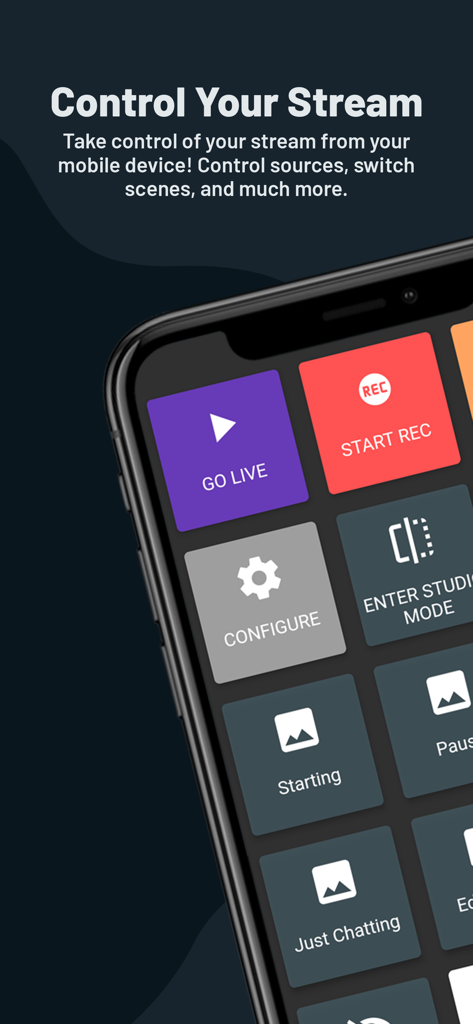
Streamlabs Controller app interface on a smartphone showing stream control buttons like Go Live and Start Recording
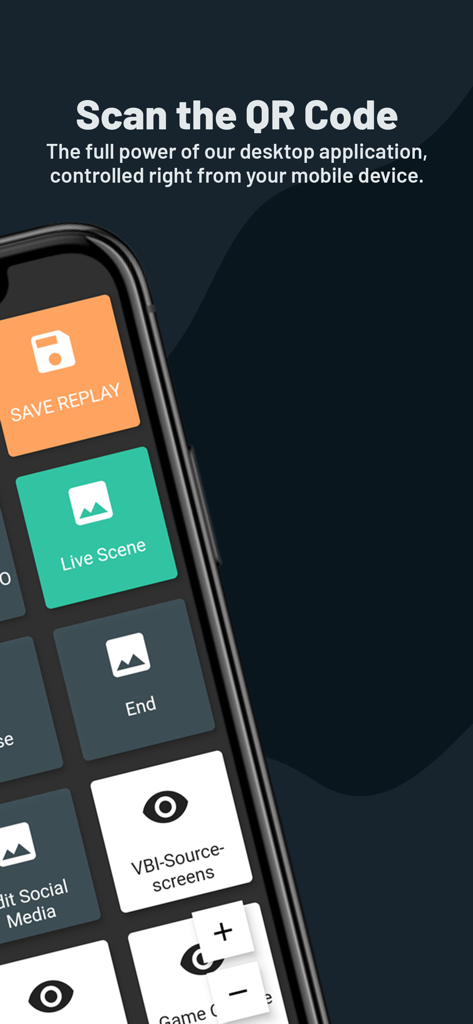
Smartphone screen showing the Streamlabs Controller app with various streaming control buttons for live broadcast management
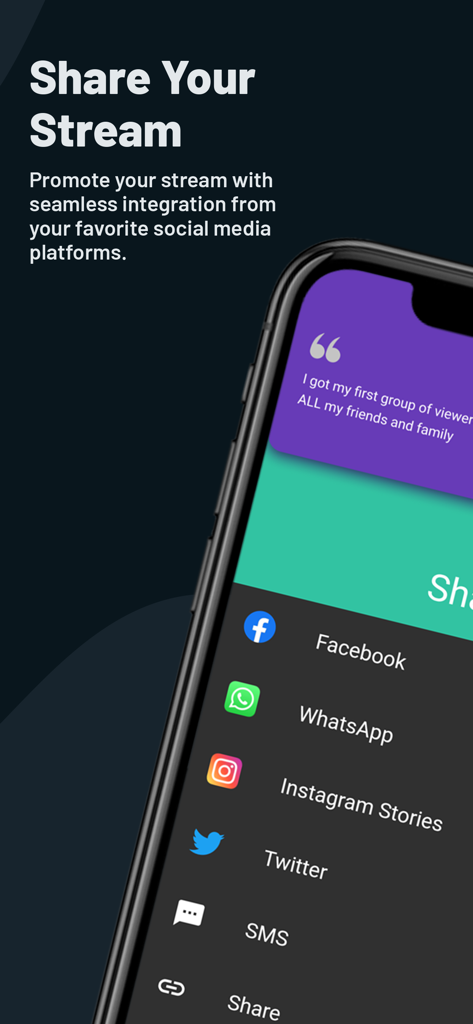
Streamlabs Controller app interface showing social media sharing options like Facebook, Instagram, and Twitter.
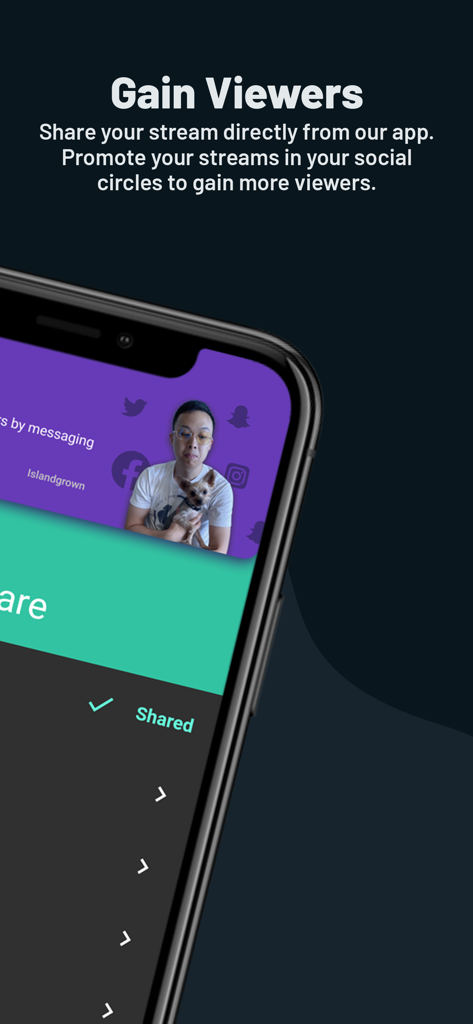
A smartphone screen showing the Streamlabs Controller feature to share and promote live streams on social media
Description
Download
More Like This
Apps with similar features and user experience



This page is not an official page of the app or its developer, but an independent editorial publication created for informational and commentary purposes. Unless expressly stated otherwise, neither the app nor its developer is affiliated with, endorsed by, sponsored by, authorized by, or otherwise officially connected with MWM, Apple, Google Play, the app publisher, or the app's developer, and nothing on this page implies that the app was developed using MWM's services. Any trademarks, logos, screenshots, and other content remain the property of their respective owners.