OBS Studio Camera
OBS Studio Camera
Download on App Store

This page is not an official page of the app or its developer, but an independent editorial publication created for informational and commentary purposes. Unless expressly stated otherwise, neither the app nor its developer is affiliated with, endorsed by, sponsored by, authorized by, or otherwise officially connected with MWM, Apple, Google Play, the app publisher, or the app's developer, and nothing on this page implies that the app was developed using MWM's services. Any trademarks, logos, screenshots, and other content remain the property of their respective owners.


Logo of OBS Studio Camera
Download on App Store

OBS Studio Camera

Get Full HD, low-latency video directly in OBS Studio. The perfect high-quality camera solution for streamers, creators, and professionals who demand excellence without the hardware costs.

Key Figures

Downloads

22K+

User Rating

4.5/5

Total Ratings

500

Publisher

Dau Cong Phuong

Category

Productivity

Locales

1

Latest Version

1.0.3

Size

5.9 MB

First Released

Jun 11, 2025
Features

Pro-Grade Streaming in Seconds

Stop settling for mediocre webcams. Turn your iOS device into a high-performance video source with native OBS integration and zero setup friction.

Stunning HD Clarity

Ditch the grain of built-in webcams. Leverage your iPhone’s superior optics for a sharp, professional 1080p feed that makes you stand out.

Lag-Free Precision

Optimized for USB connectivity to ensure ultra-low latency. Your video and audio stay perfectly in sync for a seamless viewer experience.

The following screenshots and description are sourced directly from the app's official store listing and are the property of the app developer.

App Store

Screenshots
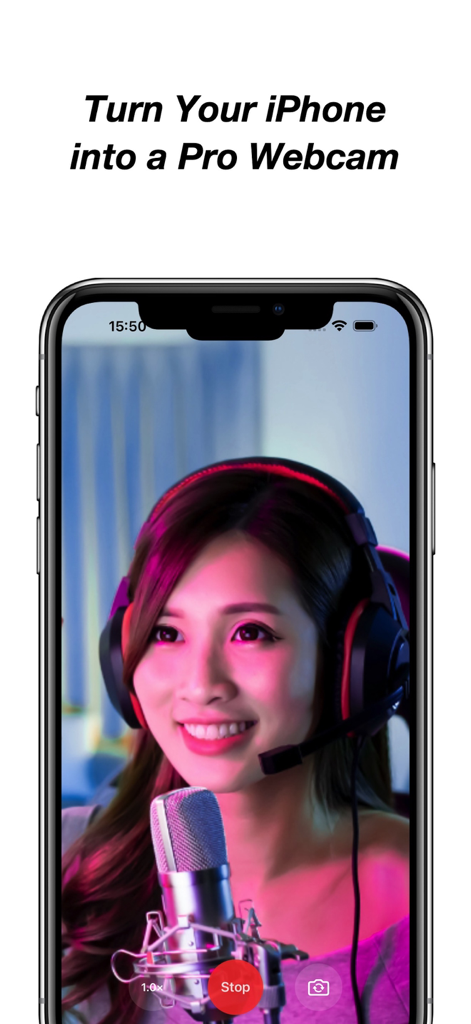
OBS Studio Camera - A woman with a headset and microphone on an iPhone screen showcasing the app's capability to turn a phone into a professional webcam.
A woman with a headset and microphone on an iPhone screen showcasing the app's capability to turn a phone into a professional webcam.

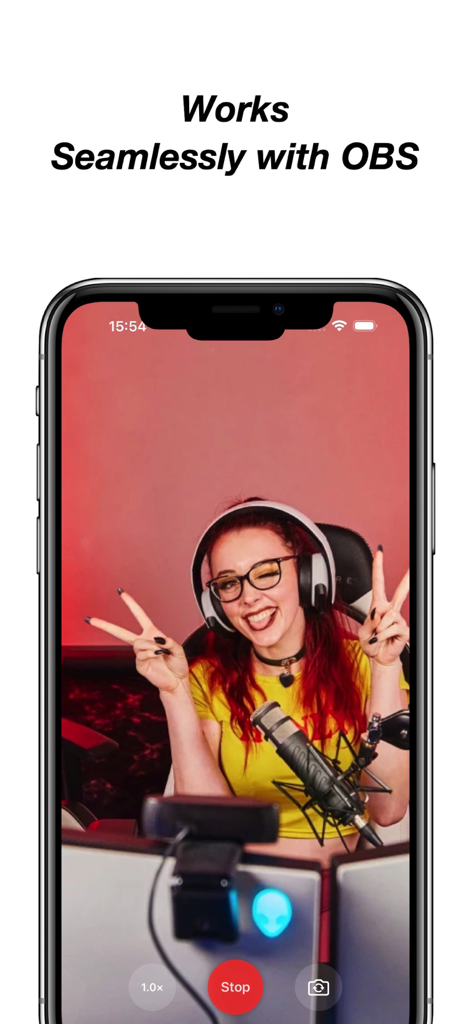
OBS Studio Camera - A smartphone displaying the OBS Studio Camera app with a live video feed of a streamer
A smartphone displaying the OBS Studio Camera app with a live video feed of a streamer

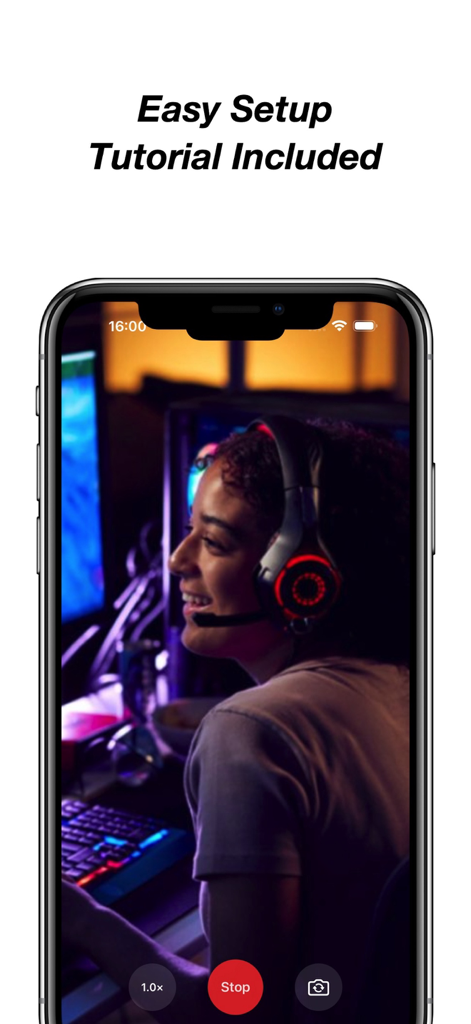
OBS Studio Camera - iPhone screen displaying the OBS Studio Camera app with a streamer preview and easy setup tutorial text.

iPhone screen displaying the OBS Studio Camera app with a streamer preview and easy setup tutorial text.

Description

Turn your iPhone or iPad into a professional webcam for OBS Studio. Use your iOS device as a high-quality, low-latency camera feed directly in OBS Studio — perfect for live streaming, video conferencing, recording, or presenting. With one tap, your device becomes a powerful video source on your Mac or PC. No drivers, no configuration, just plug and go. Key Features: • Full HD camera output with minimal latency • One-tap camera start • Native integration with OBS Studio • Step-by-step setup guide included • Compatible with both macOS and Windows • Clean interface — no ads, no accounts, no distractions • Reliable USB connection support for best performance Flexible Subscription Options: Unlock full access and unlimited camera time with one of our in-app purchase options: • Weekly Subscription • Monthly Subscription • Yearly Subscription • Lifetime (One-Time Purchase) Free Trial Details: The yearly subscription includes a 3-day free trial. During this period, you can access all premium features without charge. If you choose not to continue, cancel anytime in your App Store account at least 24 hours before the trial ends to avoid being charged. Subscription Terms: Subscriptions are charged to your Apple ID account at confirmation of purchase and renew automatically unless canceled at least 24 hours before the end of the current period. You can manage or cancel your subscription in your App Store account settings at any time. Unlock full feature access through a subscription or one-time purchase. All plans provide the same fixed set of premium camera functions. This app does not include or rely on regularly updated content. Legal & Support: • Privacy Policy: https://sites.google.com/view/1729122 • Terms of Service: https://sites.google.com/view/120198201 • EULA – Apple Standard: https://www.apple.com/legal/internet-services/itunes/dev/stdeula/ Your purchase supports ongoing maintenance and compatibility with future iOS and OBS Studio updates. No user data is collected or tracked. For optimal performance, use a USB connection and ensure OBS Studio is installed on your computer.

Download

Download on App Store

This page is not an official page of the app or its developer, but an independent editorial publication created for informational and commentary purposes. Unless expressly stated otherwise, neither the app nor its developer is affiliated with, endorsed by, sponsored by, authorized by, or otherwise officially connected with MWM, Apple, Google Play, the app publisher, or the app's developer, and nothing on this page implies that the app was developed using MWM's services. Any trademarks, logos, screenshots, and other content remain the property of their respective owners.