
This page is not an official page of the app or its developer, but an independent editorial publication created for informational and commentary purposes. Unless expressly stated otherwise, neither the app nor its developer is affiliated with, endorsed by, sponsored by, authorized by, or otherwise officially connected with MWM, Apple, Google Play, the app publisher, or the app's developer, and nothing on this page implies that the app was developed using MWM's services. Any trademarks, logos, screenshots, and other content remain the property of their respective owners.


Elgin Smart
Forget juggling devices. This app hands users absolute command over their home, anytime, anywhere.
Downloads
250k+User Rating
Total Ratings
7.1KPublisher
Category
UtilitiesLocales
12Latest Version
1.0.7Size
174.0 MBFirst Released
Nov 9, 2019An evaluation of core functionalities designed for the modern smart home user.
Elgin Smart App: Key Features Analysis
Simultaneous Device Management
This tool features the ability to control multiple smart devices concurrently within a single interface, significantly improving efficiency and simplifying home management.
Remote Home Appliance Control
The app provides comprehensive control over home appliances, allowing users to manage them remotely from any location, enhancing convenience and peace of mind.
Automated Scheduling (Timers)
It allows users to set precise timers for various functions, enabling automation of routines and contributing to energy savings and enhanced convenience.
Family Device Sharing
The app offers a straightforward, one-tap mechanism for sharing control of smart devices among family members, promoting collaborative home management and convenience for all residents.
The following screenshots and description are sourced directly from the app's official store listing and are the property of the app developer.
App Store
Screenshots

The app introduces its identity with a distinctive logo display and a clean interface, welcoming users to their smart home management experience.
Smart Home Gateway
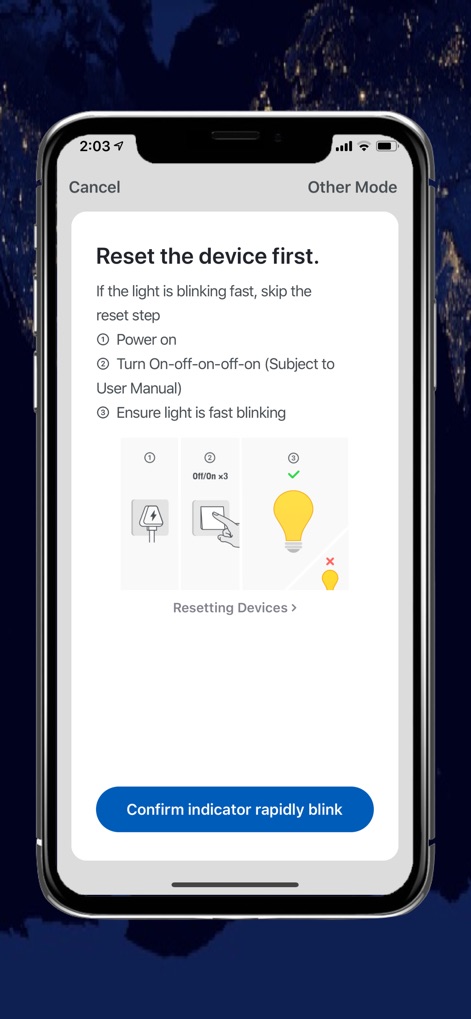
This screen provides straightforward setup guidance with illustrative step-by-step instructions and a clear confirmation button, ensuring effortless device integration for users.
Easy Setup Guidance
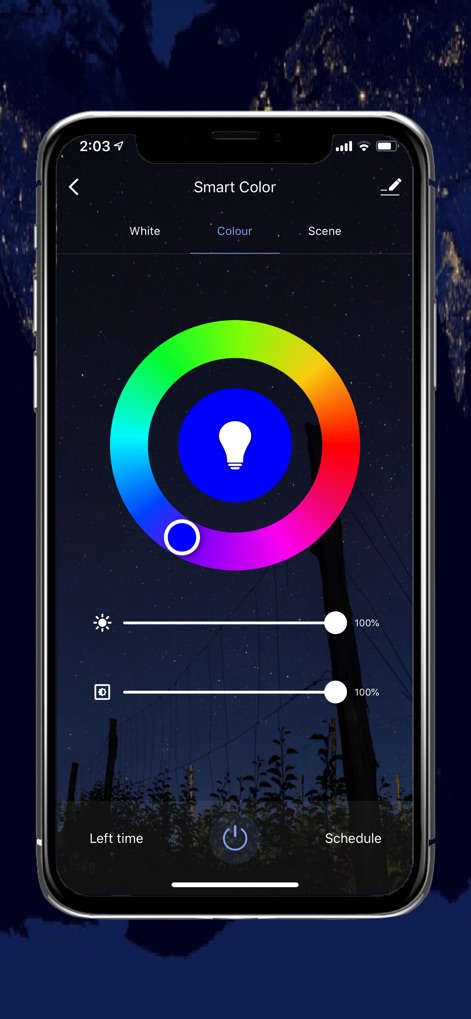
Users can customize their ambiance through an intuitive color wheel and precise brightness and saturation sliders, enabling dynamic lighting control for any mood.
Dynamic Lighting Control
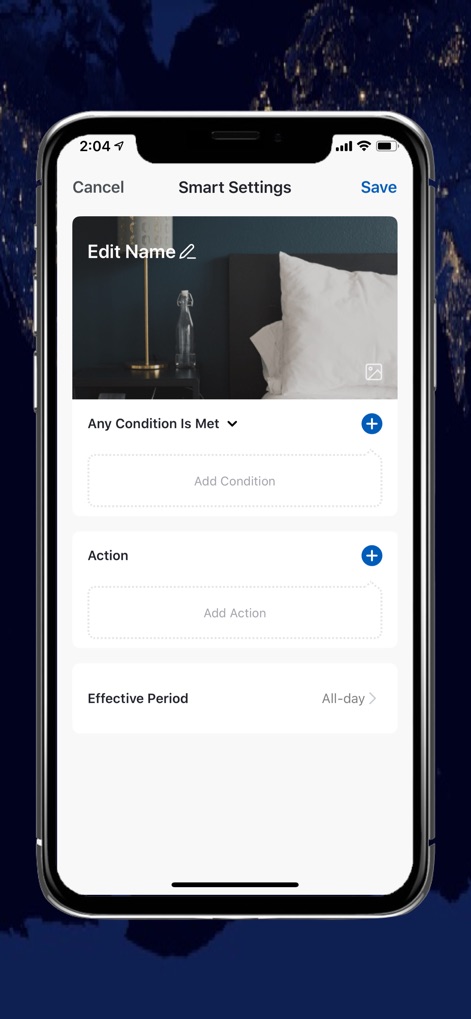
This tool empowers users to create personalized automation routines by defining specific conditions and assigning corresponding actions, tailoring their smart home experience.
Personalized Automation
Description
Download
More Like This
Apps with similar features and user experience

TP-Link Tapo
TP-Link Systems Inc.

VeSync
Vesync Technology Corporation

Дом с Алисой
DIRECT CURSUS COMPUTER SYSTEMS TRADING LLC

ecobee
ecobee Ltd.

Kasa Smart
TP-Link Systems Inc.

ConnectLife
ConnectLife, d.o.o.

Hubspace
Afero, Inc.

First Alert by Resideo
Resideo Technologies, Inc.

ADT Control ®
ADT LLC
This page is not an official page of the app or its developer, but an independent editorial publication created for informational and commentary purposes. Unless expressly stated otherwise, neither the app nor its developer is affiliated with, endorsed by, sponsored by, authorized by, or otherwise officially connected with MWM, Apple, Google Play, the app publisher, or the app's developer, and nothing on this page implies that the app was developed using MWM's services. Any trademarks, logos, screenshots, and other content remain the property of their respective owners.