
This page is not an official page of the app or its developer, but an independent editorial publication created for informational and commentary purposes. Unless expressly stated otherwise, neither the app nor its developer is affiliated with, endorsed by, sponsored by, authorized by, or otherwise officially connected with MWM, Apple, Google Play, the app publisher, or the app's developer, and nothing on this page implies that the app was developed using MWM's services. Any trademarks, logos, screenshots, and other content remain the property of their respective owners.


Email Client - Boomerang Mail
Take control of your workflow with AI-powered writing feedback, one-tap calendar scheduling, and read receipts. Join millions of high-achievers who use Boomerang to master their inbox and reclaim their focus.
Downloads
258K+User Rating
Total Ratings
8K+Publisher
Category
ProductivityLocales
8Latest Version
1.1.46Size
123.3 MBFirst Released
Oct 18, 2017Master Your Workflow with Intelligent Email
Stop reacting to your inbox and start managing it. Boomerang empowers high-achievers with professional tools, AI insights, and calendar integration in one seamless experience.
One-Tap Scheduling
End the back-and-forth. Share your availability and book meetings instantly without ever leaving your email thread.
Schedule & Follow Up
Send emails at the perfect time and set automatic reminders to follow up if you don't receive a reply, ensuring no opportunity is lost.
The following screenshots and description are sourced directly from the app's official store listing and are the property of the app developer.
App Store
Screenshots
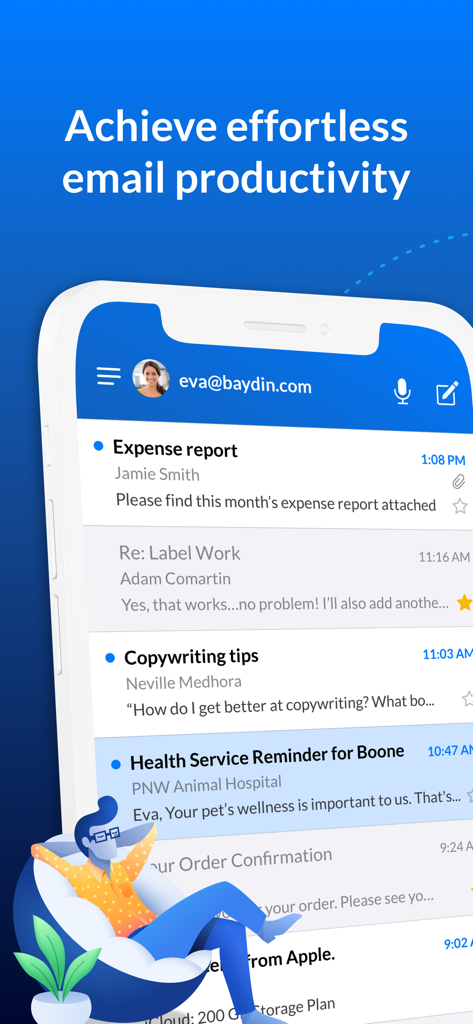
Smartphone displaying the Boomerang Mail app inbox with the headline Achieve effortless email productivity

Boomerang Mail app screen showing support for connecting multiple email accounts including Gmail and Outlook.
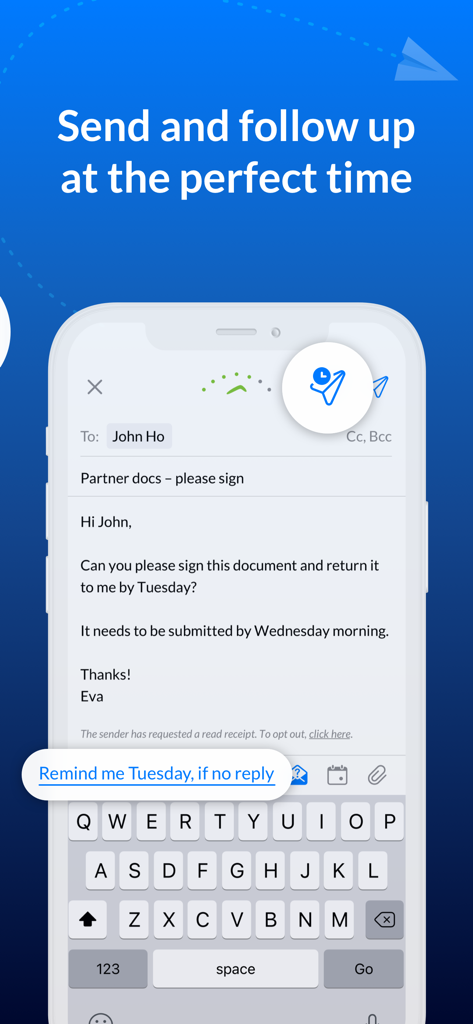
Boomerang Mail app interface showing the email follow up reminder feature
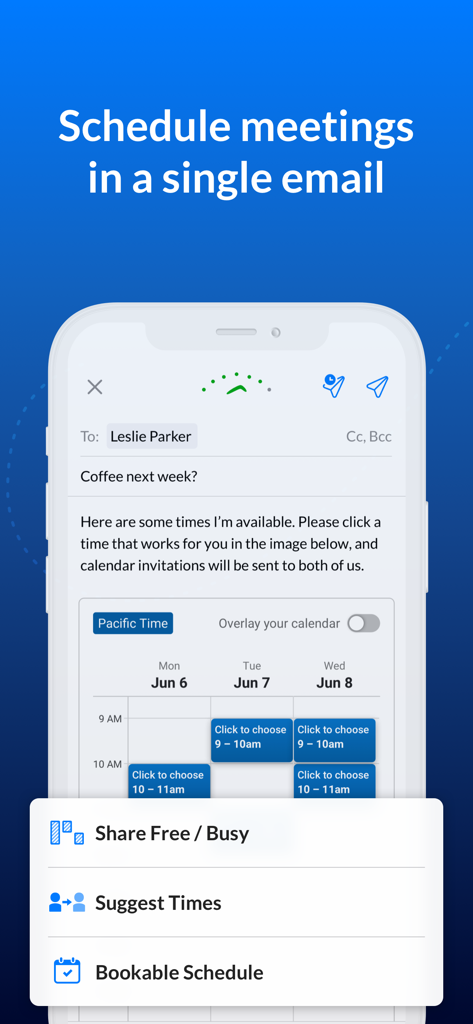
Smartphone showing Boomerang Mail app scheduling a meeting with an integrated calendar in an email draft.
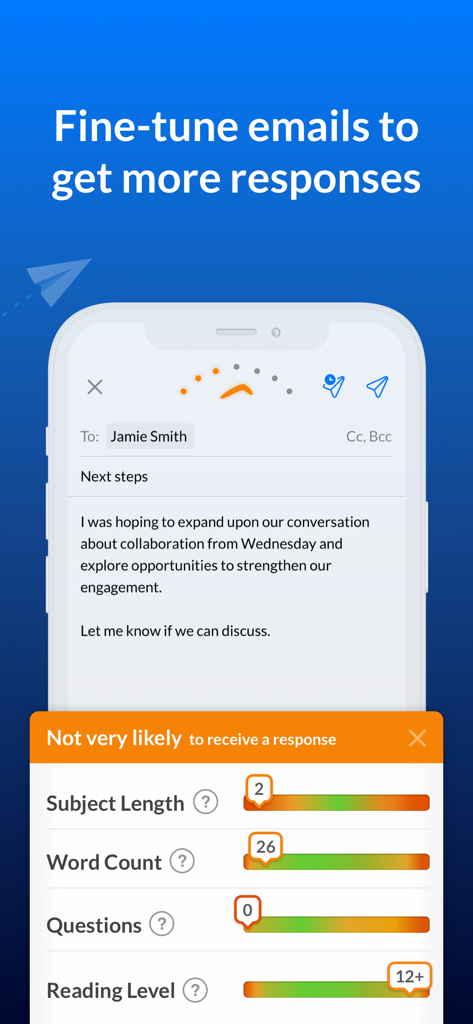
Screenshot of Boomerang Mail app showing AI email optimization and response likelihood analysis
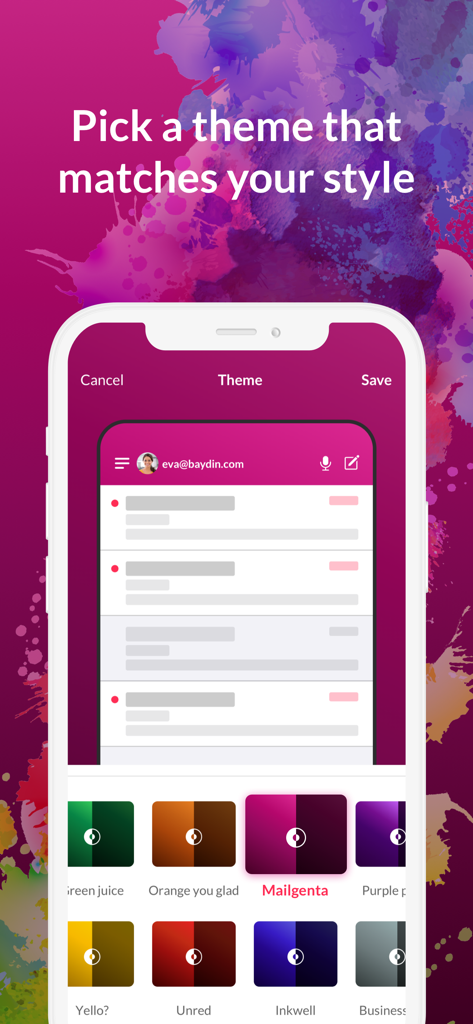
Boomerang Mail app interface showing custom color theme options
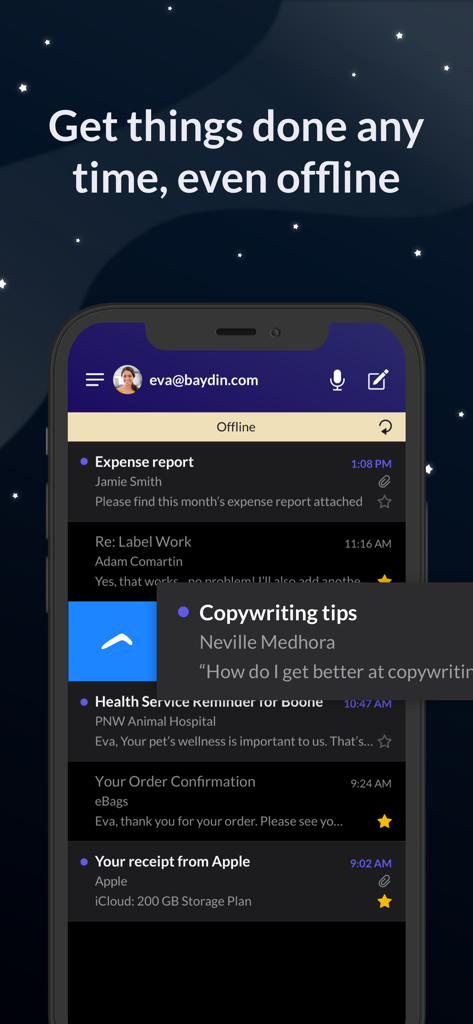
Boomerang Mail interface featuring offline support and dark mode
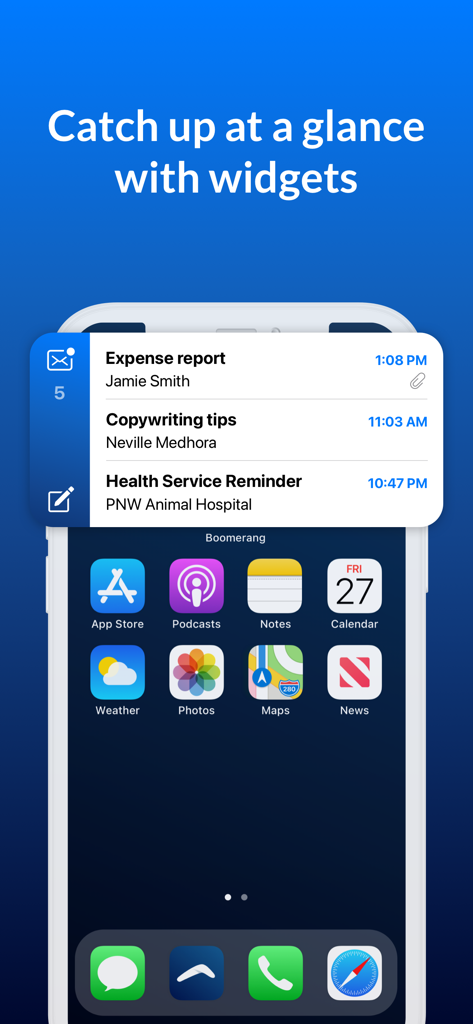
Boomerang Mail app widget on an iPhone home screen displaying recent emails
Description
Download
More Like This
Top-ranked apps in the same category

ChatGPT
OpenAI OpCo, LLC

Google Gemini
Google LLC

Grok
X.AI Corporation

Gmail - Email by Google
Google LLC

千问 - 阿里最强大模型官方AI助手
Shanghai Zhixin Puhui Technology Co., Ltd.

Google Drive
Google LLC

Microsoft Authenticator
Microsoft Corporation

Google Sheets
Google LLC

Google Docs
Google LLC
This page is not an official page of the app or its developer, but an independent editorial publication created for informational and commentary purposes. Unless expressly stated otherwise, neither the app nor its developer is affiliated with, endorsed by, sponsored by, authorized by, or otherwise officially connected with MWM, Apple, Google Play, the app publisher, or the app's developer, and nothing on this page implies that the app was developed using MWM's services. Any trademarks, logos, screenshots, and other content remain the property of their respective owners.