Enpass Password Manager
Download on App Store

This page is not an official page of the app or its developer, but an independent editorial publication created for informational and commentary purposes. Unless expressly stated otherwise, neither the app nor its developer is affiliated with, endorsed by, sponsored by, authorized by, or otherwise officially connected with MWM, Apple, Google Play, the app publisher, or the app's developer, and nothing on this page implies that the app was developed using MWM's services. Any trademarks, logos, screenshots, and other content remain the property of their respective owners.

Logo of Enpass Password Manager
Download on App Store

Enpass Password Manager

Take back control with the only decentralized password manager that lets you choose where your encrypted vaults are stored and synced across all your devices.

Key Figures

Downloads

404K+

User Rating

4.3/5

Total Ratings

11K+

Publisher

Enpass Technologies Private Limited

Category

Productivity

Locales

33

Latest Version

6.11.18

Size

98.8 MB

First Released

Aug 13, 2011
Features

Take Total Control of Your Digital Security

The only password manager designed for privacy purists, giving you full sovereignty over where your encrypted data lives without compromising on productivity.

Decentralized Cloud Sync

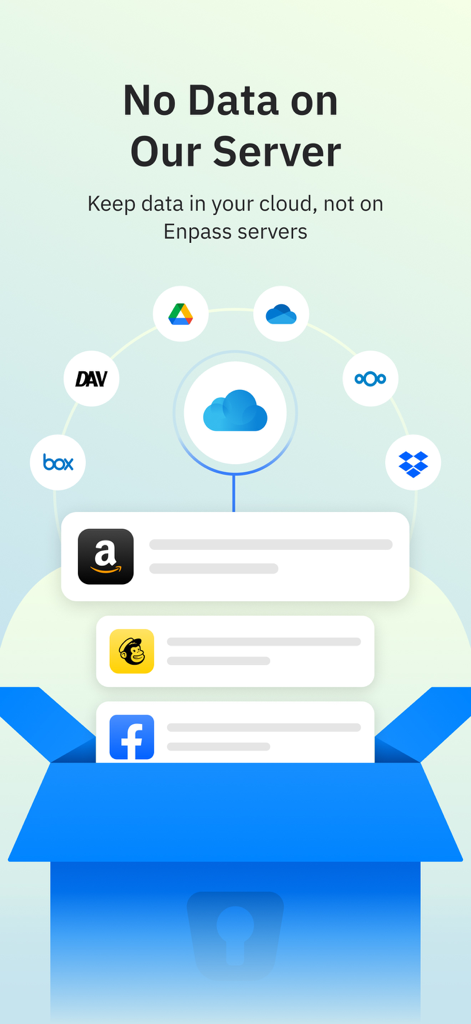
Stop trusting central servers. Choose exactly where your encrypted vaults are stored, from iCloud and OneDrive to your own private WebDAV or completely offline.

Passkey & 2FA Ready

Future-proof your identity with full support for the password-less future and a built-in authenticator that generates 6-digit codes directly within the app.

The following screenshots and description are sourced directly from the app's official store listing and are the property of the app developer.

App Store

Screenshots
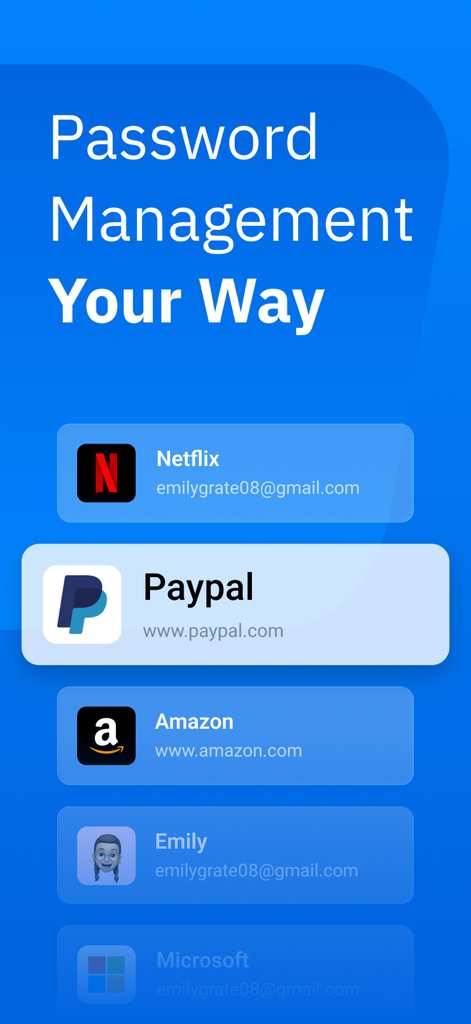
Enpass Password Manager - Enpass Password Manager app screen showing a list of saved digital accounts including PayPal, Amazon, and Netflix
Enpass Password Manager app screen showing a list of saved digital accounts including PayPal, Amazon, and Netflix

Enpass Password Manager - Graphic showing Enpass Password Manager data storage options with various cloud services like Google Drive and Dropbox to ensure user privacy
Graphic showing Enpass Password Manager data storage options with various cloud services like Google Drive and Dropbox to ensure user privacy

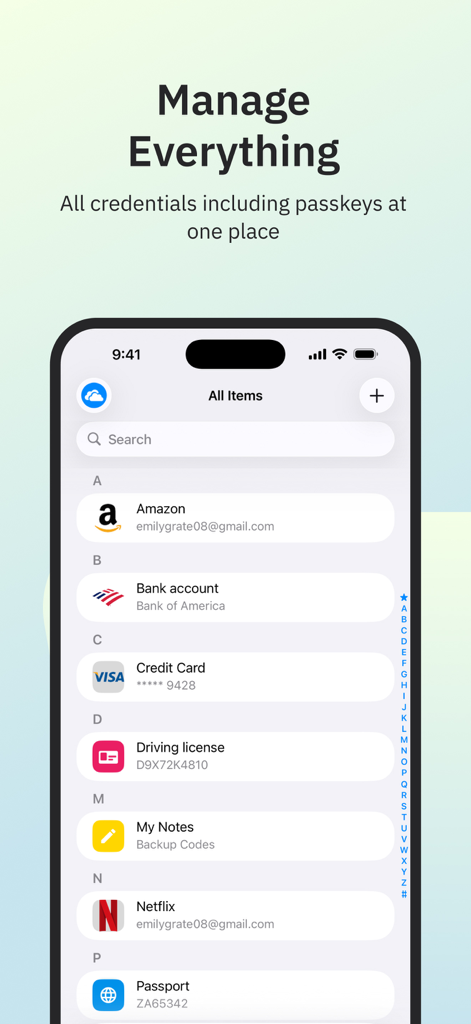
Enpass Password Manager - Interface of Enpass Password Manager showing stored credentials and passkeys on an iPhone.
Interface of Enpass Password Manager showing stored credentials and passkeys on an iPhone.

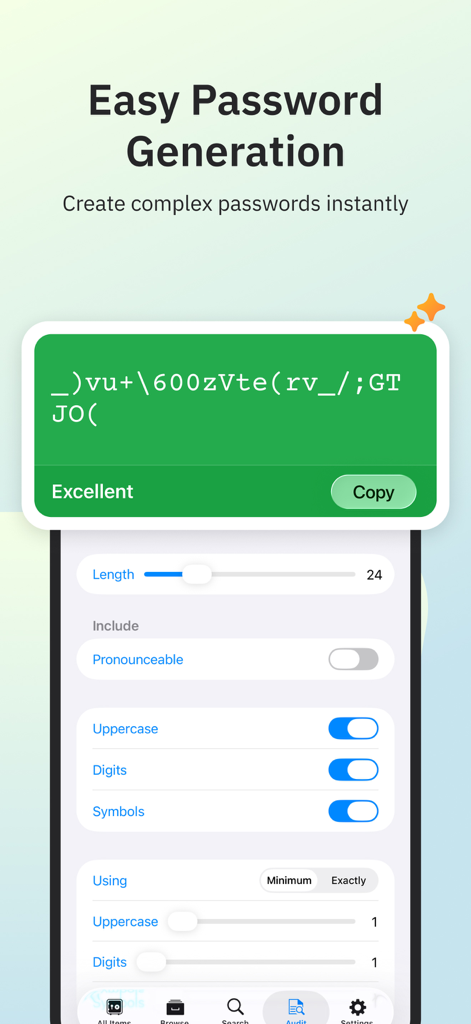
Enpass Password Manager - Enpass mobile app screen for generating complex passwords with custom length and character settings.
Enpass mobile app screen for generating complex passwords with custom length and character settings.

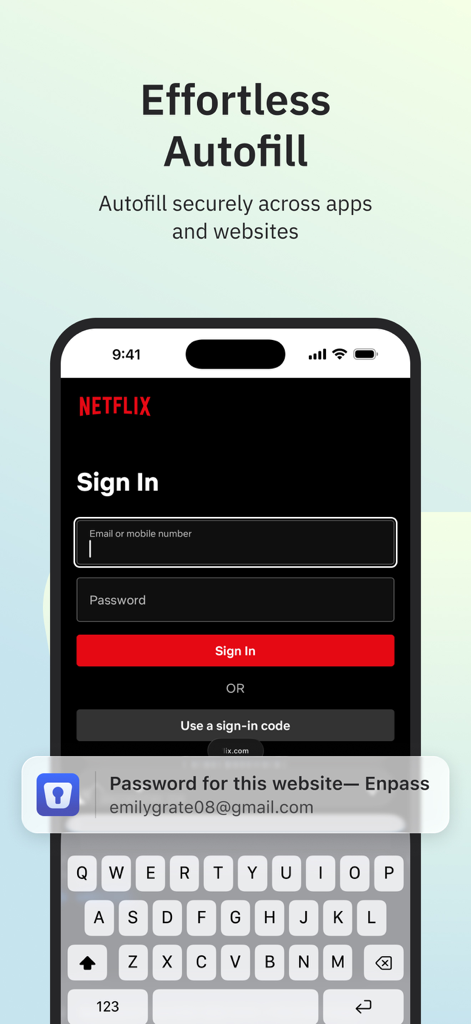
Enpass Password Manager - Enpass Password Manager effortless autofill on a mobile login screen
Enpass Password Manager effortless autofill on a mobile login screen

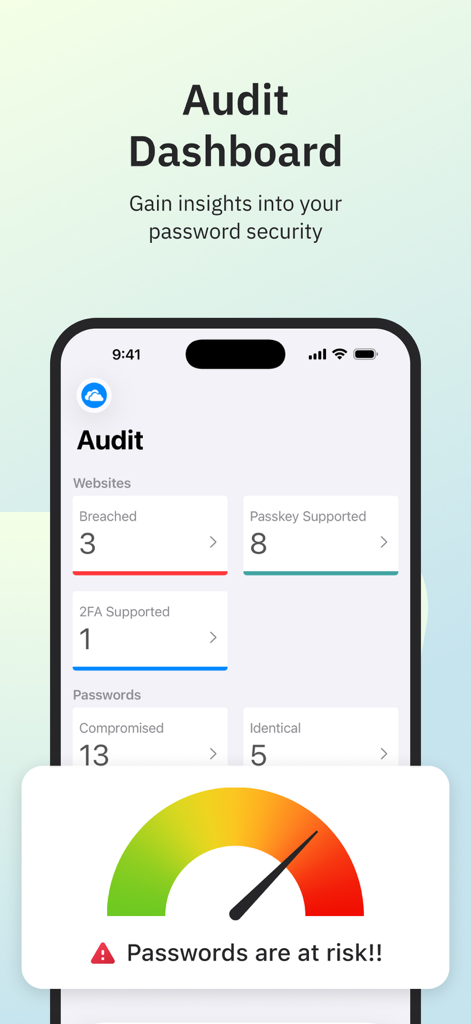
Enpass Password Manager - Enpass app interface showing the audit dashboard with password security insights and breach alerts

Enpass app interface showing the audit dashboard with password security insights and breach alerts
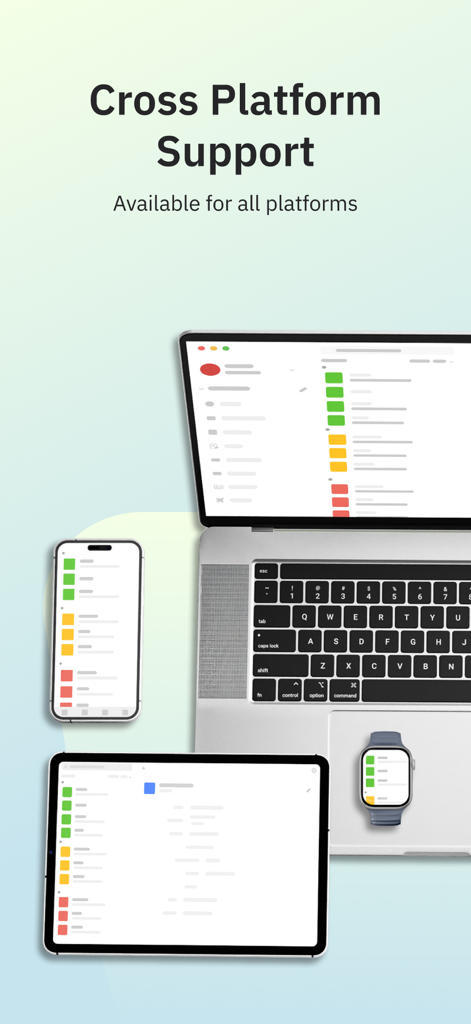
Enpass Password Manager - Enpass Password Manager interface shown across a laptop, tablet, smartphone, and smartwatch to demonstrate cross-platform support
Enpass Password Manager interface shown across a laptop, tablet, smartphone, and smartwatch to demonstrate cross-platform support

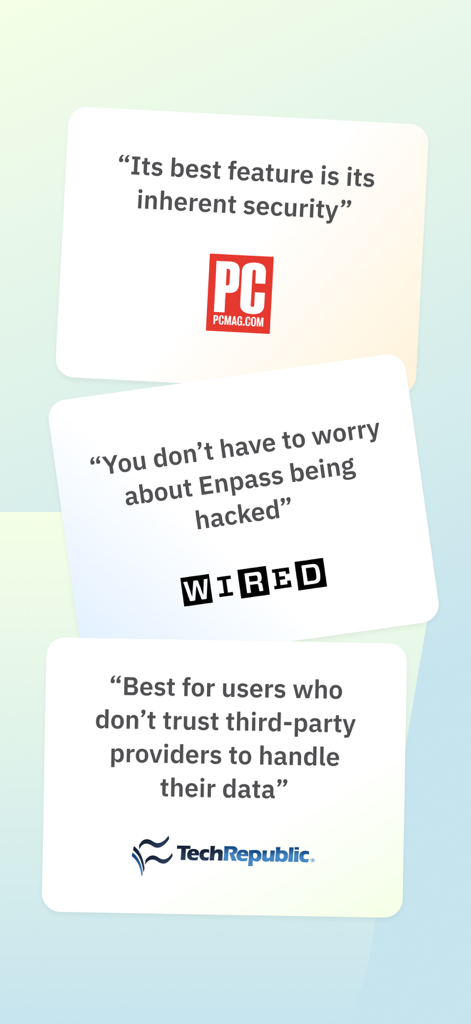
Enpass Password Manager - Expert reviews from PCMag WIRED and TechRepublic highlighting Enpass security and data privacy

Expert reviews from PCMag WIRED and TechRepublic highlighting Enpass security and data privacy

Description

CHOOSE YOUR OWN SAFEST PLACE TO STORE PASSWORDS & PASSKEYS Enpass believes your data belongs to you. Instead of keeping everyone’s passwords on a central server like most password managers, with Enpass YOU choose where your encrypted vaults are stored and synced. ● Enpass works with iCloud, Google Drive, OneDrive, Box, Dropbox, NextCloud, WebDAV, or completely offline. ● And with support for storing and syncing passkeys across devices, Enpass is ready for the password-less future. WHY YOU NEED A PASSWORD MANAGER ● Creating and typing in passwords is a hassle! ● Truly secure passwords are literally impossible to memorize ● When data breaches happen, you need to change your passwords quickly — and that needs to be easy ● Password managers keep your passwords safer, make them easier to use, and make them easier to change WHY ENPASS IS SAFER ● Most password managers store every user’s vaults in their own central server, making a tempting single target for hackers But with Enpass, hackers would have to - Target you personally - Know which cloud services you’ve chosen for your vaults - Have the credentials to those cloud accounts - Get past each account's multi-factor authentication - And know your Enpass master password ● Enpass also includes password audit & breach monitoring — user-friendly tools to help keep you safe WHY ENPASS IS BETTER ● Store and sync passkeys — ready for the password-less future ● Unlimited vaults — completely separate work passwords from personal, and more ● Wildly customizable — make your own templates, categories, and tags to organize your credentials and private files ● Customize each Item — add, remove, and rearrange fields, or make your own (even multi-line fields) ● Customizable password generator — tweak up to 10 parameters when creating strong new passwords ● Attachments — include documents and images with your saved credentials ● Built-in authenticator (TOTP) — no need for a separate app to get those 6-digit codes AND ENPASS IS AFFORDABLE ● Sync up to 25 items for free (and Enpass desktop is completely free for individual users) ● Enpass Premium starts at just $1.99/mo, Enpass Family at $2.99/mo ● Enpass Business starts at $2.99/user/mo (or $9.99/mo flat for small teams) ● Visit enpass.io/pricing for more details. ** ENPASS IS ALSO BETTER FOR BUSINESS ● Decentralized storage & sync makes Enpass compliance-friendly ● Powerful security and recovery tools, and one-click sharing for teams ● Automatic provisioning and offboarding ● Easy integration with Google Workspace and Microsoft 365 ENPASS IS EVERYWHERE ● Enpass works across Mac, iOS, watchOS, and all major browsers and operating systems SECURITY ● Zero-knowledge AES-256 encryption on 100% of user data ● Certified compliance with ISO/IEC 27001:2013 standards ● Quick unlock with Face ID or Touch ID ● Quick unlock with a PIN ● Unlock with a keyfile as second-factor authentication CONVENIENCE ● Auto-fills passwords, authentication codes, credit cards, and webforms ● Auto-saves new or changed credentials ● Stores and syncs passkeys across devices ● Syncs via your personal cloud accounts or via Wi-Fi PASSWORD SAFETY ● Highly customizable password generator ● Automatically checks for weak or compromised passwords ● Automatically monitors for website breaches ● Retains password history for each Item USABILITY ● watchOS integration ● Easy import from other password managers and CSVs in the desktop app ● Customize tags, categories, fields, and more ● File attachments (add ID cards & other documents to items) ● Copy to Clipboard ● Dark Mode ** For in-app purchases, subscriptions will auto-renew unless disabled in the App Store Account Settings at least 24 hours before the renewal date ● Terms of Use: https://www.enpass.io/legal/terms ● Privacy Policy: https://www.enpass.io/legal/privacy ENPASS SUPPORT Email: support@enpass.io Twitter: @EnpassApp Facebook: Facebook.com/EnpassApp Forums: https://discussion.enpass.io

Download

Download on App Store

This page is not an official page of the app or its developer, but an independent editorial publication created for informational and commentary purposes. Unless expressly stated otherwise, neither the app nor its developer is affiliated with, endorsed by, sponsored by, authorized by, or otherwise officially connected with MWM, Apple, Google Play, the app publisher, or the app's developer, and nothing on this page implies that the app was developed using MWM's services. Any trademarks, logos, screenshots, and other content remain the property of their respective owners.







