
Epic Authenticator


Protect your credentials and minimize login friction with one-tap authentication. Designed for healthcare professionals who need secure, reliable access to the Epic EHR system.
Publisher
Category
UtilitiesDownloads
0User Rating
Total Ratings
0Locales
7Discover the interface used by 0 users.
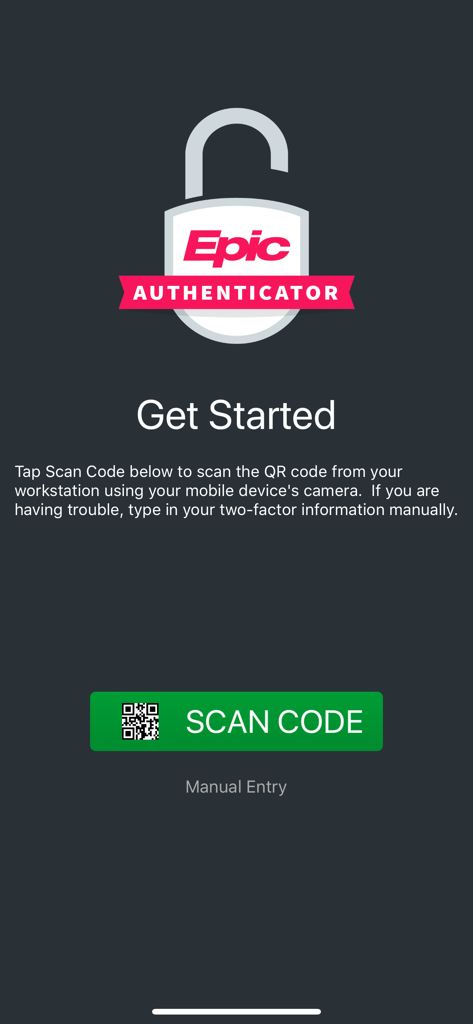
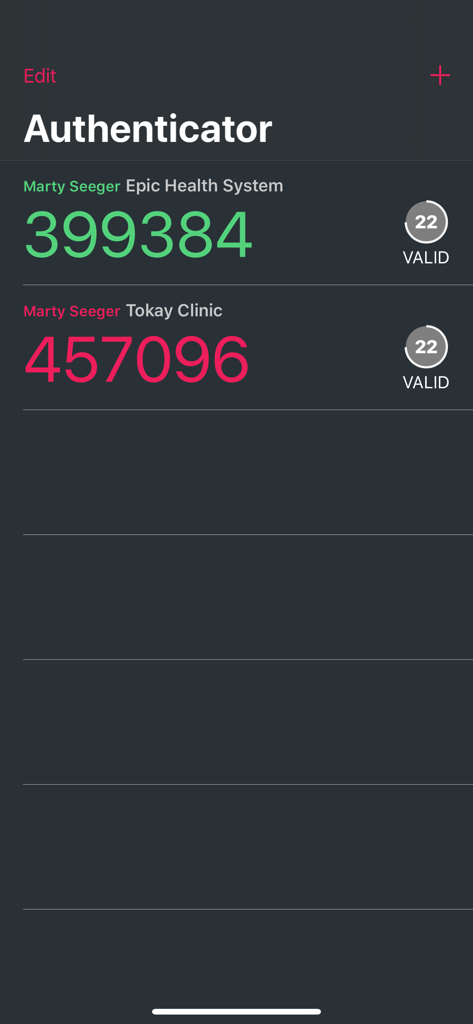
The tools that make this app stand out, trusted by 0 users.
Skip the manual codes. Approve login requests instantly via push notifications to maintain your clinical workflow without interruption.
Keep your focus on patient care. Securely authenticate directly from your Apple Watch without needing to reach for your phone.
Protect your credentials and your medical license with two-factor authentication built to meet the highest healthcare security standards.
Everything you need to know about Epic Authenticator.
Description
Latest Version
11.5.1
Size
4.9 MB
First Released
Nov 16, 2018
Download the Epic Authenticator app to streamline your workflow and ensure HIPAA-compliant security for your patient records and professional credentials.
Top-ranked apps in the same category

Google LLC

Google LLC

China Mobile Online Services Co., Ltd.

Google LLC

YUNFAN TECHNOLOGY CO., LIMITED

DEEP FLOW SOFTWARE SERVICES - FZCO

Servicos e Informacoes do Brasil

Beijing Baidu Netcom Science & Technology Co.,Ltd

Microsoft Corporation
App information, icons, screenshots, and descriptions displayed on this page are sourced from the Apple App Store and are the property of their respective developers. Download estimates and rankings are based on MWM's proprietary models and may not reflect actual figures. This page is provided for informational and analytical purposes only.
Believe this page infringes your intellectual property? File a dispute