eSign: Fill and Sign Documents

eSign: Fill and Sign Documents

Download on App Store
Logo of eSign: Fill and Sign Documents

eSign: Fill and Sign Documents – No Logins, No Subscriptions

The fastest way to scan, fill, and sign PDFs from your mobile device. Professional results in seconds without the monthly fees or account registration.

Download on App Store

Publisher

Babacan BURAK

Category

Utilities

Downloads

16K+

User Rating

4.5/5

Total Ratings

0

Locales

7

Your Mobile Office in Action

Discover the interface used by 16K+ users.
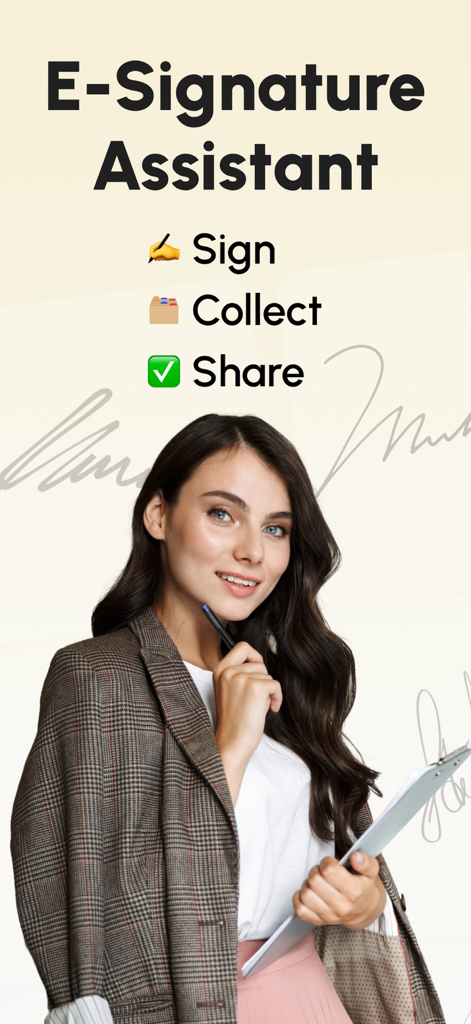
E-Signature Assistant app screen featuring a professional woman and options to sign collect and share documents

E-Signature Assistant app screen featuring a professional woman and options to sign collect and share documents

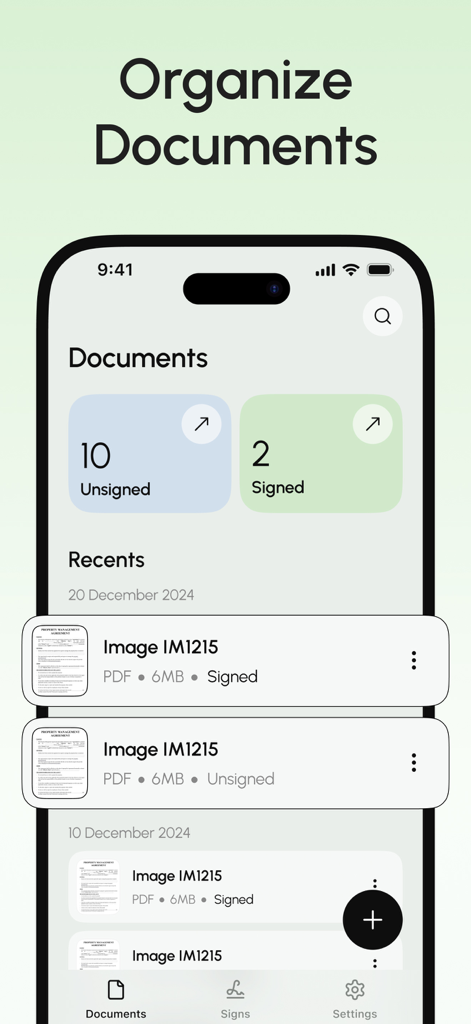
The document management interface of the eSign app showing a list of signed and unsigned PDF files.

The document management interface of the eSign app showing a list of signed and unsigned PDF files.

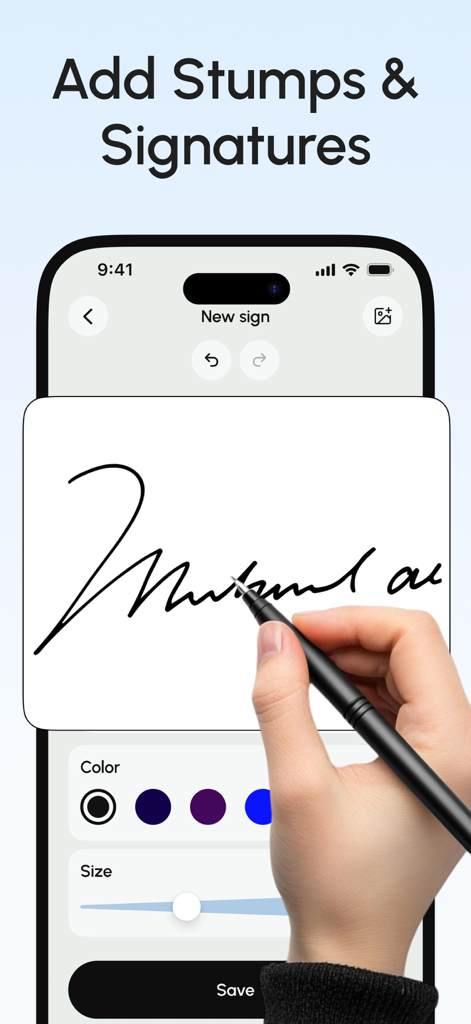
A user drawing a digital signature with a stylus on an iPhone using the eSign app

A user drawing a digital signature with a stylus on an iPhone using the eSign app

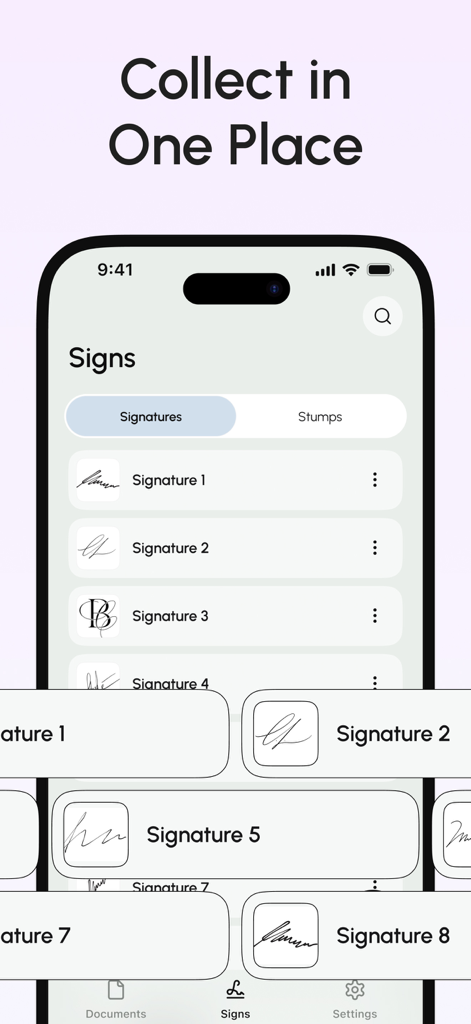
A mobile app screen showing multiple saved digital signatures organized in one place for easy document signing.

A mobile app screen showing multiple saved digital signatures organized in one place for easy document signing.

Professional Document Tools Without the Hassle

The tools that make this app stand out, trusted by 16K+ users.

💸

Zero Subscription Fees

Escape the subscription economy. Sign and send your documents without monthly charges, hidden costs, or the need to create yet another account.

✍️

Realistic Digital Signatures

Maintain a professional look by signing with your finger or stylus, or capture your real pen-on-paper signature to insert into any digital document.

📱

Your Mobile Office Suite

Turn any physical page into a professional PDF with the built-in scanner, then fill out forms and import files from Google Drive or Dropbox instantly.

About the app

Everything you need to know about eSign: Fill and Sign Documents.

Description

Easily sign and send documents with Scan, eSign & Fill Documents, all at your fingertips. It’s the simplest solution for your business needs, without any login or registration, and no expensive subscription charges. You can easily scan a document using your device’s camera, fill your documents within the app, and add your real signature with your finger or using a stylus. If you prefer a pen-drawn signature, you can simply sign on paper, capture a photo, and insert it into your document. Import and prepare your document entirely on your device and share it instantly. KEY FEATURES: SCAN: Quickly create a PDF scan from your camera within the app and digitize your paper documents. FILL: Fill out documents and forms with multiple options for adding Text, Checkmarks, Date, Images, QR Code, and more. SIGN: Sign realistically with hand-drawn signatures or add Initials within the app and digitally sign your documents. IMPORT: Import documents from Dropbox, OneDrive, Google Drive, iTunes Share, URL, and through other apps with “Open In” functionality. ATTACH DOCUMENTS: Attach any document at the end of your ready PDF and send it wherever you like. PRINT: You may even print your documents directly from your device and handle paperwork efficiently. Privacy Policy: https://telegra.ph/Privacy-Policy-03-04-99 Terms of use: https://telegra.ph/Terms-of-Use-03-04-2

Latest Version

1.0.1

Size

30.2 MB

First Released

Mar 24, 2025

Sign and Send in Seconds—No Subscription Required

Stop paying for monthly plans and skipping accounts. Join thousands of users who scan, fill, and sign documents instantly with the privacy you deserve.

Download on App Store

App information, icons, screenshots, and descriptions displayed on this page are sourced from the Apple App Store and are the property of their respective developers. Download estimates and rankings are based on MWM's proprietary models and may not reflect actual figures. This page is provided for informational and analytical purposes only.

Believe this page infringes your intellectual property? File a dispute