eSign Signature: Fill & Sign

eSign Signature: Fill & Sign

Download on App Store
Logo of eSign Signature: Fill & Sign

eSign Signature: Fill & Sign – Sign and Manage Documents with Professional Ease

Transform your iPhone or iPad into a portable office. Securely sign contracts, scan PDFs, and fill forms instantly—no printer or internet required.

Download on App Store

Publisher

ARTHUR FRASER

Category

Utilities

Downloads

13K+

User Rating

4.5/5

Total Ratings

0

Locales

6

Efficiency Visualized

Discover the interface used by 13K+ users.
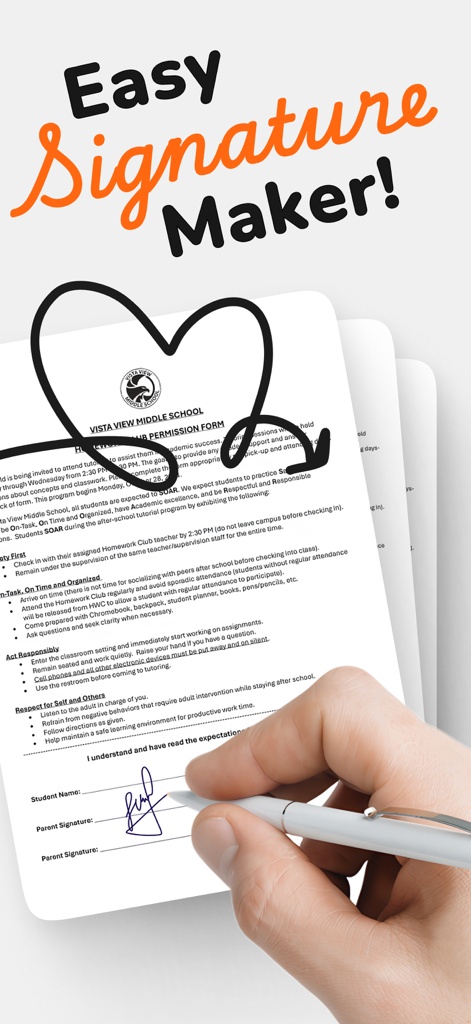
Hand signing a digital document on a mobile device using a stylus

Hand signing a digital document on a mobile device using a stylus

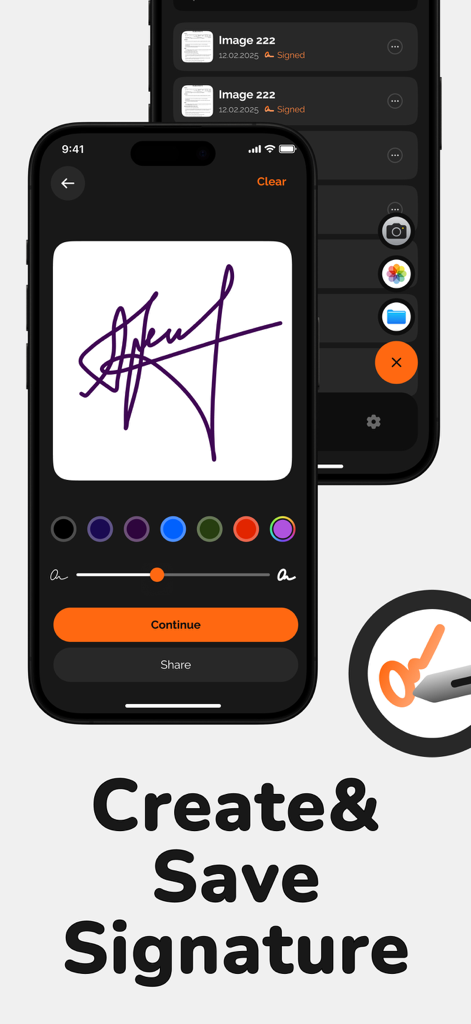
Digital signature creation screen with customization options in the eSign app

Digital signature creation screen with customization options in the eSign app

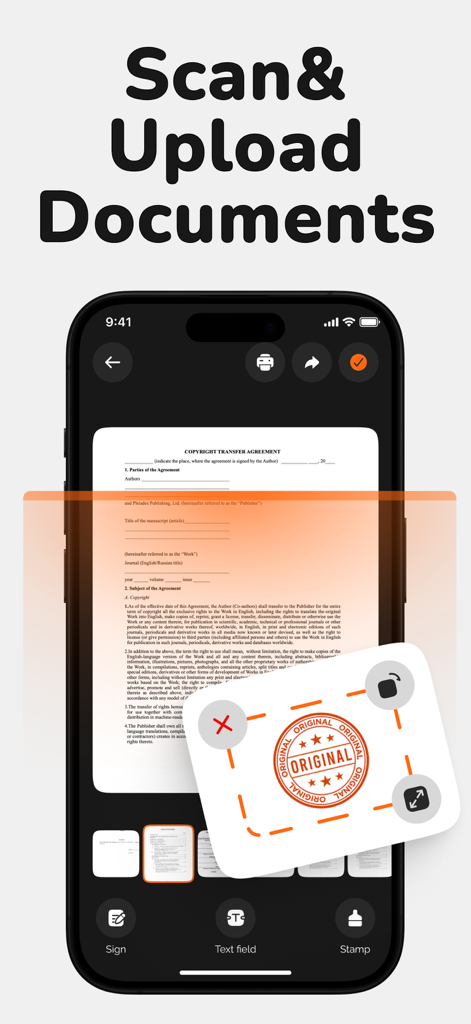
Mobile app interface showing how to scan and upload documents for digital signing

Mobile app interface showing how to scan and upload documents for digital signing

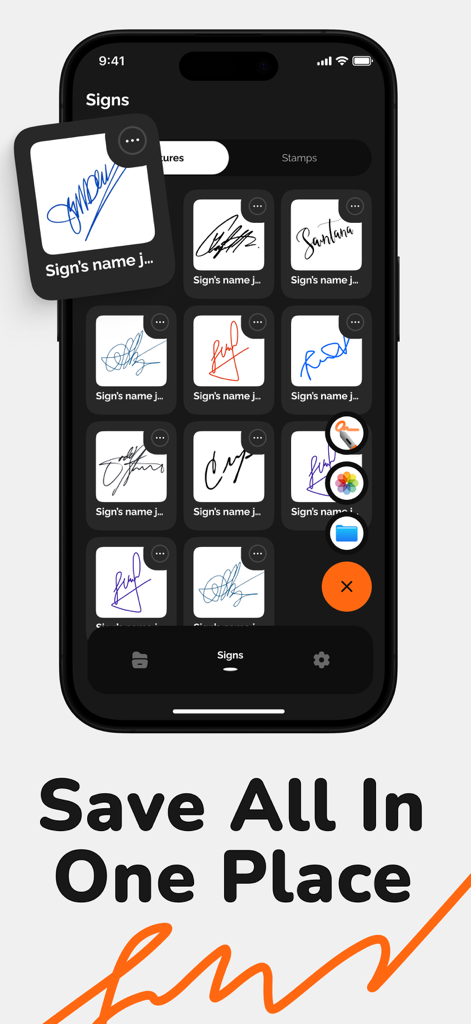
A gallery view of multiple saved digital signatures within the eSign mobile application interface.

A gallery view of multiple saved digital signatures within the eSign mobile application interface.

Close Deals Faster with Professional e-Signatures

The tools that make this app stand out, trusted by 13K+ users.

✍️

Instant Mobile Signing

Sign contracts, NDAs, or agreements in seconds using your finger or Apple Pencil. Perfect for professionals closing deals on the move.

🛡️

Privacy-First Local Storage

Keep your sensitive legal data safe on your device. Work completely offline and enjoy total peace of mind with no cloud-security risks.

📑

Smart Scan & Form Filler

Turn physical paperwork into digital PDFs with your camera. Easily fill out text fields and invite others to sign with one tap.

About the app

Everything you need to know about eSign Signature: Fill & Sign.

Description

This app is a powerful tool for electronically signing PDFs and other document formats. It also allows you to send documents to others for signing. Easily import or scan, sign, and share any document as a PDF or JPG. No internet connection is required since all documents are stored locally on your device. Key Features: -Sign Documents Anywhere with Ease -Fill Out and Edit Documents -Create Your e-Signature -Import Your Documents -Send Documents for Signature -Invite Others to Sign Subscription Information: Weekly - 6,99$ Monthly - 13.99$ Yearly - 45.99$ - Payment. Charges apply to your iTunes Account at purchase confirmation. - Auto-Renewal. Subscriptions renew automatically unless canceled at least 24 hours before the current period ends. - Renewal Charges. Your account will be charged for renewal within 24 hours prior to the end of the current period, based on the selected plan. - Manage Your Subscription. Go to your Account Settings after purchase to handle auto-renewal and other preferences. Privacy Policy https://telegra.ph/Privacy-Policy-03-20-97 Terms Of Use https://telegra.ph/Terms-of-Use-03-20-5

Latest Version

1.0.1

Size

32.8 MB

First Released

Mar 31, 2025

Ready to Close the Deal? Sign and Send in Seconds.

Join 13,000+ professionals who have ditched the printer for a faster, more secure way to sign. Download now and take your office anywhere.

Download on App Store

App information, icons, screenshots, and descriptions displayed on this page are sourced from the Apple App Store and are the property of their respective developers. Download estimates and rankings are based on MWM's proprietary models and may not reflect actual figures. This page is provided for informational and analytical purposes only.

Believe this page infringes your intellectual property? File a dispute