Explain Everything Whiteboard
Download on App Store

This page is not an official page of the app or its developer, but an independent editorial publication created for informational and commentary purposes. Unless expressly stated otherwise, neither the app nor its developer is affiliated with, endorsed by, sponsored by, authorized by, or otherwise officially connected with MWM, Apple, Google Play, the app publisher, or the app's developer, and nothing on this page implies that the app was developed using MWM's services. Any trademarks, logos, screenshots, and other content remain the property of their respective owners.


Logo of Explain Everything Whiteboard
Download on App Store

Explain Everything Whiteboard

Transform your iPad into a powerful classroom studio. Record engaging video lessons, host real-time collaborations, and inspire students with an infinite canvas and interactive games.

Key Figures

Downloads

1M+

User Rating

4.6/5

Total Ratings

9K+

Publisher

Promethean Ltd.

Category

Education

Locales

15

Latest Version

9.0.4

Size

291.2 MB

First Released

Feb 1, 2016
Features

One Tool. Infinite Possibilities for Learning.

From high-quality lesson recording to real-time student collaboration, bridge the gap between imagination and education with the world’s most powerful digital whiteboard.

Record & Edit Pro-Level Lessons

Create high-quality video tutorials with ease. Record your voice and movements on the infinite canvas, then edit and share instantly to your favorite cloud drive.

Boost Engagement with Interactive Activities

Transform lessons into play. Use built-in games like crosswords and matching games, plus live polling to keep every student focused and participating.

The following screenshots and description are sourced directly from the app's official store listing and are the property of the app developer.

App Store

Screenshots
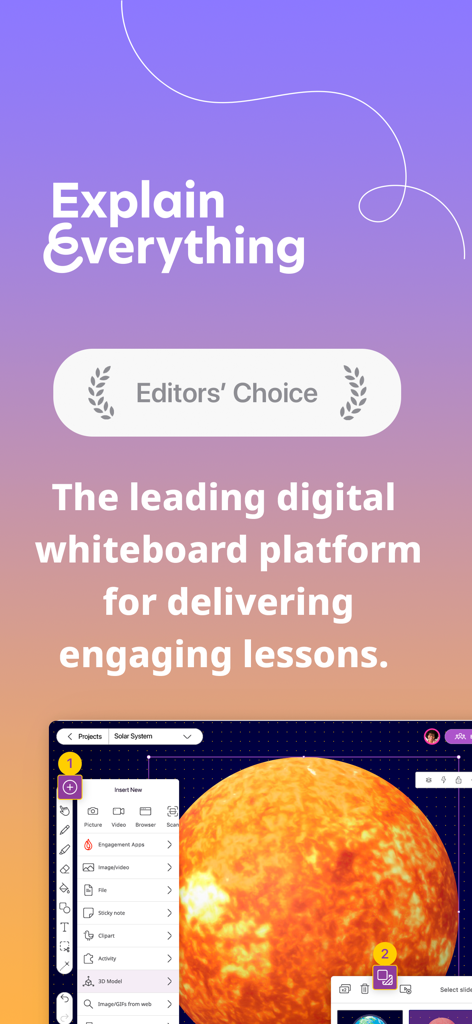
Explain Everything Whiteboard - Explain Everything Whiteboard app interface showing an Editors Choice award and a digital lesson featuring a 3D model of the sun
Explain Everything Whiteboard app interface showing an Editors Choice award and a digital lesson featuring a 3D model of the sun

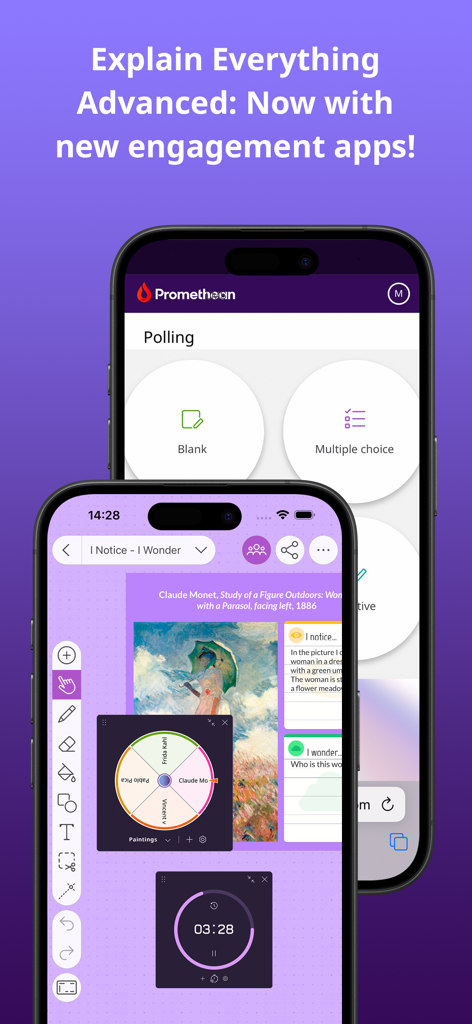
Explain Everything Whiteboard - Explain Everything Whiteboard app interface on two smartphones showing polling features a random spinner and a timer
Explain Everything Whiteboard app interface on two smartphones showing polling features a random spinner and a timer

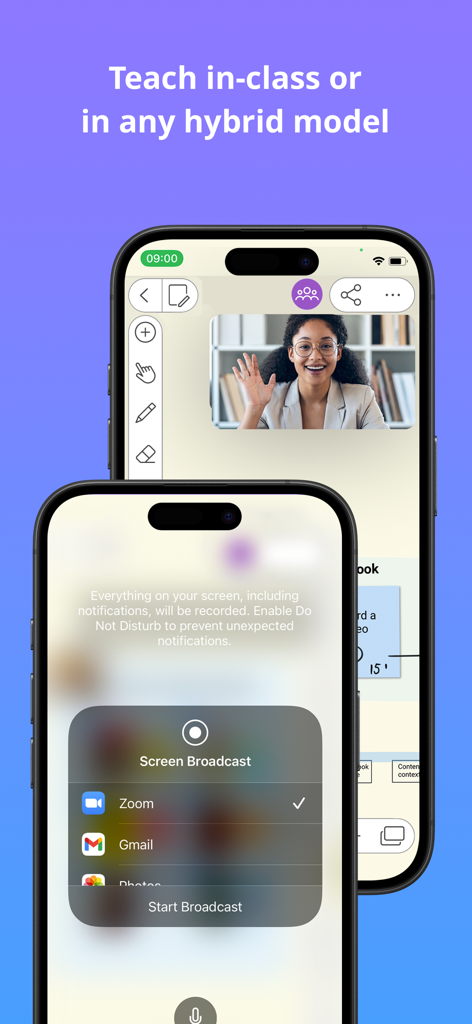
Explain Everything Whiteboard - Explain Everything whiteboard app interface showing screen broadcast to Zoom for hybrid teaching
Explain Everything whiteboard app interface showing screen broadcast to Zoom for hybrid teaching

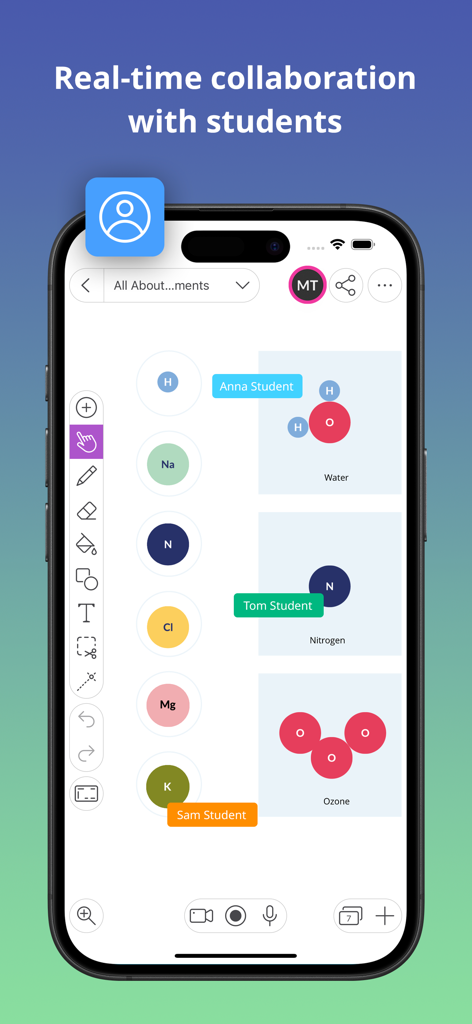
Explain Everything Whiteboard - A smartphone displaying real-time collaboration between students on a digital whiteboard during a chemistry lesson
A smartphone displaying real-time collaboration between students on a digital whiteboard during a chemistry lesson

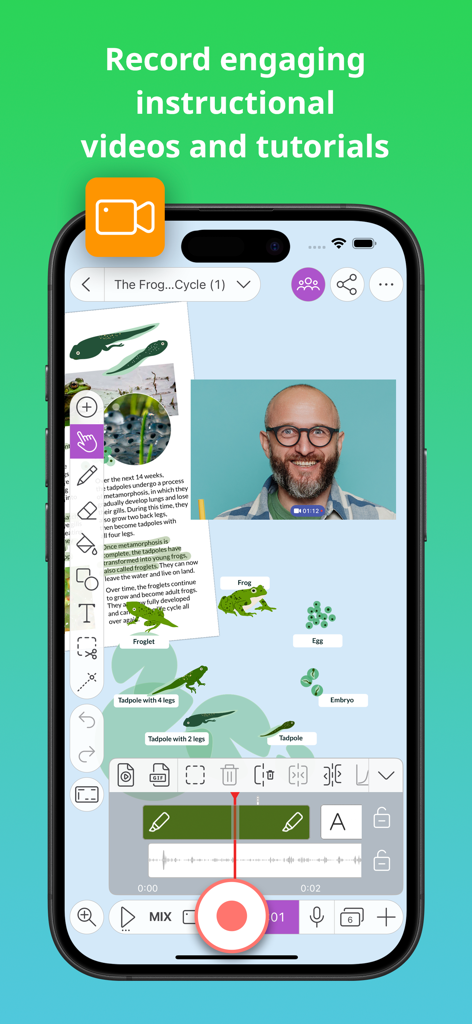
Explain Everything Whiteboard - A mobile interface showing the recording of an instructional video on a digital whiteboard
A mobile interface showing the recording of an instructional video on a digital whiteboard

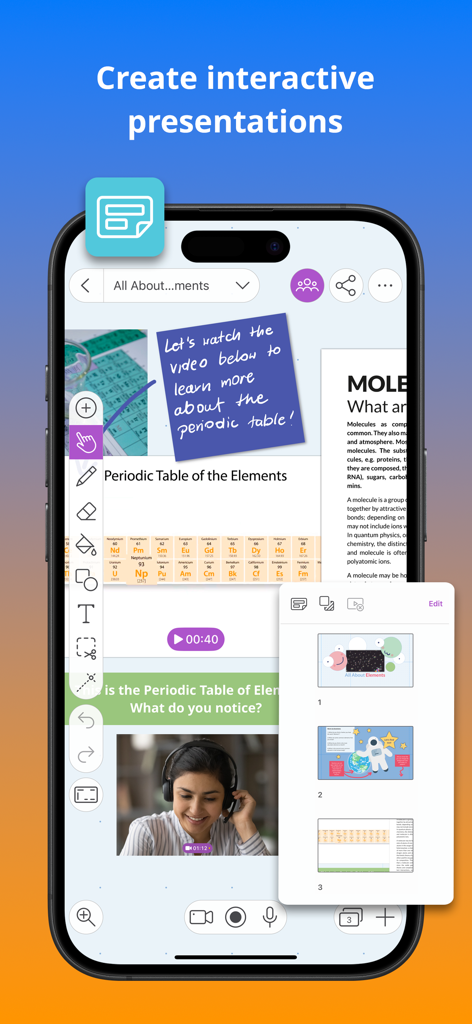
Explain Everything Whiteboard - Smartphone screen showing the Explain Everything Whiteboard app with an interactive periodic table lesson featuring video and slide navigation
Smartphone screen showing the Explain Everything Whiteboard app with an interactive periodic table lesson featuring video and slide navigation

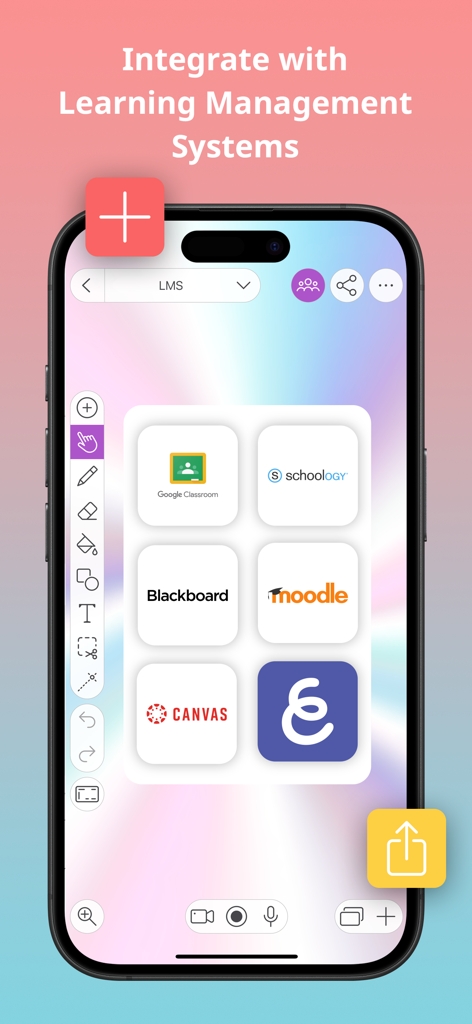
Explain Everything Whiteboard - Explain Everything Whiteboard app interface showcasing integration with LMS platforms like Google Classroom Canvas and Blackboard
Explain Everything Whiteboard app interface showcasing integration with LMS platforms like Google Classroom Canvas and Blackboard

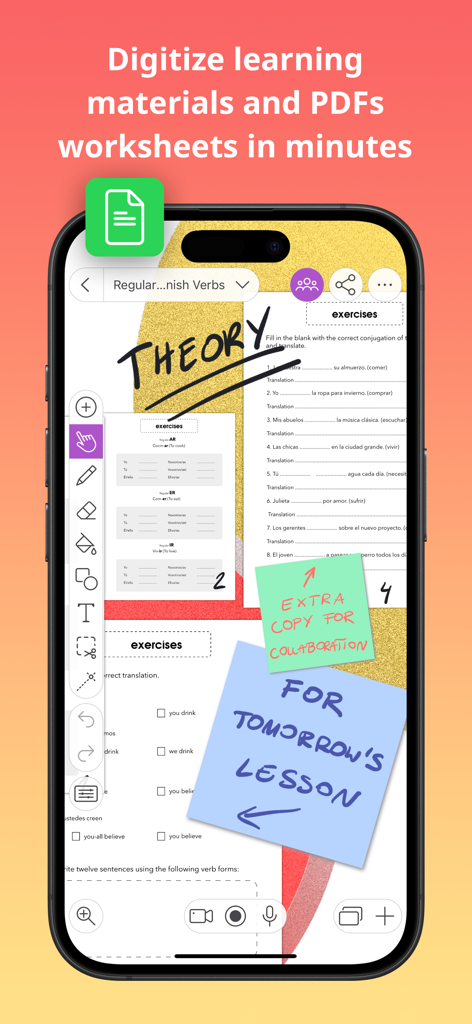
Explain Everything Whiteboard - Digital whiteboard interface showing digitized worksheets and teacher notes.

Digital whiteboard interface showing digitized worksheets and teacher notes.

Description

The iPad App Store Trend of the Year 2020 award-winning interactive whiteboard and note taking app for iPad. With over 25 million downloads across the globe, Explain Everything helps teachers and students with every day learning. Explain Everything Advanced, Promethean's award-winning cloud-based plan, is one of the most dynamic, easy-to-use, and powerful lesson creation and delivery tools on the market today. Explain Everything is an interactive whiteboard, built to create notes and make drawings, explain concepts and share boards anywhere. Make notes and draw together on the infinite canvas. Use sticky notes, work with imported documents, and annotate PDFs. Easily record whiteboard videos and share the entire process of explaining a lesson. Use real-time collaboration to stay on the same page with your students or team. Our customers love using Explain Everything to: • Record and edit whiteboard video lessons, then share them automatically with your preferred cloud drive! • Capture ideas, create interactive presentations, and use PDF annotation for teaching purposes. • Use engagement apps such as Polling, Timer, and Spinner to promote student participation and deep focus. • Draw, write, sketchnote, visualize, and scribble using Apple Pencil then easily present materials both in-classroom or online. • Enrich your materials with images and GIFs, Sticky Notes, Clipart, 3D Models, Shapes, Web Browser, Equations, hyperlinks, text boxes and notes grid. • Digitize and store materials in one place thanks to the Explain Everything Drive cloud; available from any device, anywhere. • Collaborate with students by hosting group assignments in the classroom and in the cloud. • Broadcast through SharePlay or popular conferencing tools, including Zoom or Microsoft Teams. New Activities within Advanced Plan We’re coming with new activities to enhance your lessons and create some fun throughout your classroom. Launch and play activities right from your whiteboard canvas. Crossword – Add a list of words, provide image or text clues, and Explain Everything will generate a crossword for you. Memory game – Turn a set of images into a randomized memory pair-finding game. Matching game – Build a matching game from a collection of images, shapes, and text. Promethean Engagement Apps We’ve enhanced our Explain Everything Advanced plan with other new features, including Promethean’s ever-popular Spinner, Timer, and Polling apps; all to improve your teaching experience in the classroom. Polling – ask questions and receive responses from students instantly. Timer – use clock and stopwatch to measure time and improve executive functioning skills. Spinner – randomly select items from the built-in templates or your own lists to add excitement to any class. If you enjoy using Explain Everything please leave us a review! https://explaineverything.com/terms-of-use/

Download

Download on App Store

This page is not an official page of the app or its developer, but an independent editorial publication created for informational and commentary purposes. Unless expressly stated otherwise, neither the app nor its developer is affiliated with, endorsed by, sponsored by, authorized by, or otherwise officially connected with MWM, Apple, Google Play, the app publisher, or the app's developer, and nothing on this page implies that the app was developed using MWM's services. Any trademarks, logos, screenshots, and other content remain the property of their respective owners.