
This page is not an official page of the app or its developer, but an independent editorial publication created for informational and commentary purposes. Unless expressly stated otherwise, neither the app nor its developer is affiliated with, endorsed by, sponsored by, authorized by, or otherwise officially connected with MWM, Apple, Google Play, the app publisher, or the app's developer, and nothing on this page implies that the app was developed using MWM's services. Any trademarks, logos, screenshots, and other content remain the property of their respective owners.


FEB (FebBox) – No ads, 1TB
Ditch the storage limits and subscription fatigue. Get 1TB of secure space to organize your movies with Cinema Mode, read any eBook format, and sync your entire digital life—all in one powerful, ad-free app.
Downloads
77K+User Rating
Total Ratings
100Publisher
Category
ProductivityLocales
3Latest Version
11.2Size
117.7 MBFirst Released
Jan 6, 2021Your Entire Digital World, Organized
Stop paying for multiple subscriptions. FEB combines 1TB of ad-free cloud storage with a professional-grade media center for your movies, books, and files.
Massive 1TB Ad-Free Storage
Eliminate 'Storage Full' notifications forever. Get 1TB of base cloud storage to back up high-res photos and 4K videos with absolutely no ads.
Auto-Organized Cinema Mode
Turn your file folders into a Netflix-style library. FEB automatically pulls IMDB posters, ratings, and descriptions for a premium browsing experience.
The following screenshots and description are sourced directly from the app's official store listing and are the property of the app developer.
App Store
Screenshots
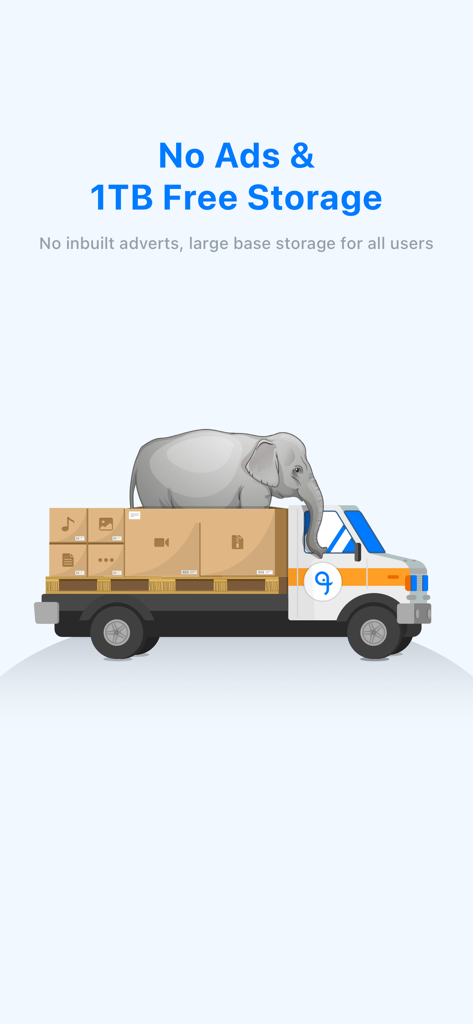
Illustration of a delivery truck carrying digital files and an elephant promoting 1TB free cloud storage and no ads for the FEB app
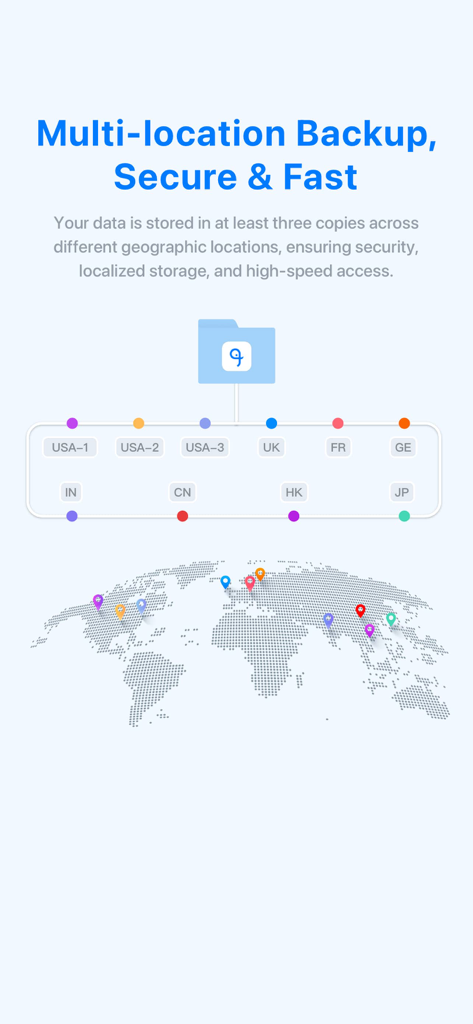
Graphic showing FEB app multi-location backup with data centers across USA Europe and Asia for secure cloud storage
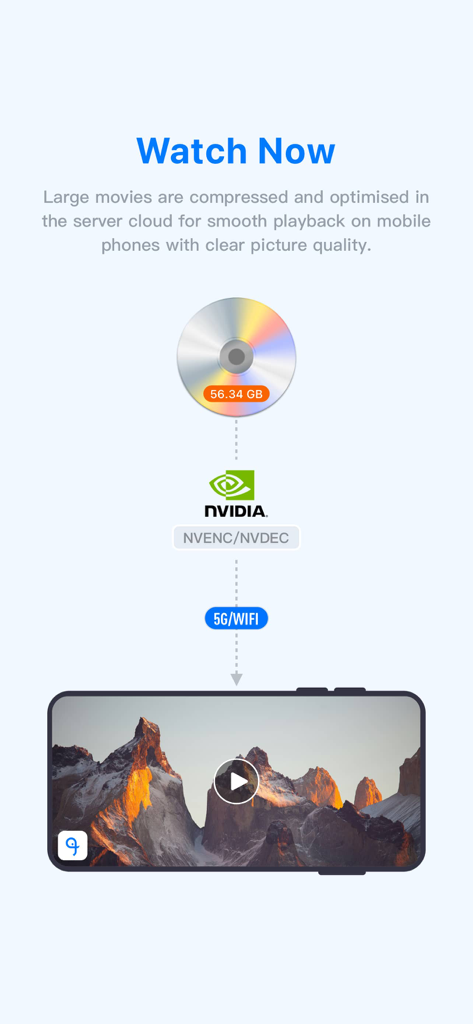
Diagram explaining how FEB app optimizes large movie files for smooth streaming on mobile phones using cloud technology.
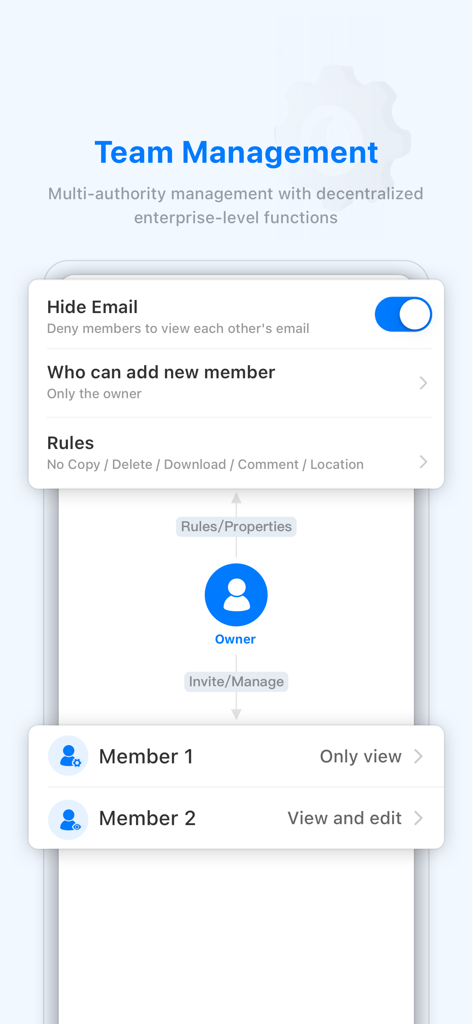
Interface of FEB app showing team management options and member permission settings.
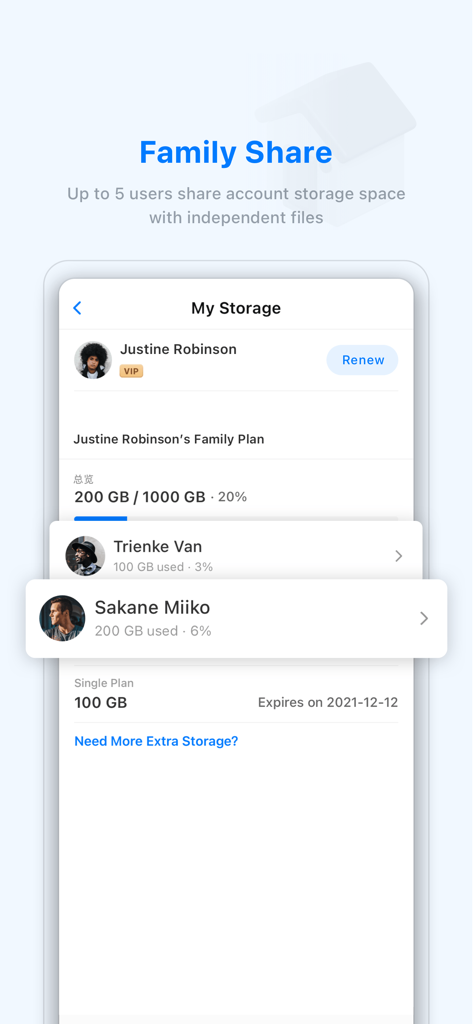
FEB app interface showing family share feature for managing shared cloud storage among multiple users
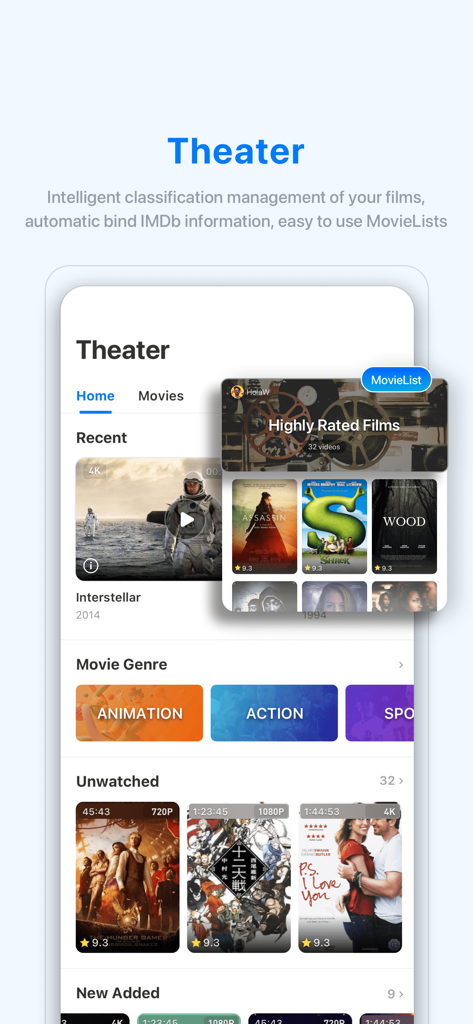
FEB app Theater mode interface showing a personalized movie library with IMDb ratings and genre categories
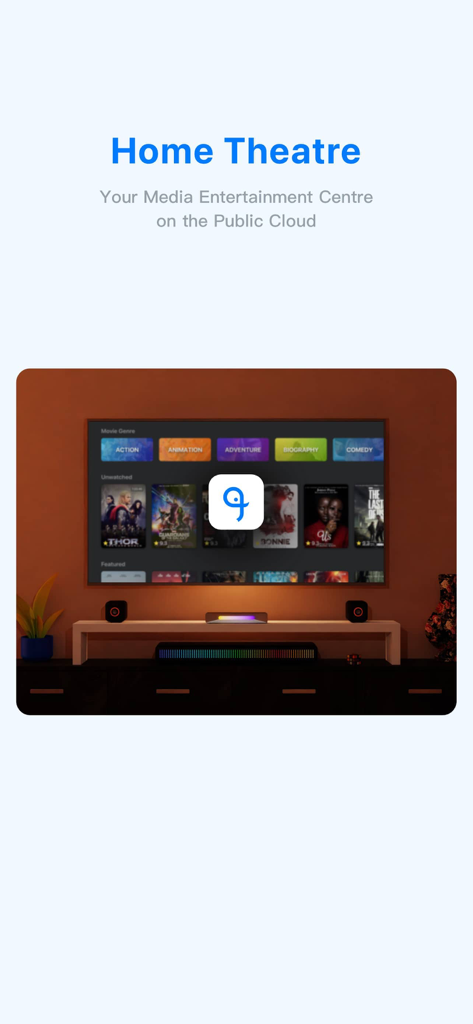
FEB app Home Theatre interface displaying a movie library on a TV screen
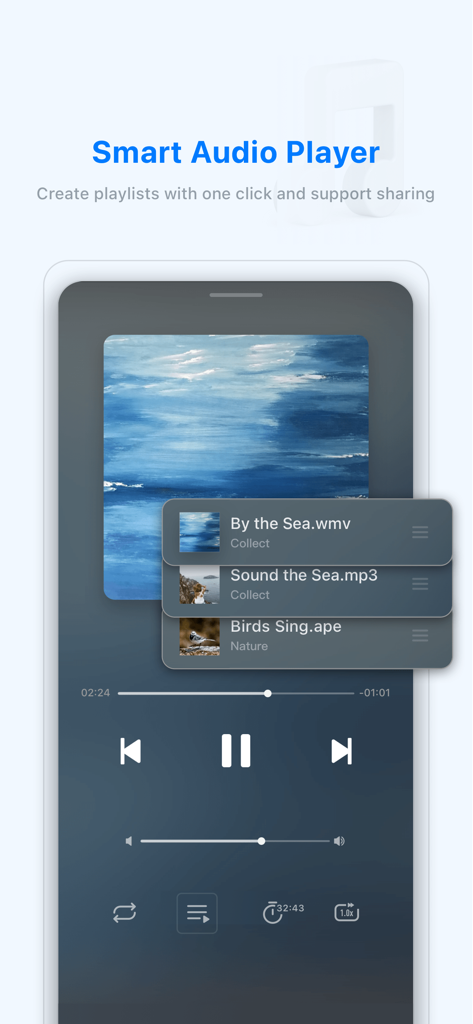
Smart audio player in the FEB app showing playlist management and music playback controls
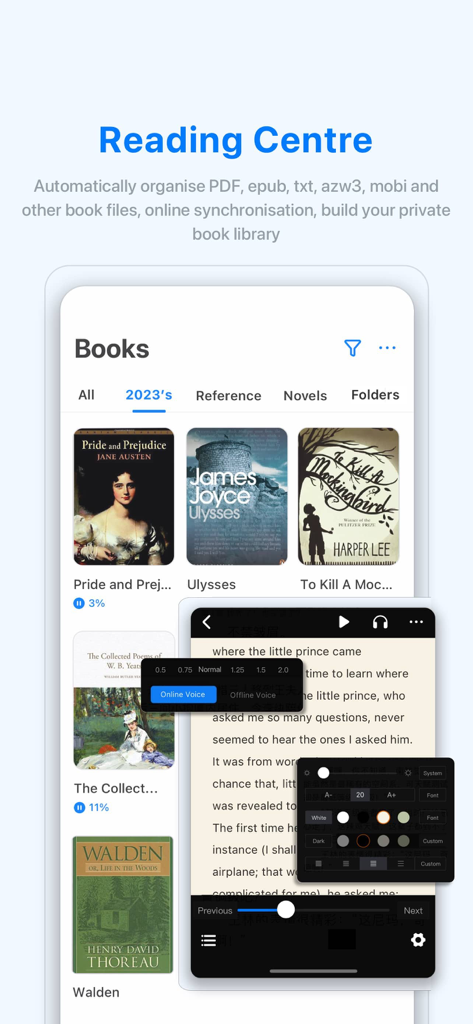
FEB app Reading Centre screen showing book library and reader settings
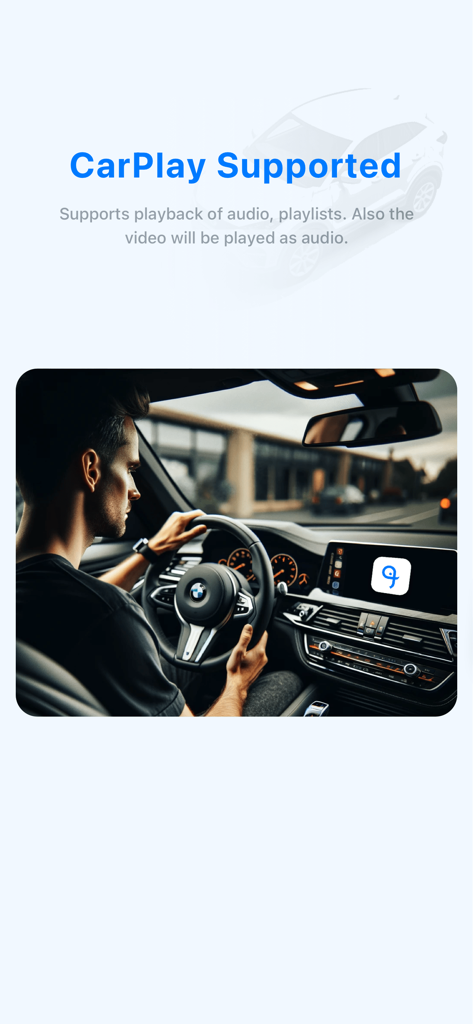
FEB app interface on a car dashboard showing CarPlay support for audio and playlist playback
Description
Download
More Like This
Top-ranked apps in the same category

ChatGPT
OpenAI OpCo, LLC

Google Gemini
Google LLC

Grok
X.AI Corporation

Gmail - Email by Google
Google LLC

千问 - 阿里最强大模型官方AI助手
Shanghai Zhixin Puhui Technology Co., Ltd.

Google Drive
Google LLC

Microsoft Authenticator
Microsoft Corporation

Google Sheets
Google LLC

Google Docs
Google LLC
This page is not an official page of the app or its developer, but an independent editorial publication created for informational and commentary purposes. Unless expressly stated otherwise, neither the app nor its developer is affiliated with, endorsed by, sponsored by, authorized by, or otherwise officially connected with MWM, Apple, Google Play, the app publisher, or the app's developer, and nothing on this page implies that the app was developed using MWM's services. Any trademarks, logos, screenshots, and other content remain the property of their respective owners.