File Manager - Browser

File Manager - Browser

Download on App Store
Logo of File Manager - Browser

File Manager - Browser: Desktop-Grade Control for Your iPhone & iPad

Break free from mobile restrictions. Organize, unzip, and secure your files with professional-grade tools and a private vault designed for power users and digital nomads.

Download on App Store

Publisher

Binh Tran

Category

Utilities

Downloads

5K+

User Rating

5.0/5

Total Ratings

0

Locales

5

Desktop Power on Mobile

Discover the interface used by 5K+ users.
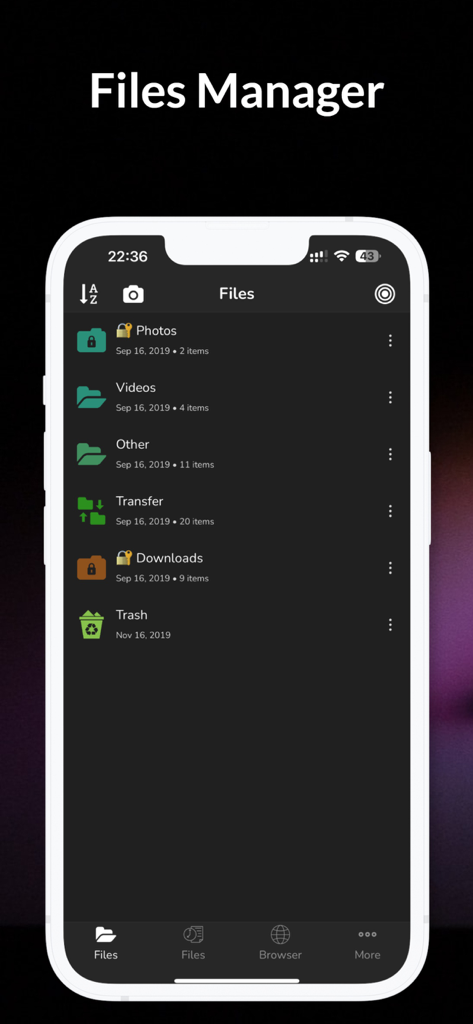
Interface of File Manager Browser app for iOS showing a list of organized folders in dark mode

Interface of File Manager Browser app for iOS showing a list of organized folders in dark mode

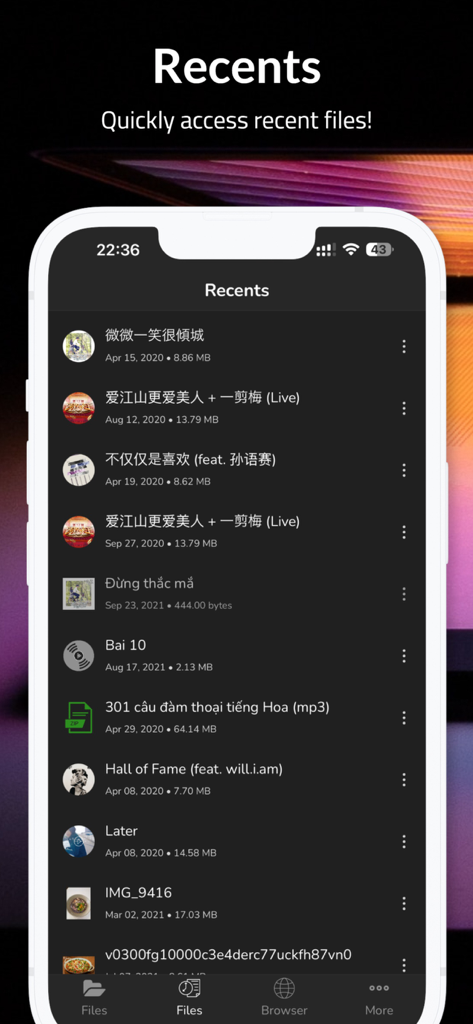
A list of recently accessed files on the Recents screen of the File Manager app in dark mode

A list of recently accessed files on the Recents screen of the File Manager app in dark mode

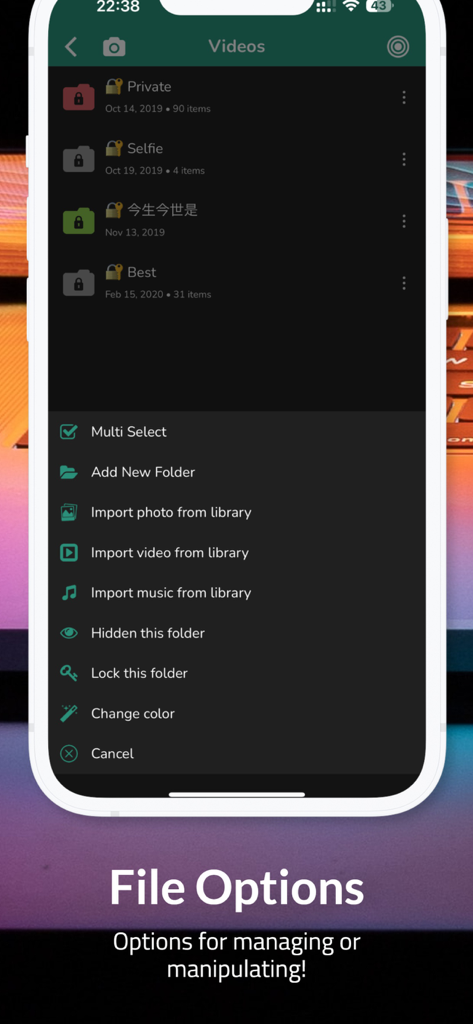
iOS File Manager app menu with folder management and privacy settings

iOS File Manager app menu with folder management and privacy settings

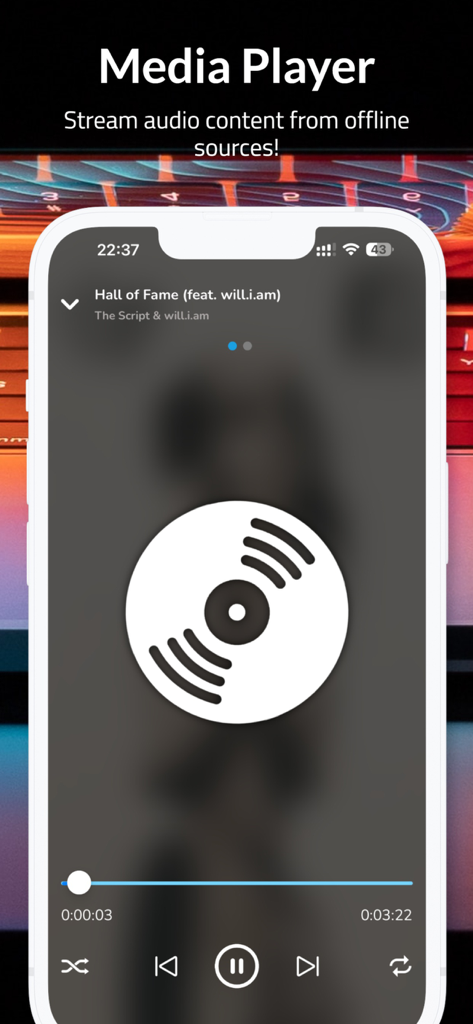
File Manager app media player interface showing offline audio playback.

File Manager app media player interface showing offline audio playback.

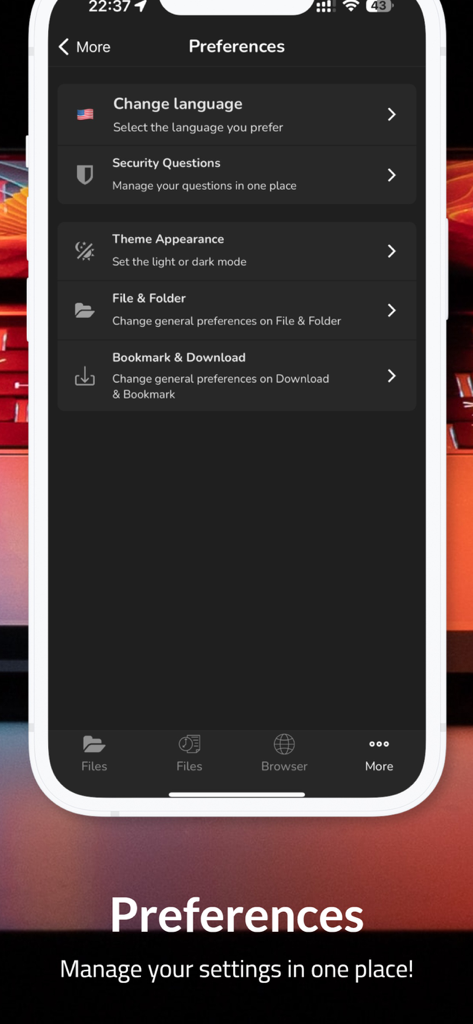
The preferences screen of the File Manager app showing settings for language security theme and file organization in dark mode

The preferences screen of the File Manager app showing settings for language security theme and file organization in dark mode

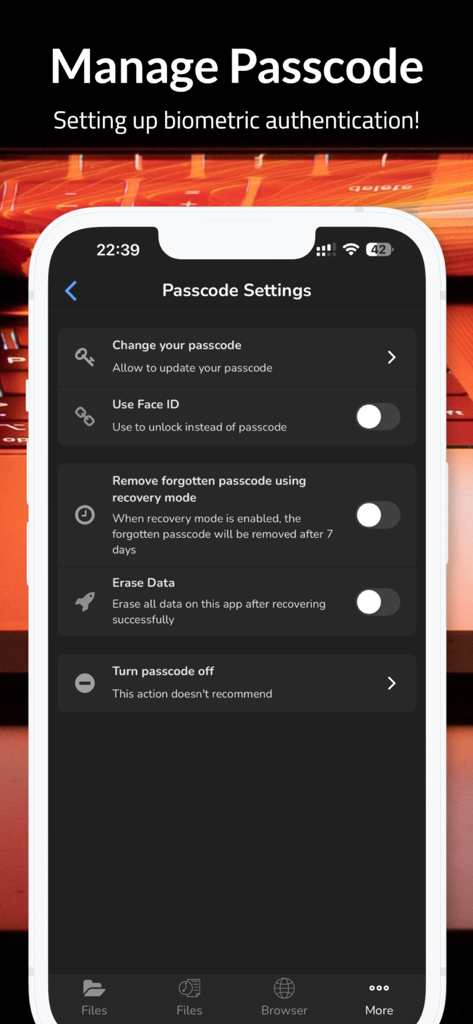
Security settings screen in the File Manager app featuring Face ID and passcode management options in dark mode.

Security settings screen in the File Manager app featuring Face ID and passcode management options in dark mode.

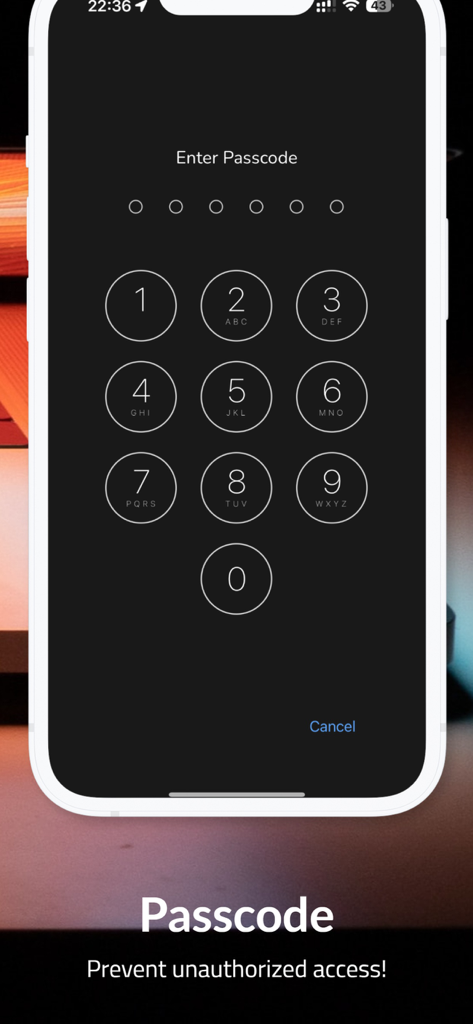
Passcode entry screen for privacy protection and secure file access.

Passcode entry screen for privacy protection and secure file access.

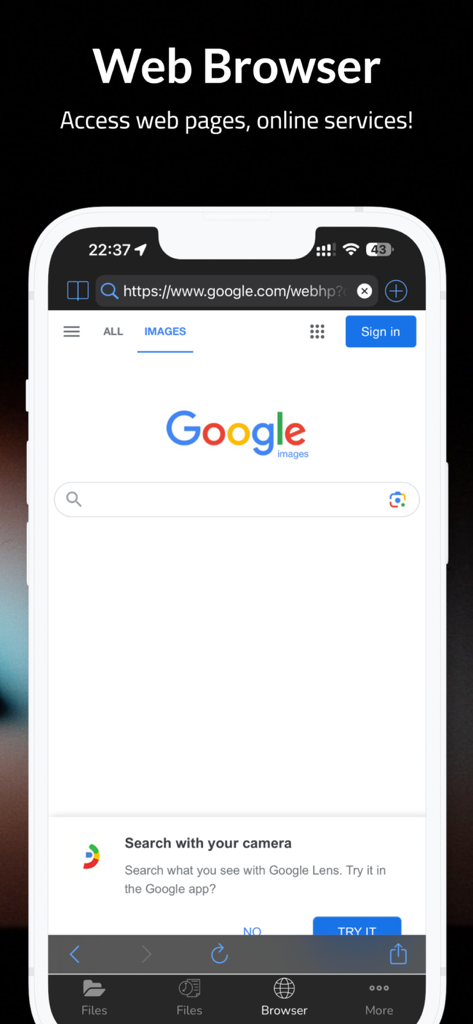
Built-in web browser interface within the File Manager app showing a search engine page

Built-in web browser interface within the File Manager app showing a search engine page

Take Full Control of Your Mobile Workspace

The tools that make this app stand out, trusted by 5K+ users.

📂

Desktop-Class File Control

Manage your system with ease. Copy, move, and unzip files with intuitive long-press menus, giving you the functional freedom of a Mac or PC on your iPhone.

🛡️

Secure Private Vault

Protect your sensitive data. Keep private documents and media 100% hidden behind a master passcode or biometric lock for total peace of mind.

🌐

Integrated Pro Browser

Browse and download professional documents directly into your local storage. Effortlessly view PDFs, Excel sheets, and PPTs in one unified workflow.

About the app

Everything you need to know about File Manager - Browser.

Description

Using FileManager is easy. Just long-press on a file or folder icon to display a popup menu. Simply tap your selection and you’re ready to go. You can tap on the screen to copy, move, delete, unzip, create folders, and so on. There’s no need to worry about the security of MyFiles, either. Your files can be accessed remotely with a password or locally with a master passcode. No one but you will see what’s in your files. √ DARK MODE - A beautiful new dark color scheme that delivers a great viewing experience especially in low-light environments √ Capture video & photo √ File Manager! - Create new folders?- Copy, delete operations - Long press to popup menus - Support multi-selection mode - Import photos/videos from the system album - Import music from the iTunes library - Export files to photo gallery - Support to unzip the file - Copy file to the clipboard - Paste file from clipboard √ Share files via AirDops, carry them around with you, and share them with your friends. √ Powerful media player! - Support avi/flv/rmvm/rm/mov/mp4/mp3/wma/m3u8... - Show snapshot of videos √ Privacy Protection - Provide a secure private passcode to keep your secret files 100% privately. Your files are ONLY stored in your "Files Protection" and no one can touch them except yourself! - Hide files/folders - Hide image/video thumbnail - Recovery mode √ Download and browse files and documents on your iPhone, iPod, or iPad like on your computer.No limits on storage or downloads! - Web-browser like Safari with bookmarks - Simply tap on the link to download √ Document viewer ! - Support plist/word/excel/ppt/pdf/txt/page/number/html/jpeg/epub/chm- unzip (.zip file) - Open files with other apps - Open files from other apps *** IMPORTANT NOTE: This app DOES NOT support downloading of audio or video content or any other related functionality. The downloadable content must be NON-audiovisual which includes pdfs, docs, xlsxs etc... *** √ Contact with me: ichitech89@gmail.com

Latest Version

37.0

Size

77.9 MB

First Released

Jan 12, 2020

Experience Desktop-Level Power on Your iOS Device

Join thousands of power users who manage, unzip, and secure their files with total freedom. Download the ultimate file manager and browser today.

Download on App Store

App information, icons, screenshots, and descriptions displayed on this page are sourced from the Apple App Store and are the property of their respective developers. Download estimates and rankings are based on MWM's proprietary models and may not reflect actual figures. This page is provided for informational and analytical purposes only.

Believe this page infringes your intellectual property? File a dispute