File Transfer・Share my Data

File Transfer・Share my Data


Download on App Store
Logo of File Transfer・Share my Data

File Transfer・Share my Data: Fast, Wireless, and Cross-Platform Sharing

Stop emailing yourself files. Transfer photos, videos, and contacts to any PC or device in seconds—no cables, no extra software, just high-speed wireless freedom for your data.

Download on App Store

Publisher

Netpeak EOOD

Category

Utilities

Downloads

69K+

User Rating

3.0/5

Total Ratings

0

Locales

2

Wireless Sharing, Visualized

Discover the interface used by 69K+ users.
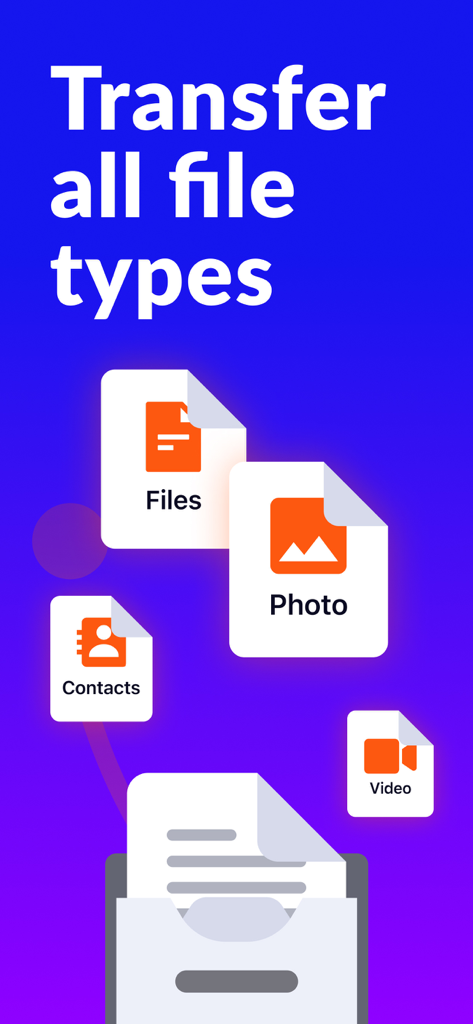
Graphic showing wireless transfer of files, photos, videos, and contacts

Graphic showing wireless transfer of files, photos, videos, and contacts

Graphic showing wireless file sharing between smartphones and computers with text Drop to all devices

Graphic showing wireless file sharing between smartphones and computers with text Drop to all devices

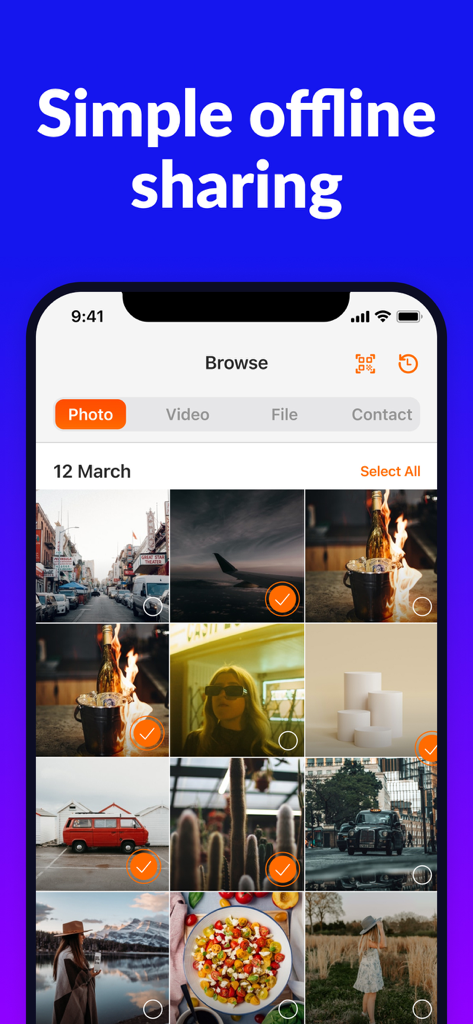
Interface of the File Transfer app showing a photo gallery with multiple images selected for offline sharing

Interface of the File Transfer app showing a photo gallery with multiple images selected for offline sharing

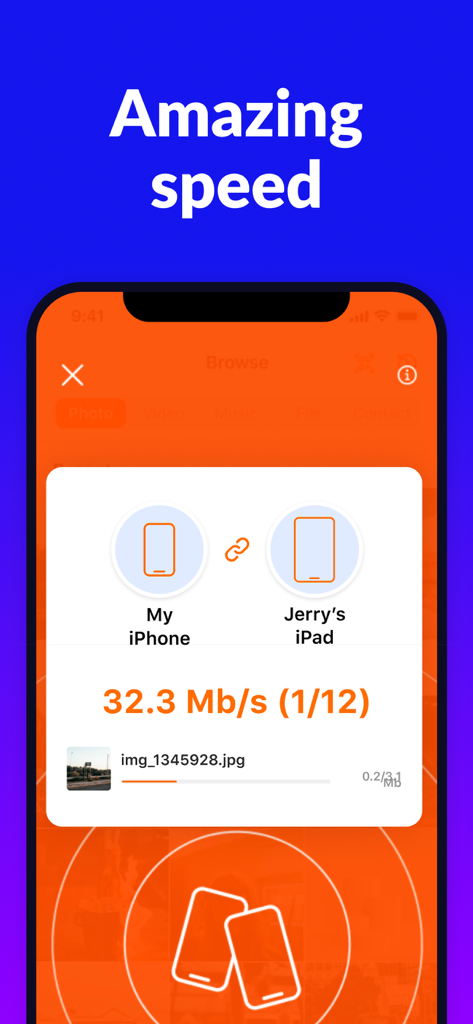
Screenshot of the File Transfer app showing a fast wireless transfer between an iPhone and an iPad at 32.3 Mb/s.

Screenshot of the File Transfer app showing a fast wireless transfer between an iPhone and an iPad at 32.3 Mb/s.

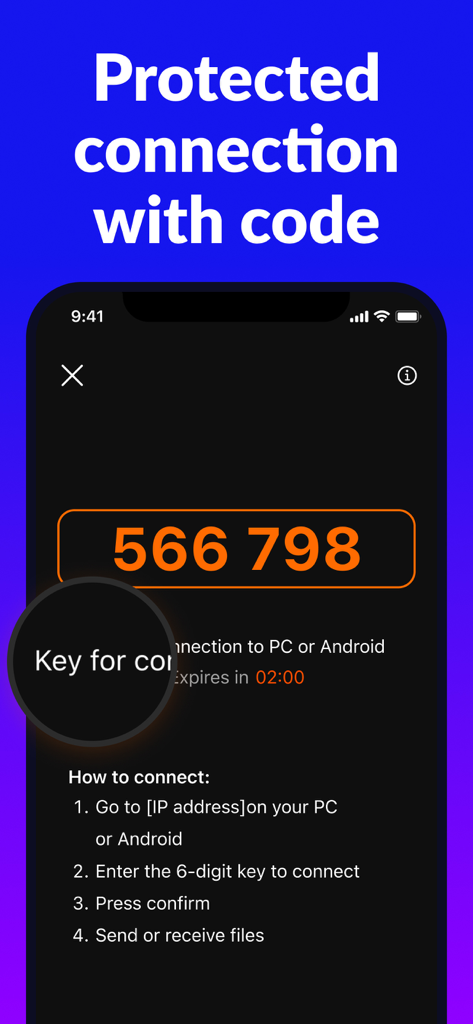
iPhone screen showing a 6-digit security code and instructions to wirelessly connect to a PC or Android for file sharing.

iPhone screen showing a 6-digit security code and instructions to wirelessly connect to a PC or Android for file sharing.

Seamless File Sharing Without Boundaries

The tools that make this app stand out, trusted by 69K+ users.

💻

Cross-Platform Freedom

Bridge the gap between your iPhone and Windows PC or Mac instantly. Share files to any device using just a web browser.

Blazing Fast & Wireless

Move gigabytes of 4K videos and high-res photos in seconds. Say goodbye to messy cables and slow cloud storage uploads.

🌐

Zero Installation Needed

The receiving device doesn’t need any software. Simply open your browser for a truly plug-and-play transfer experience.

About the app

Everything you need to know about File Transfer・Share my Data.

Description

Need to send files to another phone or a PC? File Transfer is an intuitive, fast, and secure cross-platform tool that’ll bring you a top-notch file-sharing experience. With File Transfer, it takes just a couple of taps to transfer gigabytes of photos between different operating systems using a browser. You no longer need to use data cables - share files wirelessly at a high speed and save your time. Download File Transfer to enjoy the following features: - Transfer photos, videos, and contacts - No data cables - Share files between different platforms easily - No additional software is needed to send files on PCs and other devices - Impressive transfer speed - Intuitive and easy-to-use interface Try File Transfer now to share files in seconds and enjoy the straightforward interface. Privacy Policy: https://pp-transfer.airprinter.app/ Terms of Use: https://tou-transfer.airprinter.app/

Latest Version

1.4.0

Size

40.0 MB

First Released

Sep 20, 2021

Ready to Break Free from Data Cables?

Join over 69,000 users and experience the fastest way to share photos, videos, and contacts between your iPhone and any PC or device instantly.

Download on App Store

App information, icons, screenshots, and descriptions displayed on this page are sourced from the Apple App Store and are the property of their respective developers. Download estimates and rankings are based on MWM's proprietary models and may not reflect actual figures. This page is provided for informational and analytical purposes only.

Believe this page infringes your intellectual property? File a dispute