Files HD - File Manager
Download on App Store

This page is not an official page of the app or its developer, but an independent editorial publication created for informational and commentary purposes. Unless expressly stated otherwise, neither the app nor its developer is affiliated with, endorsed by, sponsored by, authorized by, or otherwise officially connected with MWM, Apple, Google Play, the app publisher, or the app's developer, and nothing on this page implies that the app was developed using MWM's services. Any trademarks, logos, screenshots, and other content remain the property of their respective owners.


Logo of Files HD - File Manager
Download on App Store

Files HD - File Manager

The ultimate productivity suite for power users. Browse the web without limits, download any document, and organize your digital workspace with professional-grade tools designed to replace your laptop.

Key Figures

Downloads

332K+

User Rating

3.9/5

Total Ratings

10K+

Publisher

Hian Zin Jong

Category

Productivity

Locales

1

Latest Version

8.3.1

Size

34.0 MB

First Released

Aug 2, 2010
Features

Supercharge Your iPad Workflow

Bridge the gap between iPad mobility and desktop power with a professional-grade file manager designed for researchers, students, and digital nomads.

Desktop-Class Browsing

Access desktop-only websites with User-Agent spoofing and download any file type for offline use with a powerful, tabbed browser experience.

Pro File Organization

Manage PDFs, Office docs, and ZIP archives in a familiar folder structure. Search, rename, and move files just like you would on a Mac or PC.

The following screenshots and description are sourced directly from the app's official store listing and are the property of the app developer.

App Store

Screenshots
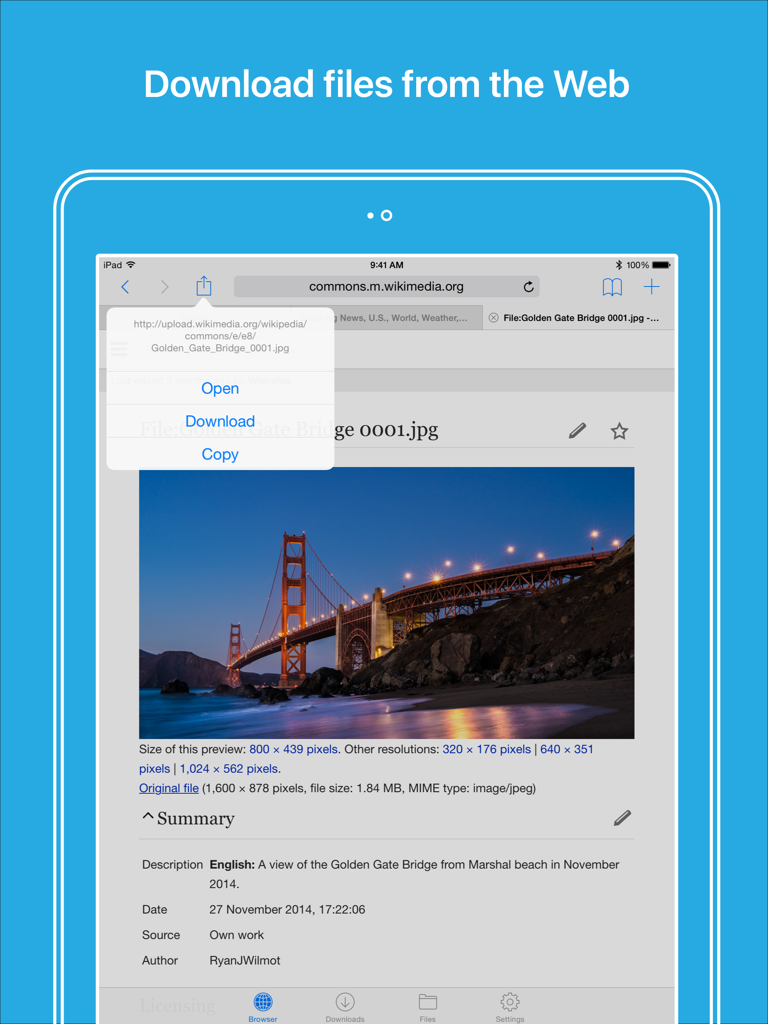
Files HD - File Manager - Files HD app on iPad showing web browser and download menu
Files HD app on iPad showing web browser and download menu

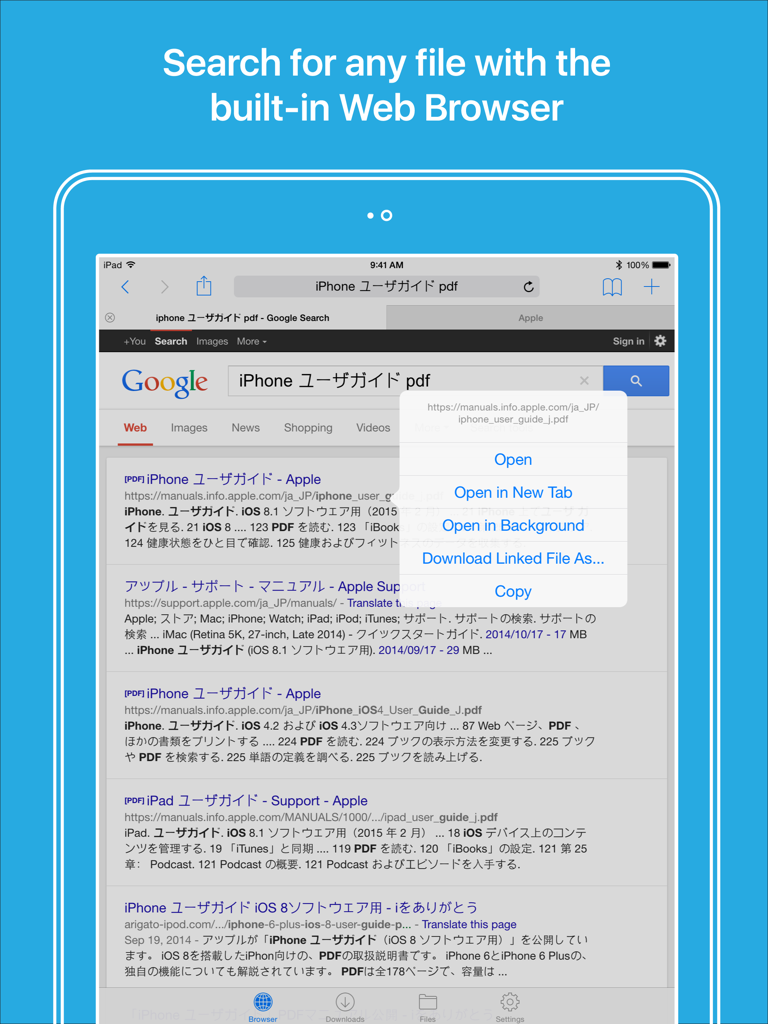
Files HD - File Manager - Files HD iPad app built-in web browser showing search results with a menu to download a PDF file
Files HD iPad app built-in web browser showing search results with a menu to download a PDF file

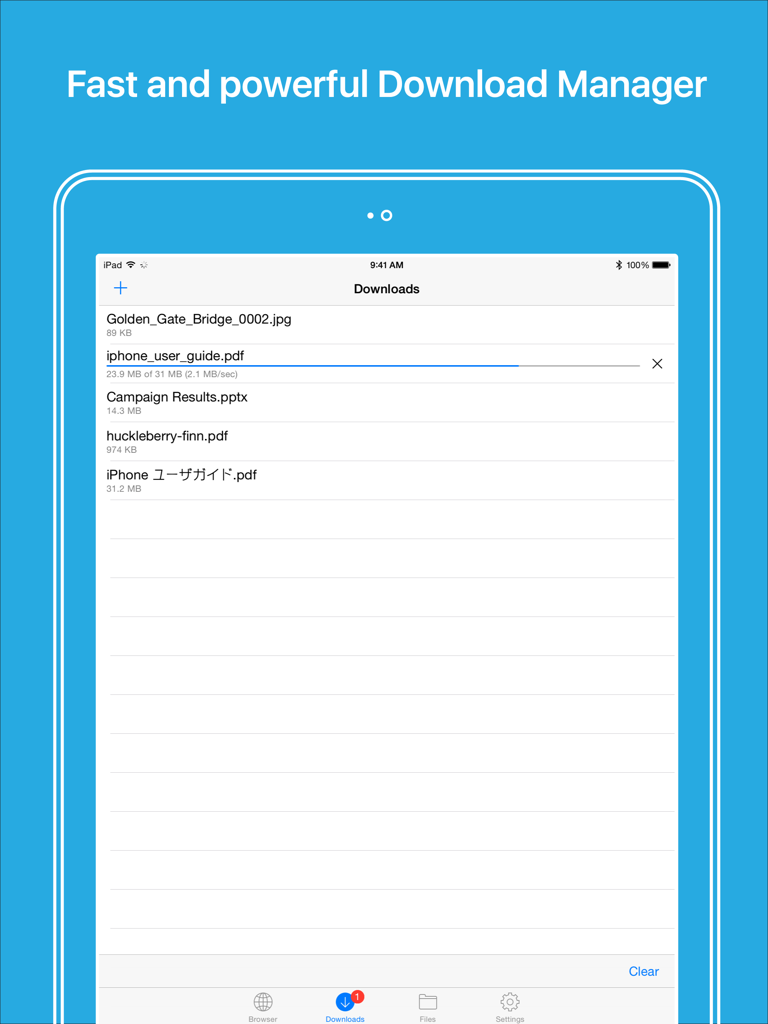
Files HD - File Manager - Interface of the Files HD app download manager showing a list of files and a download progress bar on an iPad.
Interface of the Files HD app download manager showing a list of files and a download progress bar on an iPad.

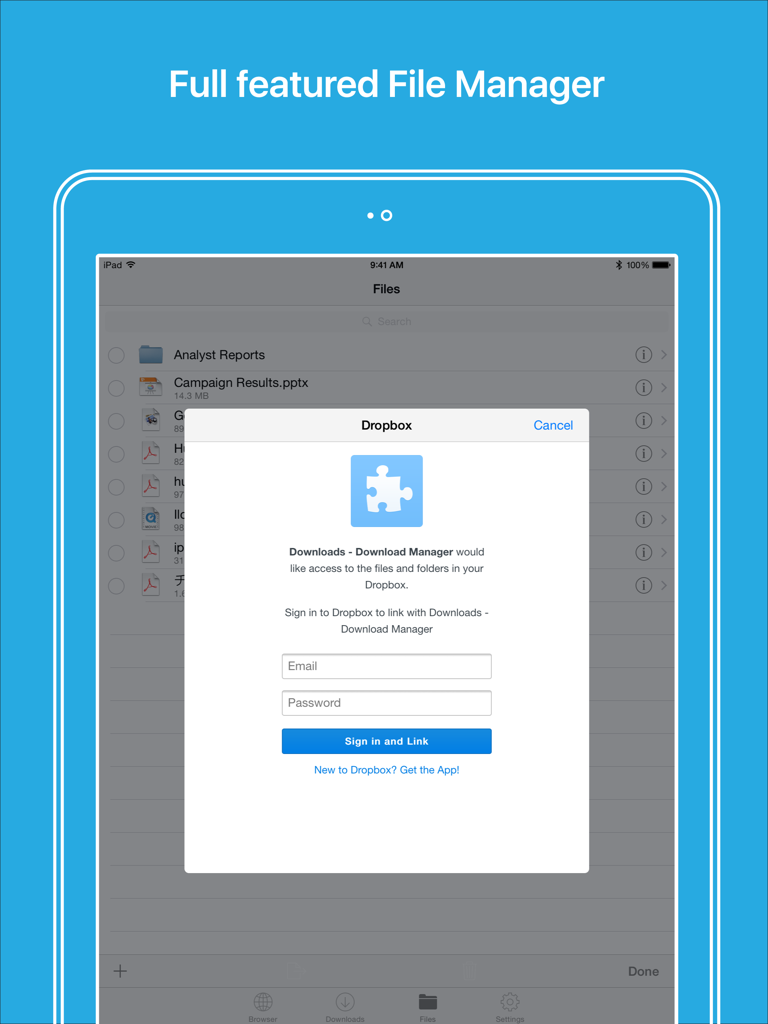
Files HD - File Manager - Dropbox login screen within the Files HD file manager app on an iPad
Dropbox login screen within the Files HD file manager app on an iPad

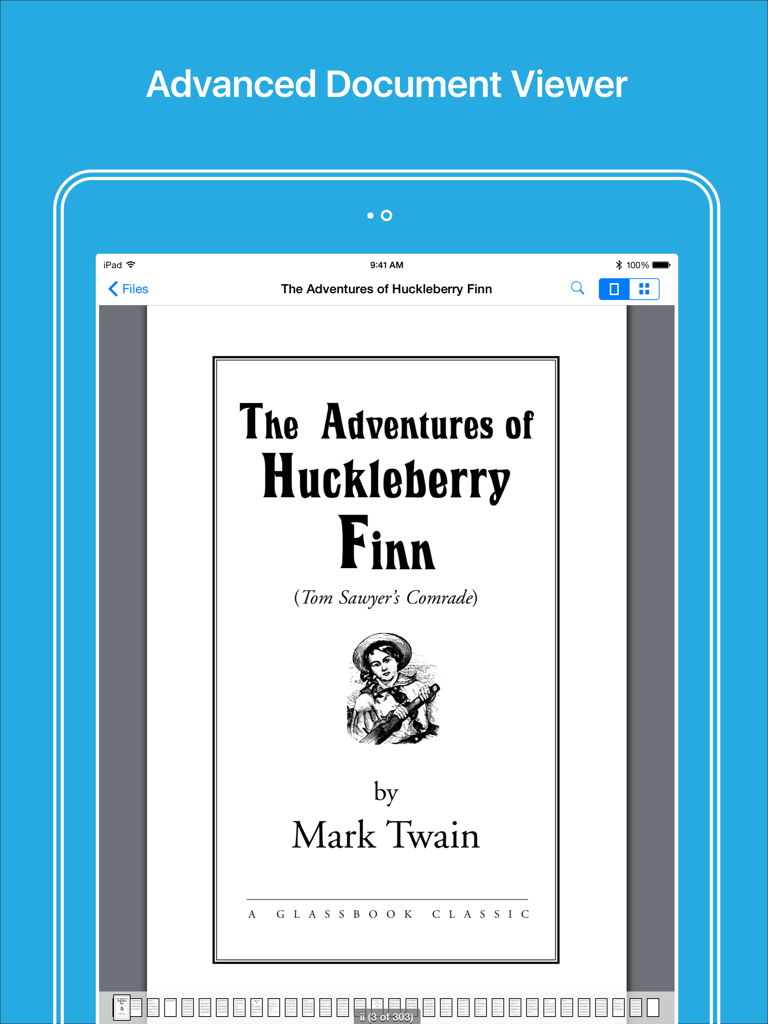
Files HD - File Manager - Advanced document viewer in Files HD app showing a PDF book on an iPad

Advanced document viewer in Files HD app showing a PDF book on an iPad

Description

Files HD (formerly known as Downloads Lite - Download Manager for iPad) features a Web browser that lets you save documents to your iPad so that you can work with them offline. It has a built-in file manager, with robust viewer for all iOS supported document types, powerful photo browser, advanced PDF reader, full Dropbox support, and more. NOTE: This app does not support downloading of audio or video content. FEATURES √ File manager - Folders support - Move, rename and delete files - Search by file name - Document viewer that supports .pdf, .doc, .xls, .ppt, .txt, .html, .webarchive and .rtf file formats - Extract ZIP and RAR archives - Import photos from camera roll √ Tabbed browser - Provides a user experience very similar to Safari - Supports unlimited tabs - Tap and hold on a link to open it in new tab or download it - Fully featured bookmark manager - History support - Address bar auto-completion - HTTP basic authentication - Form-based authentication - Integrated Google or Yahoo! search - Ability to spoof browser's User-Agent string to display web pages like Firefox - Unified smart search field. Type a URL or search term in the unified smart search field, the browser automatically suggests the closest match to what you’re looking for. √ Download manager - Fast downloading speed - Save pages with images for offline viewing - Supports resuming of interrupted downloads reliably - Live download progress bar and speed indicator - Active downloads badge number - Add arbitrary download link - Always download with correct filename - Ability to download file of unknown size √ Dropbox integration - Upload, download and manage files - Sync what you want, keep files on your device √ Advanced PDF viewer - Huge PDF files work flawlessly - Text search - Tap PDF links to jump across the file √ Photo viewer - Swipe to move between images in a folder - Zoom in and out with pinch gesture - Thumbnails view of all images in a folder - Ability to save images to photo album √ File transfer - iTunes USB File Sharing lets you drag and drop files between your iPad and computer - Supports HTTP and FTP protocols - Transfer files to and from computer that is in the same Wi-Fi network - Send files as email attachments √ Passcode lock √ Mobile Safari integration - Bookmarklet that lets you send links from Mobile Safari to Files HD app √ Multitasking - Background downloading √ Inter-app document interchange - Other apps can save their files to Files HD app (e.g. Email app can save attachments to Files HD app) √ Recovery Mode - If the browser caught in an endless loop of pop-up alerts, go to the iOS built-in "Settings" app, find "Files HD", turn on "Recovery Mode", then force-quit and relaunch the app. Terms of Use: https://downloadsapp.info/terms Privacy Policy: https://downloadsapp.info/privacy

Download

Download on App Store

This page is not an official page of the app or its developer, but an independent editorial publication created for informational and commentary purposes. Unless expressly stated otherwise, neither the app nor its developer is affiliated with, endorsed by, sponsored by, authorized by, or otherwise officially connected with MWM, Apple, Google Play, the app publisher, or the app's developer, and nothing on this page implies that the app was developed using MWM's services. Any trademarks, logos, screenshots, and other content remain the property of their respective owners.








