
This page is not an official page of the app or its developer, but an independent editorial publication created for informational and commentary purposes. Unless expressly stated otherwise, neither the app nor its developer is affiliated with, endorsed by, sponsored by, authorized by, or otherwise officially connected with MWM, Apple, Google Play, the app publisher, or the app's developer, and nothing on this page implies that the app was developed using MWM's services. Any trademarks, logos, screenshots, and other content remain the property of their respective owners.

Filza: File Manager Pro
Take total control of your digital organization with professional tools designed for privacy. Manage, preview, and sort your files entirely on your device, without ever relying on the cloud.
Downloads
5K+User Rating
Total Ratings
100Publisher
Category
ProductivityLocales
1Latest Version
1.0Size
1.4 MBFirst Released
Dec 28, 2025Master Your Files with Pro Precision
The ultimate local-only file manager for power users who value privacy and organization over cloud dependency.
Privacy-First Storage
Keep your data strictly on-device. No servers, no tracking, and no cloud leaks—your files remain 100% under your control.
Advanced File Control
Move, copy, rename, and sort with desktop-class efficiency. Experience a streamlined workflow designed for iPad and iPhone power users.
Frequently Asked Questions
Everything you need to know about Filza: File Manager Pro
What is Filza: File Manager Pro?
Filza: File Manager Pro is a reliable file hub for iOS users to organize, manage, and back up documents, photos, videos, and other file types directly on their device without relying on cloud services.
Is Filza: File Manager Pro private and secure?
Yes, Filza: File Manager Pro prioritizes privacy. It performs all file operations locally on your device and does not upload, store, or track your files on external servers. All data remains on your device.
What are the key features of Filza: File Manager Pro?
Filza: File Manager Pro's key features include managing files/folders, copying, moving, renaming, deleting, creating folders, importing from Photos/Files/Camera, previewing various formats, sharing files, and sorting content.
Is a subscription required to use Filza: File Manager Pro?
Yes, an active subscription or a lifetime purchase is required to use Filza: File Manager Pro. App features remain locked until one of these access options is secured.
What subscription options does Filza: File Manager Pro offer?
Filza: File Manager Pro offers weekly, monthly, and yearly subscriptions, along with a one-time lifetime access purchase. These options are available as in-app purchases.
How can I organize files within Filza: File Manager Pro?
Filza: File Manager Pro allows you to organize files by creating new folders, and performing copy, move, rename, or delete operations. You can also sort files by name, date, size, type, or extension.
How do I import files into Filza: File Manager Pro?
You can import files into Filza: File Manager Pro directly from your device's Photos, Files app, or camera. This consolidates various media and documents into one central hub.
Can Filza: File Manager Pro preview different file types?
Yes, Filza: File Manager Pro can preview various file types, including documents, images, and videos. This feature allows for quick viewing of your stored content directly within the app.
How do I cancel my Filza: File Manager Pro subscription?
To cancel your Filza: File Manager Pro subscription, manage it in your account settings. Subscriptions automatically renew unless canceled at least 24 hours before the current billing period ends.
The following screenshots and description are sourced directly from the app's official store listing and are the property of the app developer.
App Store
Screenshots
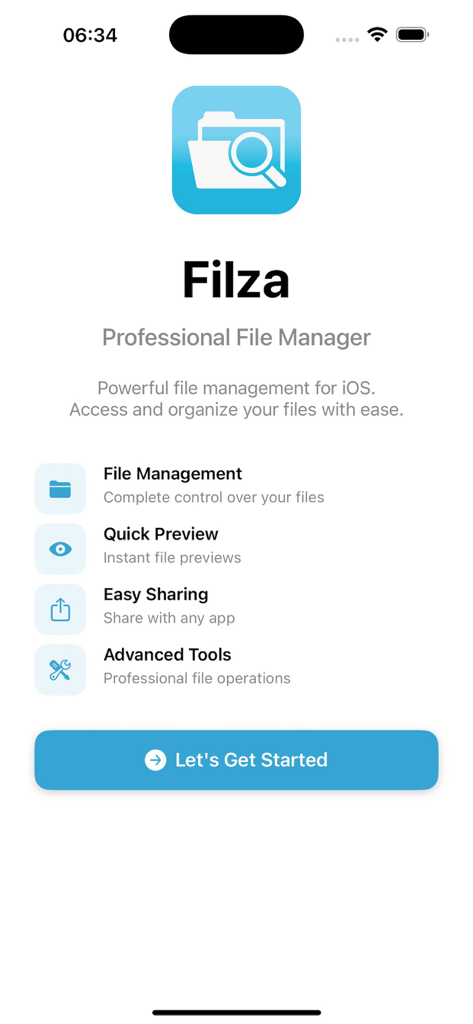
Filza File Manager Pro welcome screen highlighting professional file management features like quick preview and advanced tools.
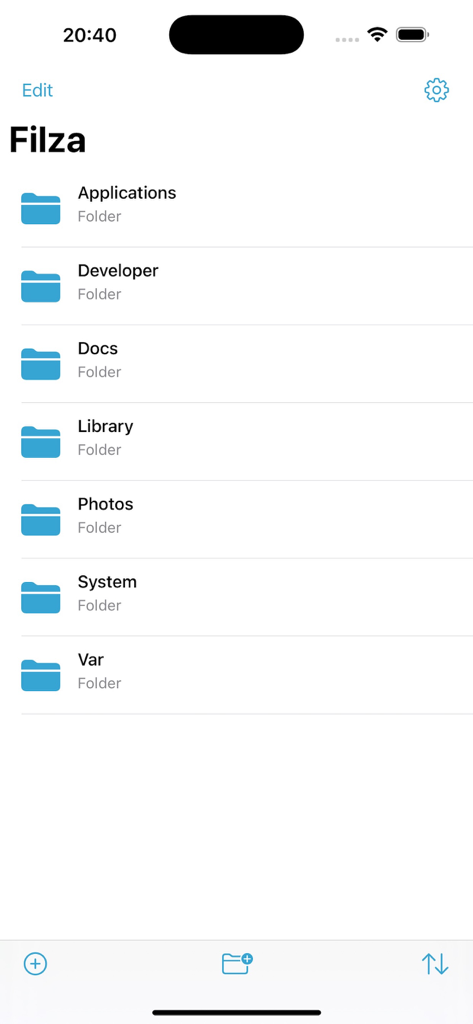
Main screen of the Filza Pro file manager app showing a list of folders like Applications and Photos on an iPhone.
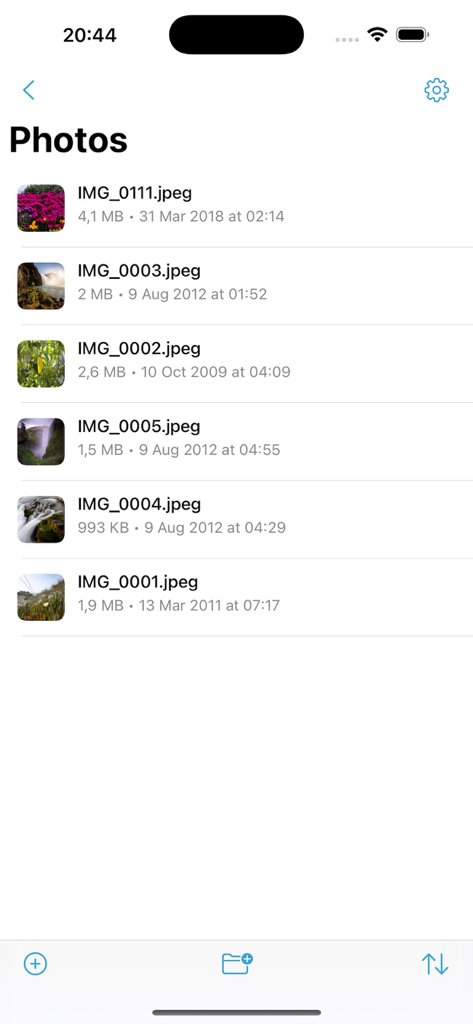
Interface of Filza File Manager Pro displaying a list of images with file sizes and dates
Description
Download
More Like This
Top-ranked apps in the same category

ChatGPT
OpenAI OpCo, LLC

Google Gemini
Google LLC

Grok
X.AI Corporation

Gmail - Email by Google
Google LLC

千问 - 阿里最强大模型官方AI助手
Shanghai Zhixin Puhui Technology Co., Ltd.

Google Drive
Google LLC

Microsoft Authenticator
Microsoft Corporation

Google Sheets
Google LLC

Google Docs
Google LLC
This page is not an official page of the app or its developer, but an independent editorial publication created for informational and commentary purposes. Unless expressly stated otherwise, neither the app nor its developer is affiliated with, endorsed by, sponsored by, authorized by, or otherwise officially connected with MWM, Apple, Google Play, the app publisher, or the app's developer, and nothing on this page implies that the app was developed using MWM's services. Any trademarks, logos, screenshots, and other content remain the property of their respective owners.