
This page is not an official page of the app or its developer, but an independent editorial publication created for informational and commentary purposes. Unless expressly stated otherwise, neither the app nor its developer is affiliated with, endorsed by, sponsored by, authorized by, or otherwise officially connected with MWM, Apple, Google Play, the app publisher, or the app's developer, and nothing on this page implies that the app was developed using MWM's services. Any trademarks, logos, screenshots, and other content remain the property of their respective owners.


Fitbit to Apple Health Sync
Stop losing your data between devices. Join 1 million+ users who automatically sync steps, sleep stages, and 31+ health metrics to Apple Health. Own your data and keep your streaks alive with our rock-solid background sync technology.
Downloads
1M+User Rating
Total Ratings
29K+Publisher
Category
Health & FitnessLocales
1Latest Version
3.2.0Size
63.0 MBFirst Released
Jul 18, 2016Master Your Health Data in One Place
Effortlessly bridge the gap between Fitbit and Apple Health. Keep your history, automate your tracking, and ensure your fitness journey stays complete and accessible.
Preserve Your Entire History
Don't leave years of progress behind. We are the only app capable of syncing your full Fitbit history, ensuring every milestone is saved securely in Apple Health.
Seamless Background Sync
Stop the manual exports. Our 'Set It and Forget It' technology updates your data automatically multiple times a day so your health dashboard is always current.
Frequently Asked Questions
Everything you need to know about Fitbit to Apple Health Sync
What is myFitnessSync and what does it do?
myFitnessSync syncs your entire Fitbit history to Apple Health, storing all your Fitbit data on your iPhone. It also auto-syncs new data multiple times a day.
Does myFitnessSync work with all Fitbit models and the Aria scale?
Yes, myFitnessSync works with all Fitbit models and the Aria scale. It supports comprehensive data synchronization from various Fitbit devices.
What specific data fields can myFitnessSync sync from Fitbit to Apple Health?
myFitnessSync can export up to 31 data fields, including Steps, Weight, various Workouts, Resting Heart Rate, Sleep Analysis, Body Fat Percentage, and Water/Hydration.
Can myFitnessSync sync my entire historical Fitbit data?
Yes, myFitnessSync exports years of data, including your entire Fitbit history. It is stated as the only app capable of syncing your complete Fitbit history.
Does myFitnessSync offer an auto-sync feature for new data?
Yes, myFitnessSync offers auto-sync functionality with the Pro subscription, which syncs new Fitbit data to Apple Health in the background multiple times daily.
Will myFitnessSync overwrite my existing Apple Health data?
No, myFitnessSync will not overwrite any existing Apple Health data. Any data already present in your Apple Health app remains unchanged.
What are the subscription options for myFitnessSync?
The app is free for daily steps and sleep analysis. A Pro subscription enables syncing historical data, all 31 fields, and auto-sync.
How can I get support for myFitnessSync if I have issues?
You can contact support for myFitnessSync by emailing support@bickster.com or by visiting their support page at http://www.bickster.zendesk.com.
Can myFitnessSync synchronize intraday heart rate data?
No, myFitnessSync cannot sync intraday heart rate data from Fitbit. Fitbit restricts access to this specific type of data.
What are the steps to set up myFitnessSync?
Setup involves signing into Fitbit.com in the app, selecting desired fitness fields, and clicking 'Sync Now'. Subsequent syncs can be done with one click.
The following screenshots and description are sourced directly from the app's official store listing and are the property of the app developer.
App Store
Screenshots
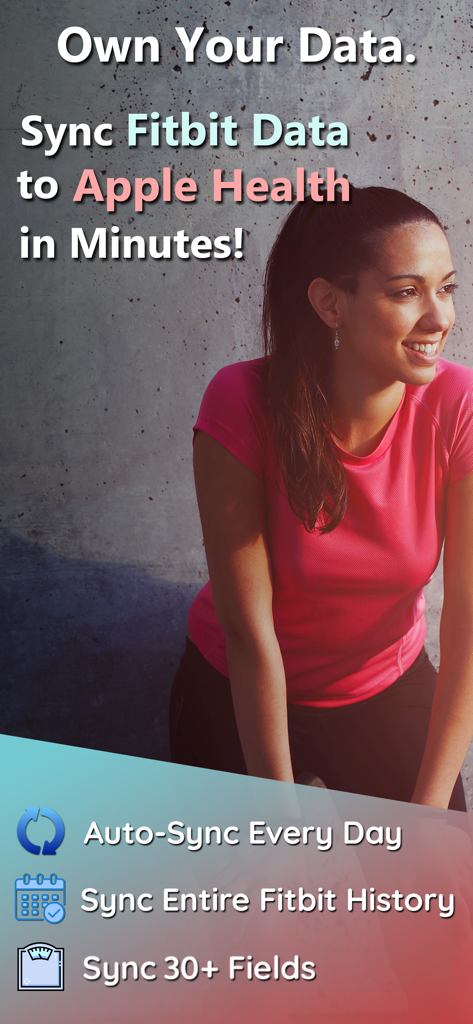
Promotional screenshot for Fitbit to Apple Health Sync app highlighting daily auto-sync and history migration features
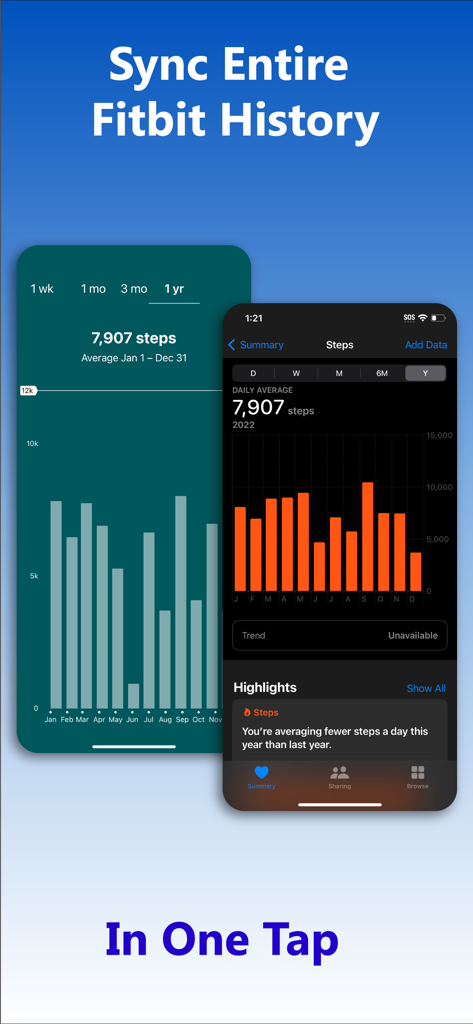
Interface showing Fitbit step history data synced to Apple Health in one tap
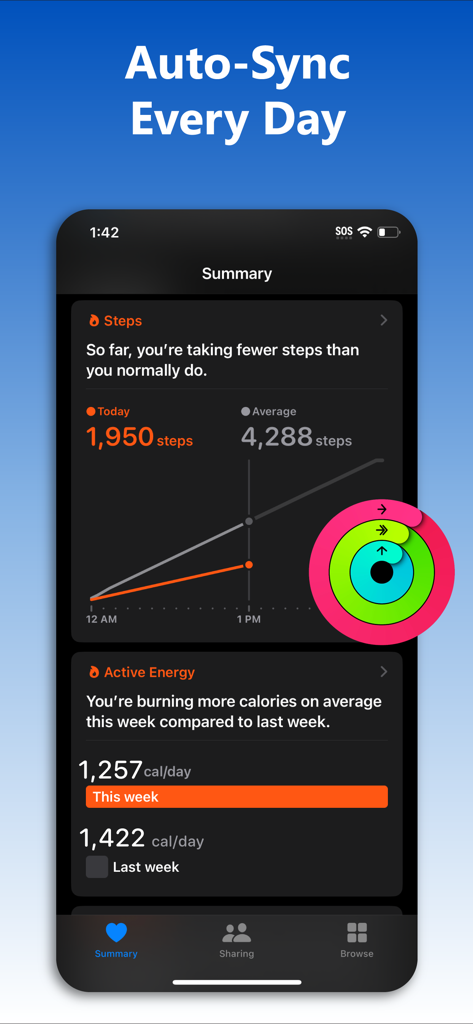
iPhone screen showing automated fitness data sync from Fitbit to Apple Health summary
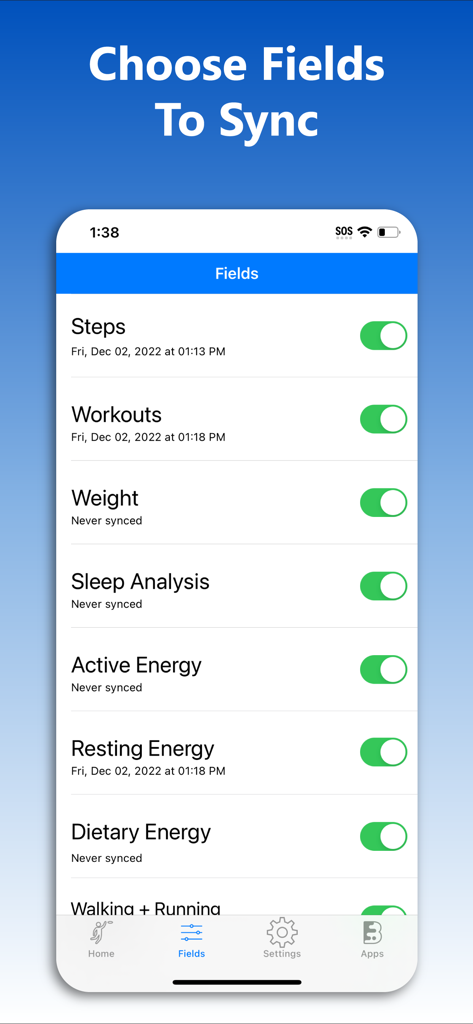
Interface showing the selection of health data fields like steps and workouts to sync from Fitbit to Apple Health
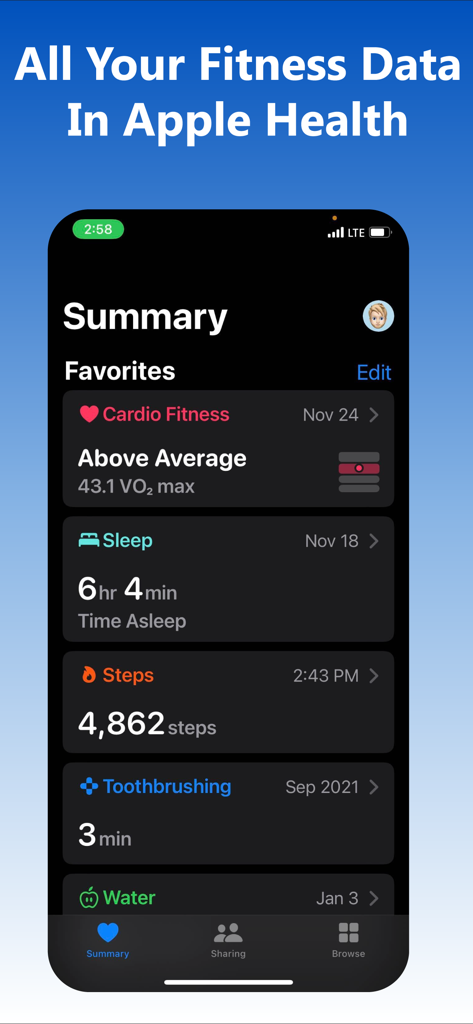
Apple Health summary screen showing synced fitness data including steps and sleep
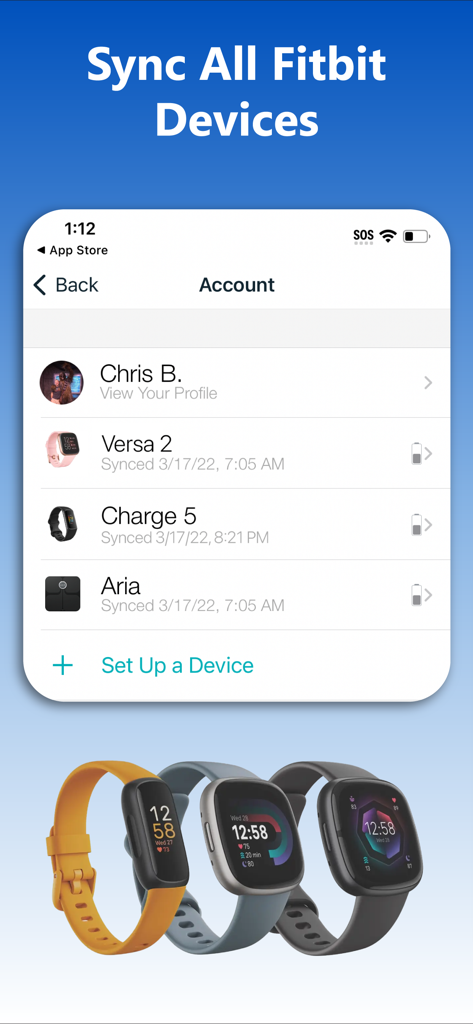
Interface of the Fitbit to Apple Health Sync app showing a list of connected Fitbit devices including Versa 2 and Charge 5
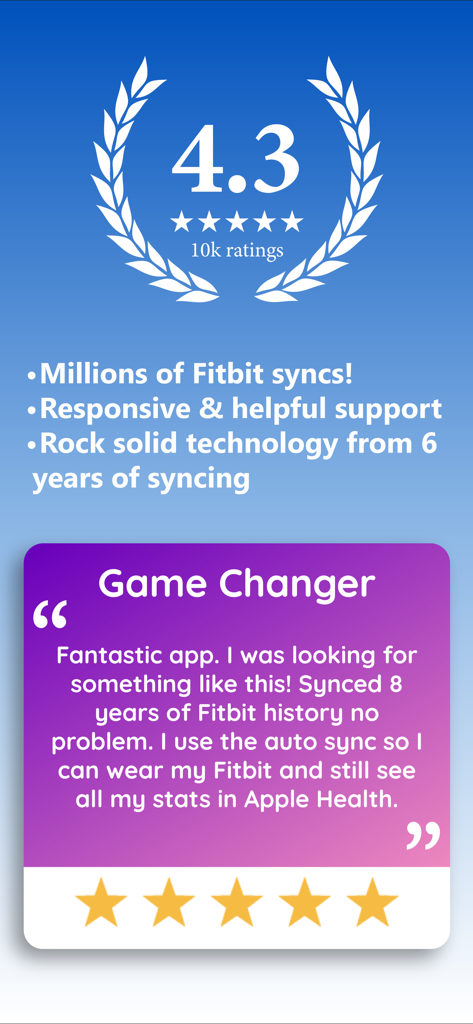
Fitbit to Apple Health Sync app rating and user testimonial about historical data syncing
Description
Download
More Like This
Apps with similar features and user experience




This page is not an official page of the app or its developer, but an independent editorial publication created for informational and commentary purposes. Unless expressly stated otherwise, neither the app nor its developer is affiliated with, endorsed by, sponsored by, authorized by, or otherwise officially connected with MWM, Apple, Google Play, the app publisher, or the app's developer, and nothing on this page implies that the app was developed using MWM's services. Any trademarks, logos, screenshots, and other content remain the property of their respective owners.