Focus Tomato - Let's focus now
Download on App Store

This page is not an official page of the app or its developer, but an independent editorial publication created for informational and commentary purposes. Unless expressly stated otherwise, neither the app nor its developer is affiliated with, endorsed by, sponsored by, authorized by, or otherwise officially connected with MWM, Apple, Google Play, the app publisher, or the app's developer, and nothing on this page implies that the app was developed using MWM's services. Any trademarks, logos, screenshots, and other content remain the property of their respective owners.

Logo of Focus Tomato - Let's focus now
Download on App Store

Focus Tomato - Let's focus now

Meet the serious tomato that cheers you on. Achieve your goals with a flexible Pomodoro timer designed to beat procrastination and protect your deep work sessions without the rigid pressure.

Key Figures

Downloads

0

User Rating

4.9/5

Total Ratings

0

Publisher

CHIH-SHAN LIU

Category

Productivity

Locales

3

Latest Version

6.0.6

Size

106.8 MB

First Released

Sep 3, 2019
Features

Master Your Flow State

A flexible Pomodoro timer designed to help students and creatives stay in the zone without the rigid rules of traditional apps.

Protect Your Flow

Unlike rigid timers that interrupt your momentum, Focus Tomato lets you keep working when you're in the zone. No forced stops, just pure focus.

Productivity Without Guilt

Forgot to stop your timer? Easily adjust your timeline afterward. We believe in tracking your hard work, not punishing a lapse in memory.

The following screenshots and description are sourced directly from the app's official store listing and are the property of the app developer.

App Store

Screenshots

Focus Tomato - Let's focus now - A vintage style sketch illustration of a man working at a desk with the Focus Tomato logo

A vintage style sketch illustration of a man working at a desk with the Focus Tomato logo

Focus Tomato - Let's focus now - Focus Tomato app featured as Apple App of the Day with a hand drawn workspace background
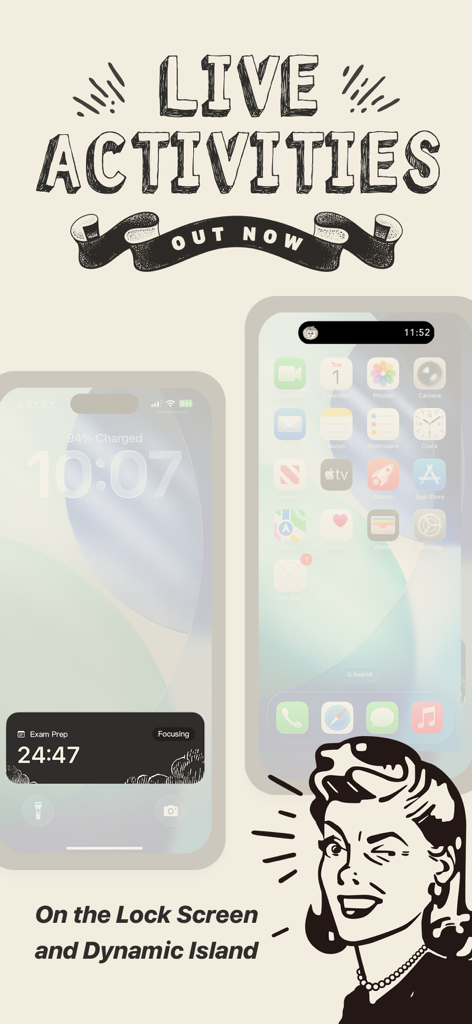
Focus Tomato app featured as Apple App of the Day with a hand drawn workspace background

Focus Tomato - Let's focus now - Focus Tomato timer displayed on iPhone lock screen and dynamic island
Focus Tomato timer displayed on iPhone lock screen and dynamic island

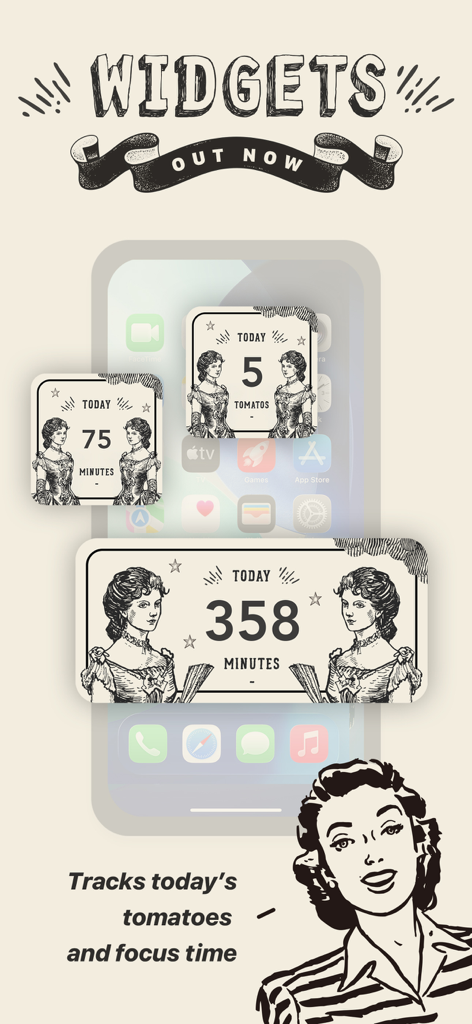
Focus Tomato - Let's focus now - Vintage style iOS widgets for the Focus Tomato app showing daily focus minutes and tomato counts
Vintage style iOS widgets for the Focus Tomato app showing daily focus minutes and tomato counts

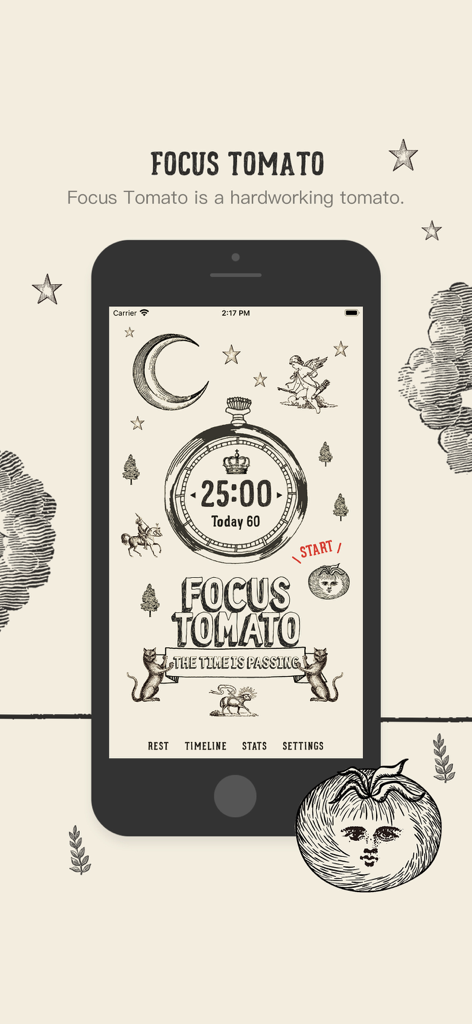
Focus Tomato - Let's focus now - Focus Tomato app interface showing a 25-minute timer with vintage hand-drawn illustrations
Focus Tomato app interface showing a 25-minute timer with vintage hand-drawn illustrations

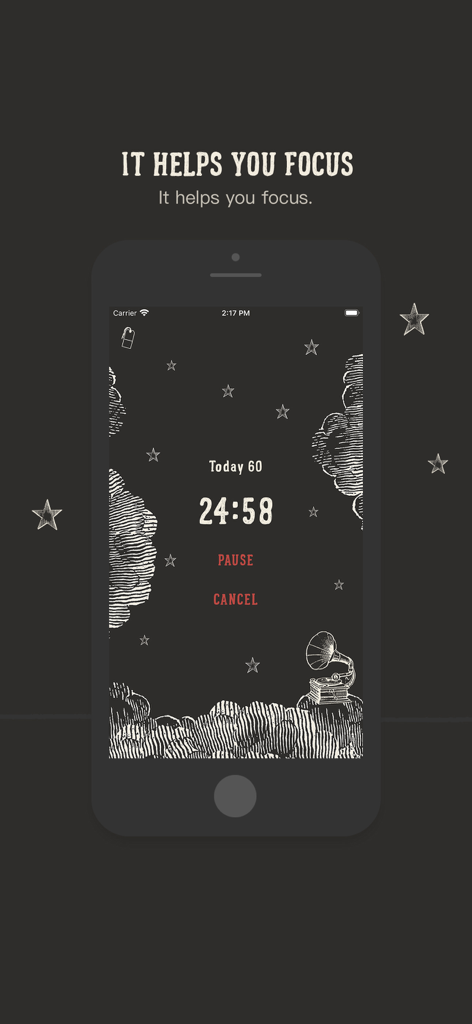
Focus Tomato - Let's focus now - Focus Tomato app interface showing a countdown timer with a dark theme and hand drawn illustrations
Focus Tomato app interface showing a countdown timer with a dark theme and hand drawn illustrations

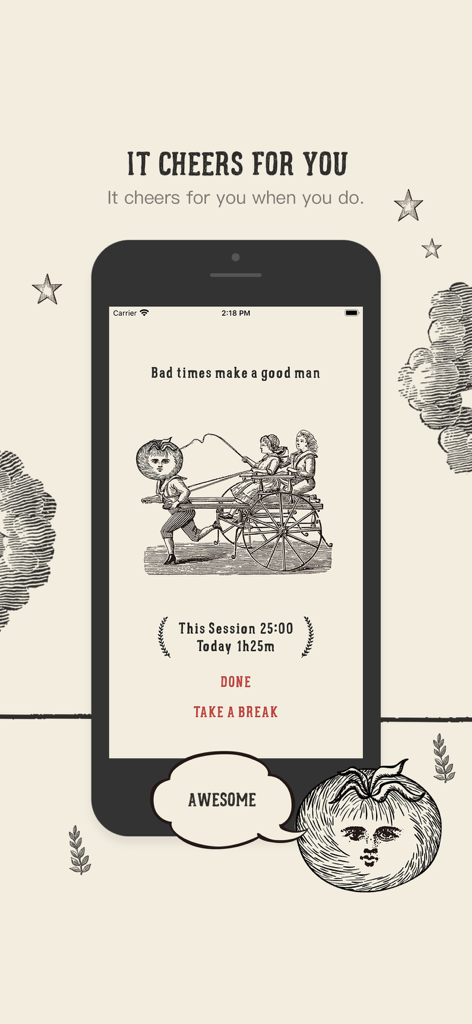
Focus Tomato - Let's focus now - Focus Tomato app screen showing a vintage illustration of a tomato person and children with text saying it cheers for you after a session
Focus Tomato app screen showing a vintage illustration of a tomato person and children with text saying it cheers for you after a session

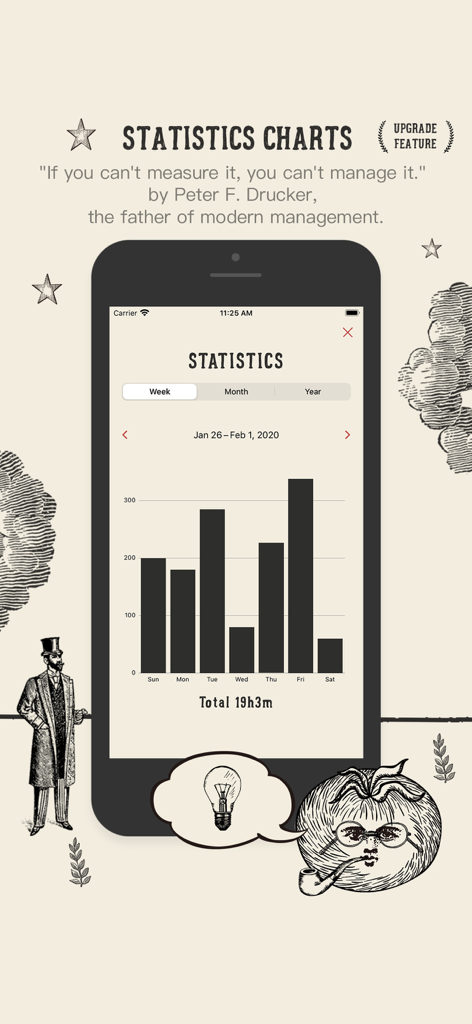
Focus Tomato - Let's focus now - Focus Tomato app statistics screen showing a weekly productivity bar chart with a vintage aesthetic.
Focus Tomato app statistics screen showing a weekly productivity bar chart with a vintage aesthetic.

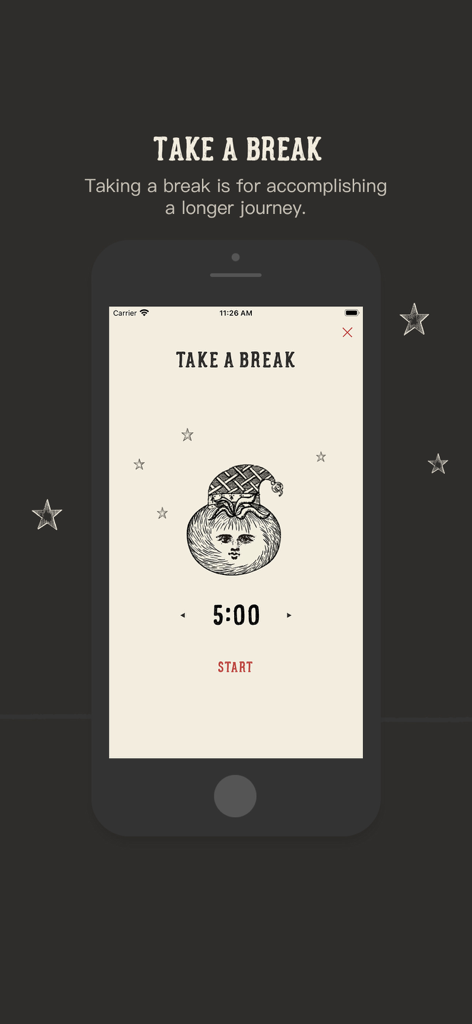
Focus Tomato - Let's focus now - Focus Tomato app screenshot showing a five minute break timer with a cute tomato character wearing a nightcap
Focus Tomato app screenshot showing a five minute break timer with a cute tomato character wearing a nightcap

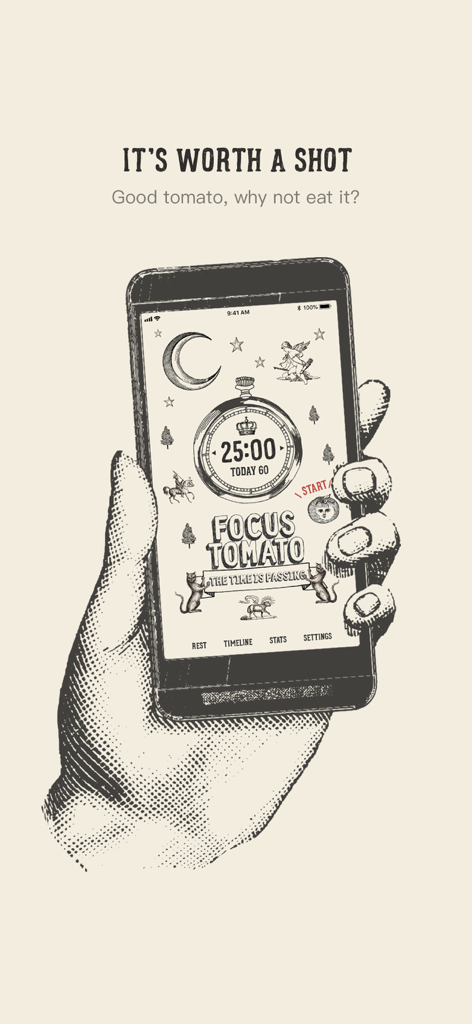
Focus Tomato - Let's focus now - A hand holding a smartphone displaying the Focus Tomato app with vintage-style illustrations and a 25-minute Pomodoro timer.

A hand holding a smartphone displaying the Focus Tomato app with vintage-style illustrations and a 25-minute Pomodoro timer.

Description

## App Of The Day - Apple ## New Apps We Love - Apple ## Try These Out - Apple ## Student App of the Month - The App Brewery (London) Focus Tomato is a serious tomato helping you stay focused.  Cheer you up when you succeed. —— Recommended consuming order —— Step 1: Goal setting If the goal is too big, break it down. Step 2: only focus for 25 minutes * Only focus on one thing * Avoid distraction; make efforts to keep the Tomato running (ex. if someone hits you up, tell him/her getting back to you shortly!) * Better to watch the timer counting Step 3: Rest for 5 minutes * Not suitable for mental consuming tasks * Light activities that are good for your mind and body * Pause your work momentarily can help you view things from another perspective and avoid couldn't see the forests for the trees.
 Step 4: Repeat 4 times, then take a more extended rest for 15 to 30 minutes Repeat the previous two steps for 4 times, and take a 15 to 30 minutes long rest —— After taking it, you can gain the following benefits on top of straight As ——
 * Prevent distracting and stay focused more easily: counting down timer brings good stress * Reduce interruptions: postpone other tasks; most things can wait for 25 minutes * Avoid procrastinating: when the timer is running, it means the declaration of a focused time frame * Endure longer: with adequate rest, you can run further
 —— Features of “Focus Tomato” —— Based on the Pomodoro method with new spice-ups and improvements. * Do not force stop; keep the flow Classical Promodoro clock asks you to stop working asap when time is up; Focus Tomato only notifies you with sound and does not force you to stop. You can keep staying in the zone and running the timer. * Fractional time is allowed Classical Promodoro clock requires to maintain 25 minutes duration. Focus Tomato freely lets you count the fractional time as long as it starts running. * Modifiable Timeline It is usual to forget to stop the timer. Focus Tomato allows you to modify the Timeline and make adjustments afterward. * Do Not Disturb mode is available Distracted by too many notifications? Do Not Disturb mode can be enabled when Focus Tomato is running. * Integrate smoothly with other work methods and/or apps Because the app only applies the timing part of the Promodoro technique, in addition to the original Promodoro method, you can also use the Reminder, Trello, or physical notebooks along with it. Good tomato, why not eat it?

Download

Download on App Store

This page is not an official page of the app or its developer, but an independent editorial publication created for informational and commentary purposes. Unless expressly stated otherwise, neither the app nor its developer is affiliated with, endorsed by, sponsored by, authorized by, or otherwise officially connected with MWM, Apple, Google Play, the app publisher, or the app's developer, and nothing on this page implies that the app was developed using MWM's services. Any trademarks, logos, screenshots, and other content remain the property of their respective owners.