
This page is not an official page of the app or its developer, but an independent editorial publication created for informational and commentary purposes. Unless expressly stated otherwise, neither the app nor its developer is affiliated with, endorsed by, sponsored by, authorized by, or otherwise officially connected with MWM, Apple, Google Play, the app publisher, or the app's developer, and nothing on this page implies that the app was developed using MWM's services. Any trademarks, logos, screenshots, and other content remain the property of their respective owners.


FortiClient
Securely connect your device to the Fortinet Security Fabric with high-performance VPN, advanced Web Filtering, and integrated 2-factor authentication for seamless remote work.
Downloads
319K+User Rating
Total Ratings
500Publisher
Category
BusinessLocales
2Latest Version
7.4.10Size
16.6 MBFirst Released
Sep 5, 2019Enterprise-Grade Security for the Modern Professional
FortiClient bridges the gap between your mobile device and the corporate network, providing high-performance VPN access, multi-factor authentication, and robust web protection for seamless remote work.
Secure VPN Connectivity
Access corporate resources from anywhere with industry-standard IPsec and SSLVPN support, ensuring your data remains encrypted and private on any network.
Advanced Web Filtering
Browse with confidence on public Wi-Fi. FortiClient blocks malicious sites and restricts risky content to protect your device from online threats in real-time.
The following screenshots and description are sourced directly from the app's official store listing and are the property of the app developer.
App Store
Screenshots
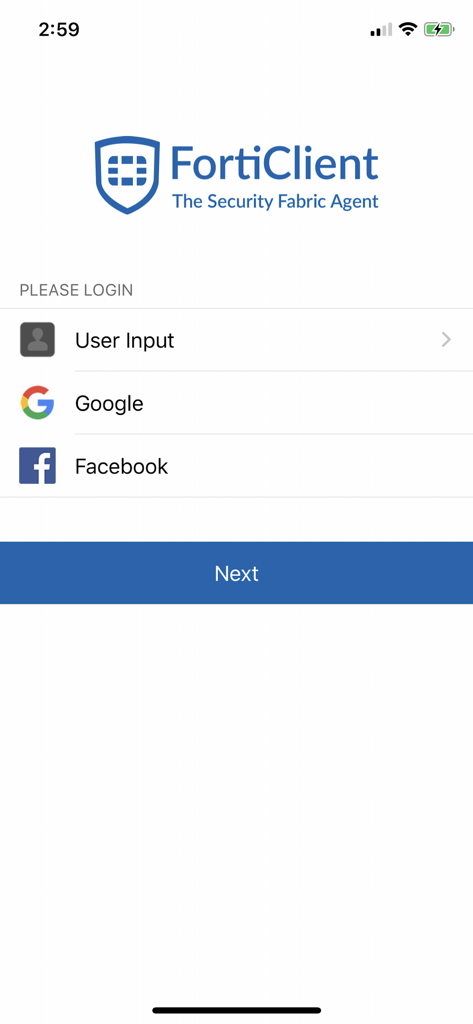
FortiClient login screen with options for user input, Google, and Facebook authentication
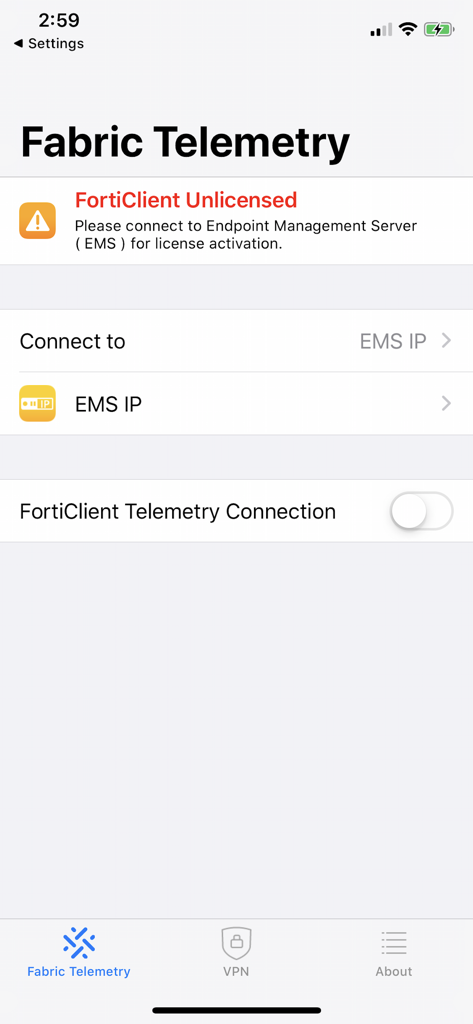
FortiClient app interface showing the Fabric Telemetry screen with a license activation warning and EMS connection options
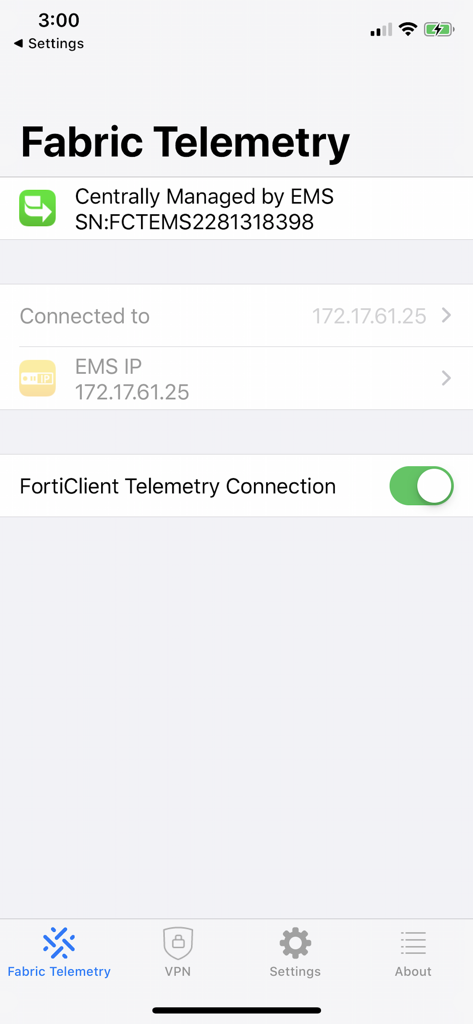
FortiClient app interface showing the Fabric Telemetry screen with central EMS management and connection details.
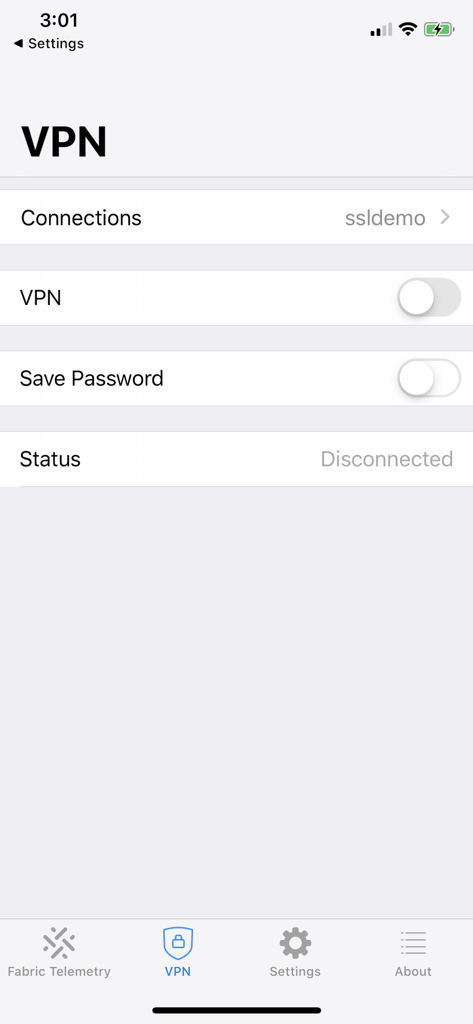
FortiClient VPN configuration interface showing connection options and disconnected status
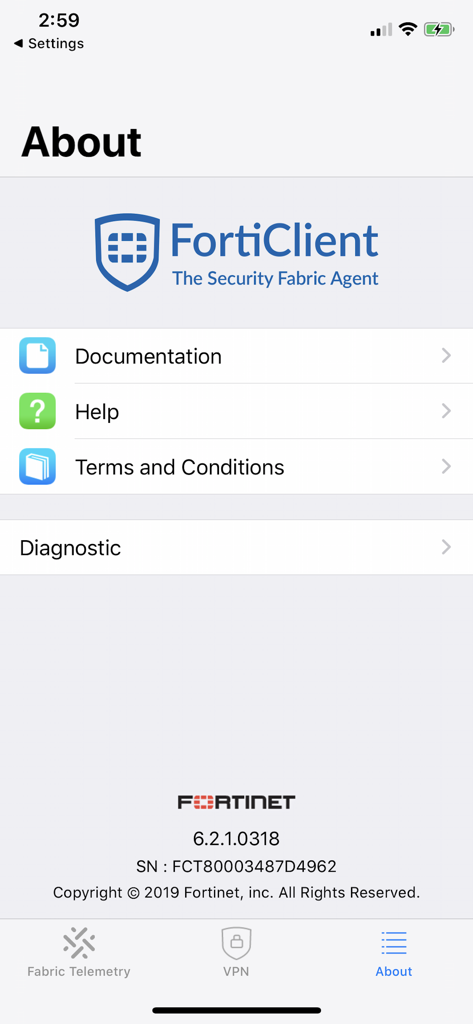
About screen of FortiClient app with documentation and help options
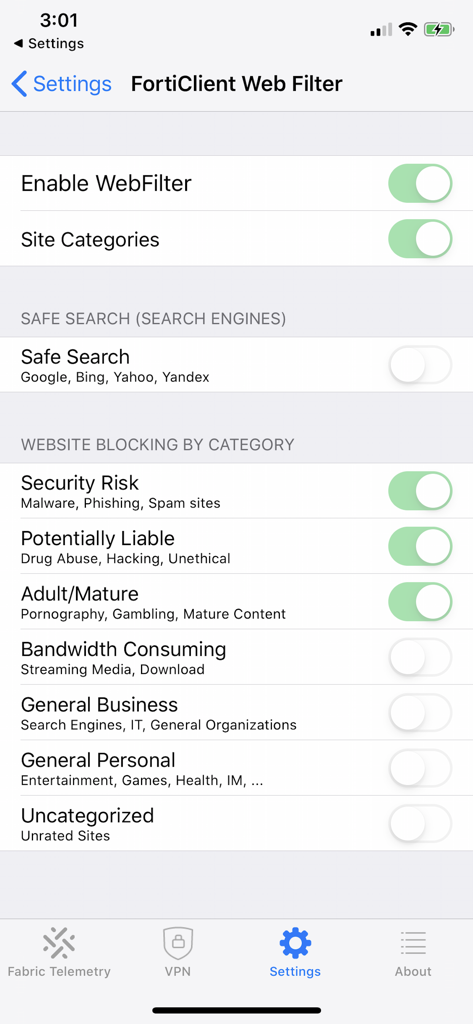
FortiClient app interface showing web filter settings with options to block websites by security risk or category
Description
Download
More Like This
Apps with similar features and user experience

OpenVPN Connect
OpenVPN Inc.

GlobalProtect™
Palo Alto Networks

Ivanti Secure Access Client
Pulse Secure LLC

Adios Alpha
Pickpointio LLC

BeiRui Pgy Management
Shanghai best oray information s&t co.,ltd

Cisco Secure Client
Cisco

publicroam
Publicroam B.V.

Zscaler Client Connector
Zscaler inc

Check Point Capsule Connect
Check Point Software Technologies Ltd.
This page is not an official page of the app or its developer, but an independent editorial publication created for informational and commentary purposes. Unless expressly stated otherwise, neither the app nor its developer is affiliated with, endorsed by, sponsored by, authorized by, or otherwise officially connected with MWM, Apple, Google Play, the app publisher, or the app's developer, and nothing on this page implies that the app was developed using MWM's services. Any trademarks, logos, screenshots, and other content remain the property of their respective owners.