
This page is not an official page of the app or its developer, but an independent editorial publication created for informational and commentary purposes. Unless expressly stated otherwise, neither the app nor its developer is affiliated with, endorsed by, sponsored by, authorized by, or otherwise officially connected with MWM, Apple, Google Play, the app publisher, or the app's developer, and nothing on this page implies that the app was developed using MWM's services. Any trademarks, logos, screenshots, and other content remain the property of their respective owners.

Fps Meter
Take control of your gaming experience with real-time FPS overlays, thermal tracking, and detailed 1% low analytics to eliminate stutters and optimize your device.
Downloads
17K+User Rating
Total Ratings
0Publisher
Category
ProductivityLocales
1Latest Version
2.0Size
9.8 MBFirst Released
Jun 2, 2025Master Your Mobile Performance
Professional-grade analytics and real-time monitoring designed for power users who demand peak performance from their high-end iOS devices.
Real-Time FPS Overlay
Keep your eyes on the prize with a customizable, floating frame-rate counter that stays active across all your favorite competitive games.
Deep Thermal Monitoring
Identify performance bottlenecks and heat-related throttling with precise CPU, GPU, and battery temperature tracking in real-time.
The following screenshots and description are sourced directly from the app's official store listing and are the property of the app developer.
App Store
Screenshots
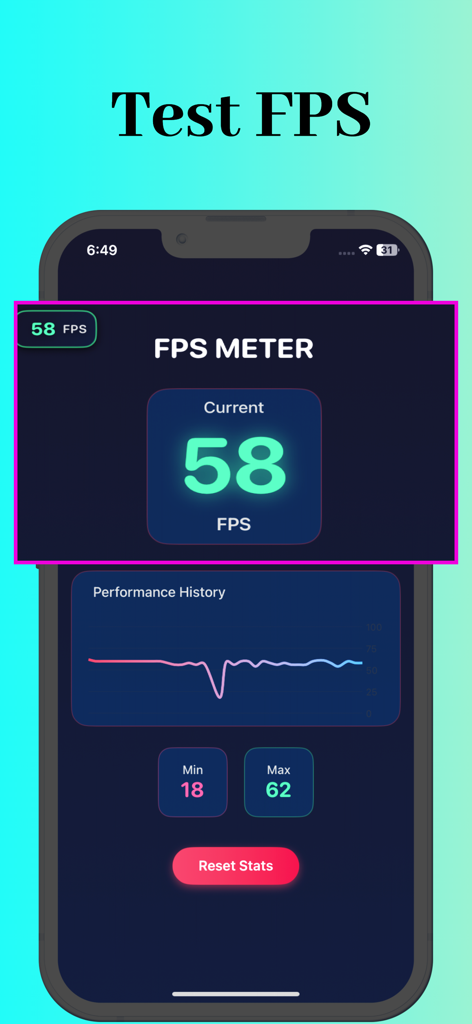
FPS Meter app displaying real-time frame rate statistics and performance history graph on an iPhone
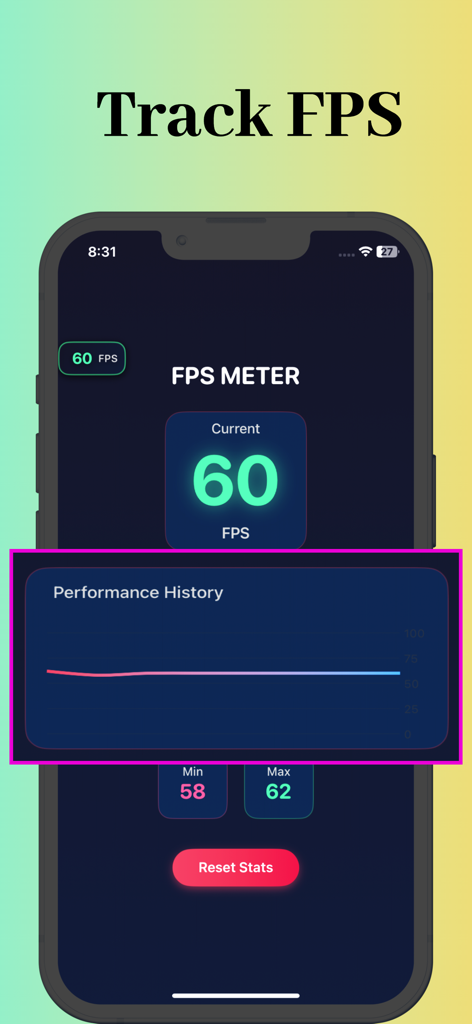
Interface of FPS Meter app showing a real time frame rate of 60 and a performance history graph
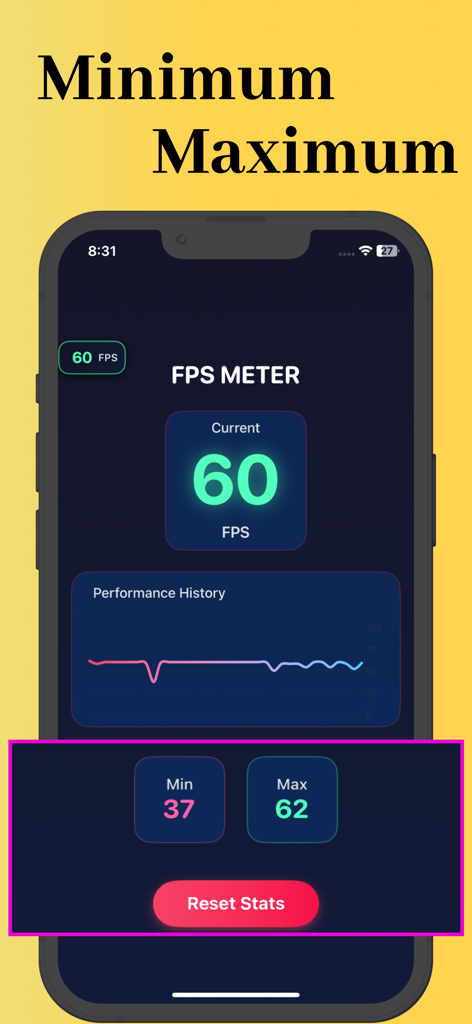
Interface of the FPS Meter app showing current frame rate along with minimum and maximum performance statistics and a history graph.
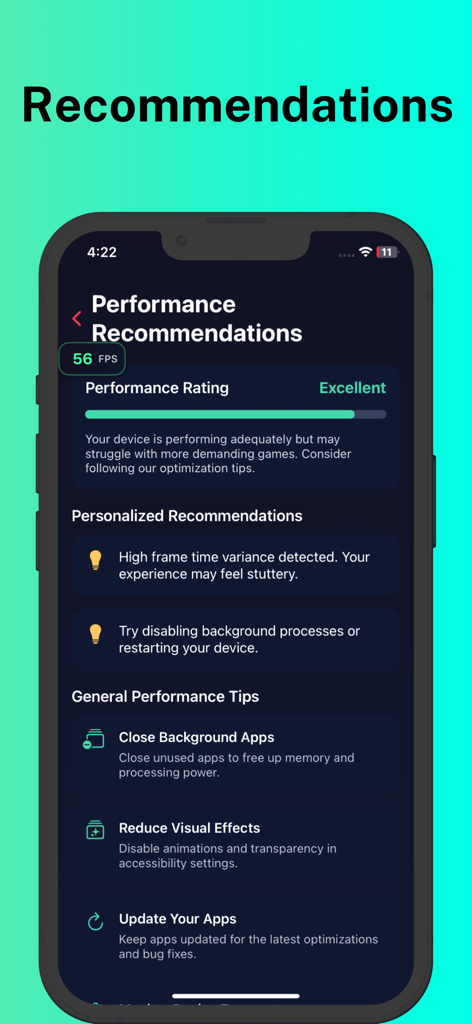
A mobile screen from the FPS Meter app showing a performance rating of excellent along with personalized recommendations and general optimization tips for gamers.
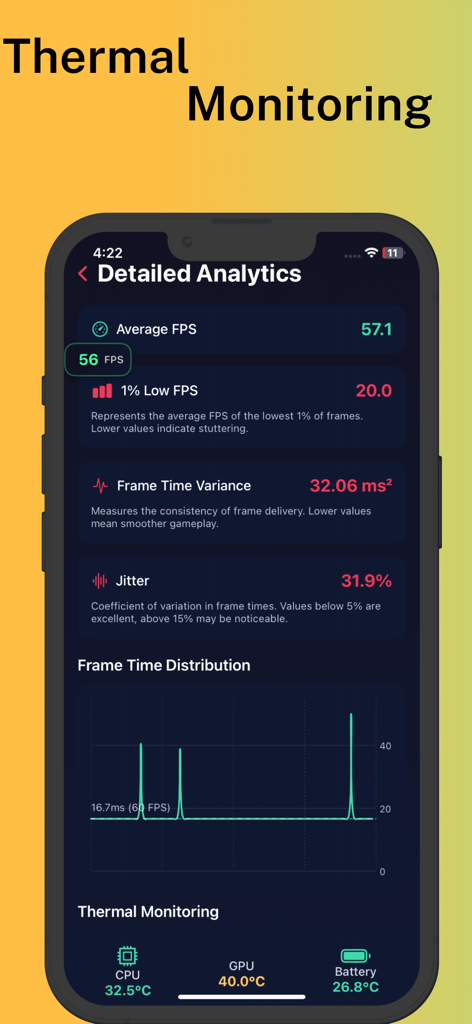
Detailed analytics screen in FPS Meter app showing frame rate and thermal monitoring metrics
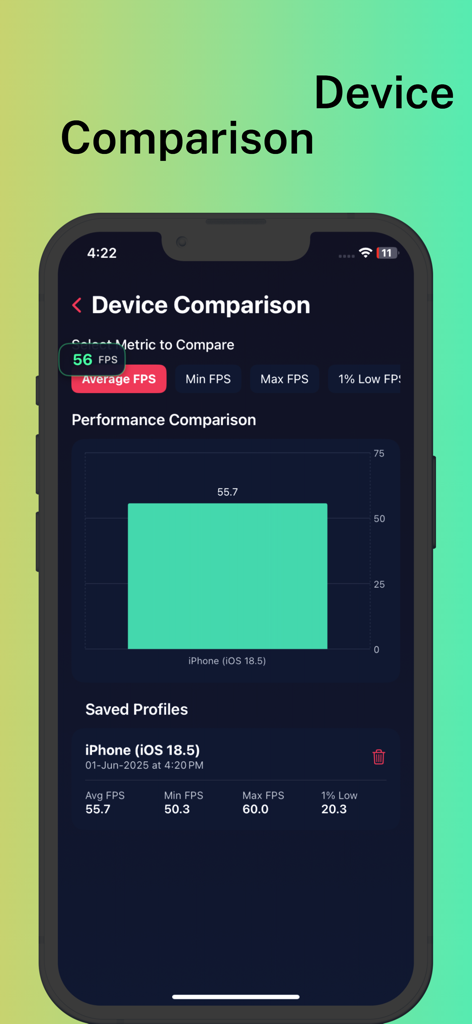
FPS Meter app displaying a performance comparison chart and saved benchmarking profiles
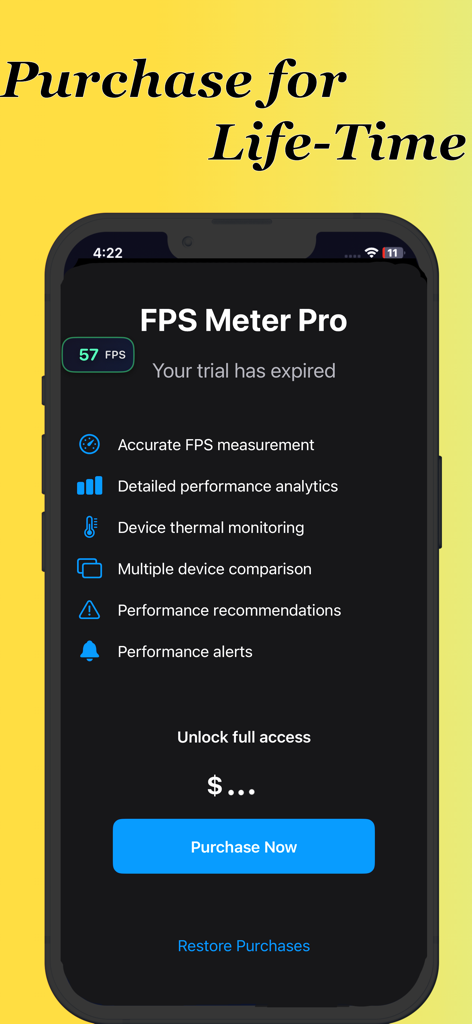
FPS Meter Pro app interface showing lifetime purchase options and a list of professional performance monitoring features.
Description
Download
More Like This
Top-ranked apps in the same category

ChatGPT
OpenAI OpCo, LLC

Google Gemini
Google LLC

Grok
X.AI Corporation

Gmail - Email by Google
Google LLC

千问 - 阿里最强大模型官方AI助手
Shanghai Zhixin Puhui Technology Co., Ltd.

Google Drive
Google LLC

Microsoft Authenticator
Microsoft Corporation

Google Sheets
Google LLC

Google Docs
Google LLC
This page is not an official page of the app or its developer, but an independent editorial publication created for informational and commentary purposes. Unless expressly stated otherwise, neither the app nor its developer is affiliated with, endorsed by, sponsored by, authorized by, or otherwise officially connected with MWM, Apple, Google Play, the app publisher, or the app's developer, and nothing on this page implies that the app was developed using MWM's services. Any trademarks, logos, screenshots, and other content remain the property of their respective owners.