
This page is not an official page of the app or its developer, but an independent editorial publication created for informational and commentary purposes. Unless expressly stated otherwise, neither the app nor its developer is affiliated with, endorsed by, sponsored by, authorized by, or otherwise officially connected with MWM, Apple, Google Play, the app publisher, or the app's developer, and nothing on this page implies that the app was developed using MWM's services. Any trademarks, logos, screenshots, and other content remain the property of their respective owners.


Frame Grab
Stop settling for blurry screenshots. Capture the exact millisecond of a smile, a sports play, or a memory with pro-quality, frame-by-frame precision and batch-saving efficiency.
Downloads
0User Rating
Total Ratings
0Publisher
Category
Photo & VideoLocales
2Latest Version
2.65Size
6.5 MBFirst Released
Dec 14, 2017Turn Your Best Footage Into Flawless Photos
Stop settling for blurry screenshots. Frame Grab lets you surgically extract high-resolution JPEGs from any video on your iPhone, ensuring you never miss a split-second memory again.
Frame-by-Frame Precision
Scrub through 4K videos with millisecond control. Find the exact moment of a toddler's laugh or a gym PR that traditional photos always miss.
Smart Batch Queuing
Skip the tedious one-by-one saving. Select all your favorite moments first, then export them to your camera roll in a single, high-speed batch.
The following screenshots and description are sourced directly from the app's official store listing and are the property of the app developer.
App Store
Screenshots
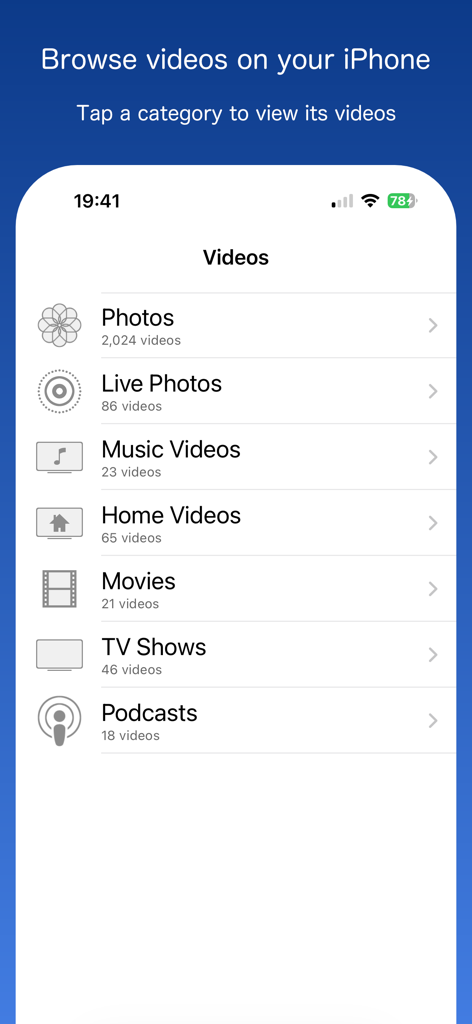
Frame Grab app interface showing video categories like Photos and Live Photos to browse on iPhone.
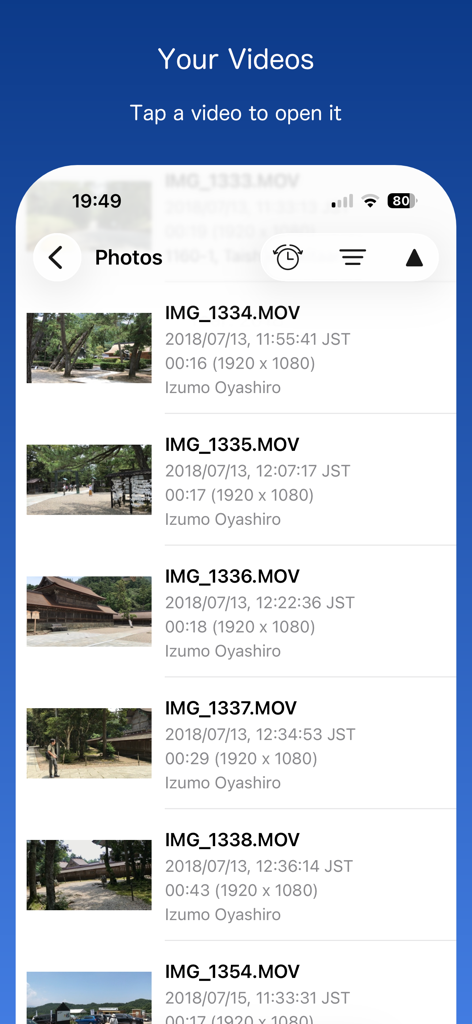
The video selection screen in the Frame Grab app showing a list of videos with metadata like date and resolution.
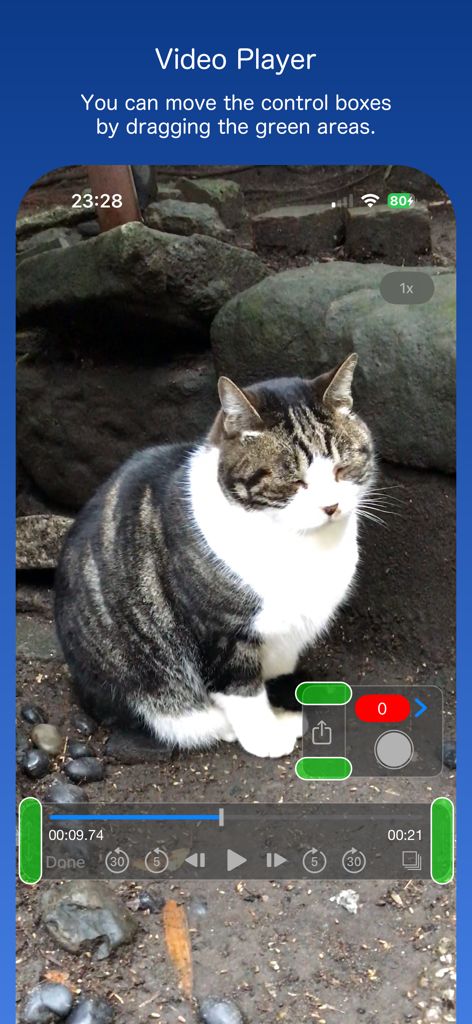
Frame Grab app video player interface with precision frame selection controls and a cat on screen
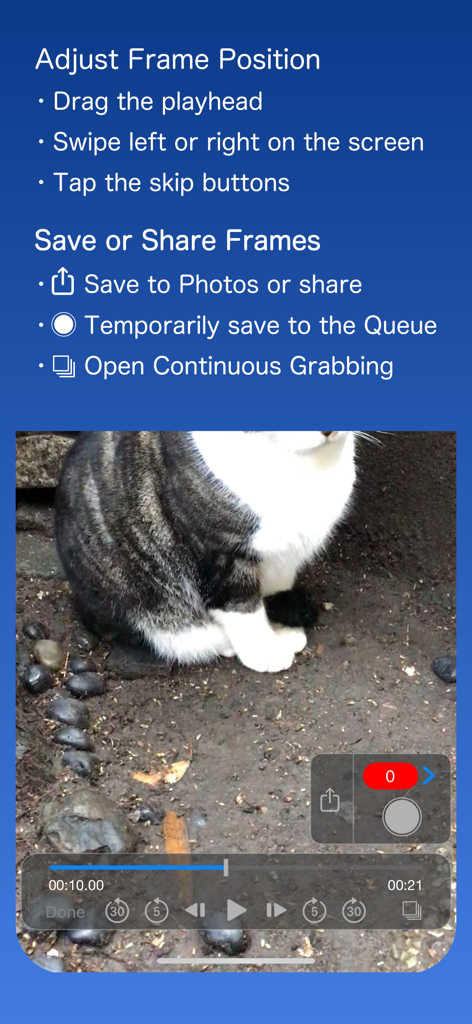
Interface of the Frame Grab app showing video editing controls and instructions for capturing still frames from a video of a cat.
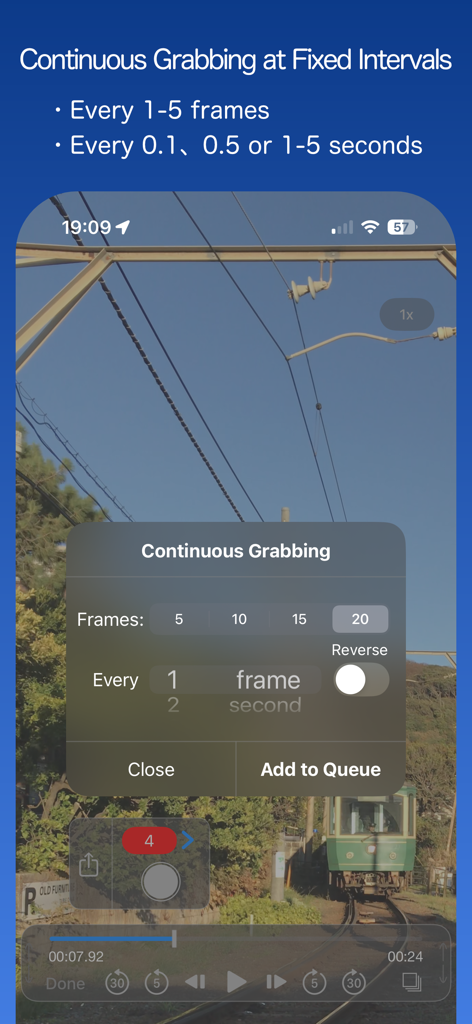
Frame Grab app interface showing the continuous grabbing feature to extract multiple video frames at fixed intervals
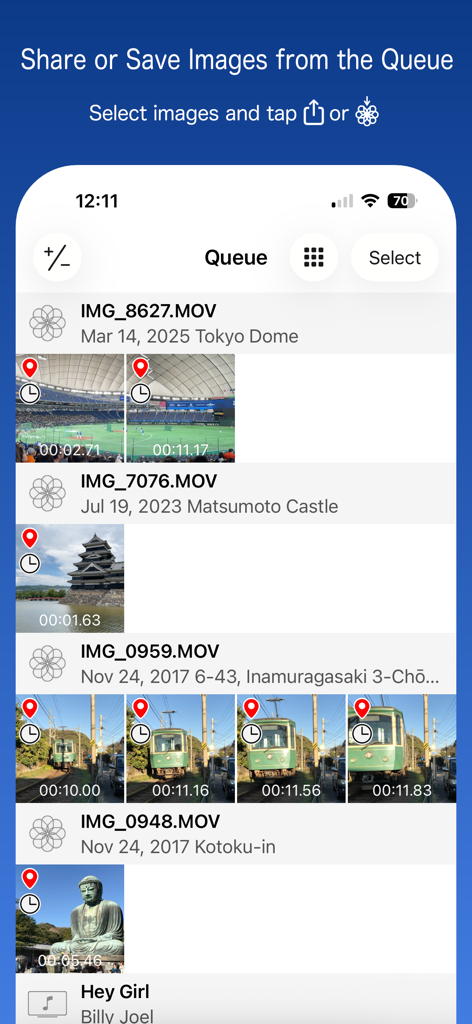
The queue screen of Frame Grab app displaying multiple extracted video frames for batch saving.
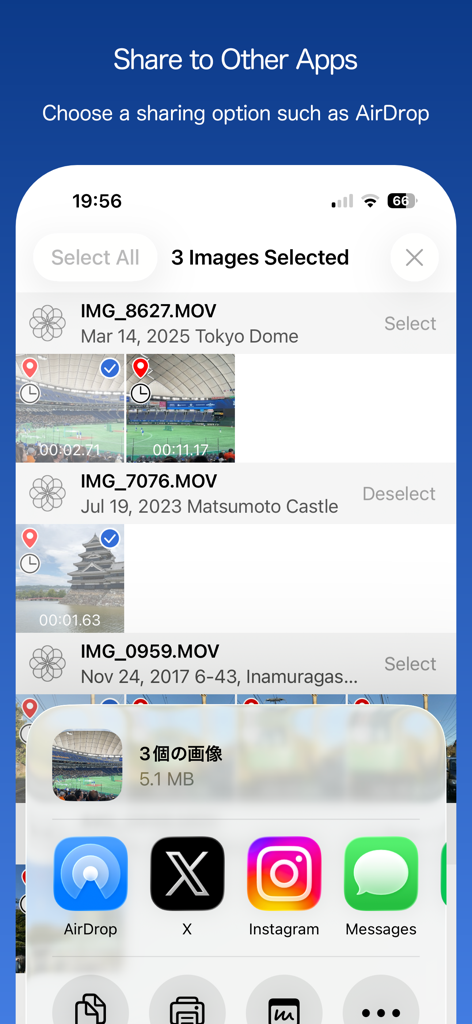
Interface of the Frame Grab app showing multiple extracted video frames being shared to social media platforms and AirDrop
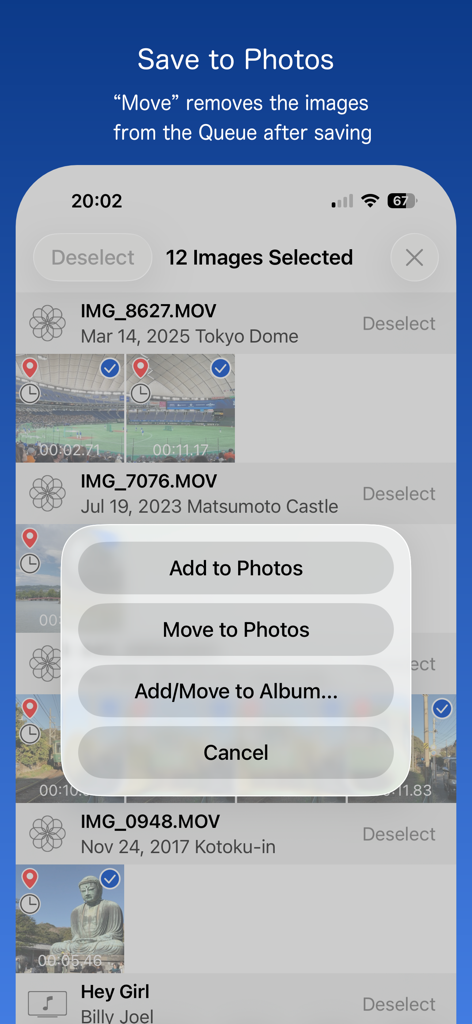
A screenshot of the Frame Grab app interface showing a list of extracted video frames with a pop-up menu containing options to add or move images to the Photos app.
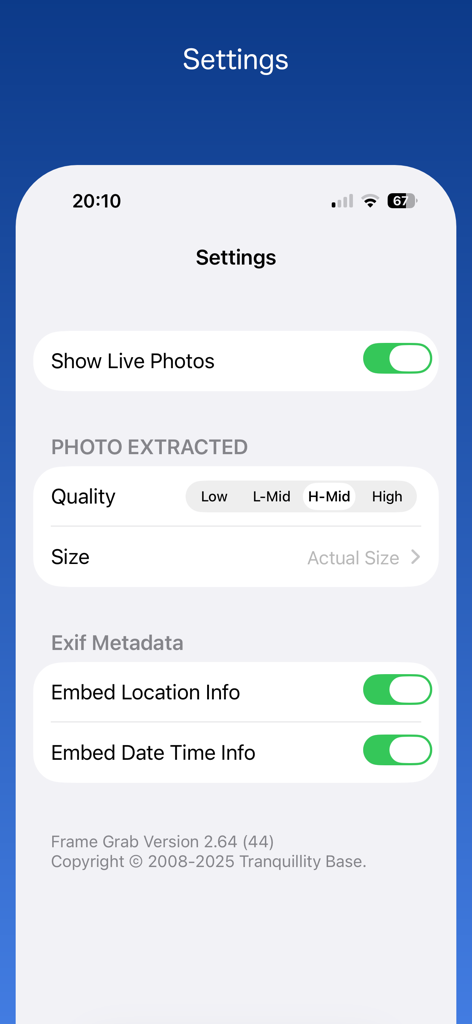
Frame Grab app settings screen showing options for photo quality size and metadata
Description
Download
More Like This
Top-ranked apps in the same category

CapCut: Photo & Video Editor
BYTEDANCE PTE. LTD.

Instagram, Inc.

YouTube
Google LLC

Canva: AI Photo & Video Editor
Canva Pty Ltd

Snapchat
Snap, Inc.

快手
Beijing Kwai Technology Co., Ltd.

Edits: Video Editor
Instagram, Inc.

Meta AI - Vibes & AI Glasses
Meta Platforms, Inc.

Google Photos: Backup & Edit
Google LLC
This page is not an official page of the app or its developer, but an independent editorial publication created for informational and commentary purposes. Unless expressly stated otherwise, neither the app nor its developer is affiliated with, endorsed by, sponsored by, authorized by, or otherwise officially connected with MWM, Apple, Google Play, the app publisher, or the app's developer, and nothing on this page implies that the app was developed using MWM's services. Any trademarks, logos, screenshots, and other content remain the property of their respective owners.