
This page is not an official page of the app or its developer, but an independent editorial publication created for informational and commentary purposes. Unless expressly stated otherwise, neither the app nor its developer is affiliated with, endorsed by, sponsored by, authorized by, or otherwise officially connected with MWM, Apple, Google Play, the app publisher, or the app's developer, and nothing on this page implies that the app was developed using MWM's services. Any trademarks, logos, screenshots, and other content remain the property of their respective owners.

FreeOTP Authenticator
Experience lightweight, offline two-factor authentication from Red Hat. Protect your sensitive accounts with a transparent, privacy-focused tool designed for developers and security professionals who demand transparency and zero tracking.
Downloads
1M+User Rating
Total Ratings
500Publisher
Category
UtilitiesLocales
1Latest Version
2.3.6Size
11.2 MBFirst Released
May 13, 2014Hardened Security for Tech Professionals
A lightweight, open-source MFA solution designed for those who value privacy, transparency, and Red Hat's enterprise-grade reliability.
Audit-Ready Transparency
Apache 2.0 licensed source code ensures full visibility into your security architecture with zero hidden tracking or data collection.
True Offline Operation
Generate one-time passwords without cloud sync or network access. Your keys stay on your hardware, exactly where they belong.
Frequently Asked Questions
Everything you need to know about FreeOTP Authenticator
What is FreeOTP Authenticator?
FreeOTP Authenticator provides a second layer of security for online accounts. It generates one-time passwords on mobile devices to combine with a normal password, making logins nearly impossible to hack.
How does FreeOTP generate one-time passwords?
FreeOTP generates one-time passwords on mobile devices using standardized TOTP or HOTP protocols. These unique codes enhance login security when used alongside a user's regular password.
Can FreeOTP generate passwords when offline?
Yes, FreeOTP can generate one-time passwords even when your mobile phone is in airplane mode. This ensures continuous access to your security codes without an active internet connection.
Which online services does FreeOTP Authenticator support?
FreeOTP supports popular services like Google, Facebook, Evernote, GitHub, Amazon, GitLab, Docker, and Slack. It also works with corporate security implementing standard TOTP or HOTP protocols, such as FreeIPA.
Is FreeOTP an open-source application?
Yes, FreeOTP is open source and free software. It is licensed under the Apache 2.0 license, and its source code is publicly available for review or modification.
Does FreeOTP support TOTP and HOTP protocols?
Yes, FreeOTP supports standardized TOTP (Time-based One-Time Password) and HOTP (HMAC-based One-Time Password) protocols. This compatibility extends its use to enterprise solutions like FreeIPA.
How much does FreeOTP Authenticator cost?
FreeOTP Authenticator is free software. The application is open source and available without any cost to the user, licensed under the Apache 2.0 license.
The following screenshots and description are sourced directly from the app's official store listing and are the property of the app developer.
App Store
Screenshots
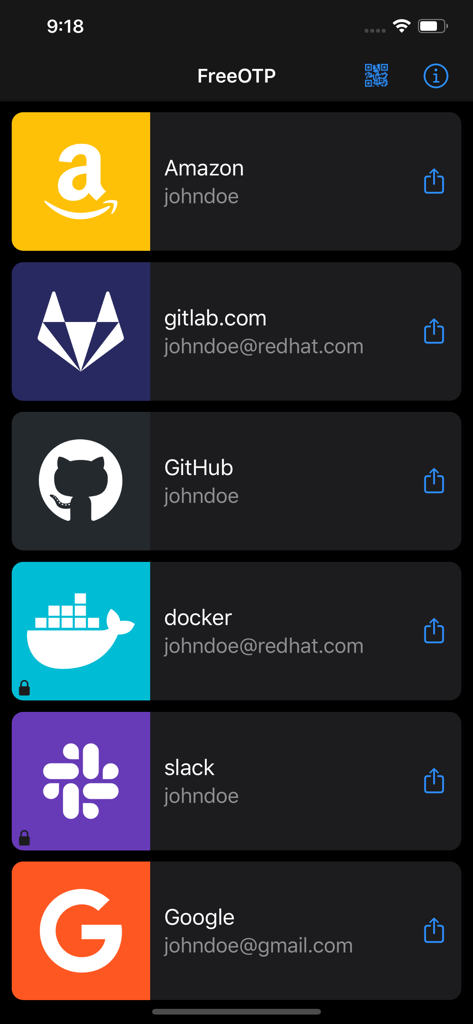
FreeOTP Authenticator app screen displaying multiple accounts for two factor authentication including GitLab and GitHub
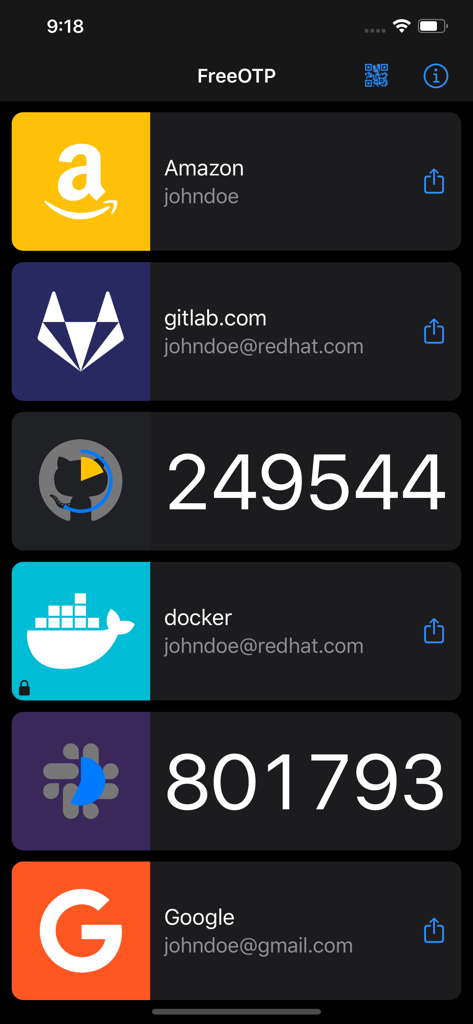
FreeOTP app screen showing two-factor authentication codes for various services like GitHub and Slack
Description
Download
More Like This
Apps with similar features and user experience

Google Authenticator
Google LLC

Duo Mobile
Duo Security LLC

Authenticator App - 2FA &. MFA
APPLY DIJITAL HIZMETLER TICARET LIMITED SIRKETI

authenticator . app
Mustafa Uz

SafeNet MobilePASS+
Thales DIS (Singapore) Pte Ltd

Čítačka
Tatra banka, a.s.

Authenticator App - SafeAuth
Brilliant App Limited

Authenticator App - 2FA Auth
UNIVERSE DIJITAL HIZMETLER LIMITED SIRKETI

Authenticator App : Scan & 2FA
XSOFT GLOBAL LIMITED
This page is not an official page of the app or its developer, but an independent editorial publication created for informational and commentary purposes. Unless expressly stated otherwise, neither the app nor its developer is affiliated with, endorsed by, sponsored by, authorized by, or otherwise officially connected with MWM, Apple, Google Play, the app publisher, or the app's developer, and nothing on this page implies that the app was developed using MWM's services. Any trademarks, logos, screenshots, and other content remain the property of their respective owners.