Garage Door Control

Garage Door Control

Download on App Store
Logo of Garage Door Control

Garage Door Control: The Smart DIY Upgrade for Your Home

Transform any garage into a Siri-powered entry without the expensive hub or monthly subscriptions. Take command with local Bluetooth security, Apple Watch integration, and custom Shortcuts for the ultimate hands-free experience.

Download on App Store

Publisher

Vitalij Schaefer

Category

Utilities

Downloads

700

User Rating

4.1/5

Total Ratings

0

Locales

33

Control in Action

Discover the interface used by 700 users.
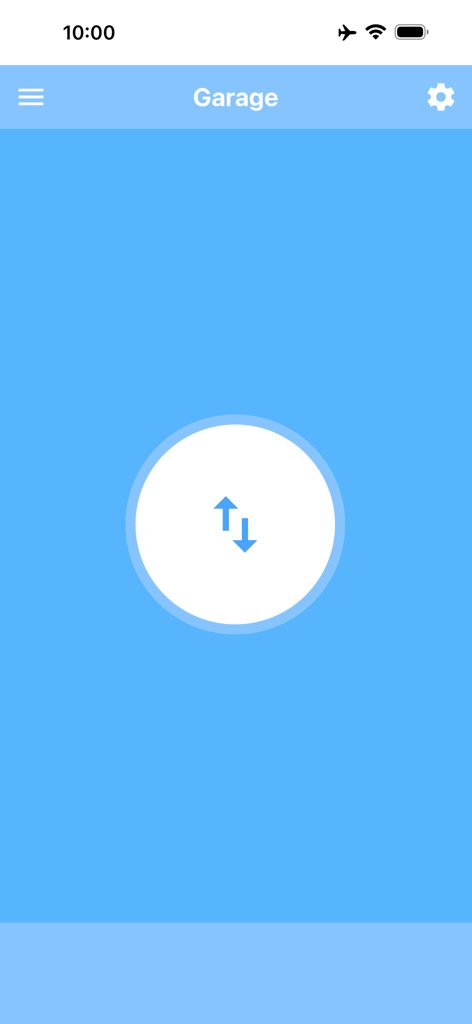
Main screen of the Garage Door Control app showing a central control button with up and down arrows on a blue background

Main screen of the Garage Door Control app showing a central control button with up and down arrows on a blue background

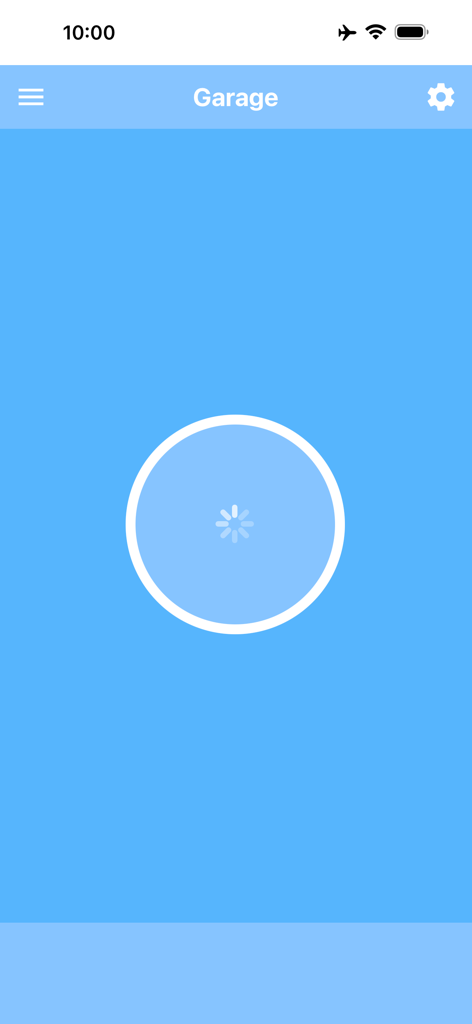
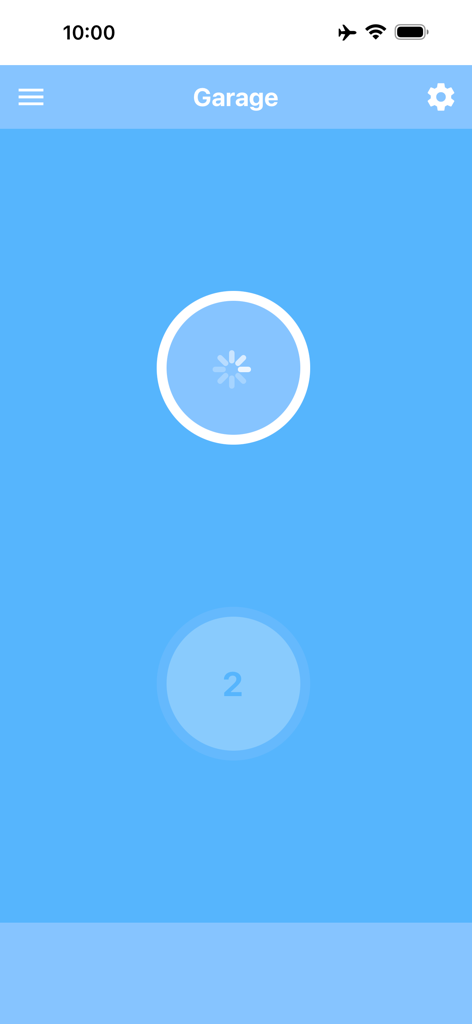
Main interface of the Garage Door Control app showing a loading spinner on a blue background

Main interface of the Garage Door Control app showing a loading spinner on a blue background

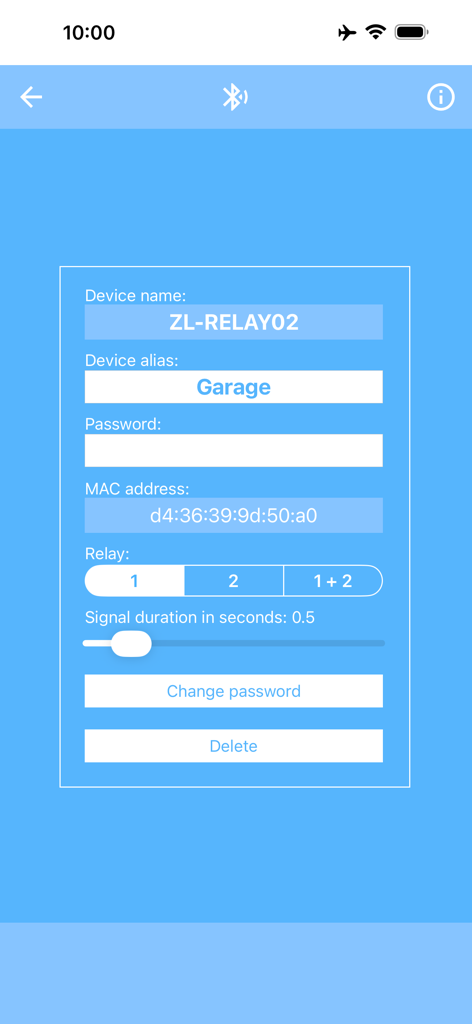
Configuration screen for a Bluetooth relay module in the Garage Door Control app showing device alias and MAC address settings

Configuration screen for a Bluetooth relay module in the Garage Door Control app showing device alias and MAC address settings

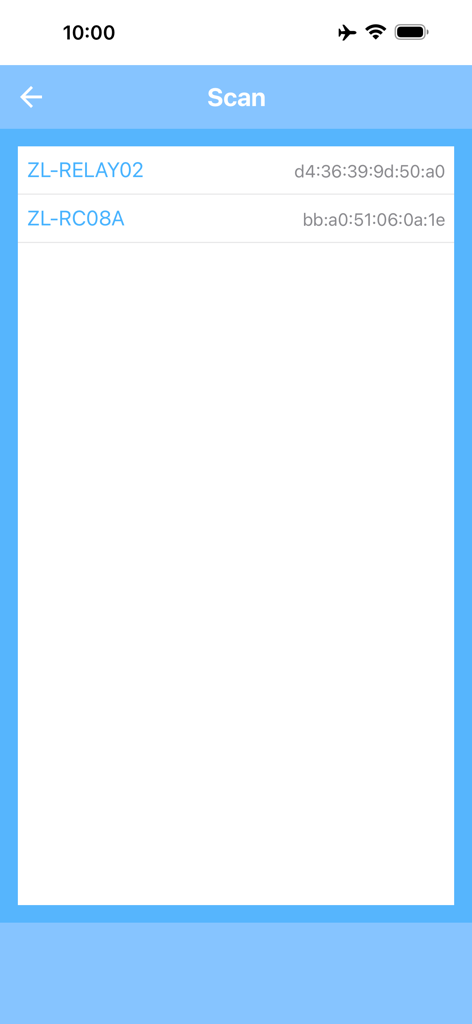
Scanning interface showing detected Bluetooth relay modules in the Garage Door Control app

Scanning interface showing detected Bluetooth relay modules in the Garage Door Control app

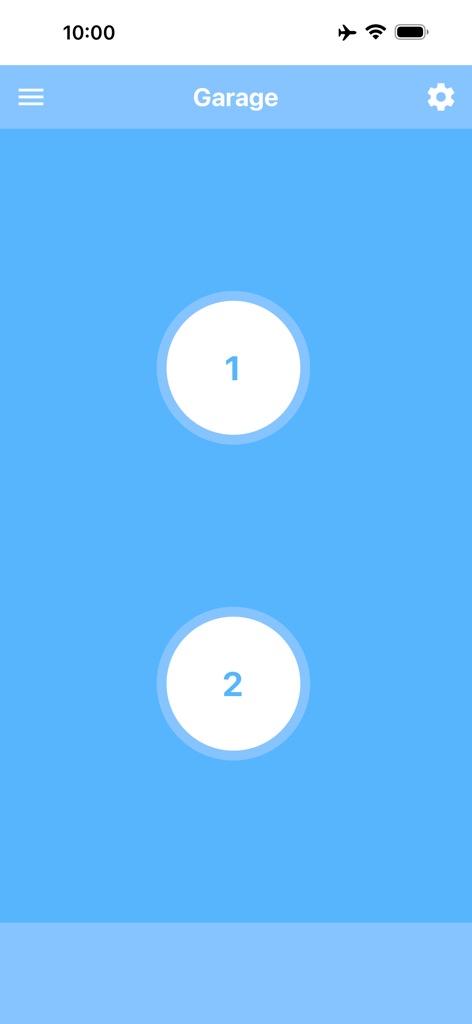
iPhone interface of the Garage Door Control app featuring two large circular buttons to operate two separate garage doors

iPhone interface of the Garage Door Control app featuring two large circular buttons to operate two separate garage doors

Main screen of the Garage Door Control app showing the interface for operating a 2-channel relay module.

Main screen of the Garage Door Control app showing the interface for operating a 2-channel relay module.

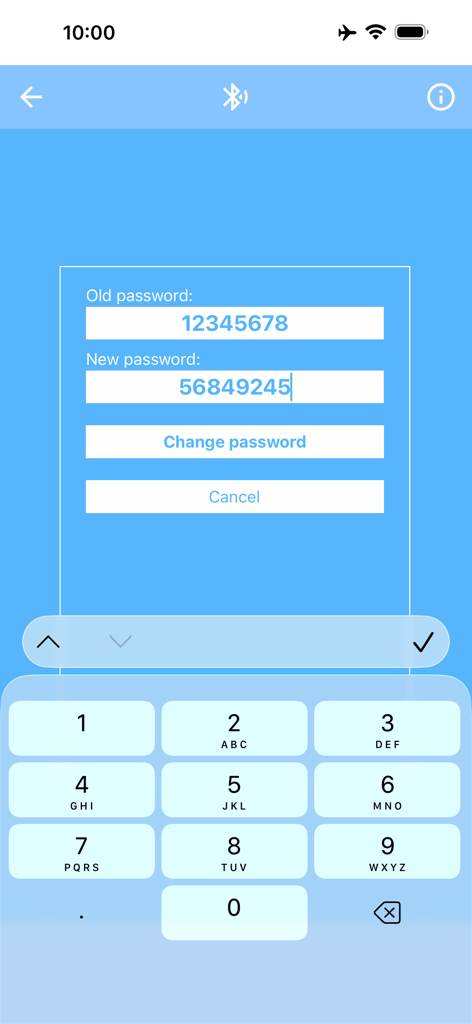
Changing the bluetooth relay module password in the garage door control app

Changing the bluetooth relay module password in the garage door control app

Smart DIY Control at Your Fingertips

The tools that make this app stand out, trusted by 700 users.

🗣️

Hands-Free Siri Shortcuts

Integrate with Siri to open or close your garage with simple voice commands while driving, ensuring a safe and seamless arrival every time.

Standalone Apple Watch Control

Leave your iPhone in the car or at home. Control your garage doors directly from your wrist with a one-time setup that works independently.

🏠

Multi-Garage Management

Perfect for properties with multiple entries. Easily switch between your home, workshop, or vacation garage using custom aliases for each door.

About the app

Everything you need to know about Garage Door Control.

Description

With this app, you can easily open and close your garage door using your iPhone, iPad, or Apple Watch. To use the app, you will need a garage door with an electric drive as well as a 2-channel relay module with Bluetooth BLE (“2 Channel Relay Module Bluetooth BLE”). This module is inexpensive and available in many online shops. Use an Internet search engine to find it. More information about the app and the relay module can be found on this website: garage-door-app.com The app can be connected to any number of modules. This way, you can equip several garage doors with a relay module each and conveniently control them all through a single app. By assigning an alias, each module can be clearly named and easily identified – for example: “Home garage,” “Workshop garage,” “Left garage door,” “Right garage door,” or “Parents’ garage.” The app also lets you set the signal duration and choose the relay number individually. For a double garage with two doors, both relays can be controlled separately. In this case, two buttons will appear: one for Door 1 and one for Door 2. The default password for these modules is “12345678.” For added security, you can change the password directly in the app. The password must be exactly eight digits long. With this app, you can also open and close your garage directly from the Apple Watch. The connection to the relay module only needs to be set up once via the iPhone. Afterwards, the control works directly from the Apple Watch, even without the iPhone. The Apple Watch app must be unlocked via a one-time in-app purchase. Additionally, you can create a Shortcut to open and close the garage. This allows you to control the door with Siri voice commands or via a shortcut on the Home Screen. The best way is to create two Shortcuts – for example, one named “Open garage” and one named “Close garage.” That way, you can use these exact commands with Siri. To use Shortcuts, you must either remove the ads or unlock the Apple Watch app – both are done with a one-time in-app purchase.

Latest Version

6.8

Size

20.6 MB

First Released

May 11, 2017

Ready to Upgrade Your DIY Garage?

Download the app to connect your relay module today. Enjoy seamless Siri Shortcuts and Apple Watch control with total privacy and zero monthly subscriptions.

Download on App Store

App information, icons, screenshots, and descriptions displayed on this page are sourced from the Apple App Store and are the property of their respective developers. Download estimates and rankings are based on MWM's proprietary models and may not reflect actual figures. This page is provided for informational and analytical purposes only.

Believe this page infringes your intellectual property? File a dispute