
This page is not an official page of the app or its developer, but an independent editorial publication created for informational and commentary purposes. Unless expressly stated otherwise, neither the app nor its developer is affiliated with, endorsed by, sponsored by, authorized by, or otherwise officially connected with MWM, Apple, Google Play, the app publisher, or the app's developer, and nothing on this page implies that the app was developed using MWM's services. Any trademarks, logos, screenshots, and other content remain the property of their respective owners.


GIF Maker - Turn Video to GIFs
Transform your favorite videos and Live Photos into custom reactions and trending GIFs. Add stickers, text, and filters in seconds to dominate your group chats and social feeds.
Downloads
184K+User Rating
Total Ratings
600Publisher
Category
Photo & VideoLocales
23Latest Version
2.2.2Size
150.3 MBFirst Released
May 22, 2024Everything You Need to Create Viral Content
From trending memes to high-quality reaction GIFs, unleash your creativity with professional-grade tools designed specifically for your favorite social platforms.
Perfectly Sized for Socials
Instantly adapt your content with canvas presets for 9:16 Instagram Stories, 1:1 squares, and more, ensuring your GIFs look professional on every feed.
The Ultimate Meme Studio
Win the group chat by turning your Live Photos into custom memes with animated text, trendy stickers, and brush doodles in just a few taps.
The following screenshots and description are sourced directly from the app's official store listing and are the property of the app developer.
App Store
Screenshots
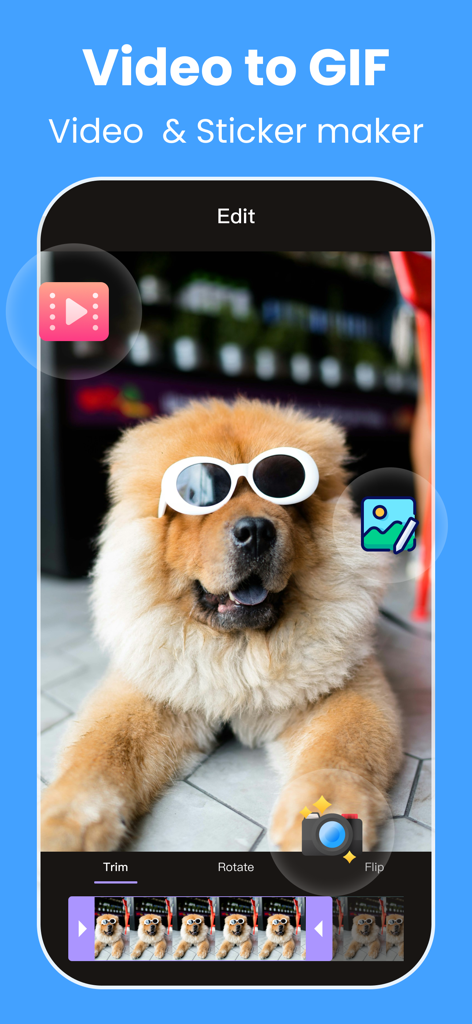
GIF Maker app interface for converting video to gifs and stickers
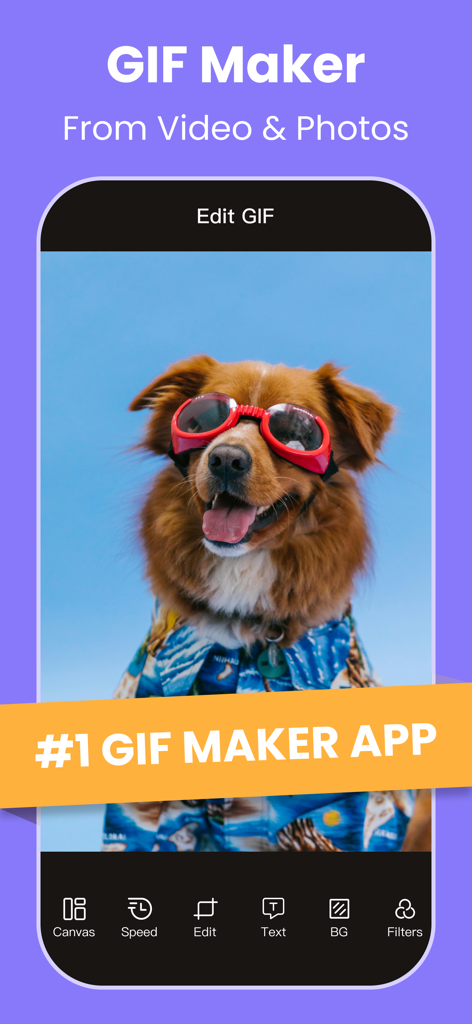
Interface of the GIF Maker app showing a dog meme with editing tools like speed canvas and filters.

Interface showing funny GIF results from the GIPHY search engine within the GIF Maker app.
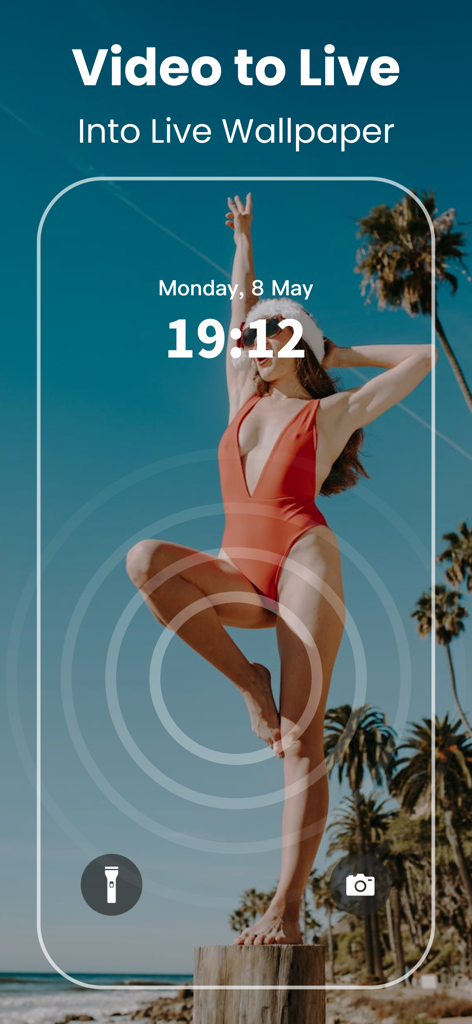
An iPhone lock screen showcasing a custom live wallpaper made from a video using the GIF Maker app
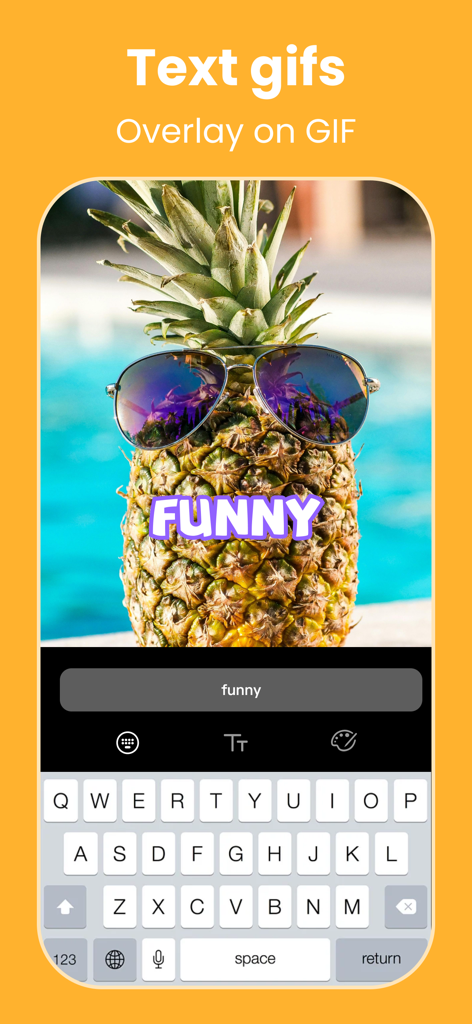
Mobile app screen showing a text overlay feature on a funny GIF of a pineapple with sunglasses.
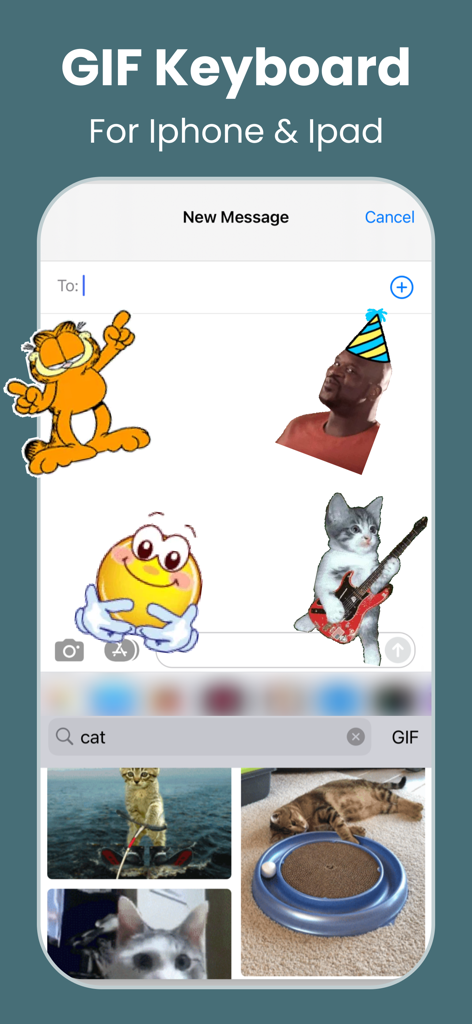
GIF keyboard interface for iPhone and iPad featuring stickers and meme search
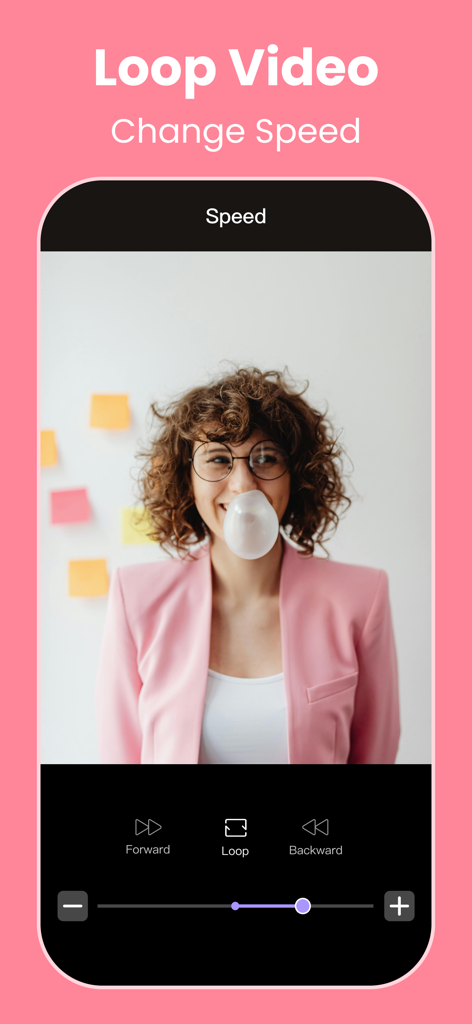
Interface of GIF Maker app showing loop video settings and speed control slider

A screenshot of the GIF Maker app interface displaying photo filters and editing effects on a portrait of a woman.
Description
Download
More Like This
Top-ranked apps in the same category

CapCut: Photo & Video Editor
BYTEDANCE PTE. LTD.

Instagram, Inc.

YouTube
Google LLC

Canva: AI Photo & Video Editor
Canva Pty Ltd

Snapchat
Snap, Inc.

快手
Beijing Kwai Technology Co., Ltd.

Edits: Video Editor
Instagram, Inc.

Meitu- AI Photo & Video Editor
Xiamen Meitu Technology Co., Ltd.

Google Photos: Backup & Edit
Google LLC
This page is not an official page of the app or its developer, but an independent editorial publication created for informational and commentary purposes. Unless expressly stated otherwise, neither the app nor its developer is affiliated with, endorsed by, sponsored by, authorized by, or otherwise officially connected with MWM, Apple, Google Play, the app publisher, or the app's developer, and nothing on this page implies that the app was developed using MWM's services. Any trademarks, logos, screenshots, and other content remain the property of their respective owners.