GPS Camera - Location Stamp
Download on App Store

This page is not an official page of the app or its developer, but an independent editorial publication created for informational and commentary purposes. Unless expressly stated otherwise, neither the app nor its developer is affiliated with, endorsed by, sponsored by, authorized by, or otherwise officially connected with MWM, Apple, Google Play, the app publisher, or the app's developer, and nothing on this page implies that the app was developed using MWM's services. Any trademarks, logos, screenshots, and other content remain the property of their respective owners.

Logo of GPS Camera - Location Stamp
Download on App Store

GPS Camera - Location Stamp

The ultimate geotagging companion for travelers and professionals. Effortlessly add GPS coordinates, map data, and timestamps to your photos to create a visual diary or provide indisputable proof of work.

Key Figures

Downloads

0

User Rating

4.6/5

Total Ratings

0

Publisher

Jayshri Pipaliya

Category

Photo & Video

Locales

17

Latest Version

4.3.1

Size

132.1 MB

First Released

Oct 2, 2023
Features

Capture Every Detail with Precision

From mountain peaks to job sites, transform your photos into indisputable records with instant GPS tagging, timestamps, and personalized notes.

Instant Geotagging & Stamps

Automatically overlay GPS coordinates, addresses, and dates to provide immediate proof of location and time on every shot.

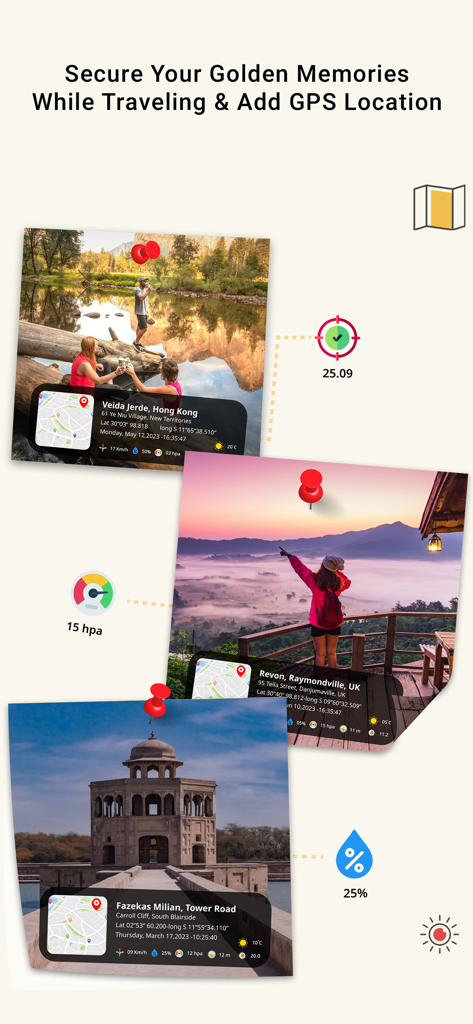
Interactive Map Integration

Visualize your entire gallery on a map to trace your travel adventures or manage multiple project locations at a single glance.

The following screenshots and description are sourced directly from the app's official store listing and are the property of the app developer.

App Store

Screenshots
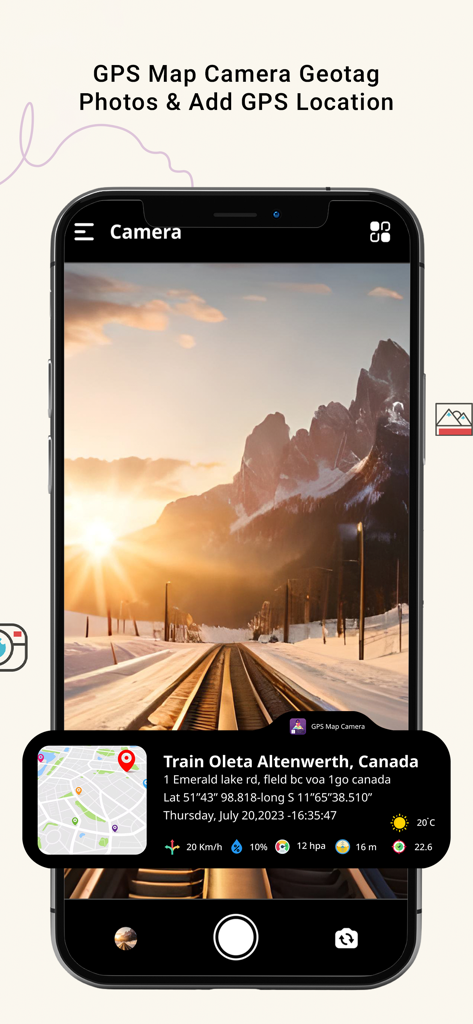
GPS Camera - Location Stamp - GPS Camera app interface showing a photo with a location stamp and GPS data
GPS Camera app interface showing a photo with a location stamp and GPS data

GPS Camera - Location Stamp - GPS Camera app showing photos with location stamps and map overlays
GPS Camera app showing photos with location stamps and map overlays

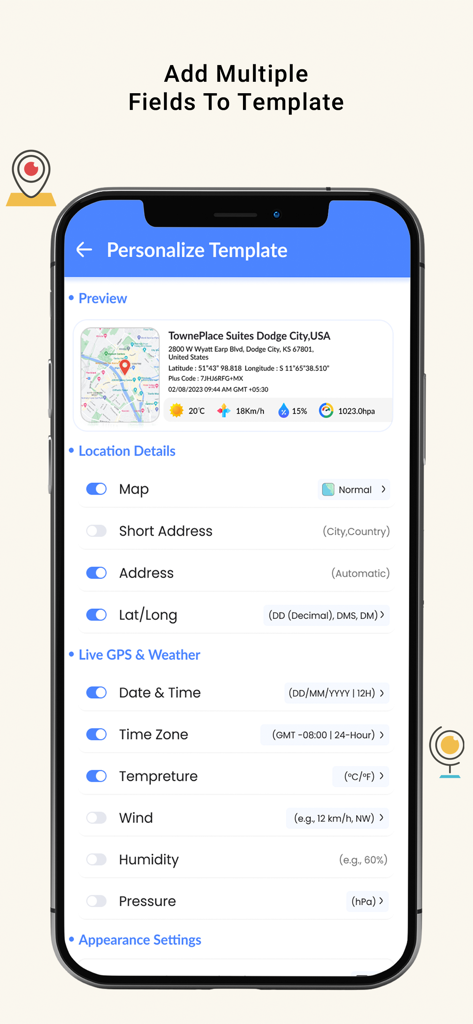
GPS Camera - Location Stamp - Mobile app interface showing options to customize photo stamps with GPS coordinates address and weather data
Mobile app interface showing options to customize photo stamps with GPS coordinates address and weather data

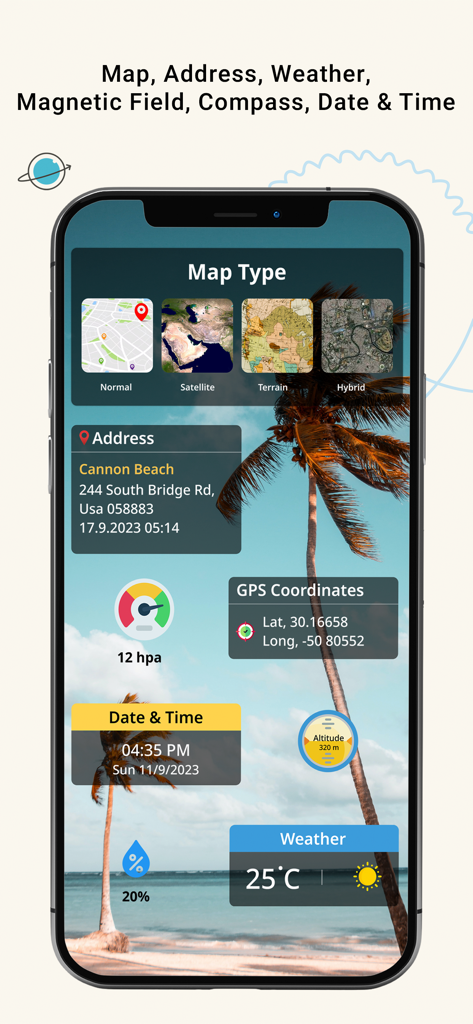
GPS Camera - Location Stamp - GPS Camera app interface showing map types, coordinates, weather, and address stamps
GPS Camera app interface showing map types, coordinates, weather, and address stamps

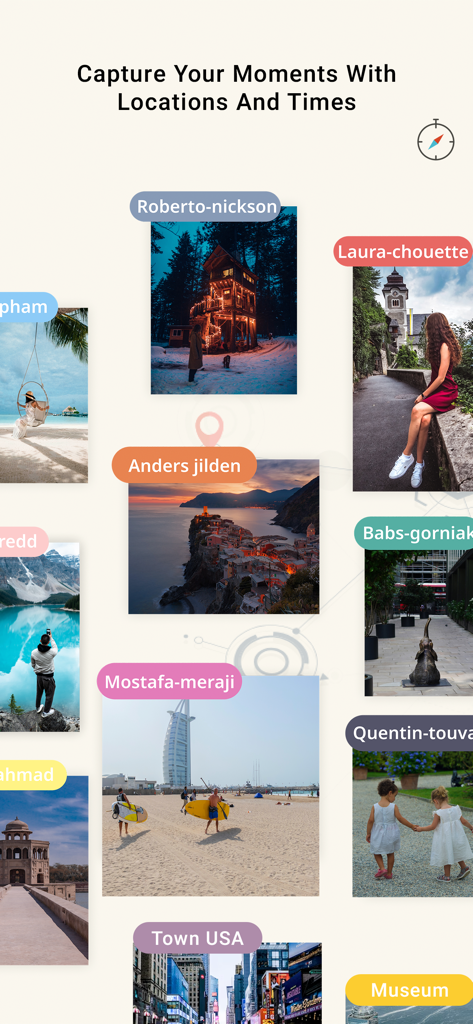
GPS Camera - Location Stamp - A collage of travel photos featuring location labels and date stamps
A collage of travel photos featuring location labels and date stamps

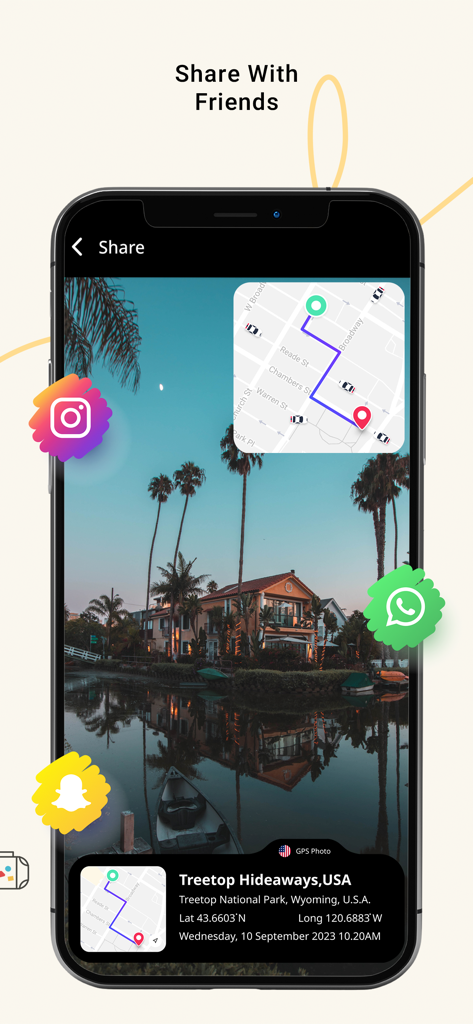
GPS Camera - Location Stamp - A photo with a GPS location stamp and map inset ready to share on social media apps

A photo with a GPS location stamp and map inset ready to share on social media apps

Description

Capture and Relive Your Moments with GPS Stamp Camera! Experience the power of geotagging and turn your ordinary photos into unforgettable memories. GPS Map Camera is the ultimate companion for photographers, travelers, and anyone who loves to document their journey. Seamlessly merge location data with your photos, enhancing your storytelling and creating a vivid visual diary. Key Features of GPS Camera - Location Stamp: Geotagging Made Easy: With GPS Map Camera, effortlessly add accurate GPS coordinates, location names, date, and time stamps to your photos. No more guessing where you took that incredible shot! Map Integration: View your photos on an interactive map to see exactly where each picture was captured. Easily trace your adventures and relive your travel experiences with a single glance. Date & Time Stamps: Customize date and time formats to suit your preferences. Whether you want to recall the hour of sunrise or the moment you captured a special event, it's all at your fingertips. Camera Tools: Access essential camera tools directly from the app, including gridlines, flash, and auto-focus. Enhance your photography skills while geotagging your photos. Personalized Notes: Add personalized notes, captions, and descriptions to your geotagged photos. Share your thoughts and emotions alongside your visual memories. Organize Your Gallery: Create albums and organize your photos by location, date, or custom categories. Easily find and browse through your pictures with a well-structured gallery. Privacy & Security: Rest assured, your location data is kept secure, and you have full control over what information you choose to share. Compatibility: GPS Camera : Location Stamp seamlessly integrates with your device's camera, ensuring a smooth and intuitive user experience. Share & Export: Share your geotagged photos directly to social media or export them to your favorite photo editing apps. Impress your followers with stunning, location-rich visuals! Unlock the power of geotagging and bring your photos to life with GPS Map Camera. Whether you're an avid traveler, a passionate photographer, or simply want to enhance your photo memories, this app is your perfect companion. Download now and embark on a journey of visual storytelling like never before! Never forget where you've been and capture your world in detail with GPS Map Camera: Geotag Photos. Start your geotagging adventure today! To learn about our privacy policy, please visit: https://denishmaraviya.blogspot.com/2023/09/privacy-policy.html For our terms of use, please visit: https://denishmaraviya.blogspot.com/2023/09/terms-of-service.html Still have questions or comments? Reach out to us at: jayshrikanani014@gmail.com

Download

Download on App Store

This page is not an official page of the app or its developer, but an independent editorial publication created for informational and commentary purposes. Unless expressly stated otherwise, neither the app nor its developer is affiliated with, endorsed by, sponsored by, authorized by, or otherwise officially connected with MWM, Apple, Google Play, the app publisher, or the app's developer, and nothing on this page implies that the app was developed using MWM's services. Any trademarks, logos, screenshots, and other content remain the property of their respective owners.