Grammar Check: Spell Corrector
Download on App Store

This page is not an official page of the app or its developer, but an independent editorial publication created for informational and commentary purposes. Unless expressly stated otherwise, neither the app nor its developer is affiliated with, endorsed by, sponsored by, authorized by, or otherwise officially connected with MWM, Apple, Google Play, the app publisher, or the app's developer, and nothing on this page implies that the app was developed using MWM's services. Any trademarks, logos, screenshots, and other content remain the property of their respective owners.

Logo of Grammar Check: Spell Corrector
Download on App Store

Grammar Check: Spell Corrector

Instantly fix grammar, enhance clarity, and boost your credibility. From long-form essays to professional emails, get expert-level corrections for free with no word limits.

Key Figures

Downloads

3K+

User Rating

4.7/5

Total Ratings

500

Publisher

talha rehman

Category

Productivity

Locales

1

Latest Version

1.2.2

Size

53.9 MB

First Released

Nov 24, 2022
Features

Write with Total Confidence

Stop worrying about typos or awkward phrasing. Our AI-driven assistant helps you craft professional, error-free content without any word limits or subscriptions.

Unlimited Free Corrections

No word counts, no paywalls. Check everything from a quick text to a full-length research paper at zero cost.

Pro-Level Clarity

Go beyond basic spelling. Our AI refines your sentence structure and word choice to make you sound more professional and engaging.

The following screenshots and description are sourced directly from the app's official store listing and are the property of the app developer.

App Store

Screenshots
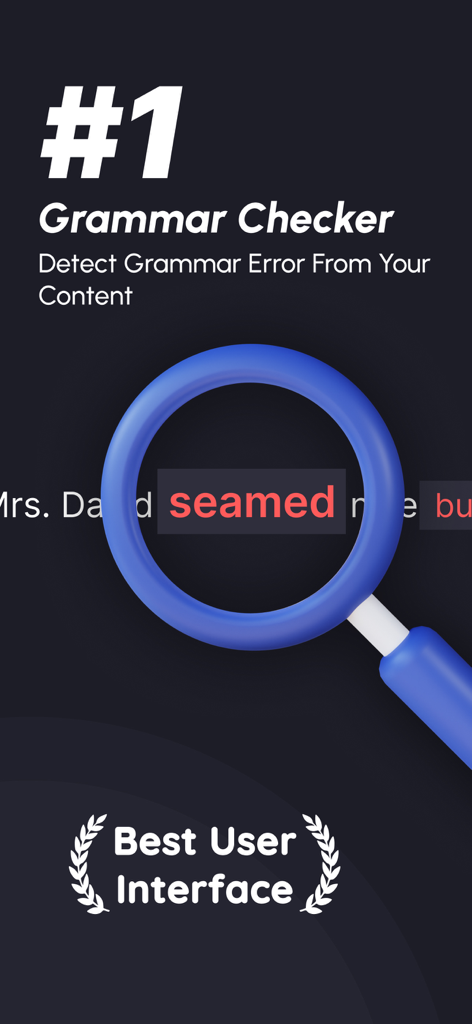
Grammar Check: Spell Corrector - Mobile app screen for Grammar Check showing a magnifying glass over a spelling error with text identifying it as the number one grammar checker.
Mobile app screen for Grammar Check showing a magnifying glass over a spelling error with text identifying it as the number one grammar checker.

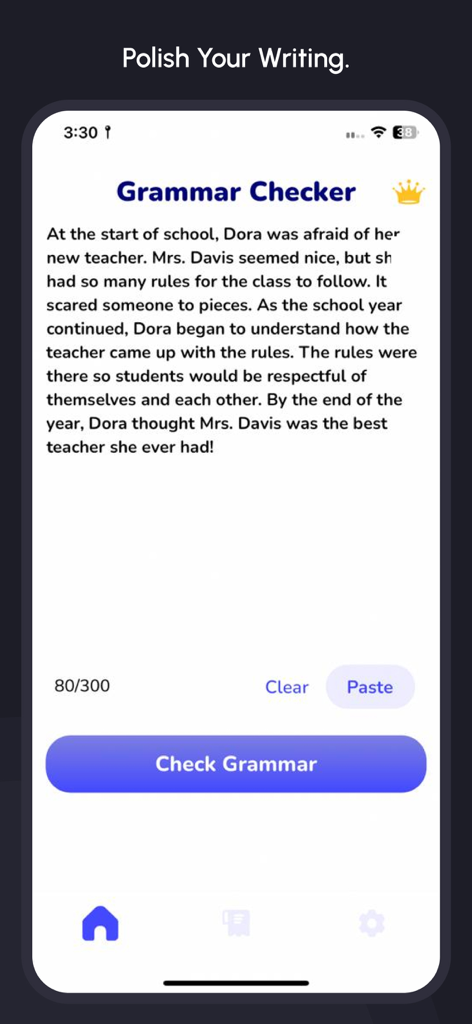
Grammar Check: Spell Corrector - A mobile app interface showing a grammar checker with a text editor and a check grammar button.
A mobile app interface showing a grammar checker with a text editor and a check grammar button.

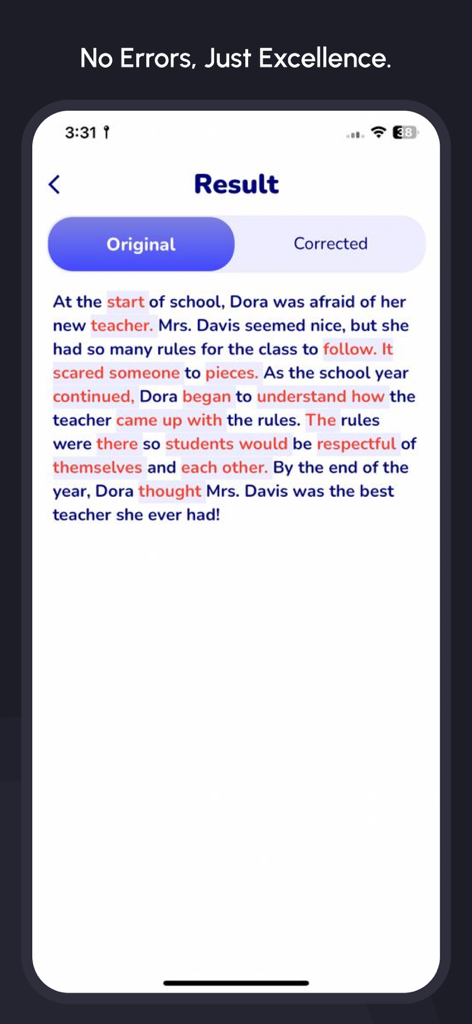
Grammar Check: Spell Corrector - A screenshot of the Grammar Check app displaying a paragraph with highlighted grammatical and spelling errors in the original text view.
A screenshot of the Grammar Check app displaying a paragraph with highlighted grammatical and spelling errors in the original text view.

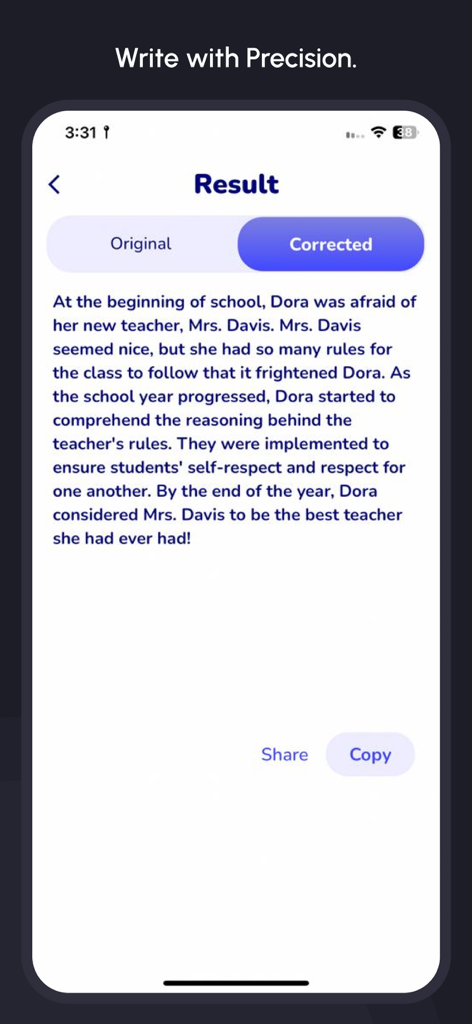
Grammar Check: Spell Corrector - Grammar Check app displaying a corrected text result with share and copy options
Grammar Check app displaying a corrected text result with share and copy options

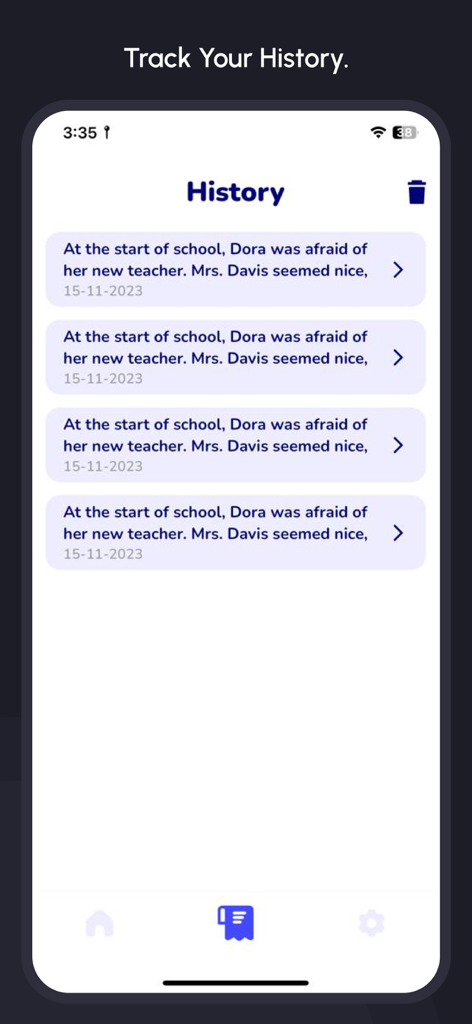
Grammar Check: Spell Corrector - The history screen of the Grammar Check app displaying past text corrections and dates.
The history screen of the Grammar Check app displaying past text corrections and dates.

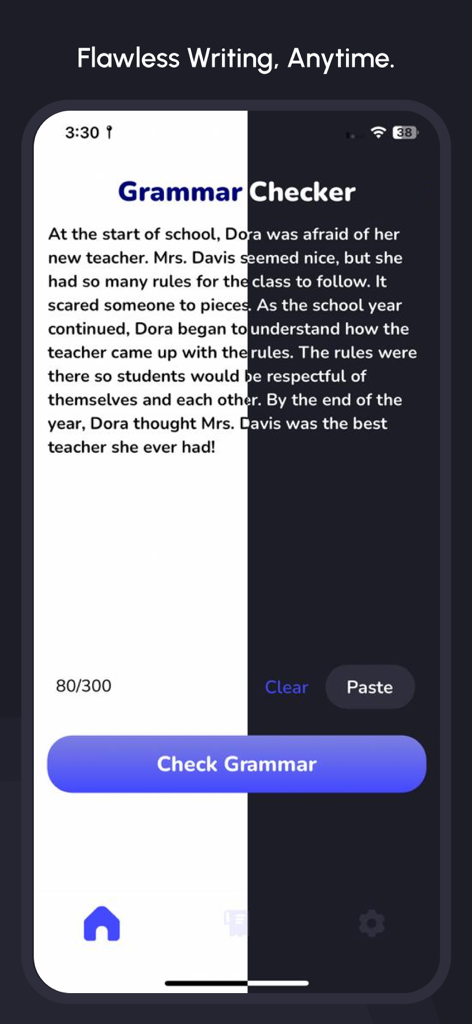
Grammar Check: Spell Corrector - Mobile app interface of Grammar Check showing a text input field and a Check Grammar button

Mobile app interface of Grammar Check showing a text input field and a Check Grammar button

Description

Introduction Grammar mistakes can compromise the professionalism and clarity of your writing. Even minor errors in punctuation, spelling, or word choice can significantly change the meaning of a sentence. Among many grammar checkers available, our AI Grammar Checker for English stands out as the ultimate tool for precise and reliable grammar correction. Features Our free Grammar Checker app is designed to resolve all grammar-related issues in your writing. It goes beyond basic spelling and punctuation corrections, offering advanced features to enhance content quality and readability. Here’s what makes our app unique: 1. Comprehensive Grammar and Tense Checks Our AI-powered tool identifies and corrects grammar errors, unclear sentences, improper tenses, misplaced punctuation, and incorrect word usage. It ensures your content flows naturally and adheres to proper grammatical standards. 2. Enhances Content Clarity The app scans your text to provide suggestions for improving clarity, flow, and readability. It suggests alternative words and sentence structures to make your content more polished and engaging. 3. File Upload for Large Documents Got lengthy content like research papers, theses, or reports? You can directly upload files from your device, and the app will scan them for grammatical corrections quickly and accurately. 4. Unlimited Word Count There are no restrictions on the number of words you can check. Whether it’s short emails or lengthy documents, our app provides free, unlimited grammar checks for everyone. 5. Track Your Grammar Check History Revisit your past grammar checks anytime with the app’s history feature. This allows users to keep a record of previously scanned content, making it easier to review and edit documents as needed. 6. Deep Comparison of Errors Analyze your writing like never before with our detailed comparison tool. It highlights grammatical errors in your original text alongside their corrected versions, offering a clear side-by-side view. This feature helps you better understand your mistakes and improve your writing over time. How to Use Improving your grammar is quick and easy. Follow these steps: 1. Download the app from the App Store. 2. Paste or upload your content into the app. 3. Press the "Check Grammar" button to identify errors. 4. Fix errors based on the app’s suggestions. 5. Access the history to track past checks or use the comparison tool for in-depth error analysis. --- Why Choose Our Grammar Checker? Grammar mistakes can hinder your writing's impact, but they’re easy to overlook. Whether you’re writing professional documents or personal content, our app ensures your grammar is flawless, your sentences are clear, and your text is engaging. With features like unlimited checks, history tracking, and error comparison, our app is a comprehensive solution for all your grammar needs—all for free. For more details, please visit: [Terms of Use](https://techboeing.blogspot.com/2023/03/terms-of-use.html)

Download

Download on App Store

This page is not an official page of the app or its developer, but an independent editorial publication created for informational and commentary purposes. Unless expressly stated otherwise, neither the app nor its developer is affiliated with, endorsed by, sponsored by, authorized by, or otherwise officially connected with MWM, Apple, Google Play, the app publisher, or the app's developer, and nothing on this page implies that the app was developed using MWM's services. Any trademarks, logos, screenshots, and other content remain the property of their respective owners.








