
Grundig Smart Remote

Stop searching for the remote. Type effortlessly with your iPhone keyboard and browse the TV guide without ever interrupting your favorite show.
Publisher
Category
UtilitiesDownloads
191K+User Rating
Total Ratings
1K+Locales
1Discover the interface used by 191K+ users.
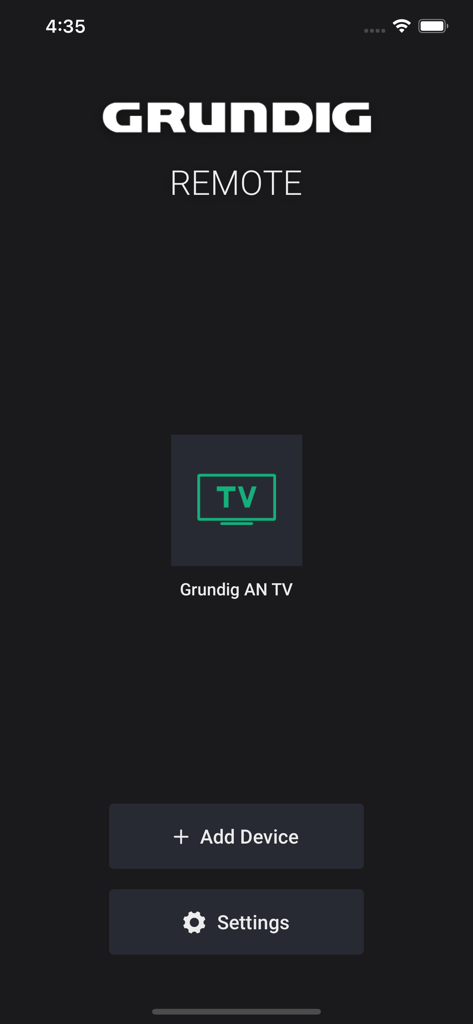
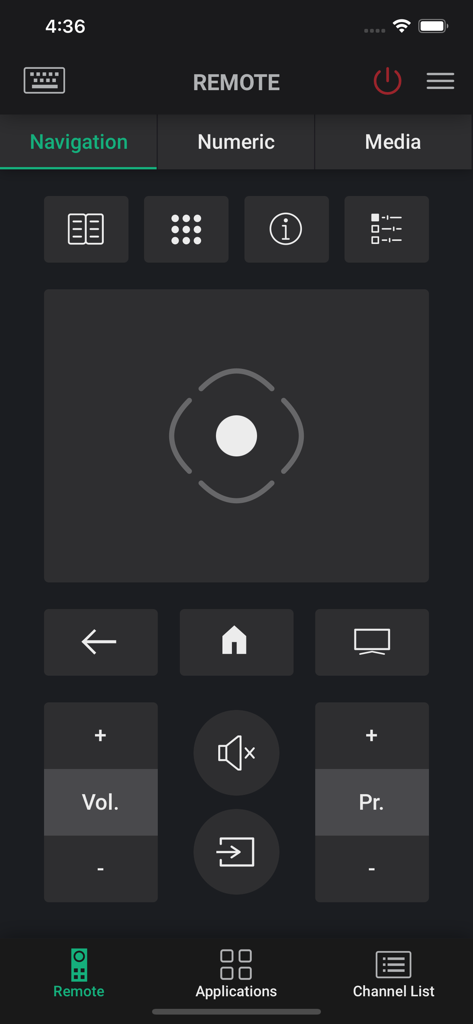
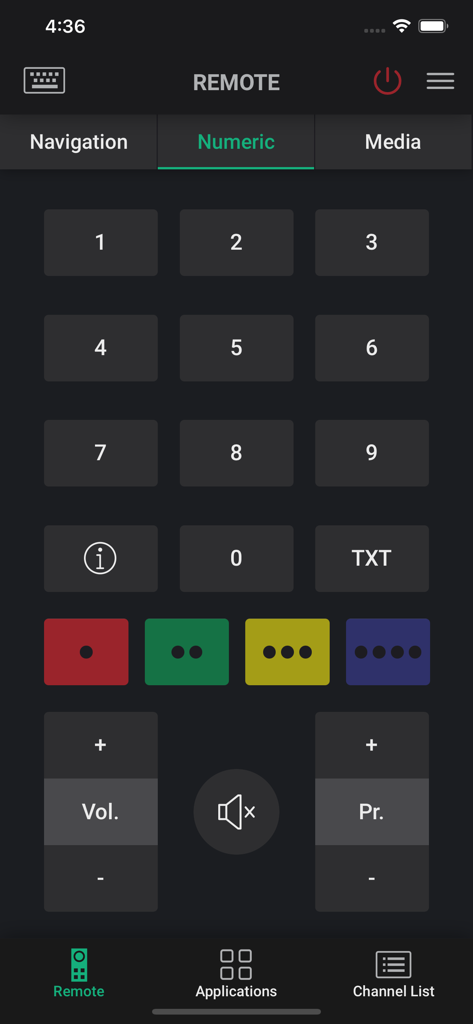
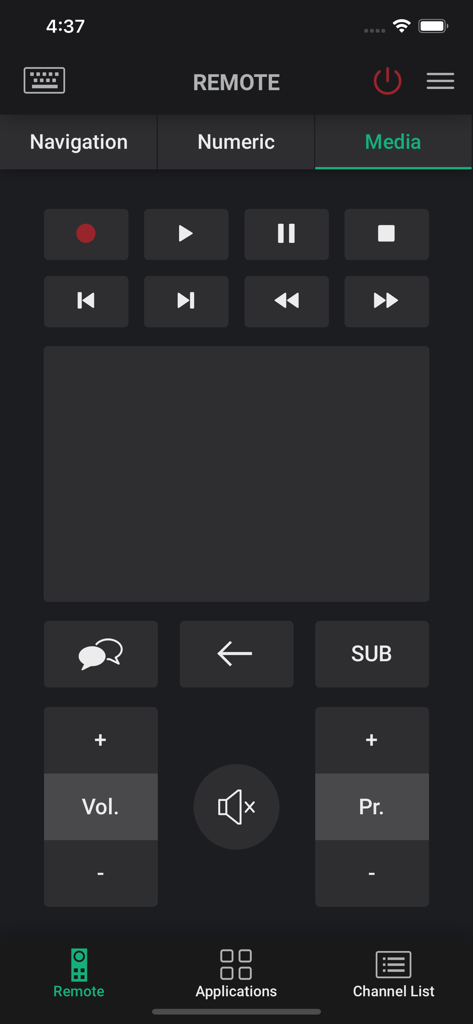
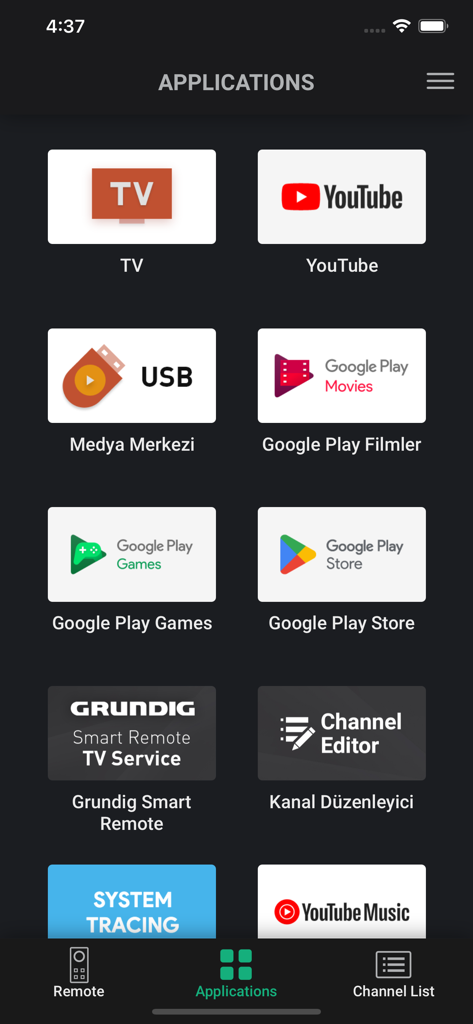
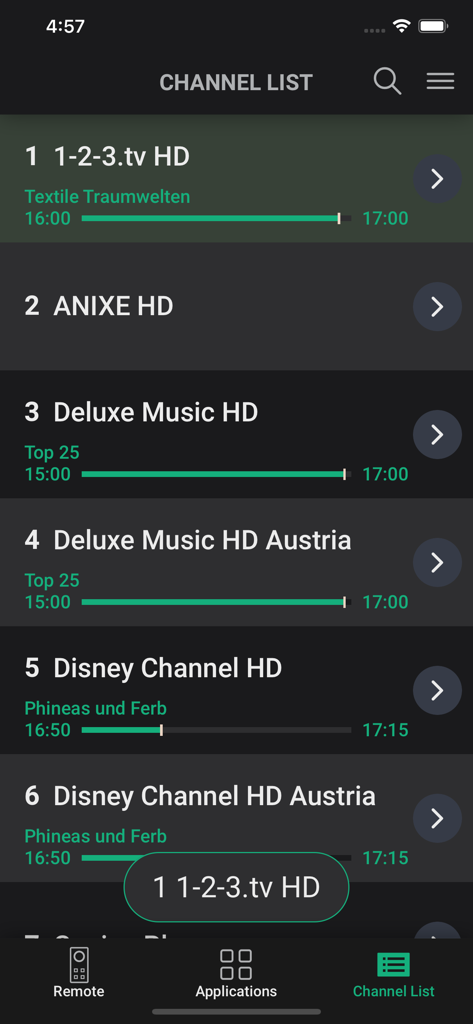
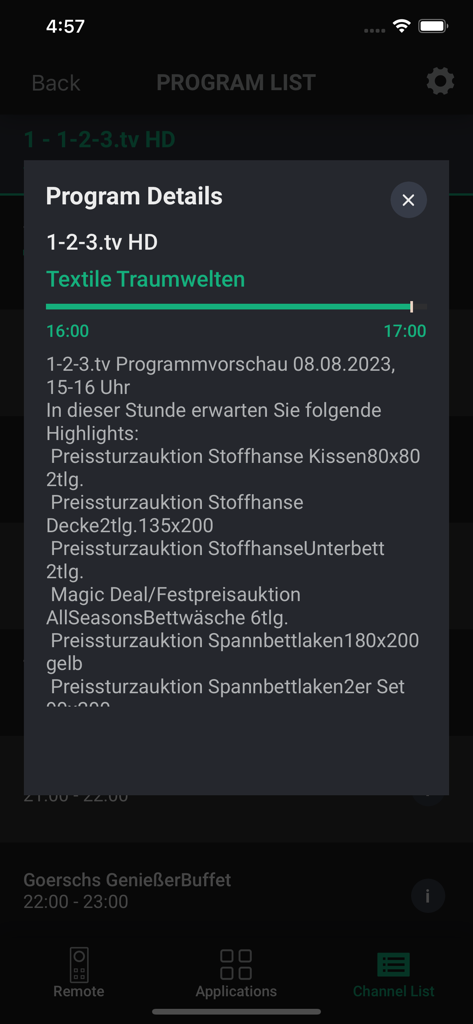
The tools that make this app stand out, trusted by 191K+ users.
Stop hunting for letters on your TV screen. Use your phone's keyboard to search for Netflix titles or enter login credentials in seconds.
Say goodbye to couch-cushion hunts. Your iPhone provides a fast, reliable connection to your TV, ensuring control is always within reach.
Browse the full channel lineup and set recording reminders on your device without interrupting the show you're currently watching.
Everything you need to know about Grundig Smart Remote.
Description
Latest Version
3.44
Size
15.4 MB
First Released
Jan 12, 2012
Ditch the traditional remote. Download the Grundig Smart Remote app now for effortless typing, smart browsing, and total control from your iPhone.
Everything you need to know about Grundig Smart Remote
The Grundig Smart Remote app controls Grundig Smart TVs using an iPhone or iPad. It offers remote functions, a keyboard, a TV guide for channels, and a schedule for reminders/recordings.
Connect your iPhone/iPad and Grundig Smart TV to the same Wi-Fi access point. The Grundig Smart Remote app automatically identifies the TV, or you can manually enter its IP address.
Yes, the Grundig Smart Remote app provides a Keyboard feature. This allows you to use your iPhone/iPad's keyboard for text input when TV applications require it.
Yes, the Grundig Smart Remote app features a TV Guide. This enables navigation of the channel list, channel searches, and setting reminders or recordings for TV events.
The Grundig Smart Remote app includes a Schedule feature. Users access this to see all previously set reminder and recorder events listed together on a single screen.
The Grundig Smart Remote app offers comprehensive remote control functionality. This includes navigation, numeric keypad input, and media playback controls for your Grundig Smart TV.
Compatibility information for the Grundig Smart Remote app is available within its "Settings" menu. Users must check the "Supported Models" screen there to confirm TV compatibility.
Yes, the Grundig Smart Remote app automatically identifies your Grundig Smart TV. Both devices must be connected to the same Wi-Fi access point for automatic detection to occur.
Top-ranked apps in the same category

Google LLC

Google LLC

China Mobile Online Services Co., Ltd.

Google LLC

Servicos e Informacoes do Brasil

DEEP FLOW SOFTWARE SERVICES - FZCO

Servicos e Informacoes do Brasil

CHINA TELECOM Corporation Ltd.

Microsoft Corporation
App information, icons, screenshots, and descriptions displayed on this page are sourced from the Apple App Store and are the property of their respective developers. Download estimates and rankings are based on MWM's proprietary models and may not reflect actual figures. This page is provided for informational and analytical purposes only.
Believe this page infringes your intellectual property? File a dispute