Guerrilla Filmmaker: Camera
Download on App Store

This page is not an official page of the app or its developer, but an independent editorial publication created for informational and commentary purposes. Unless expressly stated otherwise, neither the app nor its developer is affiliated with, endorsed by, sponsored by, authorized by, or otherwise officially connected with MWM, Apple, Google Play, the app publisher, or the app's developer, and nothing on this page implies that the app was developed using MWM's services. Any trademarks, logos, screenshots, and other content remain the property of their respective owners.


Logo of Guerrilla Filmmaker: Camera
Download on App Store

Guerrilla Filmmaker: Camera

Unlock Hollywood-grade tools on your iPhone with the only app featuring automated focus pulls, pro bitrates up to 150Mbps, and custom anamorphic support for solo creators and filmmakers.

Key Figures

Downloads

102K+

User Rating

4.5/5

Total Ratings

0

Publisher

Guerrilla Apps Ltd

Category

Photo & Video

Locales

1

Latest Version

2.22

Size

17.6 MB

First Released

Jun 30, 2015
Features

Professional Cinematic Control

Transform your iPhone into a high-end cinema camera with granular manual controls and industry-leading automation designed for the modern solo creator.

One-of-a-Kind Automation

Program precise focus pulls and exposure shifts to execute complex, professional-grade camera moves without a crew.

Pro Monitoring Tools

Achieve perfect technical execution every time with Focus Peaking, False Color, and custom bitrates up to 150Mbps.

The following screenshots and description are sourced directly from the app's official store listing and are the property of the app developer.

App Store

Screenshots
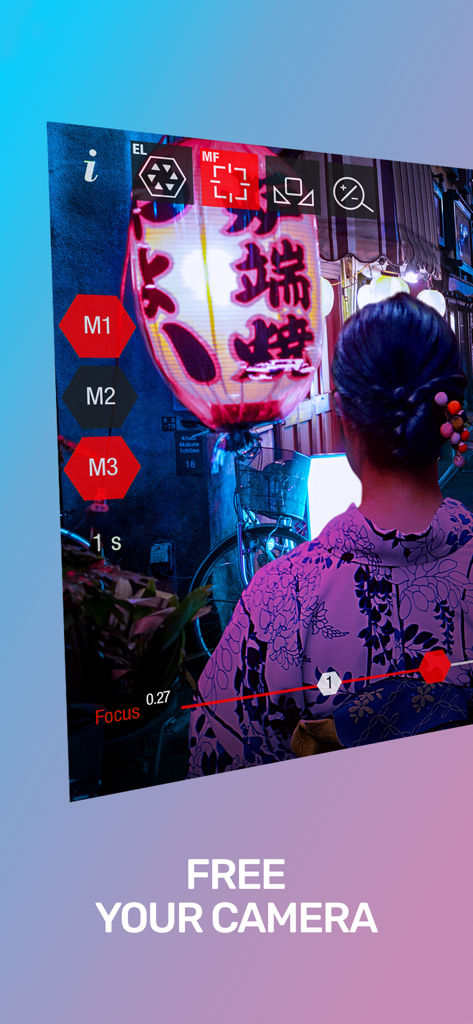
Guerrilla Filmmaker: Camera - Pro camera app interface showing manual focus and exposure controls with a cinematic night scene
Pro camera app interface showing manual focus and exposure controls with a cinematic night scene

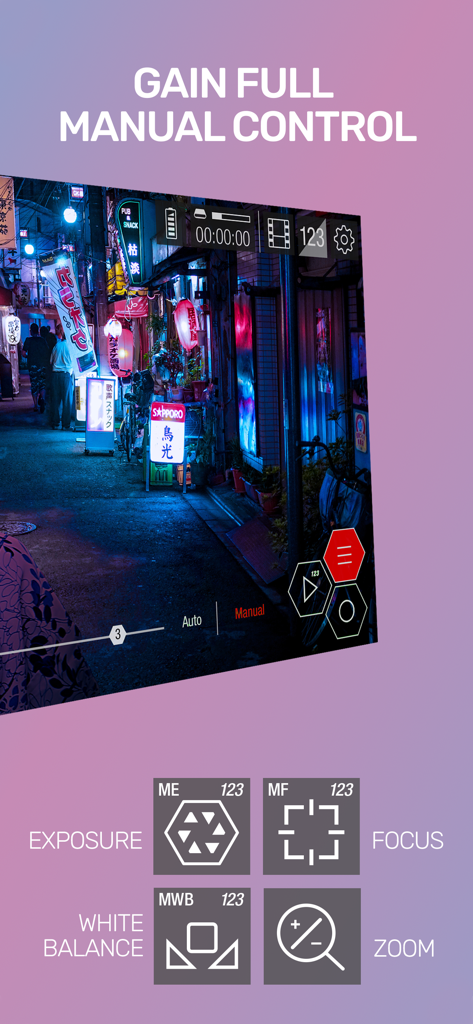
Guerrilla Filmmaker: Camera - Guerrilla Filmmaker app interface showing manual camera controls for exposure focus white balance and zoom
Guerrilla Filmmaker app interface showing manual camera controls for exposure focus white balance and zoom

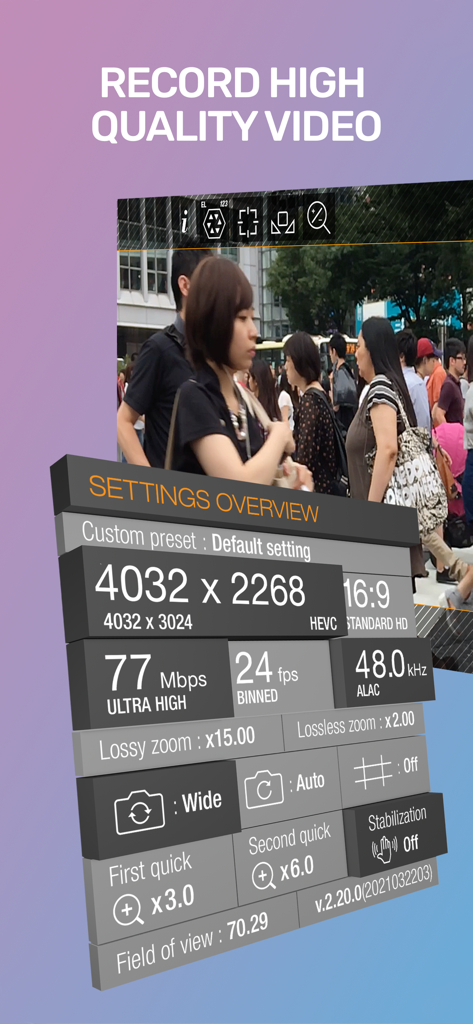
Guerrilla Filmmaker: Camera - Guerrilla Filmmaker app displaying advanced video recording settings like resolution and bitrate
Guerrilla Filmmaker app displaying advanced video recording settings like resolution and bitrate

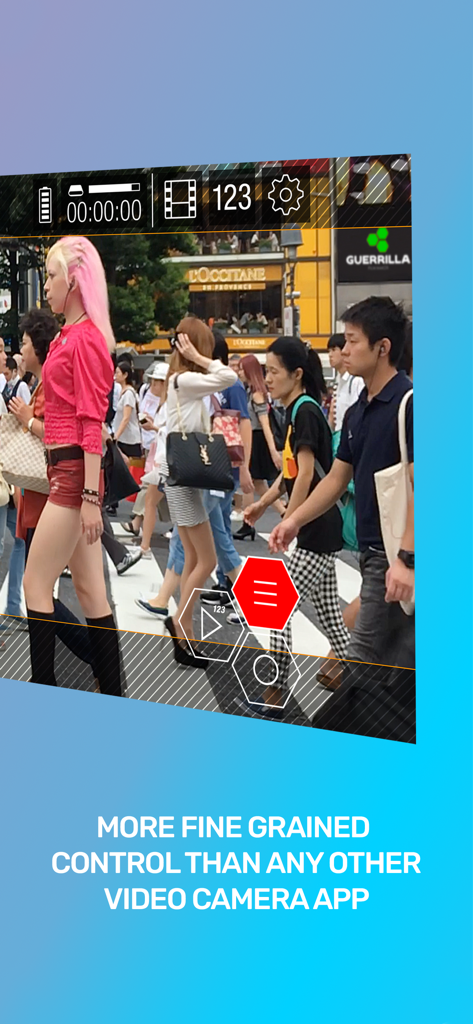
Guerrilla Filmmaker: Camera - Professional video camera interface with manual exposure and focus controls on a street scene
Professional video camera interface with manual exposure and focus controls on a street scene

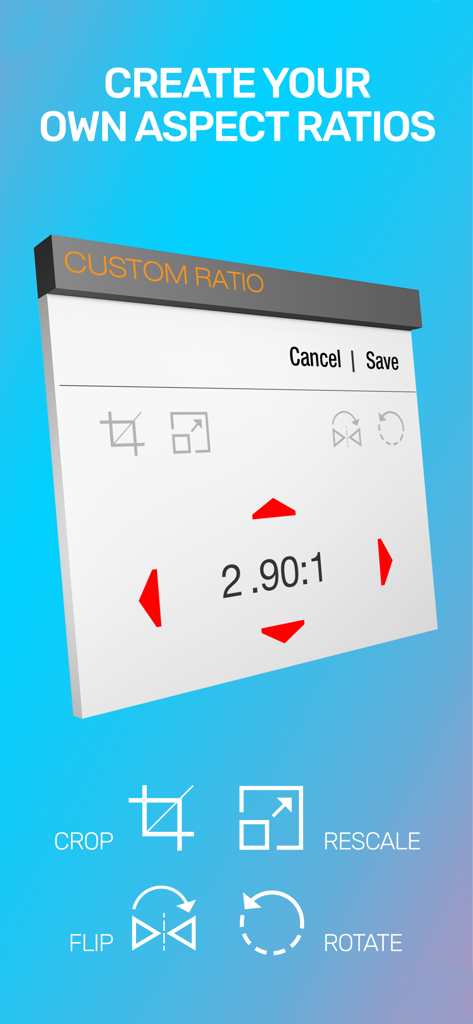
Guerrilla Filmmaker: Camera - A screen from the Guerrilla Filmmaker app showing custom aspect ratio settings with crop rescale flip and rotate tools
A screen from the Guerrilla Filmmaker app showing custom aspect ratio settings with crop rescale flip and rotate tools

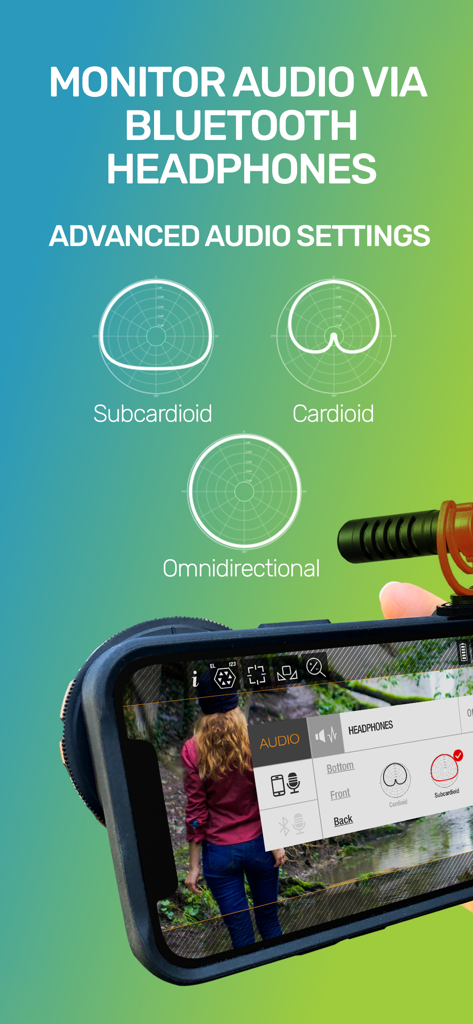
Guerrilla Filmmaker: Camera - Advanced audio settings in Guerrilla Filmmaker app showing polar patterns and Bluetooth monitoring options
Advanced audio settings in Guerrilla Filmmaker app showing polar patterns and Bluetooth monitoring options

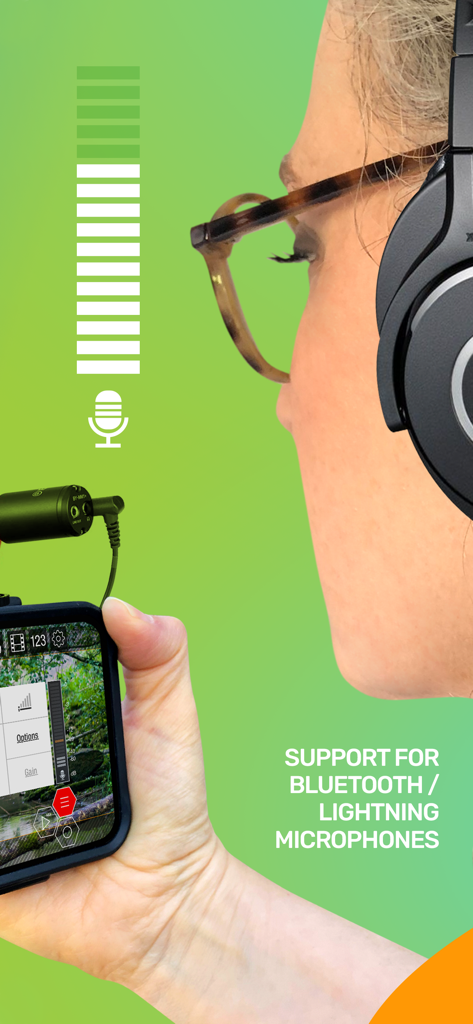
Guerrilla Filmmaker: Camera - A woman using an external microphone with the Guerrilla Filmmaker app on iPhone
A woman using an external microphone with the Guerrilla Filmmaker app on iPhone

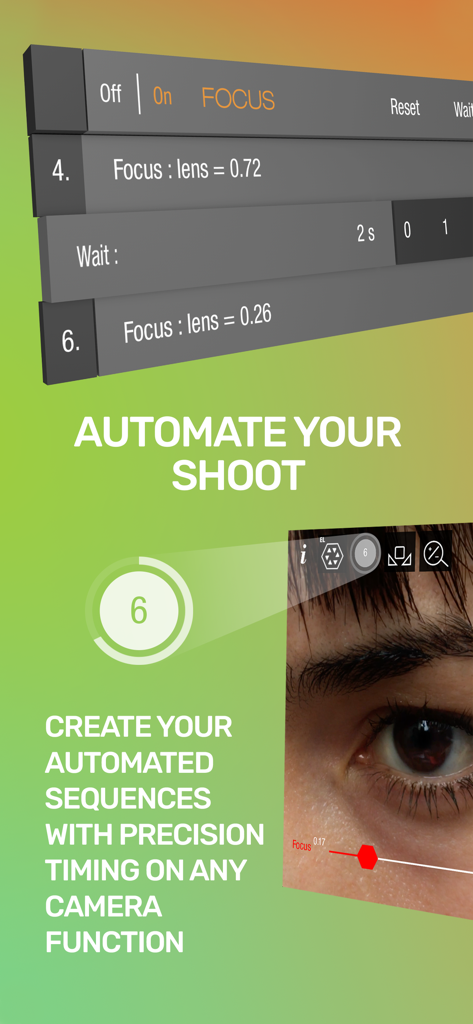
Guerrilla Filmmaker: Camera - Interface showing automated focus pulling sequences with precision timing for professional mobile filmmaking.
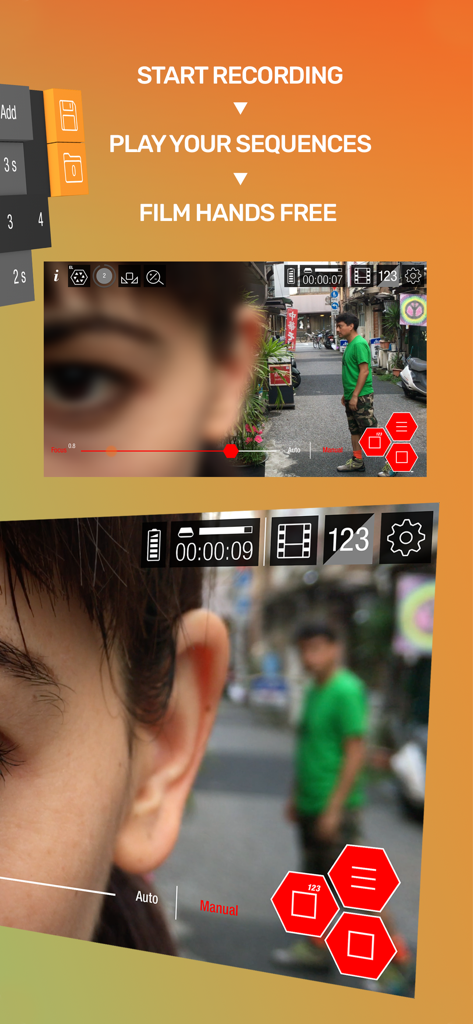
Interface showing automated focus pulling sequences with precision timing for professional mobile filmmaking.

Guerrilla Filmmaker: Camera - Automated camera sequences for hands-free professional mobile filmmaking
Automated camera sequences for hands-free professional mobile filmmaking

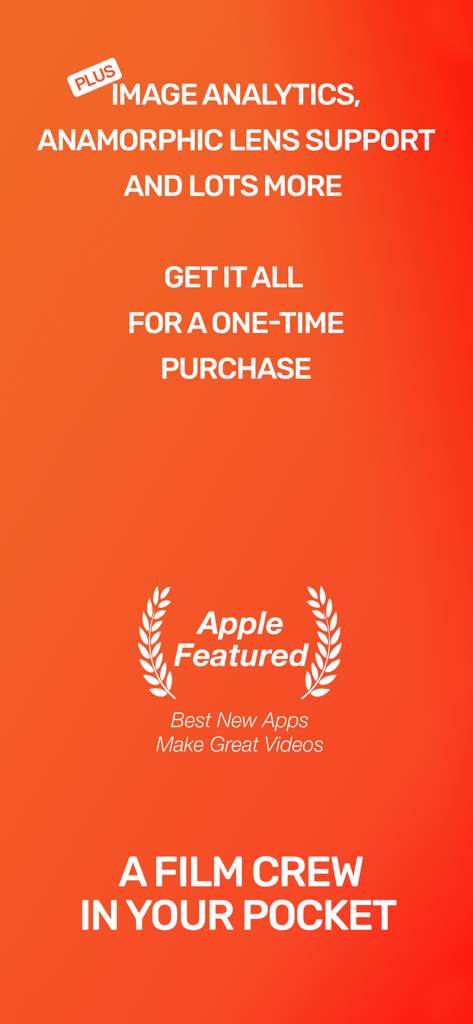
Guerrilla Filmmaker: Camera - Promotional screen for Guerrilla Filmmaker app showing features like anamorphic lens support and one time purchase price with Apple Featured award

Promotional screen for Guerrilla Filmmaker app showing features like anamorphic lens support and one time purchase price with Apple Featured award

Description

** Featured in App Store “Best New Apps” and “Make Great Videos” ** Guerrilla Filmmaker is the go-to video camera app used by professional and aspiring filmmakers, documentary makers, vloggers and anyone wanting to get the most out of the camera in their pocket. --- 5 STAR REVIEWS FOR GUERRILLA FILMMAKER --- "Love it, gotta have it" "The best, hands down, 4K video camera app!!!" "This app has some serious caliber... Automation is the most amazing part in this app." -- EXTENSIVE BUILT IN INSTRUCTIONAL VIDEOS -- Guerrilla Filmmaker has features that no other video recording app has. We also designed the interface for quick control using touch gestures. To help you get the most out of Guerrilla Filmmaker, every feature is demonstrated through an extensive set of in-app instructional videos. --- ONE OF A KIND AUTOMATION FEATURES --- Guerrilla Filmmaker is the only video camera app that lets you automate any camera function (focus, exposure, white balance, zoom) so that you can plan your shot, playback your automation sequence and record hands free. Take full control by setting exact focus, exposure, white balance and zoom points and dial in the timing. Set up a pull focus sequence from one subject to another. Automate changing exposure as you track from indoors to outdoors. Create any automation sequence you can imagine. --- CREATE CUSTOM ASPECT RATIOS --- Use one of the built in aspect ratios including Moondog anamorphic or create your very own. Support for image flip, rotation and anamorphic squeeze to allow building aspect ratios for any custom external lens. --- GESTURE SHORTCUTS --- • Swipe to quickly change between focus, zoom, white balance and exposure • Long press to focus or expose at image point • Long press to bring up magnified inspection window for precise focus adjustment • Double tap to lock all functions to manual mode • Double tap to reset all functions to auto mode • Double tap to quickly zoom in to a predefined magnification • Swipe to remove interface elements for a clean viewfinder • Start recording right from the iOS home screen by long pressing the Guerrilla Filmmaker icon and selecting a preset setting --- VIDEO RECORDING FEATURES --- • More fine grained settings than any other video recorder app • Manual focus, exposure, white balance and zoom • Auto mode • 4K resolution (device dependent) • All device resolutions available • Video bit rates up to 150Mbps (device dependent) • 48.0kHz or 44.1kHz audio sample rate • Custom frame rates up to 240fps (device and resolution dependent) • Choose any frame rate, not just predefined frame rates • Built in aspect ratios (HD, 4:3, CinemaScope, Moondog lens, etc) • Custom aspect ratios (build your own) • Focus peaking tool • False color tool • ProRes, HEVC and H264 video codecs • Gray card calibration • Video stabilization • Support for external microphones • Headphone monitoring • Inbuilt microphone polar pattern selection • Audio meter --- CUSTOM PRESETS --- • Save your settings as a named preset • Add the preset as a home screen shortcut • Long press the Guerrilla Filmmaker app icon and select a preset shortcut to begin recording immediately from the home screen with the desired settings --- BEAUTIFUL FILM LIBRARY --- • Share your clips via AirDrop or lightning cable connected via Finder app • Share via iOS share-capable apps such as CapCut, Facebook, WhatsApp, iMovie etc • Playback with adjustable frame rate to view in slow motion or fast speed • Meta data displayed is read from the recorded file so you can be sure that what you have is what you expected --- FEEDBACK & SUPPORT --- If you have any questions or suggestions, please let us know via in-app feedback or email us at feedback@guerrilla-apps.com Keep those feature requests coming and if you’re enjoying Guerrilla Filmmaker please consider leaving a review on the App Store.

Download

Download on App Store

This page is not an official page of the app or its developer, but an independent editorial publication created for informational and commentary purposes. Unless expressly stated otherwise, neither the app nor its developer is affiliated with, endorsed by, sponsored by, authorized by, or otherwise officially connected with MWM, Apple, Google Play, the app publisher, or the app's developer, and nothing on this page implies that the app was developed using MWM's services. Any trademarks, logos, screenshots, and other content remain the property of their respective owners.








