
Stop wasting time retyping. Effortlessly convert, proofread, and share your handwritten brainstorms or lecture notes with the most reliable iOS recognition tool built for students and professionals.
Publisher
Category
UtilitiesDownloads
1K+User Rating
Total Ratings
0Locales
1Discover the interface used by 1K+ users.
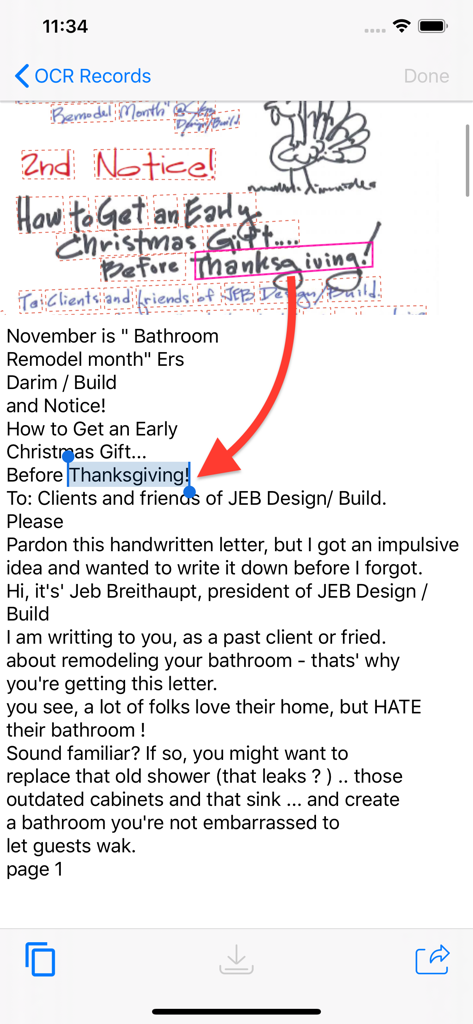
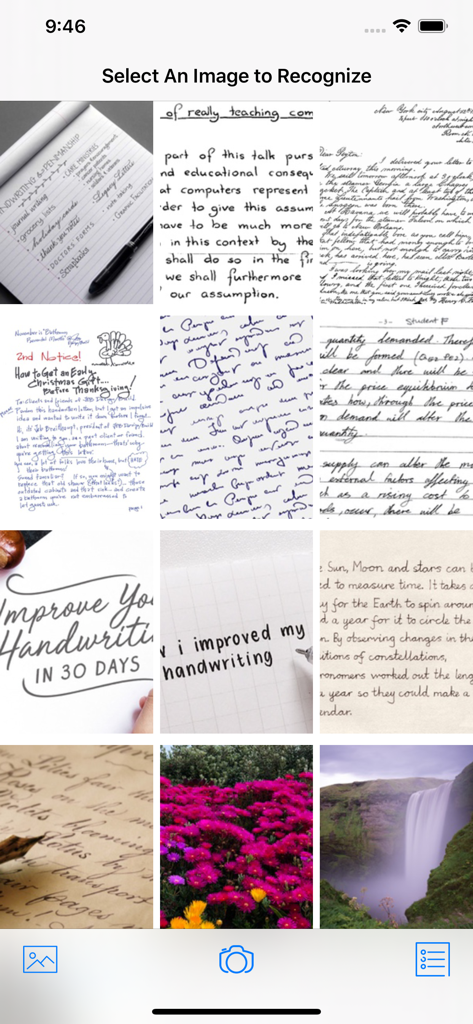
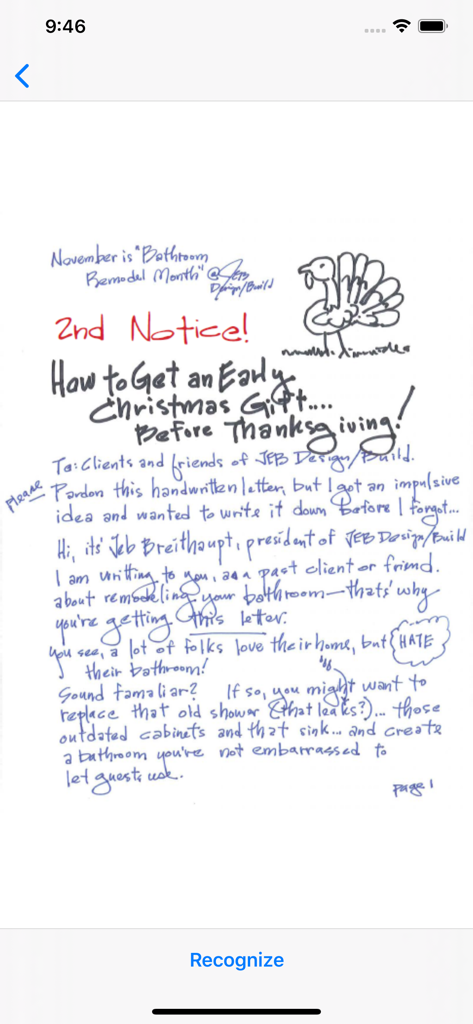
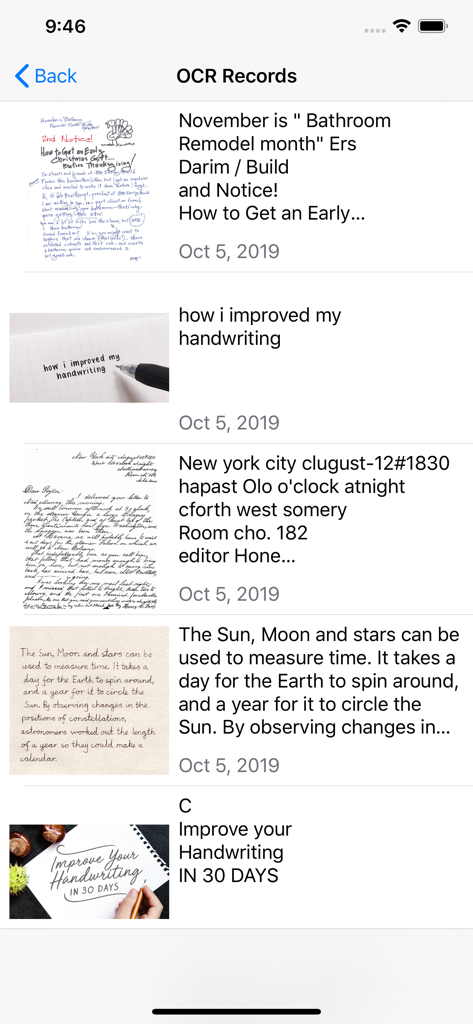
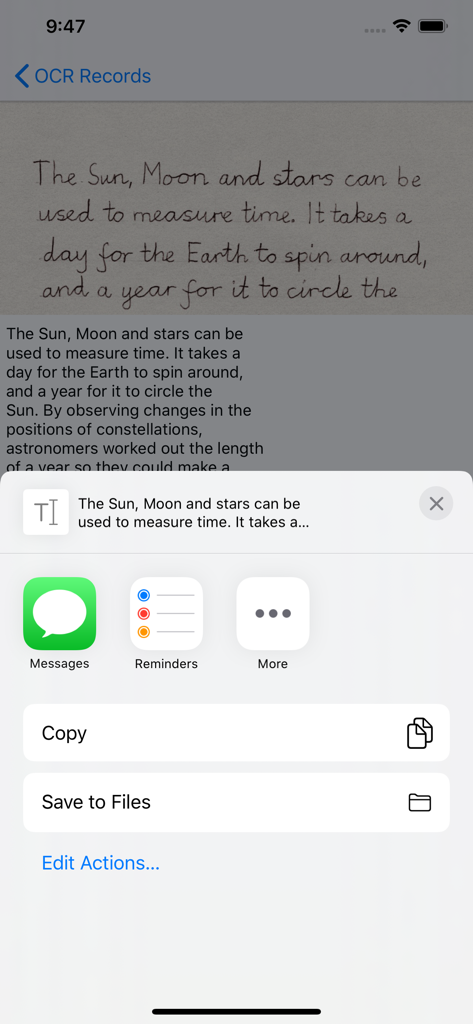
The tools that make this app stand out, trusted by 1K+ users.
Eliminate double work by turning handwritten lecture notes or meeting brainstorms into editable digital text in seconds.
Easily review and refine your scanned text with a built-in editor, ensuring your digital documents are 100% accurate.
Export your digitized thoughts directly to Slack, Notion, or Gmail. Keep your workflow moving without leaving the app.
Everything you need to know about Handwriting OCR.
Description
Latest Version
2.1.1
Size
10.2 MB
First Released
Oct 12, 2017
Join the students and professionals who turn handwritten ideas into digital text in seconds. Get the top-rated handwriting OCR tool for your iPhone and iPad today.
Top-ranked apps in the same category

Google LLC

Google LLC

China Mobile Online Services Co., Ltd.

Google LLC

Servicos e Informacoes do Brasil

Servicos e Informacoes do Brasil

DEEP FLOW SOFTWARE SERVICES - FZCO

Microsoft Corporation
Beijing Baidu Netcom Science & Technology Co.,Ltd
App information, icons, screenshots, and descriptions displayed on this page are sourced from the Apple App Store and are the property of their respective developers. Download estimates and rankings are based on MWM's proprietary models and may not reflect actual figures. This page is provided for informational and analytical purposes only.
Believe this page infringes your intellectual property? File a dispute