
This page is not an official page of the app or its developer, but an independent editorial publication created for informational and commentary purposes. Unless expressly stated otherwise, neither the app nor its developer is affiliated with, endorsed by, sponsored by, authorized by, or otherwise officially connected with MWM, Apple, Google Play, the app publisher, or the app's developer, and nothing on this page implies that the app was developed using MWM's services. Any trademarks, logos, screenshots, and other content remain the property of their respective owners.


HEIC images batch converter
Seamlessly batch process hundreds of photos to JPEG or PNG locally on your device. Designed for professionals who value privacy, speed, and cross-platform compatibility without the clutter of ads or cloud uploads.
Downloads
8K+User Rating
Total Ratings
0Publisher
Category
Photo & VideoLocales
14Latest Version
3.3Size
10.6 MBFirst Released
May 18, 2021Efficiency Without Compromise
The ultimate utility for professionals to convert HEIC images to JPEG or PNG instantly, securely, and without ads.
High-Speed Batch Conversion
Leverage multi-threading to process large photo libraries in seconds, saving you valuable time.
Privacy-First Local Processing
No cloud uploads or data collection. Your images stay on your device, ensuring total security.
The following screenshots and description are sourced directly from the app's official store listing and are the property of the app developer.
App Store
Screenshots
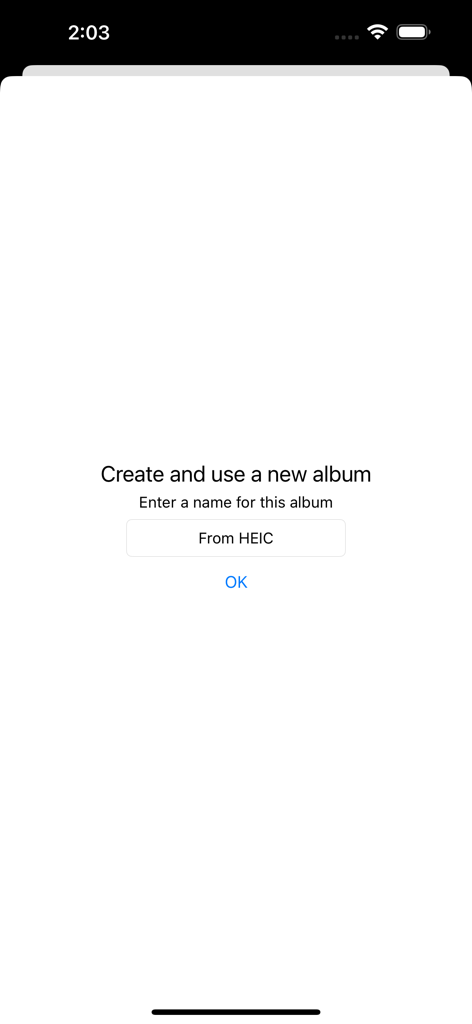
A minimalist interface prompt to create a new album named From HEIC within the app.
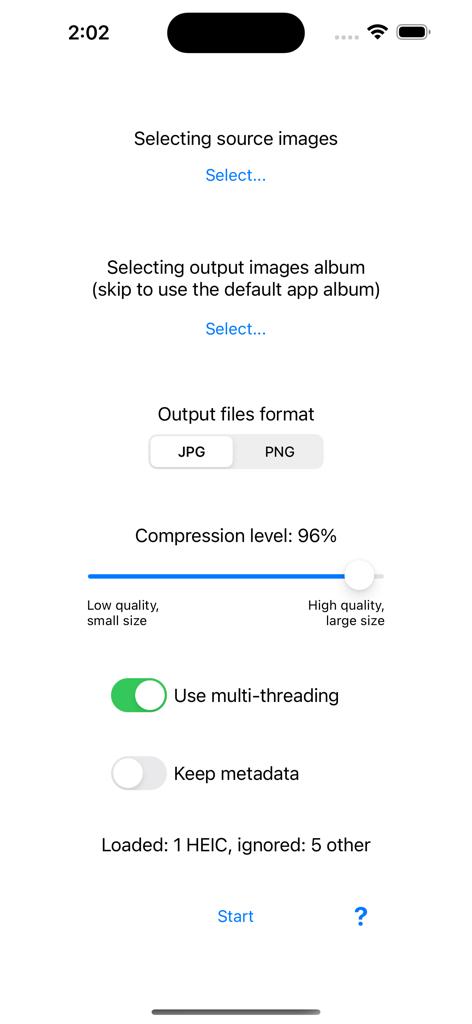
User interface of the HEIC images batch converter app showing output format and compression settings
Description
Download
More Like This
Top-ranked apps in the same category

CapCut: Photo & Video Editor
BYTEDANCE PTE. LTD.

Instagram, Inc.

YouTube
Google LLC

Canva: AI Photo & Video Editor
Canva Pty Ltd

Snapchat
Snap, Inc.

快手
Beijing Kwai Technology Co., Ltd.

Edits: Video Editor
Instagram, Inc.

Meitu- AI Photo & Video Editor
Xiamen Meitu Technology Co., Ltd.

Google Photos: Backup & Edit
Google LLC
This page is not an official page of the app or its developer, but an independent editorial publication created for informational and commentary purposes. Unless expressly stated otherwise, neither the app nor its developer is affiliated with, endorsed by, sponsored by, authorized by, or otherwise officially connected with MWM, Apple, Google Play, the app publisher, or the app's developer, and nothing on this page implies that the app was developed using MWM's services. Any trademarks, logos, screenshots, and other content remain the property of their respective owners.