Hidden Folder - KYMS &  KYCALC
Hidden Folder - KYMS & KYCALC
Download on App Store

This page is not an official page of the app or its developer, but an independent editorial publication created for informational and commentary purposes. Unless expressly stated otherwise, neither the app nor its developer is affiliated with, endorsed by, sponsored by, authorized by, or otherwise officially connected with MWM, Apple, Google Play, the app publisher, or the app's developer, and nothing on this page implies that the app was developed using MWM's services. Any trademarks, logos, screenshots, and other content remain the property of their respective owners.

Logo of Hidden Folder - KYMS &  KYCALC
Download on App Store

Hidden Folder - KYMS & KYCALC

Secure your private photos, videos, and sensitive documents behind a clever disguise. With fake passcodes and stealth icons, keep your personal life protected from prying eyes—even when you hand over your phone.

Key Figures

Downloads

10K+

User Rating

4.0/5

Total Ratings

0

Publisher

ADAPPS SOFTWARE BILISIM TEKNOLOJI VE TICARET LIMITED SIRKETI

Category

Photo & Video

Locales

32

Latest Version

2.3.4

Size

75.4 MB

First Released

May 18, 2021
Features

Privacy Without the Questions

The ultimate secure space for everything you don't want to share, hidden behind a clever disguise that blends right into your home screen.

Invisible by Design

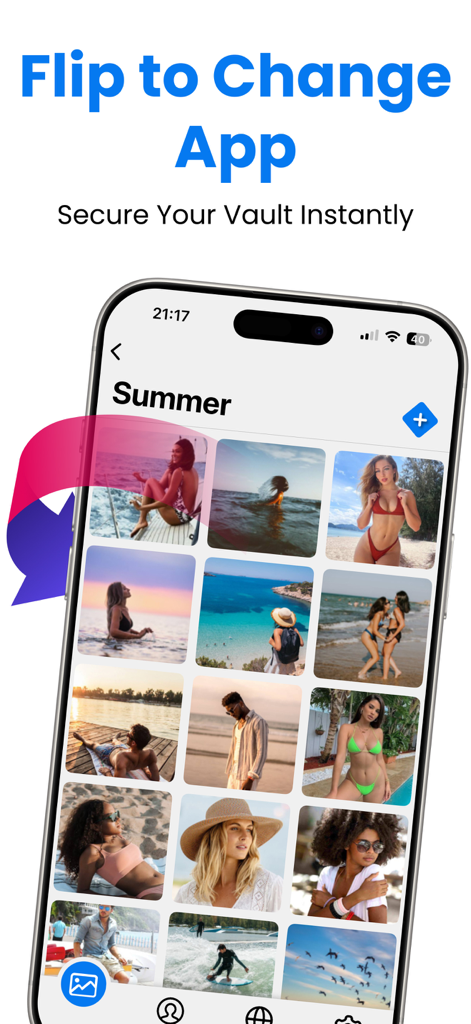
Disguise your vault as a calculator or utility app icon. Your privacy stays hidden in plain sight, avoiding any awkward questions from friends or family.

The Ultimate Decoy

Use a fake passcode to open a decoy gallery. Perfect for those high-pressure moments when you're forced to unlock your phone for someone else.

The following screenshots and description are sourced directly from the app's official store listing and are the property of the app developer.

App Store

Screenshots
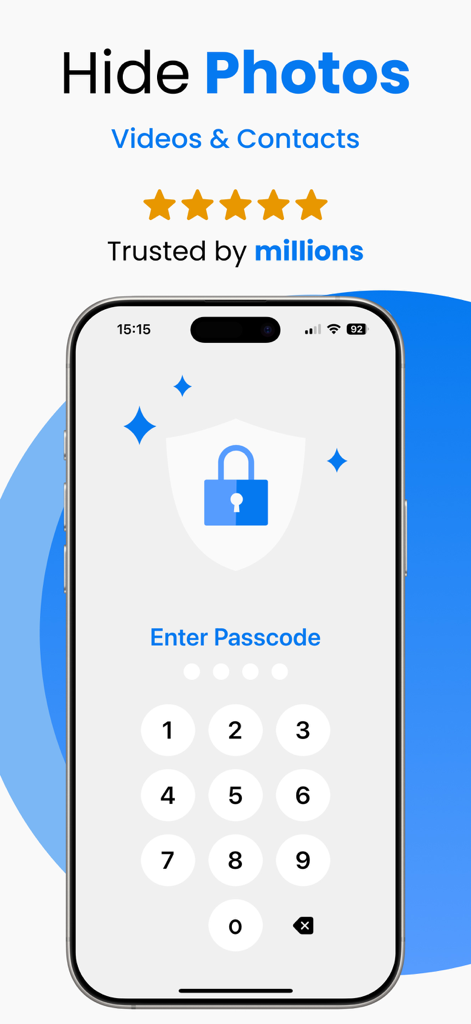
Hidden Folder - KYMS &  KYCALC - Numeric passcode screen for a secure photo vault app
Numeric passcode screen for a secure photo vault app

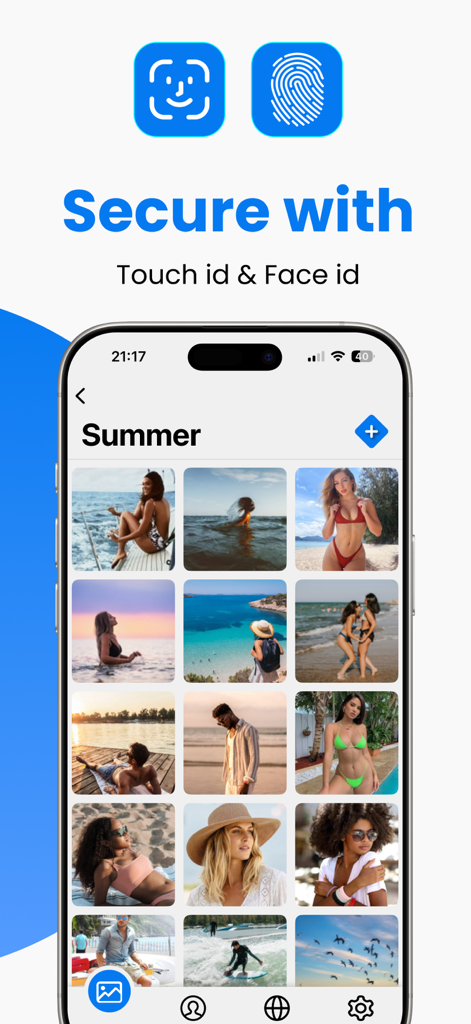
Hidden Folder - KYMS &  KYCALC - Secure photo storage app interface showing Touch ID and Face ID options
Secure photo storage app interface showing Touch ID and Face ID options

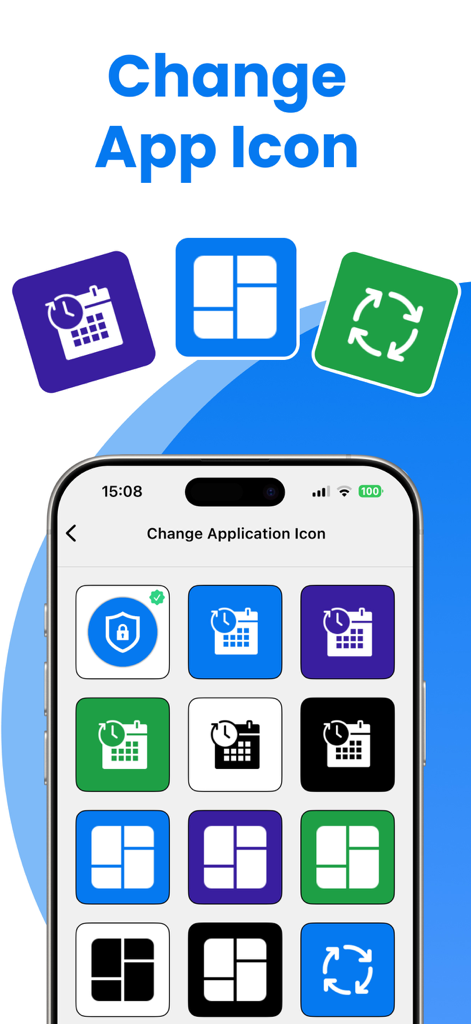
Hidden Folder - KYMS &  KYCALC - User interface to change the app icon and hide the secret photo vault in plain sight
User interface to change the app icon and hide the secret photo vault in plain sight

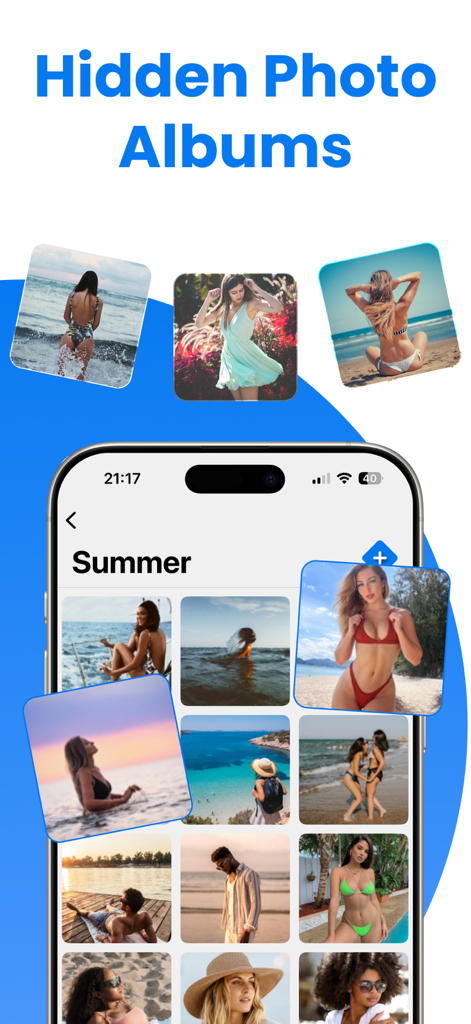
Hidden Folder - KYMS &  KYCALC - Smartphone screen displaying hidden photo albums and secured personal galleries.
Smartphone screen displaying hidden photo albums and secured personal galleries.

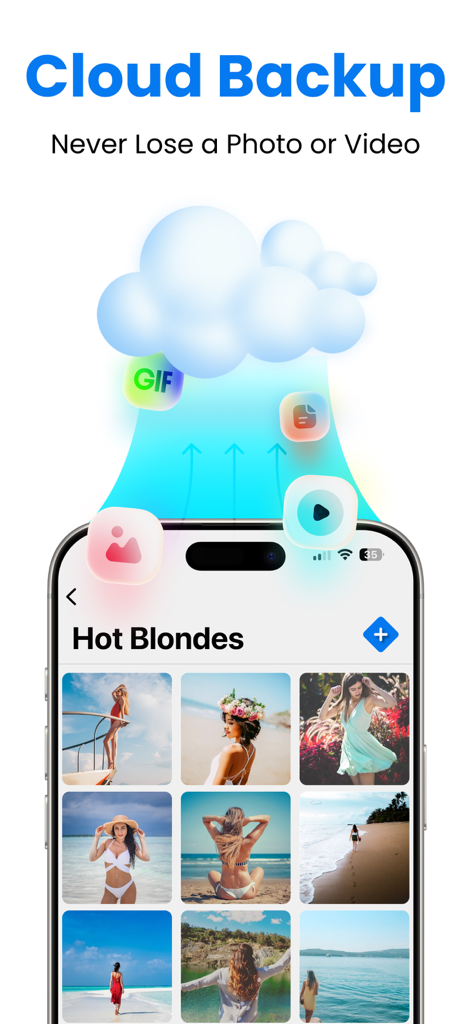
Hidden Folder - KYMS &  KYCALC - Cloud backup feature for secure photo and video storage in the hidden folder app
Cloud backup feature for secure photo and video storage in the hidden folder app

Hidden Folder - KYMS &  KYCALC - iPhone displaying a private photo gallery with a feature to flip and hide the app instantly for security
iPhone displaying a private photo gallery with a feature to flip and hide the app instantly for security

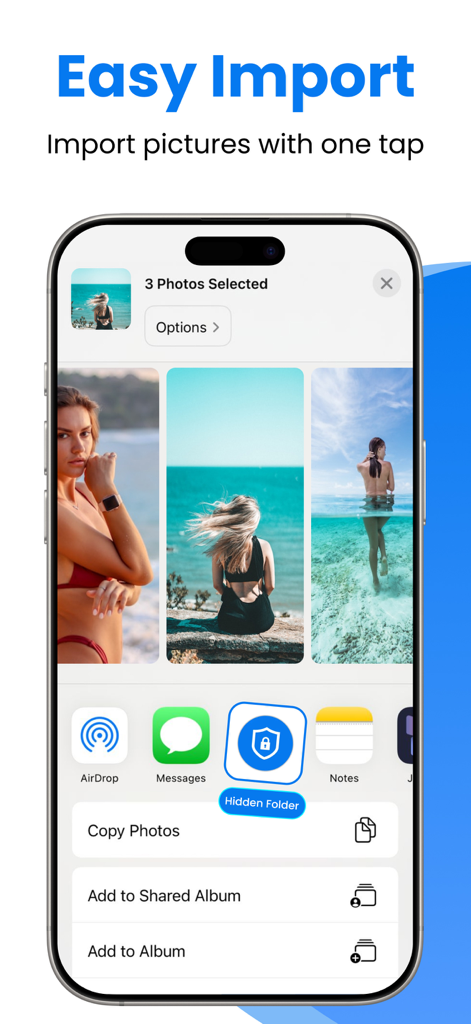
Hidden Folder - KYMS &  KYCALC - Smartphone showing easy photo import into a secure hidden folder
Smartphone showing easy photo import into a secure hidden folder

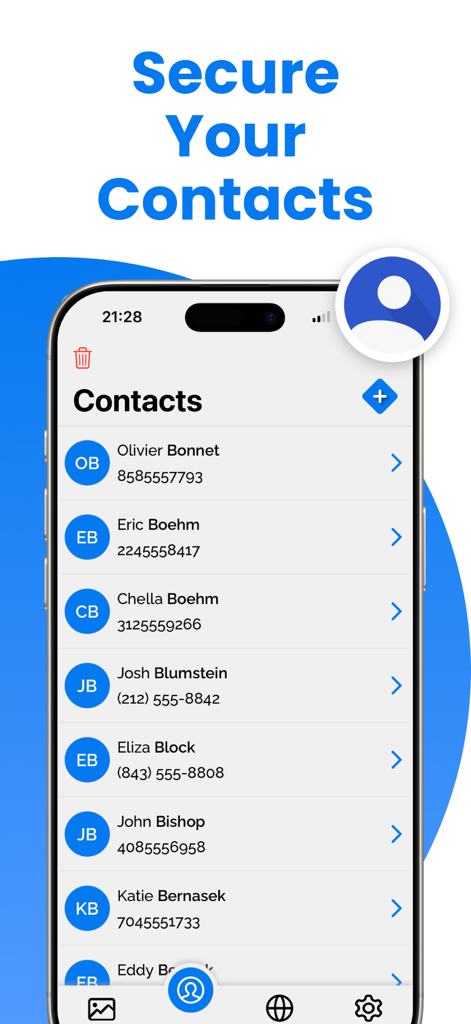
Hidden Folder - KYMS &  KYCALC - Mobile screen showing the secure contacts feature in the Hidden Folder privacy app

Mobile screen showing the secure contacts feature in the Hidden Folder privacy app

Description

Welcome to Keep Private Photos Safe, the ultimate app for protecting your private photos and videos on your iOS device. With Keep Private Photos Safe, you can ensure that your personal media is secure and only accessible by you. Our app offers robust security features, making it the best choice to keep your memories and important documents safe. Key Features: * Hide Videos or Photos: Securely hide your videos and photos from prying eyes. * Support Passcode and Fake Passcode: Protect your data with a passcode. Create a fake passcode that opens a fake gallery, adding an extra layer of security. * Sharing Photos and Videos: Easily share your hidden photos and videos when needed. * Change App Icon: Disguise the app with a different icon to make it look like another app. * No Storage Limitation: Hide unlimited photos and videos without any storage restrictions. * Private Web Browser: Browse the web privately within the app, without leaving any traces. * Preserving Special Memories: Keep your precious memories safe and secure. * Storing Family Photos: Protect your family photos from unauthorized access. * Protecting Copies of Important Documents: Securely store copies of your driver's license, ID cards, and credit cards. * Organizing Important Documents: Keep your important documents organized and easily accessible. * Premium Features: Upgrade to Keep Private Photos Safe Premium to unlock additional powerful features: * Unlimited Storage: Enjoy unlimited storage for all your photos and videos. * Cloud Backup: Automatically back up your photos and videos to the cloud to prevent data loss. Keep your memories safe even if you lose your device. * Ad-Free Experience: Enjoy an ad-free experience with Keep Private Photos Safe Premium. * Priority Support: Get priority customer support for any issues or questions. Why Choose Keep Private Photos Safe? * Enhanced Security Features: Fake Gallery with Fake Password: Create a decoy gallery with a fake password to fool intruders. This way, your real private photos and videos remain secure in the hidden vault. Discreet App Icon: Change the app icon to make it look like another app, enhancing the privacy of your hidden data. No Storage Limitations: Unlike other apps, Keep Private Photos Safe does not limit the number of photos and videos you can hide, allowing you to secure all your important media. Keep Safe with Ease: Using Keep Private Photos Safe is simple and intuitive. Here's how to get started: * Download and Install: Get Keep Private Photos Safe from the App Store and install it on your iPhone. * Set Up Your Security: Choose a passcode to lock your private vault. Optionally, set up a fake passcode for the fake gallery. * Import Photos and Videos: Import the photos and videos you want to keep safe into the app. Organize them into albums for easy access. * Change App Icon: Customize the app icon to disguise Keep Private Photos Safe as another app. * Browse Privately: Use the built-in private web browser to surf the internet without leaving any traces. * Download Keep Private Photos Safe Today! Don’t wait any longer to protect your privacy. Download Keep Private Photos Safe today and start securing your photos, videos, and important documents with the best security features available. Keep your memories safe and enjoy peace of mind knowing that your personal data is protected. Upgrade to Keep Private Photos Safe Premium for an enhanced experience and additional security features. Keep Private Photos Safe is the ultimate app for anyone who values their privacy and wants to keep their personal media secure. Download now and experience the best in photo and video security. Privacy Policy: https://sites.google.com/view/secret-photo-vault-privacy Terms: https://sites.google.com/view/secret-photo-vault-terms

Download

Download on App Store

This page is not an official page of the app or its developer, but an independent editorial publication created for informational and commentary purposes. Unless expressly stated otherwise, neither the app nor its developer is affiliated with, endorsed by, sponsored by, authorized by, or otherwise officially connected with MWM, Apple, Google Play, the app publisher, or the app's developer, and nothing on this page implies that the app was developed using MWM's services. Any trademarks, logos, screenshots, and other content remain the property of their respective owners.








