
This page is not an official page of the app or its developer, but an independent editorial publication created for informational and commentary purposes. Unless expressly stated otherwise, neither the app nor its developer is affiliated with, endorsed by, sponsored by, authorized by, or otherwise officially connected with MWM, Apple, Google Play, the app publisher, or the app's developer, and nothing on this page implies that the app was developed using MWM's services. Any trademarks, logos, screenshots, and other content remain the property of their respective owners.

HideU - Calculator Locker
Disguise your most private photos, passwords, and notes behind a fully functional calculator. Secure your privacy with AES-256 encryption and biometric access today.
Downloads
26K+User Rating
Total Ratings
600Publisher
Category
Photo & VideoLocales
19Latest Version
1.8Size
46.6 MBFirst Released
Jan 29, 2025Total Privacy, Hidden in Plain Sight
VaultMate provides a secure, encrypted space for your most sensitive data, disguised as a standard calculator to ensure absolute discretion from prying eyes.
Stealth Calculator Disguise
Maintain perfect plausible deniability with a fully functional calculator icon that hides your secret vault from friends and family.
Encrypted Media Vault
Stop worrying about 'accidental swipes' by moving private photos and videos into a military-grade AES-256 encrypted gallery.
The following screenshots and description are sourced directly from the app's official store listing and are the property of the app developer.
App Store
Screenshots
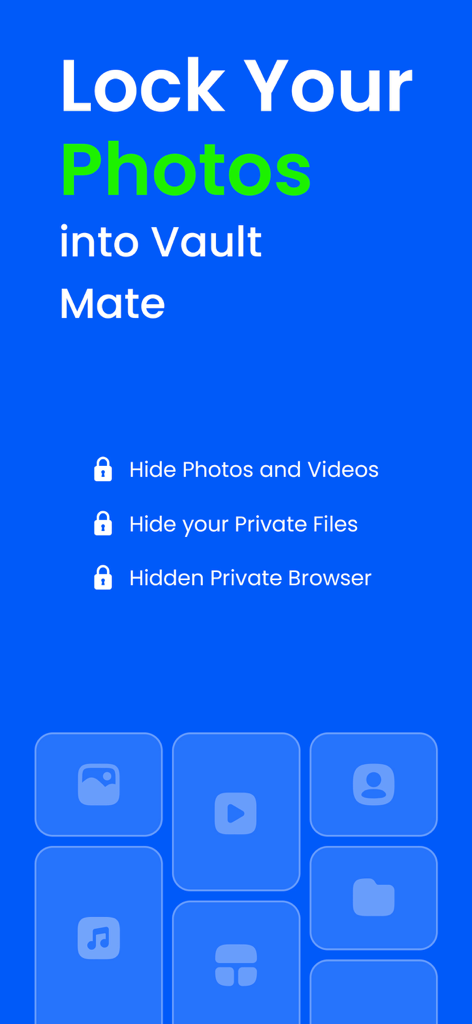
HideU Calculator Locker app interface highlighting photo video and file protection with a private browser
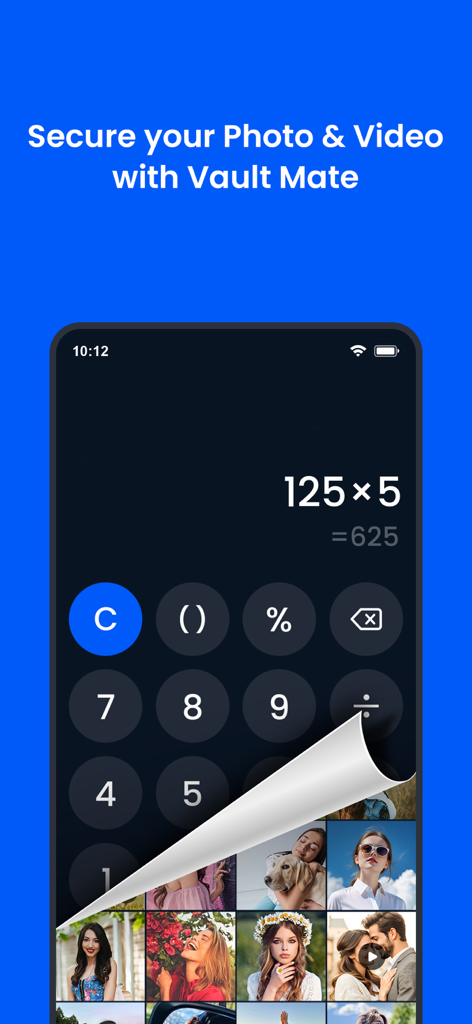
A smartphone screen with a calculator interface peeling back to reveal a hidden photo gallery.
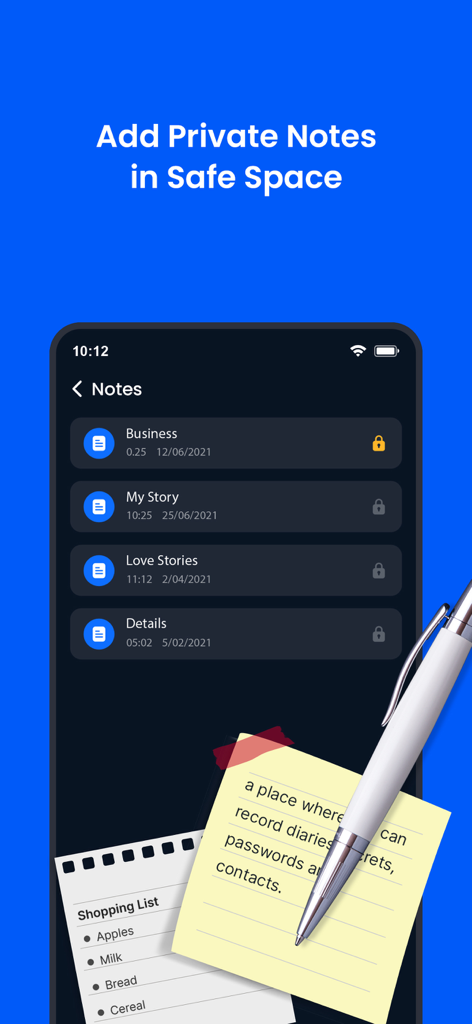
Mobile app interface showing encrypted private notes and folders in a secure vault

A mobile interface showcasing the incognito browsing feature for enhanced online privacy
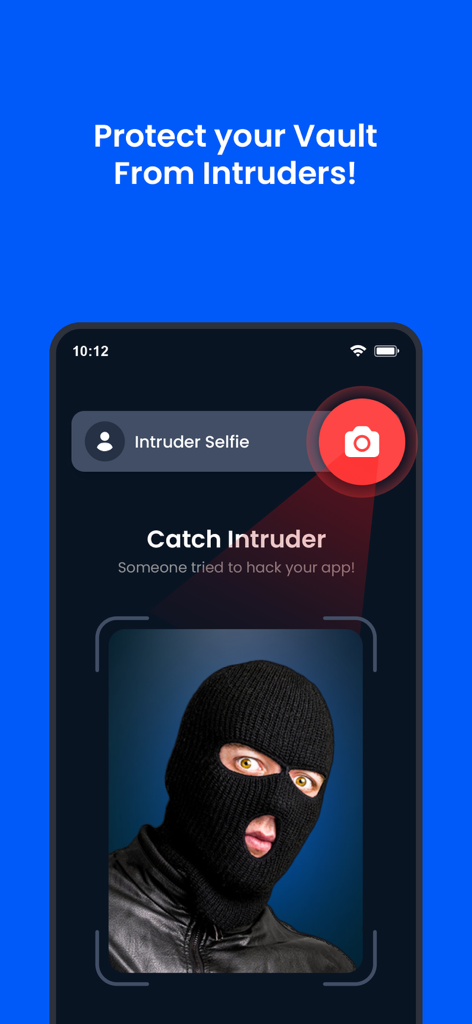
A screenshot of the VaultMate app intruder selfie feature capturing a photo of an unauthorized user trying to access the vault.
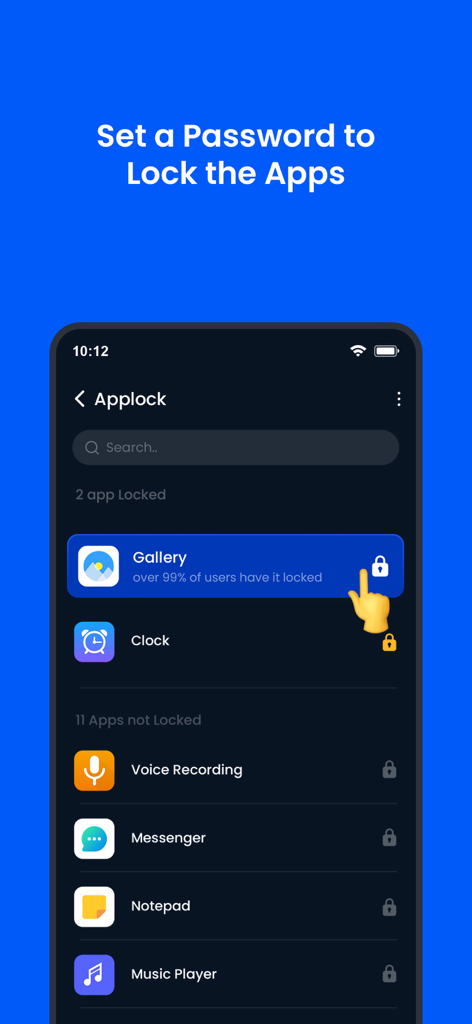
App interface for HideU showing how to lock mobile applications like the gallery and messenger with a password for privacy.
Description
Download
More Like This
Top-ranked apps in the same category

CapCut: Photo & Video Editor
BYTEDANCE PTE. LTD.

Instagram, Inc.

YouTube
Google LLC

Canva: AI Photo & Video Editor
Canva Pty Ltd

Snapchat
Snap, Inc.

快手
Beijing Kwai Technology Co., Ltd.

Edits: Video Editor
Instagram, Inc.

Meitu- AI Photo & Video Editor
Xiamen Meitu Technology Co., Ltd.

Google Photos: Backup & Edit
Google LLC
This page is not an official page of the app or its developer, but an independent editorial publication created for informational and commentary purposes. Unless expressly stated otherwise, neither the app nor its developer is affiliated with, endorsed by, sponsored by, authorized by, or otherwise officially connected with MWM, Apple, Google Play, the app publisher, or the app's developer, and nothing on this page implies that the app was developed using MWM's services. Any trademarks, logos, screenshots, and other content remain the property of their respective owners.