
This page is not an official page of the app or its developer, but an independent editorial publication created for informational and commentary purposes. Unless expressly stated otherwise, neither the app nor its developer is affiliated with, endorsed by, sponsored by, authorized by, or otherwise officially connected with MWM, Apple, Google Play, the app publisher, or the app's developer, and nothing on this page implies that the app was developed using MWM's services. Any trademarks, logos, screenshots, and other content remain the property of their respective owners.


Home Security Camera App
Consolidate your Ring, Nest, and Arlo feeds into one HD dashboard while protecting your privacy with advanced Bluetooth scanning—at home or on the go.
Downloads
1M+User Rating
Total Ratings
45K+Publisher
Category
UtilitiesLocales
33Latest Version
3.3Size
89.5 MBFirst Released
Nov 18, 2020The All-in-One Hub for Your Home Security
Effortlessly consolidate your smart cameras and safeguard your privacy with powerful network scanning and Bluetooth detection.
Universal Camera Connection
Stream real-time HD video from Ring, Arlo, Nest, and many more brands without switching between multiple apps.
Hidden Device Detector
Stay safe in rentals and hotels by scanning for unauthorized Bluetooth signals and hidden network cameras.
Frequently Asked Questions
Everything you need to know about Home Security Camera App
What is the Home Security Camera App?
The Home Security Camera App provides a robust platform for monitoring, connecting, and managing home security cameras. It ensures your home is always safe and secure through real-time high-definition video playback.
What camera brands does the Home Security Camera App support?
The Home Security Camera App supports various brands including Blink, Arlo, Wyze, Lorex, Eufy, Nest, Ring, YI, hugolog, MUBVIEW, Swann, and tp-link for camera connection.
What are the main features of the Home Security Camera App?
The Home Security Camera App's main features include intelligent camera connection, real-time HD video playback, Bluetooth device scanning, privacy protection guidance, and identification of network devices via MAC addresses.
How does the Home Security Camera App connect to cameras?
The Home Security Camera App connects to cameras by intelligently scanning local network cameras. This enables real-time playback of high-definition video from trusted devices detected on the network.
Can the Home Security Camera App scan for Bluetooth devices?
Yes, the Home Security Camera App includes a Bluetooth device scanning feature. It searches for nearby Bluetooth devices and displays their signal strength and approximate distance on a detailed page.
What devices can the Home Security Camera App find with Bluetooth scanning?
The Home Security Camera App's Bluetooth scanning feature can find nearby Bluetooth headphones, Bluetooth mice, Bluetooth keyboards, and any other device that emits a Bluetooth signal.
Does the Home Security Camera App provide privacy protection guidance?
Yes, the Home Security Camera App provides information and guidance on privacy protection. This assists users in understanding how to safeguard their privacy in the digital age.
How does the Home Security Camera App identify connected devices on my network?
The Home Security Camera App identifies connected devices by scanning the local network for unique MAC addresses. It then compares these with a cloud-based database to provide device names, types, and manufacturers.
How can I get support for the Home Security Camera App?
For support with the Home Security Camera App, users can consult the 'Help' section. If issues persist, contact support via the 'Settings' - 'Contact Us' option within the app.
How are subscriptions managed for the Home Security Camera App?
Subscriptions for the Home Security Camera App are charged to the iTunes Account and automatically renew. Users can manage or turn off auto-renewal in their Account Settings at least 24 hours before the current period ends.
Does the Home Security Camera App subscription auto-renew?
Yes, the subscription for the Home Security Camera App automatically renews. Auto-renewal can be disabled in the user’s Account Settings at least 24-hours before the end of the current period.
Where can I find the Privacy Policy for the Home Security Camera App?
The Privacy Policy for the Home Security Camera App is accessible at https://www.ultraspeedapp.com/pp/detection. This link provides comprehensive details regarding the app's privacy practices.
What information is in the 'Guide' section of the Home Security Camera App?
The 'Guide' section in the Home Security Camera App offers information on various camera types, including Pinhole, Infrared, Wireless, Wired, and Sleep cameras, alongside a detection history.
Can I view live camera footage with the Home Security Camera App?
Yes, the Home Security Camera App allows users to view live footage from connected cameras. The app's interface displays different rooms and their corresponding RTSP streams for real-time monitoring.
The following screenshots and description are sourced directly from the app's official store listing and are the property of the app developer.
App Store
Screenshots
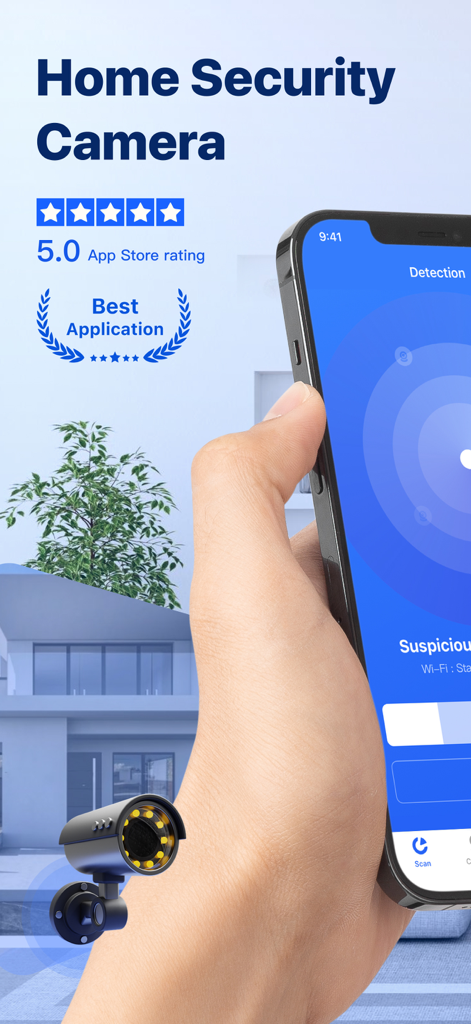
A hand holding a smartphone displaying the detection interface of the Home Security Camera App with a 5.0 star rating
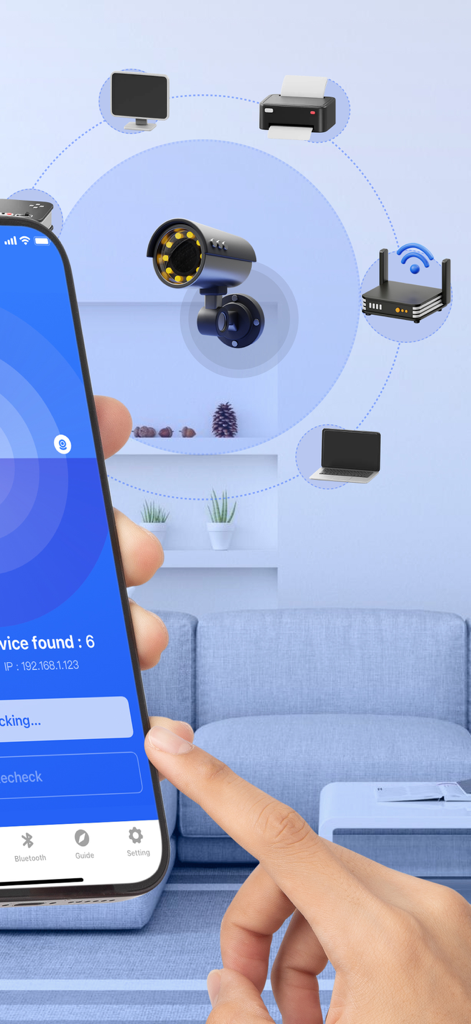
App screen showing network scan for security cameras and smart devices
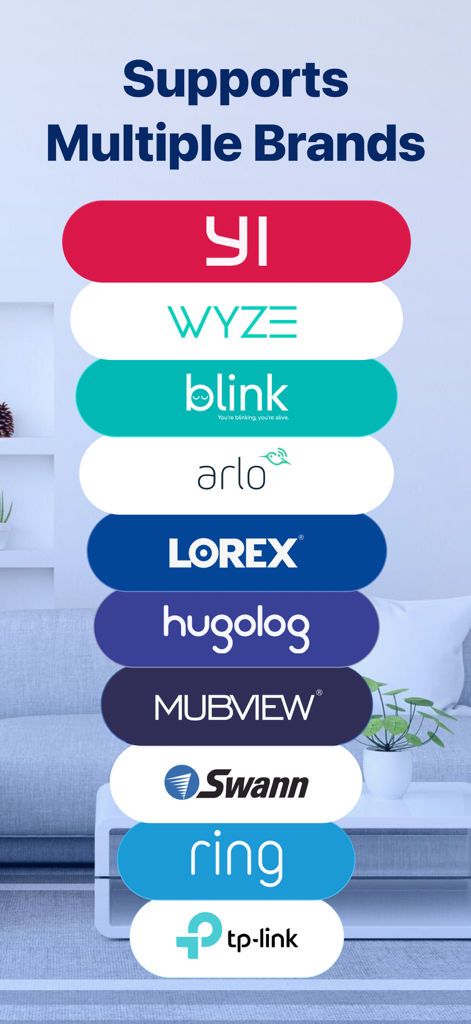
List of compatible camera brands including Wyze Blink and Ring supported by the Home Security Camera App
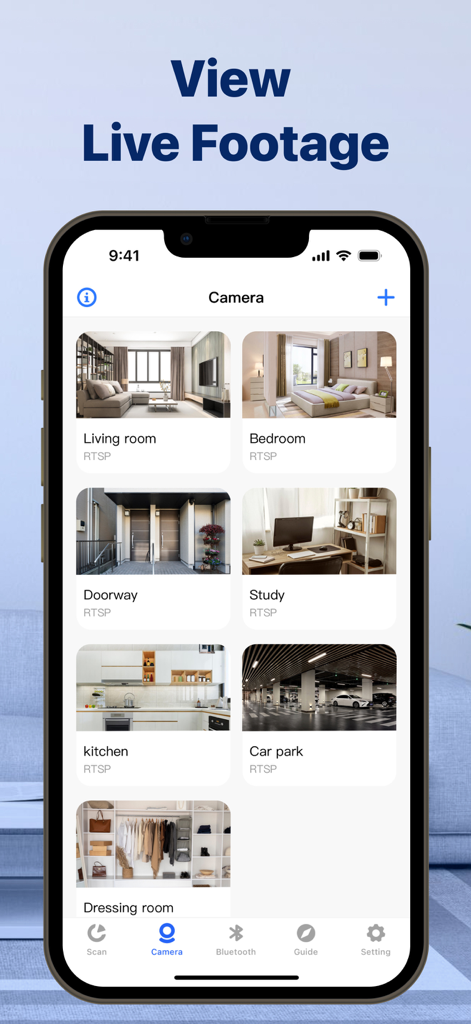
A smartphone screen displaying the Home Security Camera App with a grid of live video feeds from different rooms including living room bedroom and kitchen.
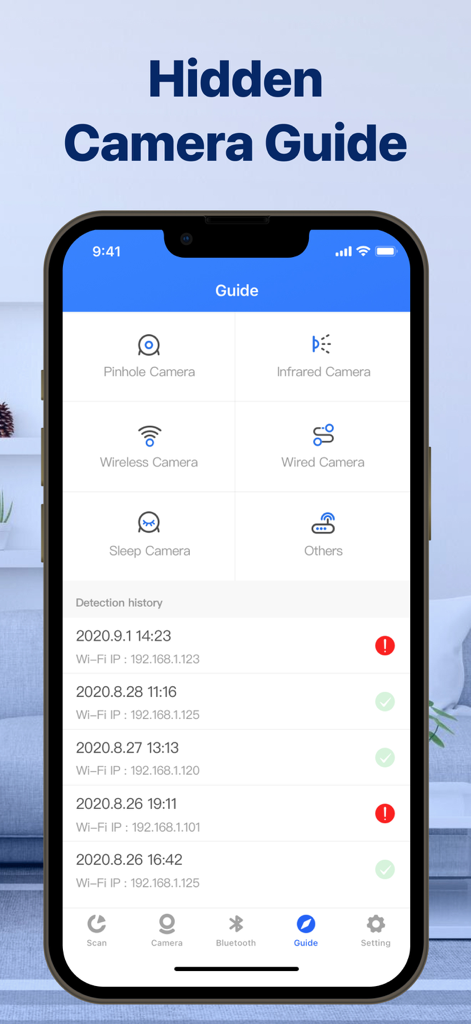
A smartphone displaying a hidden camera guide interface with categories for pinhole and infrared cameras alongside a detection history log.
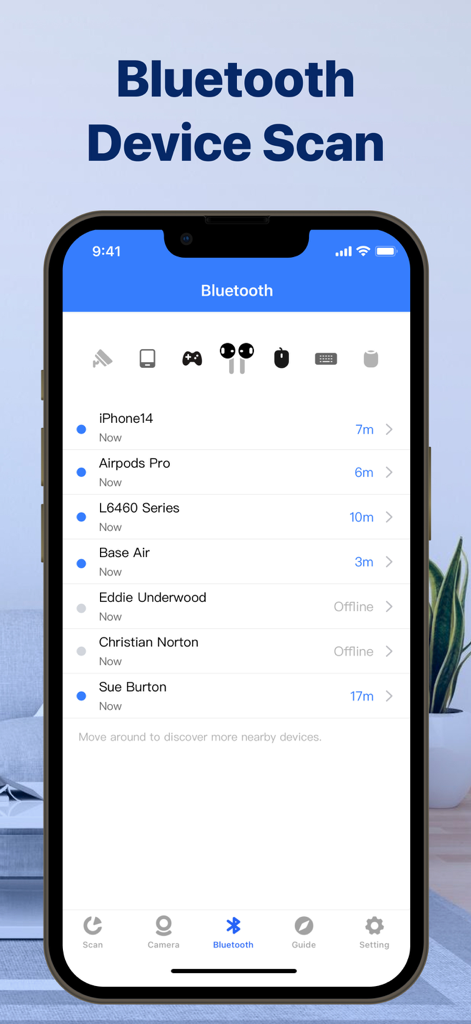
Mobile app interface displaying a list of scanned nearby bluetooth devices with their distances and connection status
Description
Download
More Like This
Apps with similar features and user experience

DMSS
Hangzhou Dong Bin Information Technology Co., Ltd.

Joolink
Shenzhen Jooan Technology Company

VicoHome: Smart Home Camera
PHOTON SAIL TECHNOLOGIES PTE. LTD.

Ubox
洪波 王

SimpliSafe Home Security App
SimpliSafe, Inc.

Active Mobile V4
JFL Equipamentos Eletronicos Industria e Comercio Ltda.

Dzees Home
Shenzhen Weixi Technology Co., Ltd

Ring - Always Home
Bot Home Automation, INC

Hik-Connect - for End user
Hangzhou Hikvision Digital Technology Co., Ltd.
This page is not an official page of the app or its developer, but an independent editorial publication created for informational and commentary purposes. Unless expressly stated otherwise, neither the app nor its developer is affiliated with, endorsed by, sponsored by, authorized by, or otherwise officially connected with MWM, Apple, Google Play, the app publisher, or the app's developer, and nothing on this page implies that the app was developed using MWM's services. Any trademarks, logos, screenshots, and other content remain the property of their respective owners.