Homey - Chores and Allowance
Download on App Store

This page is not an official page of the app or its developer, but an independent editorial publication created for informational and commentary purposes. Unless expressly stated otherwise, neither the app nor its developer is affiliated with, endorsed by, sponsored by, authorized by, or otherwise officially connected with MWM, Apple, Google Play, the app publisher, or the app's developer, and nothing on this page implies that the app was developed using MWM's services. Any trademarks, logos, screenshots, and other content remain the property of their respective owners.


Logo of Homey - Chores and Allowance
Download on App Store

Homey - Chores and Allowance

Stop the nagging and start teaching the value of a dollar. Automate household chores with photo verification, manage allowances via secure bank transfers, and help your children master financial responsibility with goal-based saving jars.

Key Figures

Downloads

0

User Rating

4.0/5

Total Ratings

0

Publisher

HomeyLabs Inc

Category

Productivity

Locales

1

Latest Version

6.2.8

Size

74.8 MB

First Released

Dec 22, 2015
Features

Empower Your Kids Through Responsibility

Automate your household management and teach your children the value of a dollar with a digital system that turns chores into life lessons.

Automated Chore Management

Set recurring tasks and let Homey handle the reminders. End the daily nagging and turn household duties into a streamlined, stress-free routine.

Real-World Financial Literacy

Teach the value of earning through 'jobs' vs 'responsibilities.' Sync with bank accounts and set up saving jars to encourage long-term goals.

The following screenshots and description are sourced directly from the app's official store listing and are the property of the app developer.

App Store

Screenshots
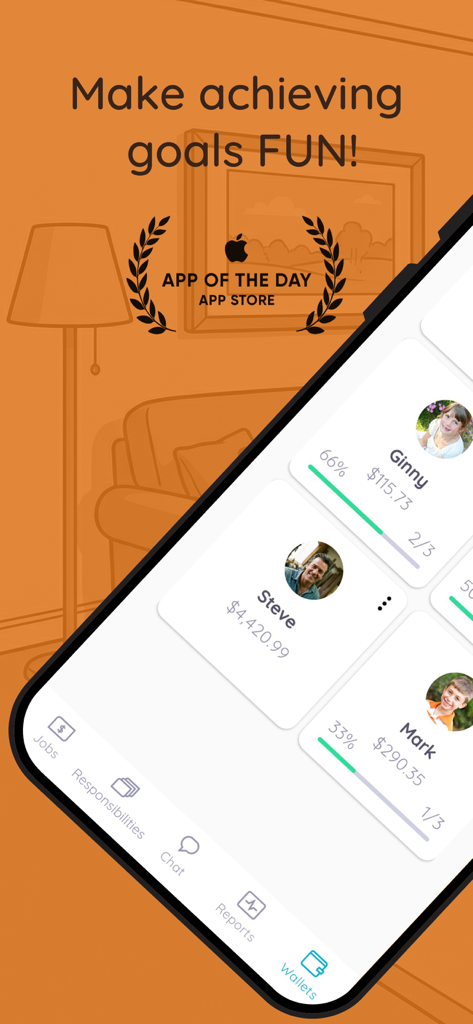
Homey - Chores and Allowance - Homey app dashboard showing family member chore progress and allowance balances.
Homey app dashboard showing family member chore progress and allowance balances.

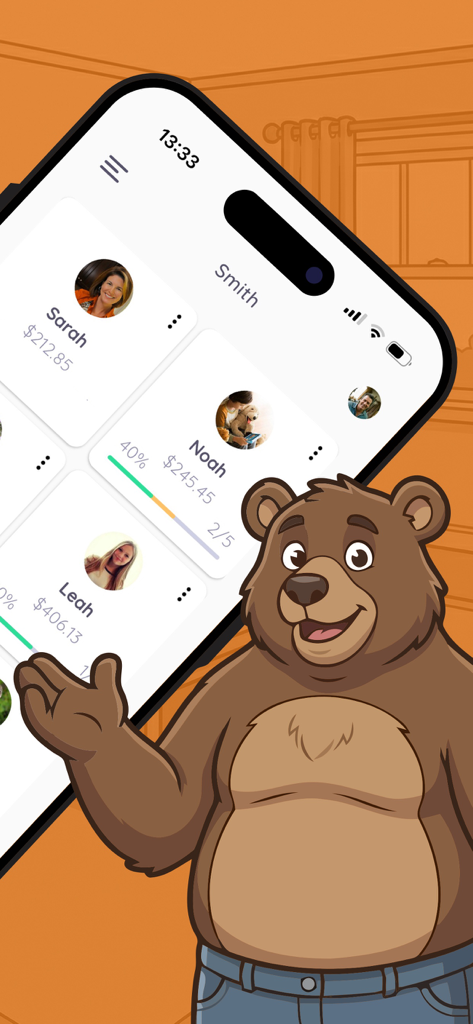
Homey - Chores and Allowance - Homey app interface showing family chore progress and allowance balances with a friendly bear mascot
Homey app interface showing family chore progress and allowance balances with a friendly bear mascot

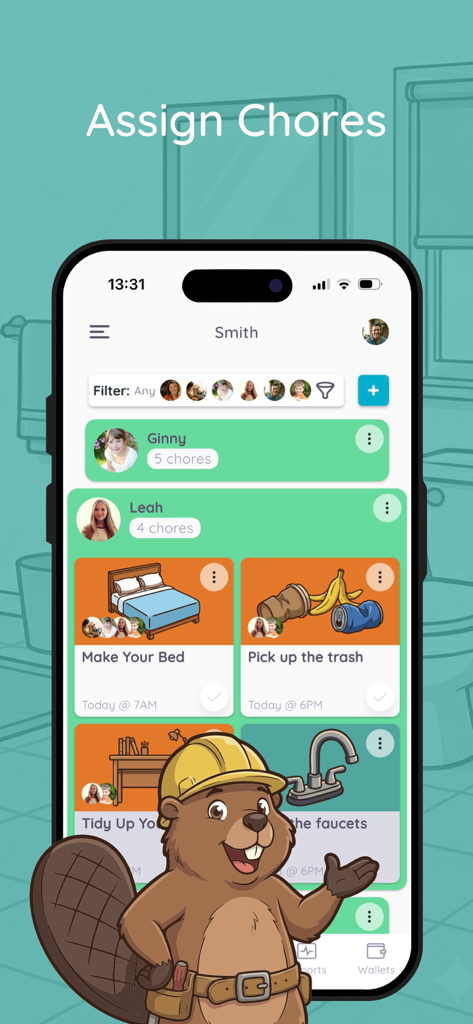
Homey - Chores and Allowance - Homey app interface showing the assign chores screen with task cards for making the bed and picking up trash.
Homey app interface showing the assign chores screen with task cards for making the bed and picking up trash.

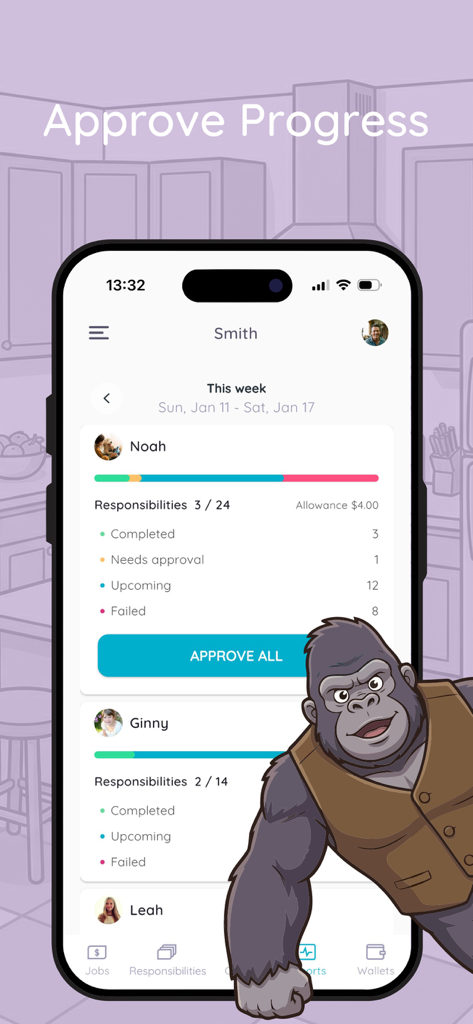
Homey - Chores and Allowance - Homey app interface showing chore progress bars and approval status for children
Homey app interface showing chore progress bars and approval status for children

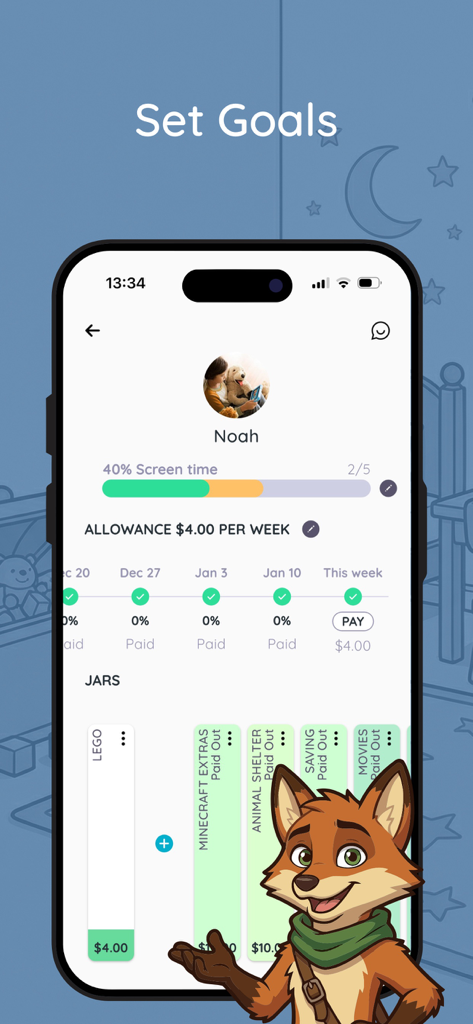
Homey - Chores and Allowance - The Homey app interface showing child profile management with allowance tracking and saving jars for goals like LEGO and Minecraft
The Homey app interface showing child profile management with allowance tracking and saving jars for goals like LEGO and Minecraft

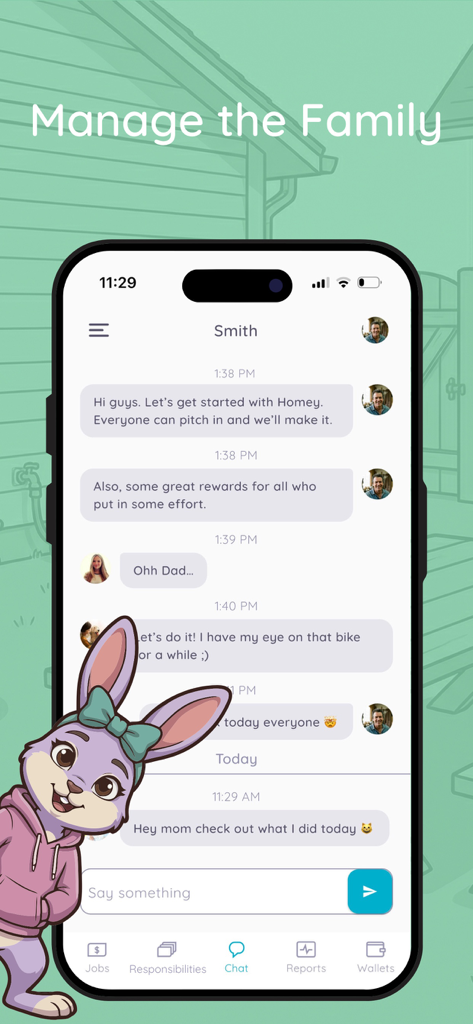
Homey - Chores and Allowance - Homey app family chat interface showing chore management and rewards discussion

Homey app family chat interface showing chore management and rewards discussion

Description

The perfect app to teach your kids about money through completing chores and working towards goals. Don’t listen to us, listen to those that fell in love with it. “I love that the Homey not only encourages kids to develop a strong work ethic, but it teaches kids how money is earned, encourages long-term goal setting, instills real life financial skills, and connects the whole family with a fun approach to paid chores.” Crystal, MoneySavingMom “Homey is a great organizational tool for families!” Best Apps for Kids “Homey helps remind my children what jobs they haven’t done yet, so I don’t need to. It even inspires them to work a little harder to earn allowance. Better yet, they are learning to save up that allowance for a bigger reward.” Gloria, JugglingMother “A picture says a thousand words. And with Homey, those words are “this is the chore you’re supposed to be doing right now.” Snap a photo of your kid’s unmade bed and send it to them with a deadline, and then they can send a photo back once it’s taken care of.” Fatherly Features: - set daily, weekly or monthly recurring or one time chores for the whole family - set chores that are responsibilities and you won't pay for, and jobs to teach kids how to earn money or rewards - manage allowance and extra money rewards for each child - transfer allowance to a bank account (US only), or mark it as payed out in cash - track IOU - add or remove funds from wallet - set saving jars with financial goals - kids learn to manage their funds - Homey syncs across all devices in the household SHOW KIDS HOW MONEY IS EARNED With Homey you can pay kids commissions based on chores they do around the house like taking out the trash, cleaning their room, or mowing the grass. And you can also set responsibilities that are required to teach kids that everyone needs to contribute to the household. SUPPORT LONG-TERM GOALS AND SAVING Teach kids delayed gratification and financial responsibility by providing them with incentives that differ in value. With Homey kids learn they need to work longer or harder to earn more. TEACH REAL LIFE FINANCIAL SKILLS Homey enables you to transfer allowance and money kids earn directly to their savings or checking account or tracks the money as IOU and pay it out in cash. This way you can teach your child how banking works, they can accumulate interests on their savings and you can be sure that their money will stay safe. By subscribing to Homey Monthly or Homey Yearly you'll get access to other great features like: Unlimited family members. Connecting your bank account and safely transferring allowance and chore money directly to your child's savings account. Multiple saving jars for each child. Adding or deducting money from the wallet. Customizable permissions. • You can subscribe on a month-to-month or yearly basis. • The payment will be charged to your iTunes Account when you confirm the purchase. • The subscription automatically renews for the same price and duration period as the original monthly/yearly plan unless canceled at least 24-hours before the end of the current period. • Free trial automatically converts to a paid subscription unless canceled at least 24-hours before the end of the trial period. From that point onwards, subscription automatically renews unless canceled at least 24-hours before the end of the current period. • You can cancel the subscription or the free trial anytime via the subscription setting through your iTunes account (go to your device settings and tap iTunes & App Store > Apple ID > View Apple ID > enter the password > Subscriptions > Assembly > Cancel Subscription button at the bottom). Do it at least 24 hours before the end of the free trial or subscription period to avoid being charged. Learn more: http://support.apple.com/kb/ht4098 • Any unused portion of a free trial period will be forfeited when the user purchases a subscription. Terms and Conditions: http://www.homeyapp.net/homey-terms-conditions/

Download

Download on App Store

This page is not an official page of the app or its developer, but an independent editorial publication created for informational and commentary purposes. Unless expressly stated otherwise, neither the app nor its developer is affiliated with, endorsed by, sponsored by, authorized by, or otherwise officially connected with MWM, Apple, Google Play, the app publisher, or the app's developer, and nothing on this page implies that the app was developed using MWM's services. Any trademarks, logos, screenshots, and other content remain the property of their respective owners.