
This page is not an official page of the app or its developer, but an independent editorial publication created for informational and commentary purposes. Unless expressly stated otherwise, neither the app nor its developer is affiliated with, endorsed by, sponsored by, authorized by, or otherwise officially connected with MWM, Apple, Google Play, the app publisher, or the app's developer, and nothing on this page implies that the app was developed using MWM's services. Any trademarks, logos, screenshots, and other content remain the property of their respective owners.


HUAWEI CLOUD Meeting
Bridge the gap between US and APAC operations with 1080p HD video and 4K screen sharing. Host up to 10,000 participants with enterprise-grade stability across your iPhone, iPad, and Mac.
Downloads
831K+User Rating
Total Ratings
300Publisher
Category
BusinessLocales
2Latest Version
10.12.8Size
104.6 MBFirst Released
Mar 9, 2018Powering Your Global Business Connections
Experience high-definition video conferencing and real-time collaboration tools optimized for seamless communication across international borders.
HD Quality Without Borders
Achieve crystal-clear 1080p video and 4K sharing with low-latency architecture optimized for trans-Pacific professional communication.
Advanced Interactive Whiteboarding
Annotate designs and documents in real-time with multi-party tools and instant meeting minutes accessible via QR code sync.
Frequently Asked Questions
Everything you need to know about HUAWEI CLOUD Meeting
What is HUAWEI CLOUD Meeting?
HUAWEI CLOUD Meeting is a secure, reliable, all-scenario HD audio and video conferencing service. It is built on Huawei's native public cloud architecture and supports interconnection across multiple terminals for collaboration.
How many participants does HUAWEI CLOUD Meeting support?
HUAWEI CLOUD Meeting supports up to 10,000 concurrent online participants. It provides a smooth, low-latency HD video conferencing experience for large-scale gatherings.
Can I share my screen in HUAWEI CLOUD Meeting?
Yes, HUAWEI CLOUD Meeting supports screen sharing. It enables sharing of desktop and mobile screens, along with remote desktop control. Multi-party annotation on shared screens is also available.
Is HUAWEI CLOUD Meeting compatible with various devices?
Yes, HUAWEI CLOUD Meeting offers device-cloud synergy. It supports interconnection with PCs, mobile phones, tablets, professional meeting terminals, and IdeaHubs, ensuring a consistent experience across soft clients.
Does HUAWEI CLOUD Meeting provide live captions?
Yes, HUAWEI CLOUD Meeting provides live captions. During meetings, speech is recognized and converted into closed captions in real-time, enhancing accessibility and comprehension for participants.
How does HUAWEI CLOUD Meeting ensure meeting security?
HUAWEI CLOUD Meeting ensures security through features like customizable meeting passwords, access control by specifying participants, on-screen watermarks, and options for locked sharing and meetings.
The following screenshots and description are sourced directly from the app's official store listing and are the property of the app developer.
App Store
Screenshots
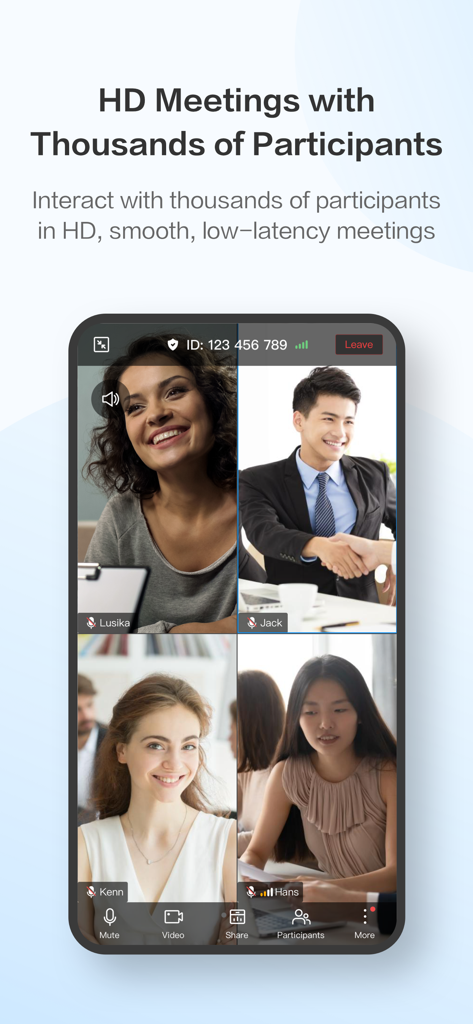
A smartphone screen showing a four-way HD video call on the HUAWEI CLOUD Meeting app.
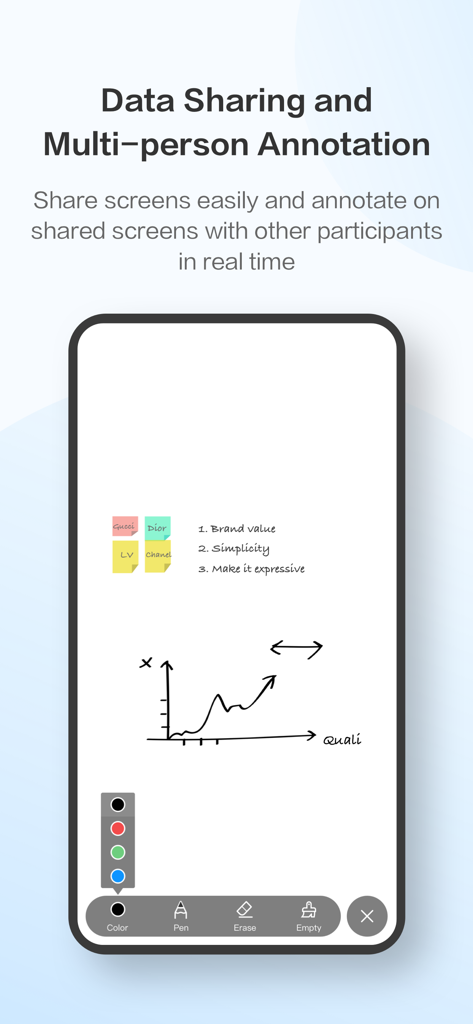
Data sharing and multi-person annotation interface on HUAWEI CLOUD Meeting mobile app.
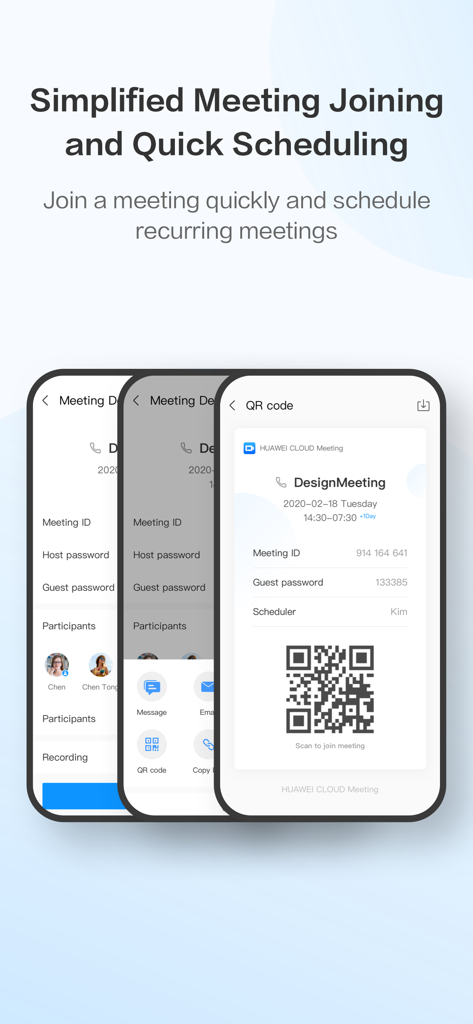
Huawei Cloud Meeting app showing meeting scheduling and QR code joining interface
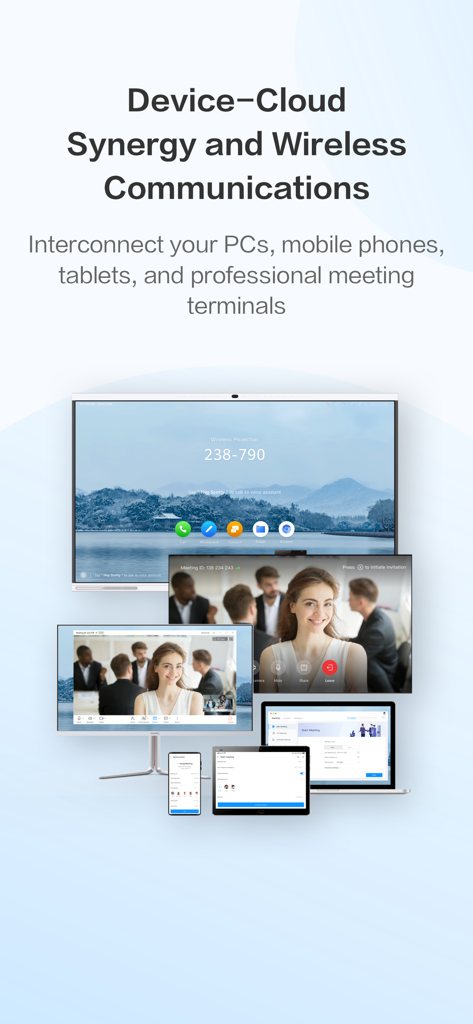
HUAWEI CLOUD Meeting app shown across multiple devices including a phone tablet laptop and professional monitor for cross platform collaboration
Description
Download
More Like This
Apps with similar features and user experience

GoTo
GoTo Group, Inc.

Lark - Team Collaboration
LARK TECHNOLOGIES PTE. LTD.

RingCentral
RingCentral, Inc

MTS Link
VEBINAR TEKHNOLOGII, OOO

Pronto Team Communication
Hit Labs, Inc.

Zoho Cliq - Team Communication
Zoho Corporation

Microsoft Teams
Microsoft Corporation

Zoom Workplace
Zoom Communications, Inc.

Google Meet
Google LLC
This page is not an official page of the app or its developer, but an independent editorial publication created for informational and commentary purposes. Unless expressly stated otherwise, neither the app nor its developer is affiliated with, endorsed by, sponsored by, authorized by, or otherwise officially connected with MWM, Apple, Google Play, the app publisher, or the app's developer, and nothing on this page implies that the app was developed using MWM's services. Any trademarks, logos, screenshots, and other content remain the property of their respective owners.