
This page is not an official page of the app or its developer, but an independent editorial publication created for informational and commentary purposes. Unless expressly stated otherwise, neither the app nor its developer is affiliated with, endorsed by, sponsored by, authorized by, or otherwise officially connected with MWM, Apple, Google Play, the app publisher, or the app's developer, and nothing on this page implies that the app was developed using MWM's services. Any trademarks, logos, screenshots, and other content remain the property of their respective owners.


HVAC RefCharge
Eliminate manual P/T charts and reduce call-backs. Get precise target temperatures for 100+ refrigerants with altitude adjustment and professional field reporting right from your pocket.
Downloads
0User Rating
Total Ratings
0Publisher
Category
ProductivityLocales
1Latest Version
4.90Size
22.3 MBFirst Released
Nov 20, 2012Master Every Charge with Field-Proven Precision
Ditch the paper charts and manual math. HVAC RefCharge delivers instant, EPA-ready superheat and subcool calculations for over 100 refrigerants, optimized for your iPhone and iPad.
Instant Superheat & Subcool
Calculate target temperatures on-the-fly. Simply input your wet-bulb and dry-bulb data to determine exactly when to charge, saving time on every service ticket.
High-Altitude Accuracy
Work anywhere with confidence. Adjust atmospheric pressure for locations like Denver to ensure your pressure-to-temperature readings are always lab-accurate.
The following screenshots and description are sourced directly from the app's official store listing and are the property of the app developer.
App Store
Screenshots
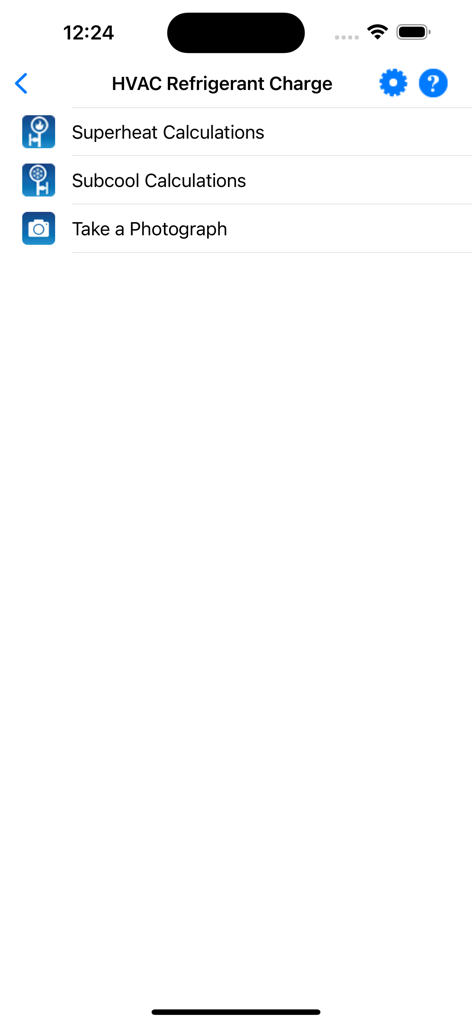
Main menu of the HVAC RefCharge app showing options for Superheat calculations, Subcool calculations, and taking a photograph.
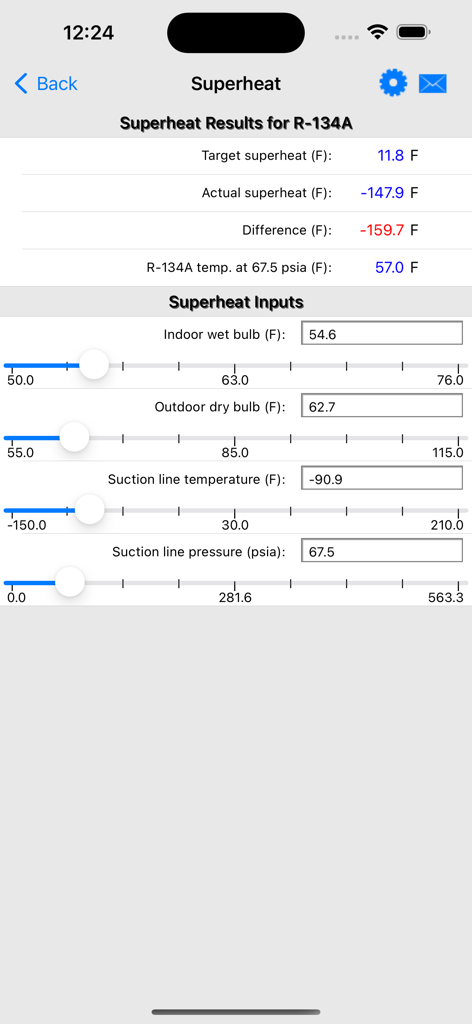
HVAC RefCharge mobile app interface displaying superheat calculation results and input sliders for R-134A refrigerant.
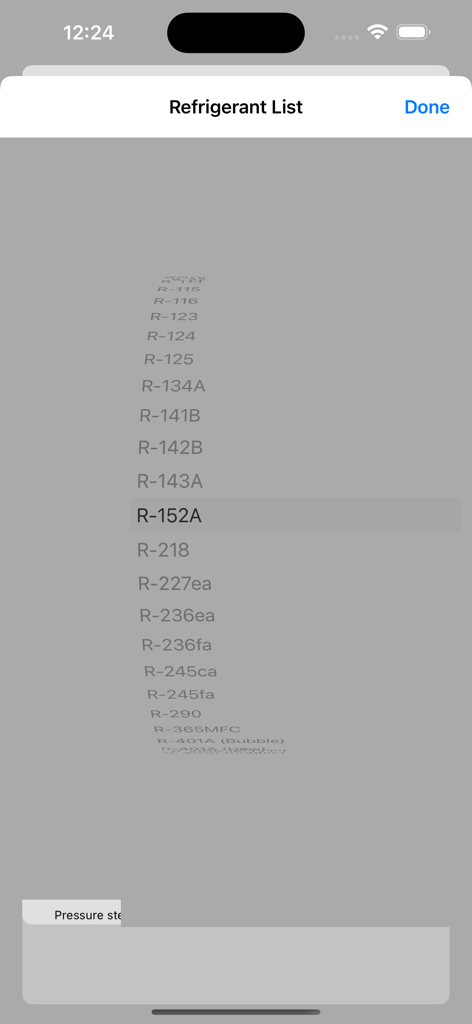
A selection menu showing a list of various refrigerants in the HVAC RefCharge app
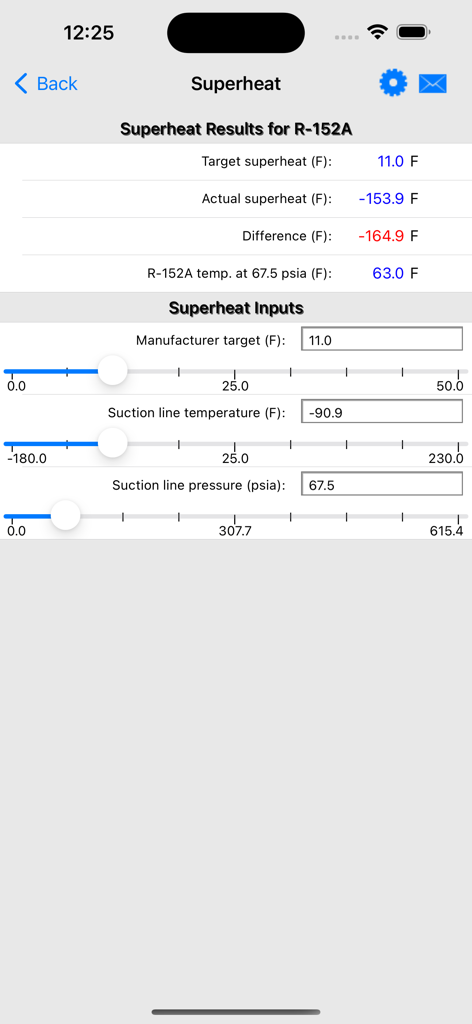
Interface of the HVAC RefCharge mobile app displaying superheat results and input sliders for R-152A refrigerant
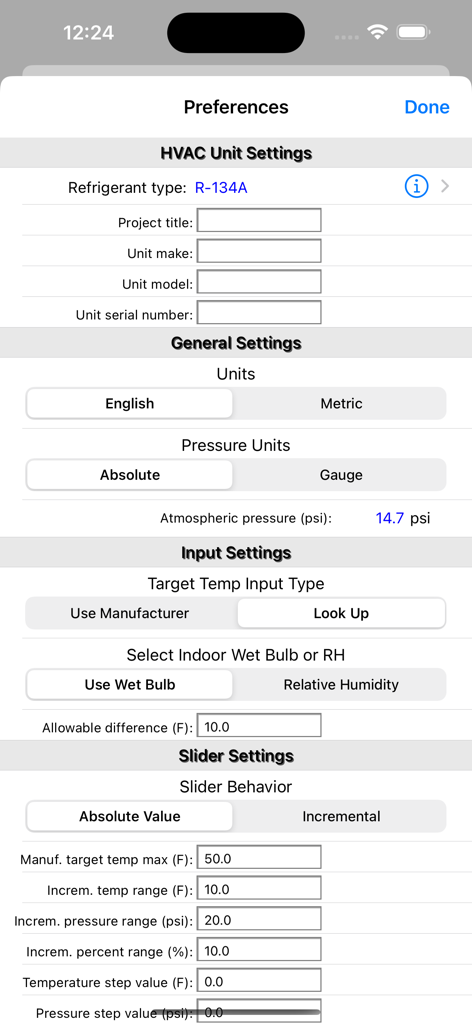
Preferences screen in the HVAC RefCharge app showing settings for refrigerant type unit details and measurement units
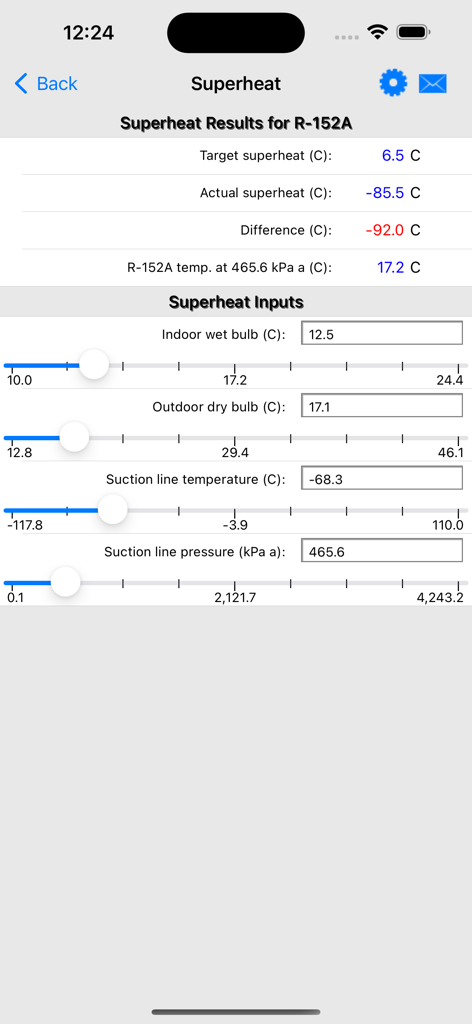
HVAC RefCharge app screen displaying superheat calculation results and input sliders for R-152A refrigerant
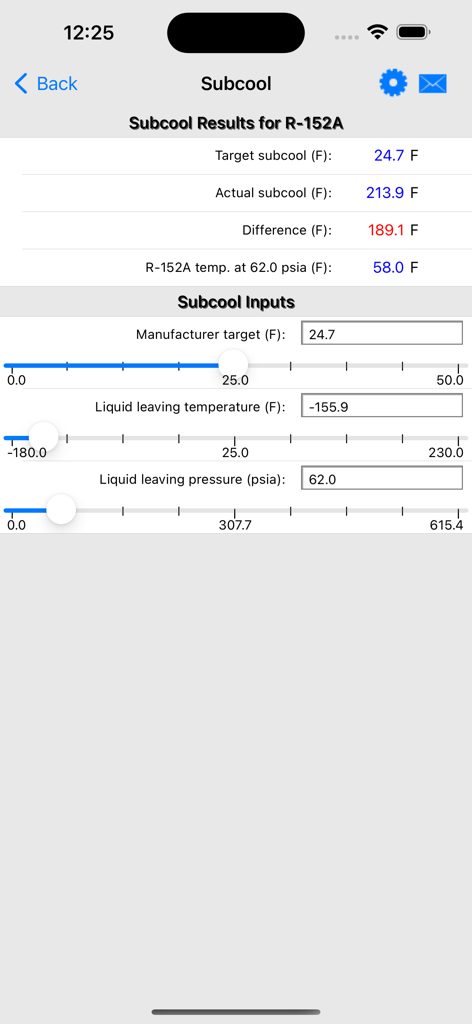
Subcool calculation interface showing results and input sliders for R-152A refrigerant in the HVAC RefCharge app.
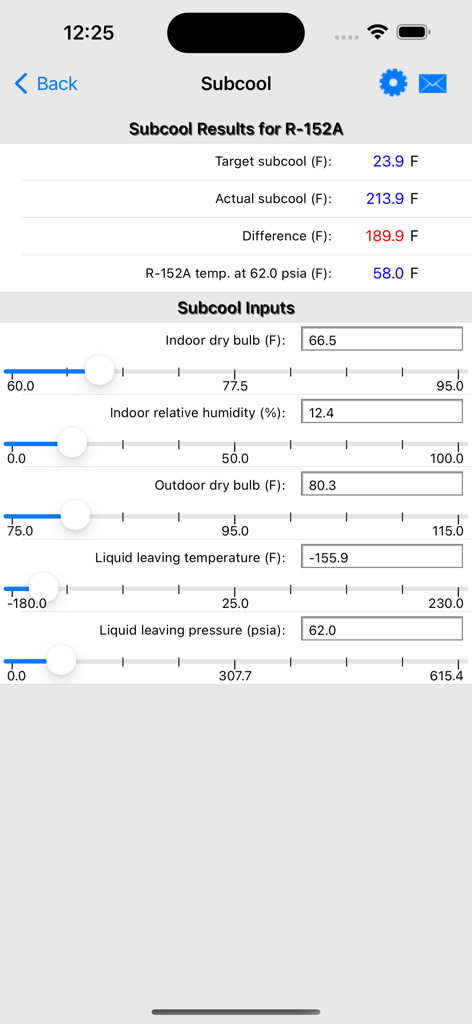
Screenshot of the subcool calculation screen in the HVAC RefCharge app showing results and input sliders for R-152A refrigerant.
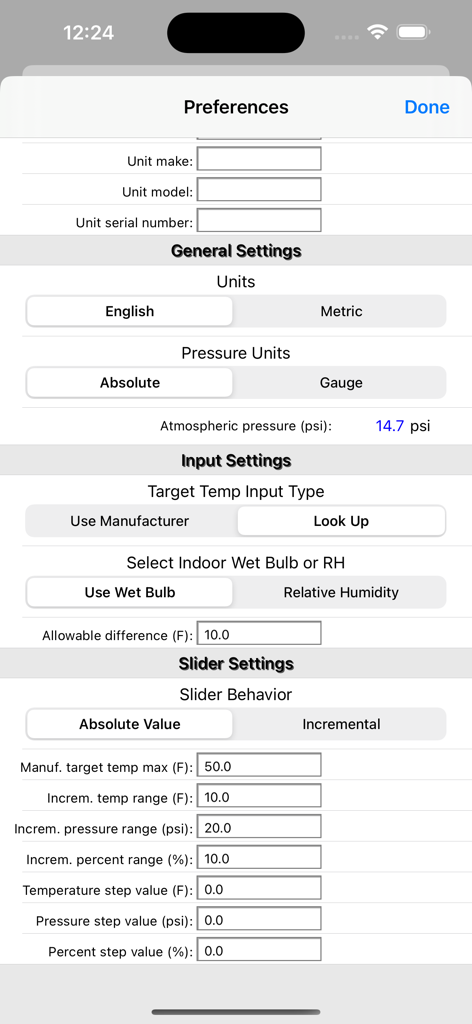
Preferences screen for the HVAC RefCharge app showing general unit settings and slider behavior configurations
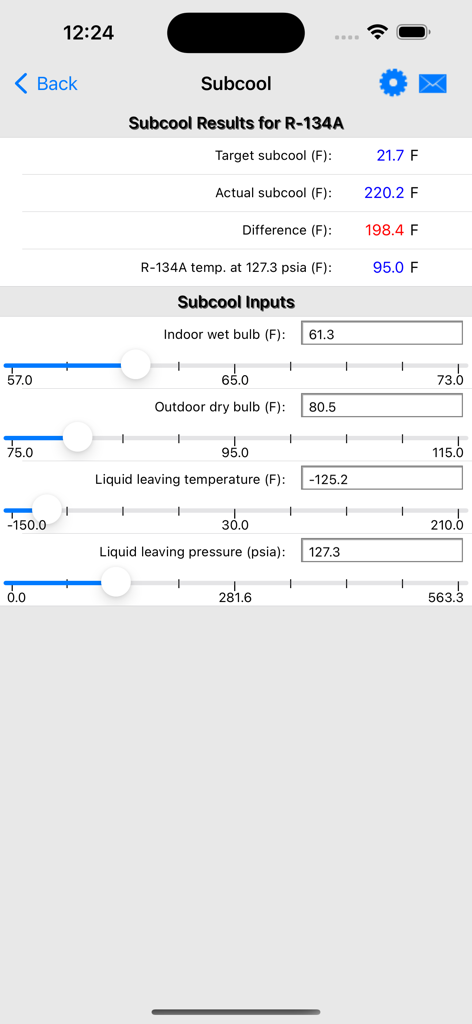
Subcool calculation screen in the HVAC RefCharge app for R-134A refrigerant showing target results and input sliders
Description
Download
More Like This
Top-ranked apps in the same category

ChatGPT
OpenAI OpCo, LLC

Google Gemini
Google LLC

Claude by Anthropic
Anthropic PBC

Gmail - Email by Google
Google LLC

千问 - 阿里最强大模型官方AI助手
Shanghai Zhixin Puhui Technology Co., Ltd.

Grok - AI Chat & Video
X.AI Corporation

Google Drive
Google LLC

Microsoft Authenticator
Microsoft Corporation
Google Sheets
Google LLC
This page is not an official page of the app or its developer, but an independent editorial publication created for informational and commentary purposes. Unless expressly stated otherwise, neither the app nor its developer is affiliated with, endorsed by, sponsored by, authorized by, or otherwise officially connected with MWM, Apple, Google Play, the app publisher, or the app's developer, and nothing on this page implies that the app was developed using MWM's services. Any trademarks, logos, screenshots, and other content remain the property of their respective owners.