
This page is not an official page of the app or its developer, but an independent editorial publication created for informational and commentary purposes. Unless expressly stated otherwise, neither the app nor its developer is affiliated with, endorsed by, sponsored by, authorized by, or otherwise officially connected with MWM, Apple, Google Play, the app publisher, or the app's developer, and nothing on this page implies that the app was developed using MWM's services. Any trademarks, logos, screenshots, and other content remain the property of their respective owners.


Hyperlapse Timelapse Video Cam
Transform hours of raw footage into stunning 4K hyperlapses in seconds. Use AI-powered speed trends and expert growth tips to dominate the algorithm without the stress of complex editing.
Downloads
0User Rating
Total Ratings
0Publisher
Category
Photo & VideoLocales
15Latest Version
1.8.3Size
221.0 MBFirst Released
May 20, 2024Stop Editing, Start Trending
Turn hours of raw footage into social-ready 4K hyperlapses in seconds. Designed for efficiency-first creators who value their time as much as their views.
AI Smart Hyperspeed
Skip the analysis paralysis. Our AI automatically sets the perfect speed to match viral TikTok and Reels trends with one tap.
Solo-Creator Freedom
Record hands-free using Apple Watch controls and Focus Lock. Perfect for capturing your fitness journey, DIY projects, or solo travel.
The following screenshots and description are sourced directly from the app's official store listing and are the property of the app developer.
App Store
Screenshots
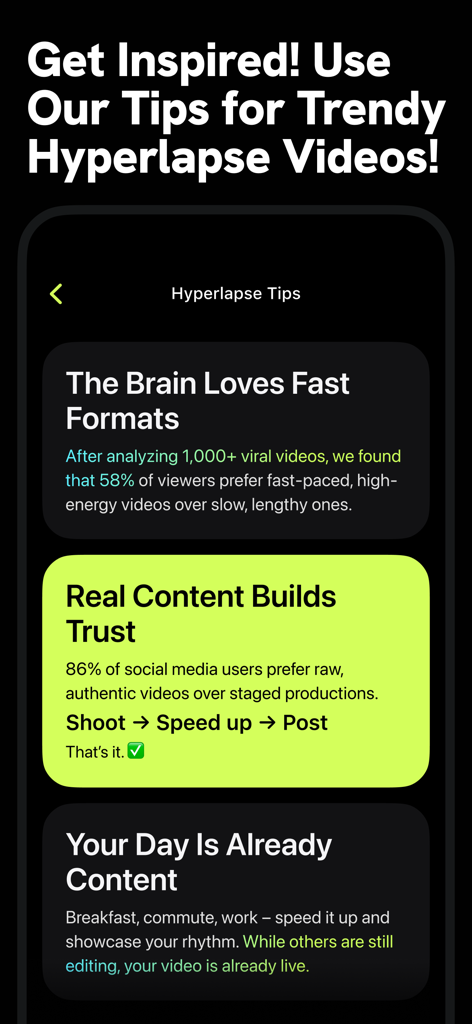
A screen showing professional tips for creating trendy hyperlapse videos for social media.
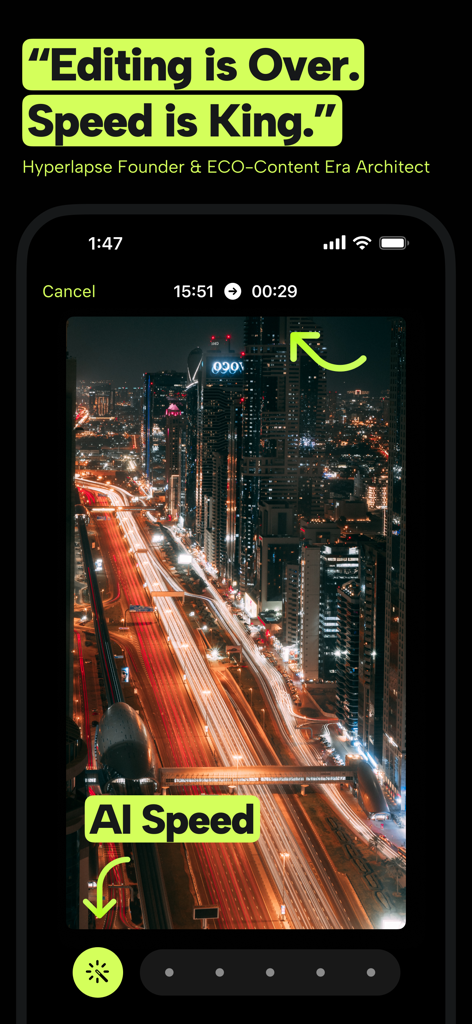
Hyperlapse app interface showing AI Speed feature and city night timelapse
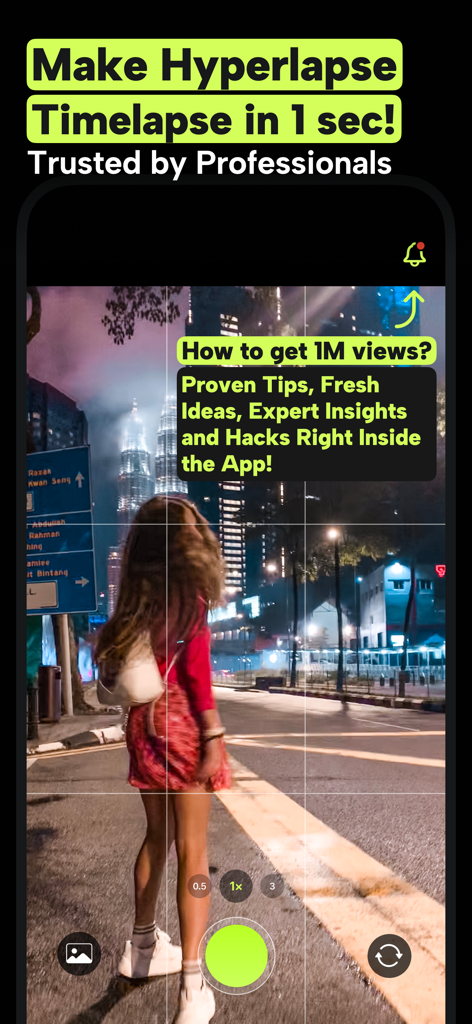
Hyperlapse app camera screen featuring a city night timelapse and viral growth tips
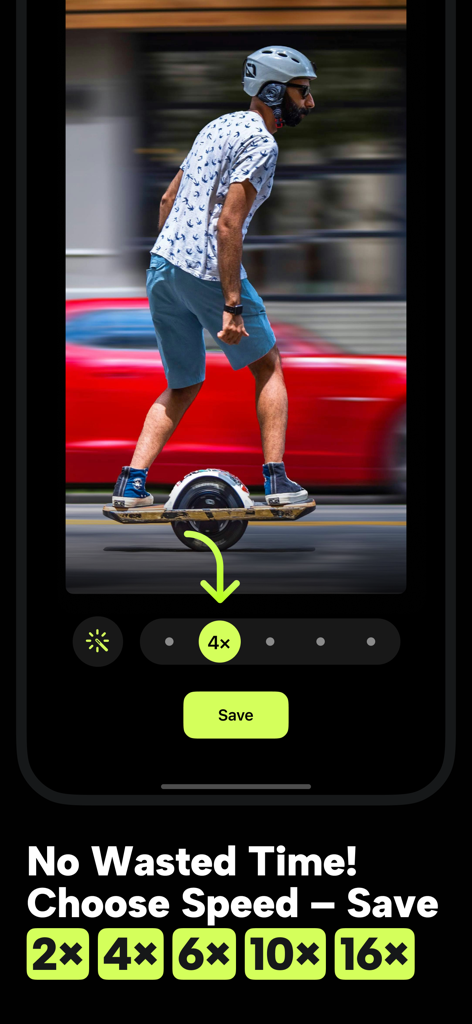
Hyperlapse app interface showing video speed selection options and a save button for quick editing
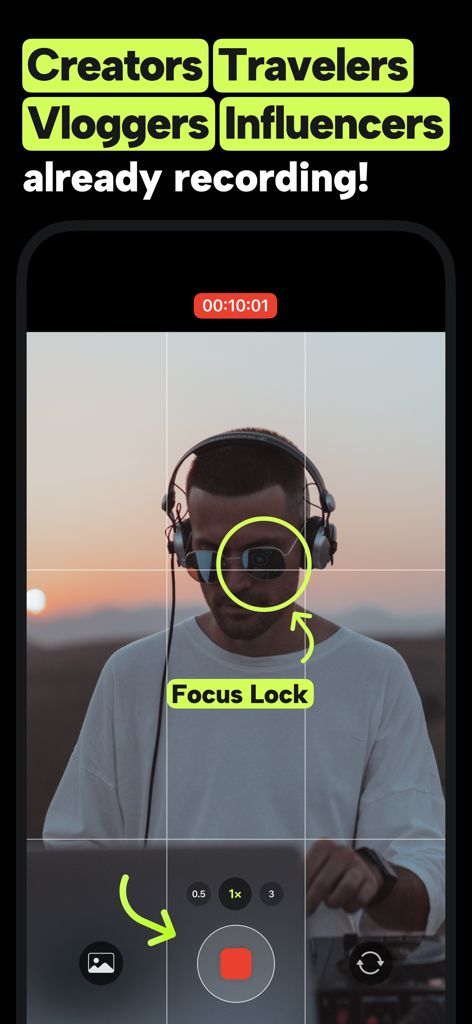
Hyperlapse app camera recording screen showing the focus lock feature on a creator
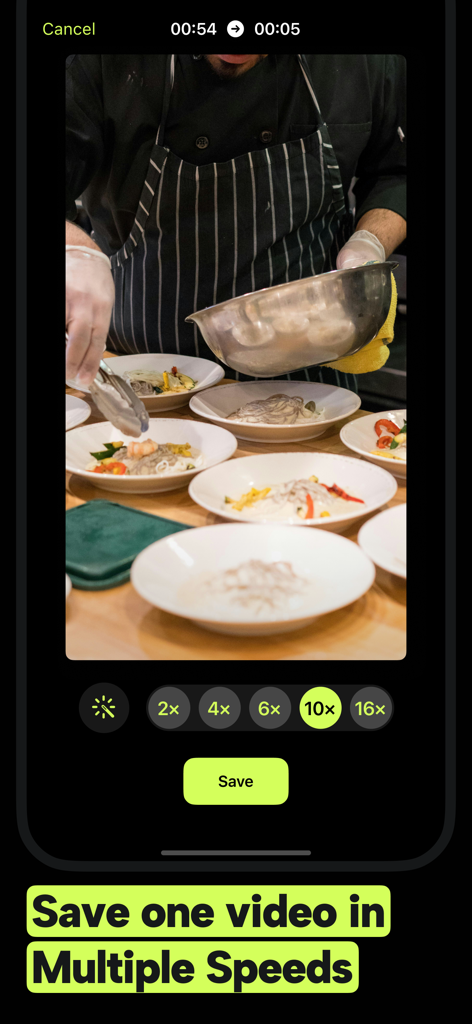
Hyperlapse app interface showing a cooking video with selectable timelapse speeds ranging from 2x to 16x
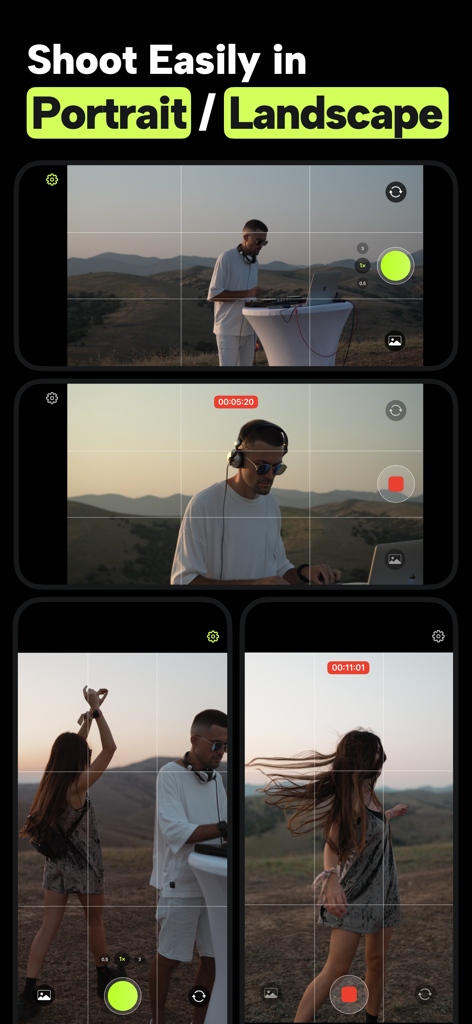
Mobile app interface demonstrating video recording in both portrait and landscape orientations with grid lines and timing controls.
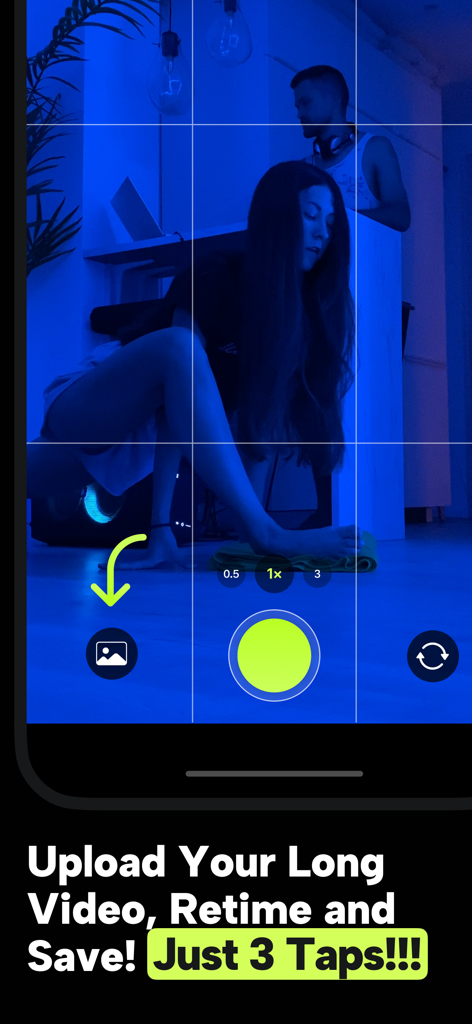
Hyperlapse app interface showing a three-tap process to upload and retime long videos for social media.
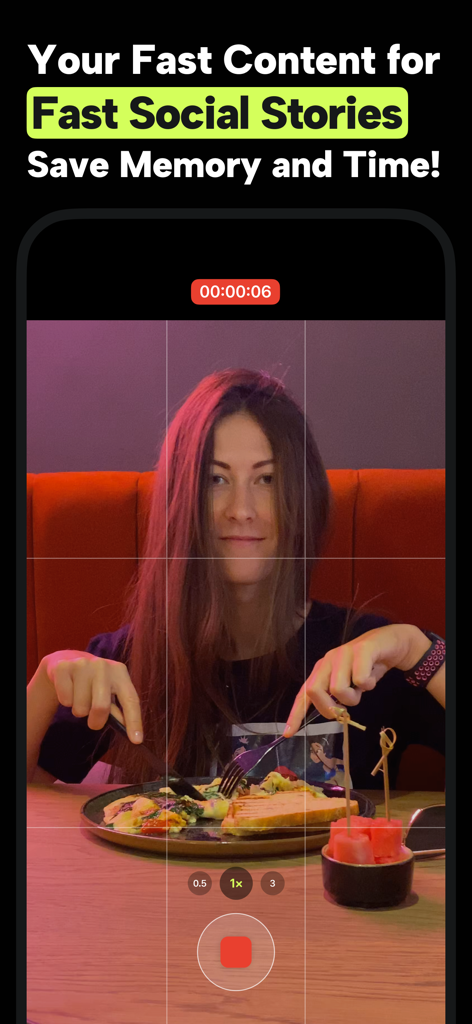
A woman records a meal for a social media story using the Hyperlapse app interface showing speed and recording controls
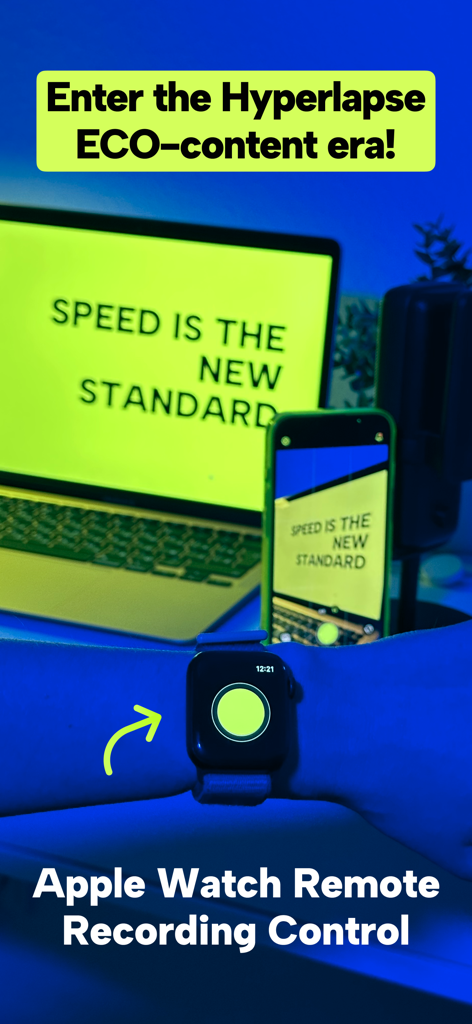
A person using an Apple Watch to remotely control video recording on a smartphone for the Hyperlapse app.
Description
Download
More Like This
Top-ranked apps in the same category

CapCut: Photo & Video Editor
BYTEDANCE PTE. LTD.

Instagram, Inc.

YouTube
Google LLC

Canva: AI Photo & Video Editor
Canva Pty Ltd

Meta AI - Vibes & AI Glasses
Meta Platforms, Inc.

Snapchat
Snap, Inc.

快手
Beijing Kwai Technology Co., Ltd.

Edits: Video Editor
Instagram, Inc.

Meitu- AI Photo & Video Editor
Xiamen Meitu Technology Co., Ltd.
This page is not an official page of the app or its developer, but an independent editorial publication created for informational and commentary purposes. Unless expressly stated otherwise, neither the app nor its developer is affiliated with, endorsed by, sponsored by, authorized by, or otherwise officially connected with MWM, Apple, Google Play, the app publisher, or the app's developer, and nothing on this page implies that the app was developed using MWM's services. Any trademarks, logos, screenshots, and other content remain the property of their respective owners.