
This page is not an official page of the app or its developer, but an independent editorial publication created for informational and commentary purposes. Unless expressly stated otherwise, neither the app nor its developer is affiliated with, endorsed by, sponsored by, authorized by, or otherwise officially connected with MWM, Apple, Google Play, the app publisher, or the app's developer, and nothing on this page implies that the app was developed using MWM's services. Any trademarks, logos, screenshots, and other content remain the property of their respective owners.

Icon Changer: Widget.s, Themes
Your iPhone, your rules. The app hands users total control over their device's look, ending the tyranny of generic icons.
Downloads
1M+User Rating
Total Ratings
16.7KPublisher
Category
Graphics & DesignLocales
1Latest Version
2.8.10Size
258.0 MBFirst Released
Dec 19, 2020An evaluation of key functionalities driving user personalization and digital expression.
Core Features Analysis: Icon Changer
Pre-made Aesthetic Theme Kits
The app provides a diverse collection of pre-designed icon theme kits, allowing users to quickly apply cohesive and stylish visual transformations to their entire home screen.
Extensive Customizable Icon Library
This tool features a broad library of individual icons, enabling users to customize specific app icons to match their personal style or chosen themes.
Advanced Icon Customization Editor
It allows users to create bespoke icons by selecting from a range of flat and gradient color options for backgrounds, providing extensive control over personalized aesthetics.
Seamless Theme & Icon Application
The app offers an intuitive and streamlined process for installing theme kits and changing individual icons, ensuring a quick and hassle-free customization experience.
Frequently Asked Questions
Everything you need to know about Icon Changer: Widget.s, Themes
What is Icon Changer: Widget.s, Themes?
Icon Changer: Widget.s, Themes is an app that allows users to customize their iPhone home and lock screens by installing new theme kits, ultimate icons, and various widgets. It provides color combinations and pre-made icon packs.
How do users change icons with Icon Changer: Widget.s, Themes?
Users select an icon theme kit, tap to install it, choose the icons they want to change, and then save the wallpaper. For custom icons, they tap "Create icon," choose a background color, select an icon, and add it.
Does Icon Changer: Widget.s, Themes offer pre-made icon themes?
Yes, Icon Changer: Widget.s, Themes includes several pre-made icon theme kits. These include Gradient icon pack, Colored Icons kit, Dark Cat icon pack, Golden icon pack, and Pink Glitter Icon Pack.
Can Icon Changer: Widget.s, Themes display health data?
Yes, Icon Changer: Widget.s, Themes can display health and fitness data from an iPhone or Apple Watch through its HealthKit integration. It provides a step widget to track daily step counts.
What are the subscription options for Icon Changer: Widget.s, Themes?
Icon Changer: Widget.s, Themes offers unlimited access subscriptions billed monthly, weekly, or annually. Payment is charged to the user's iTunes Account and automatically renews unless turned off.
How do users manage their Icon Changer: Widget.s, Themes subscription?
Yes, users can manage their Icon Changer: Widget.s, Themes subscription and turn off auto-renewal. This is done by going to the user's Account Settings after the purchase.
Does Icon Changer: Widget.s, Themes offer lock screen customization?
Yes, Icon Changer: Widget.s, Themes offers lock screen customization. Users can apply new theme kits and save wallpapers to change the appearance of their lock screen.
Where can users find the privacy policy for Icon Changer: Widget.s, Themes?
The privacy policy for Icon Changer: Widget.s, Themes is available at the provided URL: https://iconapp.mkapps.app/iconchanger/terms/privacy.html. This link details how the app handles user data.
Does Icon Changer: Widget.s, Themes support Dynamic Island wallpapers?
Yes, Icon Changer: Widget.s, Themes provides Dynamic Island wallpapers. The app description and screenshots confirm the availability of wallpapers designed to integrate with the Dynamic Island feature.
Can users customize icon backgrounds with Icon Changer: Widget.s, Themes?
Yes, Icon Changer: Widget.s, Themes allows users to customize icon backgrounds. The app offers flat colors and gradient color sets for this purpose.
The following screenshots and description are sourced directly from the app's official store listing and are the property of the app developer.
App Store
Screenshots
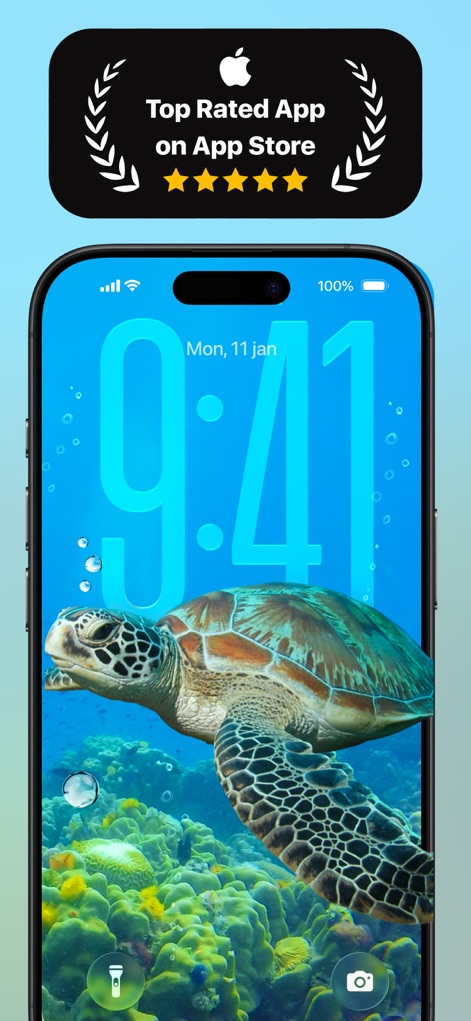
See how the app's recognition as a top-rated tool and its ability to customize the lock screen with vibrant wallpapers, like the sea turtle, elevate the user experience.
Top Rated Experience
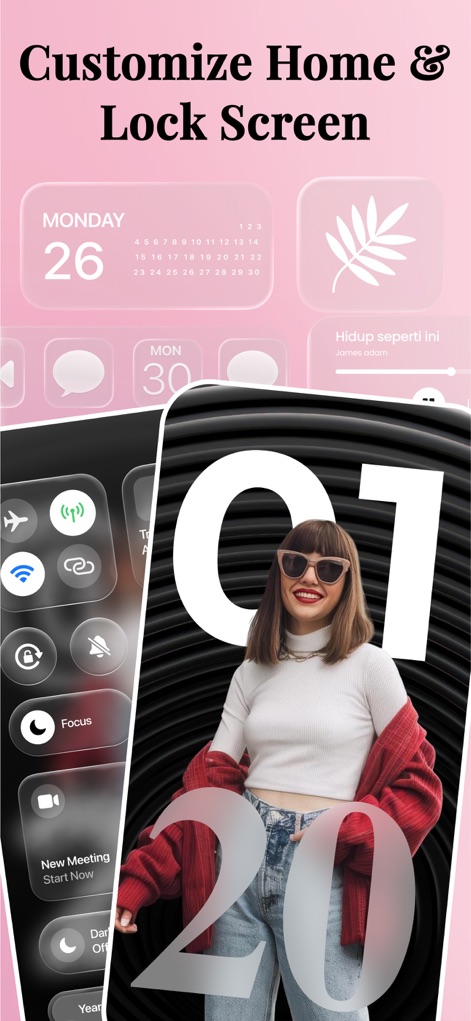
Discover how users can customize their home and lock screens with stylish widgets and control center aesthetics to reflect personal style.
Home Screen Revamp
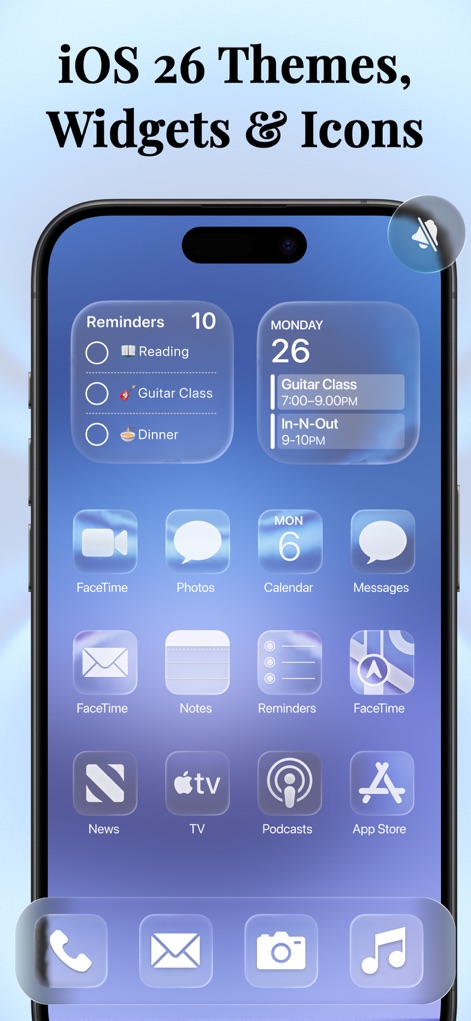
Explore this tool's seamless integration of iOS 26 themes, featuring translucent widgets for reminders and an array of crystal-clear app icons.
iOS Theme Integration
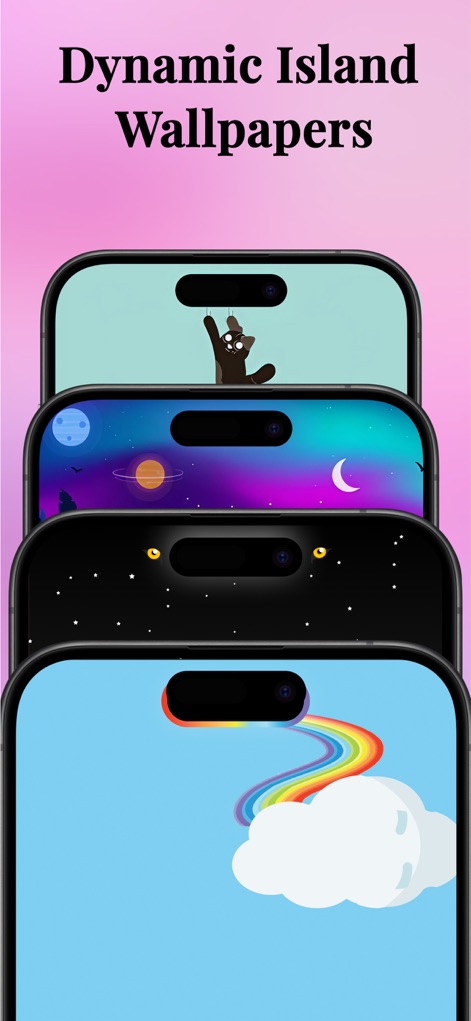
Witness a collection of unique Dynamic Island wallpapers, from the playful cat design to the cosmic space scene, offering personalized device aesthetics.
Dynamic Island Customization
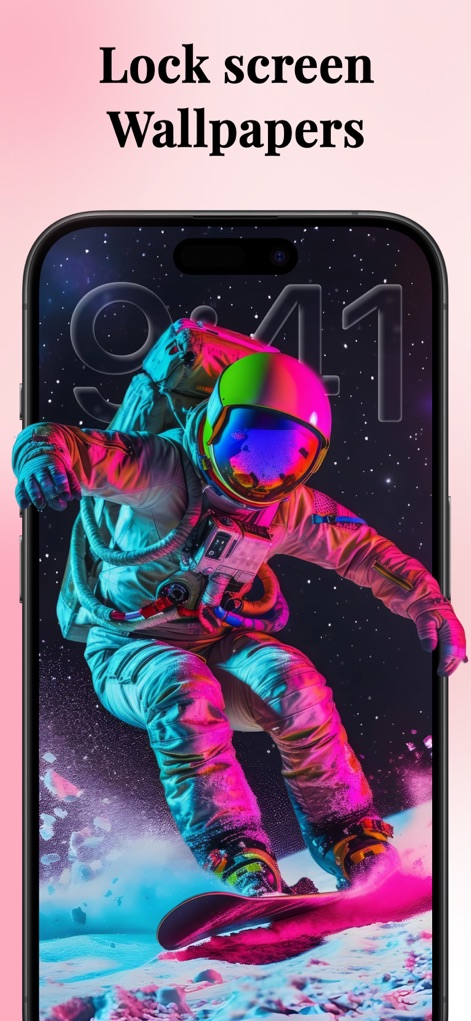
Immerse yourself in the app's diverse lock screen wallpapers, showcasing a dynamic astronaut artwork and the sleek digital time display.
Lock Screen Art

Uncover the app's stunning wallpapers, featuring abstract art backgrounds and a harmonious collection of frosted glass-style app icons.
Aesthetic Home Screens
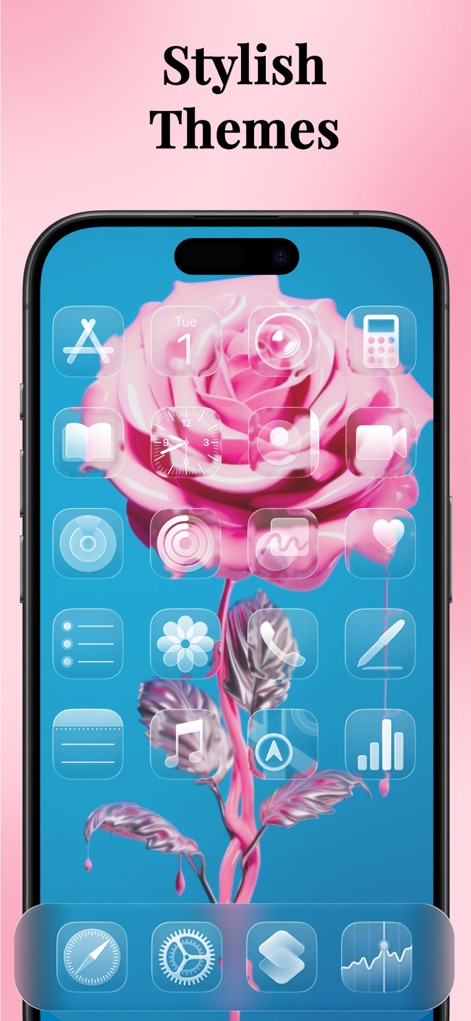
Delve into the app's stylish themes, such as the elegant pink rose wallpaper complemented by perfectly coordinated transparent app icons.
Elegant Theme Kits
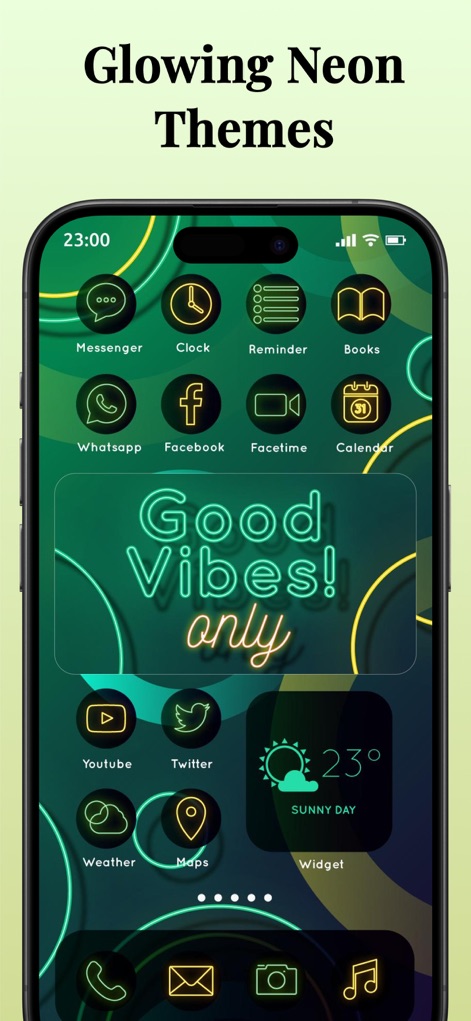
Experience the app's vibrant glowing neon themes, highlighting a dark green background with bright neon lines and outline-style app icons.
Vibrant Neon Vibes
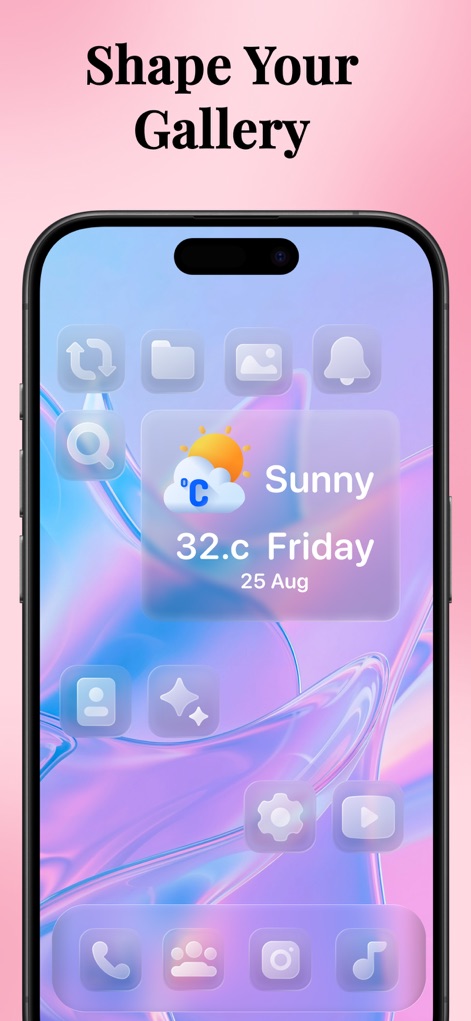
See how users can personalize their home screen layout with a colorful abstract background and an integrated weather widget alongside translucent app icons.
Personalize Your Layout
Description
Download
More Like This
Apps with similar features and user experience

iScreen - Widgets & Wallpaper
Xiamen ShenZhuo Information Technology Co., Ltd.

Top Widgets⁺ Icons & Themes
Chengdu Tiange Technology Co., Ltd

Colorful Widget- Widget&Themes
Guangzhou ZHIFENG Information Technology Co.,Ltd.

最美壁纸-手机动态主题AI壁纸
文彬 黄

Clockology Watch Faces
Clockology, LLC

全能实况 - 实况壁纸制作器&视频转实况动态壁纸
Xiamen Infinity Starway Technology Co., Ltd.

Fun Widgets-Widgets&Wallpapers
Beijing Curious Cat Co.Ltd

屏幕精灵 - 个性的动态壁纸&充电动画&来电壁纸秀
Guangzhou Shuhong Network Technology Co., Ltd.

Themes - Widget & Icon Themes
S.HOUSING INTERIOR ARCHITECTURE COMPANY LIMITED
This page is not an official page of the app or its developer, but an independent editorial publication created for informational and commentary purposes. Unless expressly stated otherwise, neither the app nor its developer is affiliated with, endorsed by, sponsored by, authorized by, or otherwise officially connected with MWM, Apple, Google Play, the app publisher, or the app's developer, and nothing on this page implies that the app was developed using MWM's services. Any trademarks, logos, screenshots, and other content remain the property of their respective owners.