
This page is not an official page of the app or its developer, but an independent editorial publication created for informational and commentary purposes. Unless expressly stated otherwise, neither the app nor its developer is affiliated with, endorsed by, sponsored by, authorized by, or otherwise officially connected with MWM, Apple, Google Play, the app publisher, or the app's developer, and nothing on this page implies that the app was developed using MWM's services. Any trademarks, logos, screenshots, and other content remain the property of their respective owners.


iConv - Video & PDF Converter
Format chaos ends. This app puts the power of universal conversion directly in your hands.
Downloads
2.5M+User Rating
Total Ratings
74.7KPublisher
Category
Photo & VideoLocales
33Latest Version
7.15Size
127.0 MBFirst Released
Sep 30, 2017An evaluation of core functionalities designed for mobile-first Apple users.
Key Features Analysis: iConv - Video & PDF Converter
Batch Video & Audio Conversion
The app streamlines media management by providing efficient batch conversion of video and audio files into formats suitable for iPhone, iPad, and iTunes, enhancing compatibility across Apple devices.
Extensive Document & Image Conversion
This tool offers comprehensive conversion capabilities, transforming various document types (DOC, PPT, XLS, KEY, etc.) into PDF and PNG, and also performing Optical Character Recognition (OCR) to convert images into editable text.
iOS Files App & Drag & Drop Integration
It provides seamless integration with the iOS Files App, facilitating effortless import and export of files. Furthermore, it supports Drag & Drop gestures, significantly improving file management efficiency during split-screen multitasking on iPads.
File Compression & Decompression
The app empowers users to easily compress and decompress common archive formats such as RAR, ZIP, and 7ZIP directly on their mobile device, optimizing storage and simplifying the handling of bundled files.
On-Device Video & Audio Trimming
This tool features precise video and audio trimming, allowing users to define custom start and end points directly on their device, enabling quick and convenient media editing without requiring a computer.
Universal Document Viewer
It includes a versatile built-in document viewer, supporting a wide array of formats like DOC, TXT, PPT, PDF, and more. This feature enables users to view diverse content instantly without switching between multiple applications.
Vocal/Instrumental Track Separation
The app offers a specialized function for separating vocals from background music in songs, providing a unique capability for musicians, DJs, or anyone with specific audio manipulation needs.
Detailed Frame-by-Frame Video Playback
It provides a granular frame-by-frame video playback option, enabling users to meticulously analyze video content and catch specific details that might be missed during regular playback.
Frequently Asked Questions
Everything you need to know about iConv - Video & PDF Converter
What types of conversions does the iConv app support?
The iConv app supports video, audio, document, image, and PDF conversions. It also handles file decompression and compression for various formats like RAR, ZIP, and 7ZIP.
Is the iConv app free to use?
Yes, the iConv app is free to download and use. An optional iConv Pro Unlimited Subscription unlocks all features, including OCR, and removes ads.
What features are included with the iConv Pro Unlimited Subscription?
The iConv Pro Unlimited Subscription unlocks all video and audio formats, OCR functionality, and removes advertisements. It offers monthly or annual billing, alongside a potential one-time payment option.
Can iConv convert document files to PDF or PNG?
Yes, iConv can convert various document formats, including DOC, TXT, PPT, XLS, RTF, KEY, NUMBERS, and PAGES, into both PDF and PNG formats.
Does iConv offer Optical Character Recognition (OCR) for images?
Yes, iConv supports converting images to text using its Optical Character Recognition (OCR) feature. This advanced functionality is accessible with the iConv Pro Unlimited Subscription.
Which Apple devices does iConv support for output?
iConv perfectly supports iPad and iPhone devices for output. It enables users to convert videos and audios specifically optimized for these Apple platforms.
Can users trim video and audio files in iConv?
Yes, iConv allows users to trim video and audio files to create desired clips. This is achieved by setting customized "start" and "end" time points directly within the app.
Does iConv integrate with the iOS Files App?
Yes, iConv integrates with the Files App. Users can easily import files for conversion by placing them in the "Imported" folder and retrieve converted files from the "Converted" folder.
How do I manage auto-renewal for the iConv Pro Unlimited Subscription?
Users can manage iConv Pro Unlimited Subscription auto-renewal by accessing their Account Settings after purchase. Auto-renewal must be turned off at least 24 hours before the current period ends.
What file types can the iConv built-in document viewer open?
The iConv built-in Reader document viewer supports opening DOC, TXT, PPT, XLS, RTF, PDF, KEY, NUMBERS, PAGES, and other compatible document types.
Can iConv separate vocals and background music?
Yes, iConv supports the advanced capability of separating vocals from background music in songs. This provides users with specific audio manipulation features.
Does iConv support Drag & Drop for files?
Yes, iConv supports Drag & Drop gestures, facilitating easy file movement during split-screen tasks. This streamlines the user's workflow for various conversions.
The following screenshots and description are sourced directly from the app's official store listing and are the property of the app developer.
App Store
Screenshots
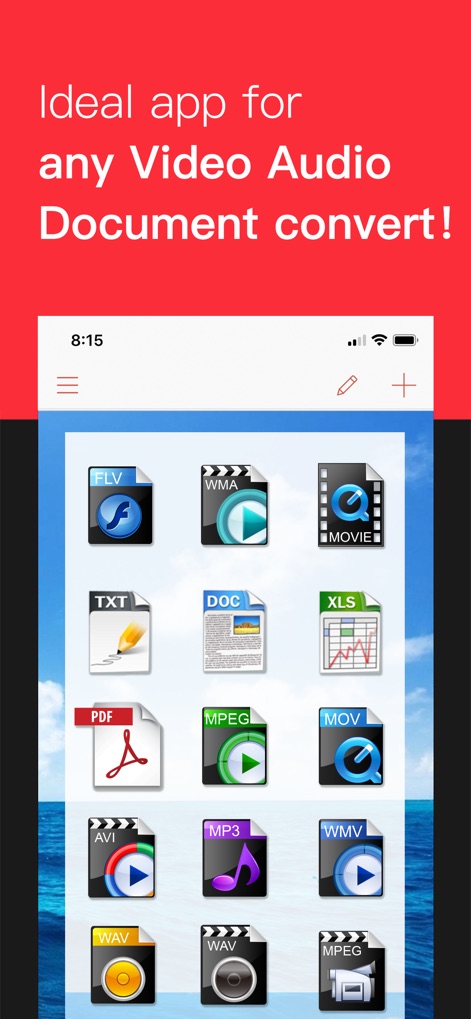
The app presents a visually organized grid of file icons, illustrating its broad compatibility across numerous video, audio, and document formats.
Universal Format Support
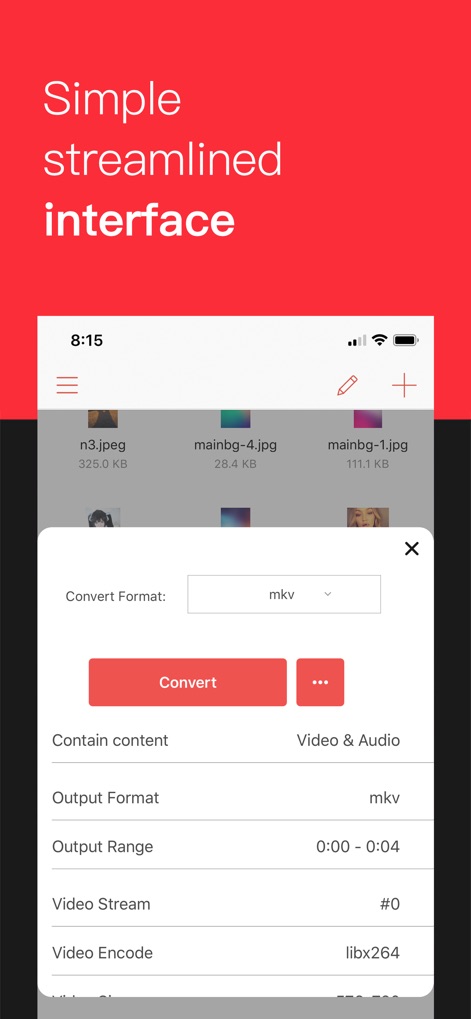
Users can precisely configure conversions through a streamlined pop-up menu, offering customizable output formats and advanced video encoding parameters.
Intuitive Conversion Settings
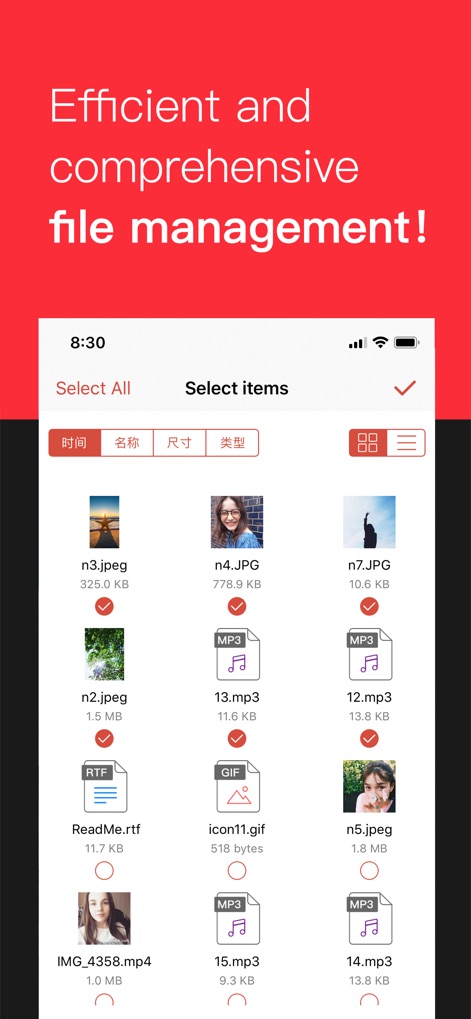
The tool facilitates comprehensive file organization with options for batch selection and a clear, sortable list view for diverse media and documents.
Efficient File Management
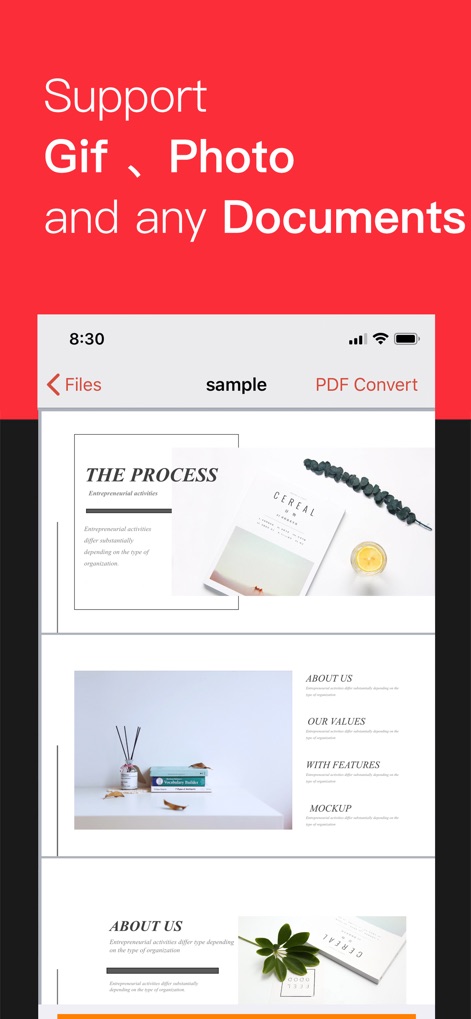
The app incorporates a robust document viewer, allowing users to effortlessly preview multi-page PDFs and ensure content accuracy before conversion.
Integrated Document Preview
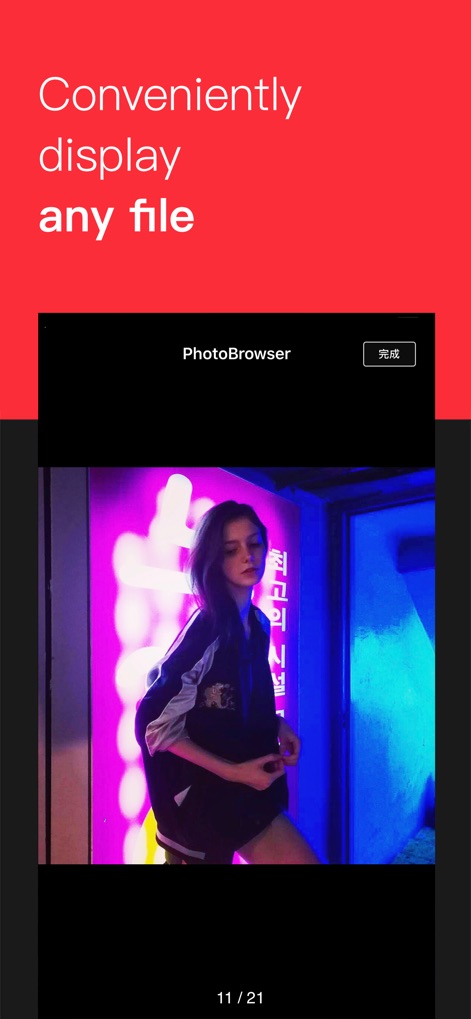
This feature provides a fluid full-screen media browser, enabling users to view individual images and navigate seamlessly through photo collections.
Dynamic Media Display
Description
Download
More Like This
Apps with similar features and user experience

Convert PDF to Word OCR
Tu Phan

PDF Converter – Photos to PDF
SMDA GROUP SP. Z OO

Toolbox by Paperclip
WuHan Paperclip Technology Co., Ltd.

Video Converter and Compressor
Inverse.AI

Video Converter & Compressor
WEBDIA INC.

全能格式转换王-视频音频转换图片文件格式处理
大为 方

PDF Converter: Convert to PDFㅤ
Roberto Hayes

The Document Converter
Float Tech, LLC
word文档手机版-办公文档,办公软件
雪 杨
This page is not an official page of the app or its developer, but an independent editorial publication created for informational and commentary purposes. Unless expressly stated otherwise, neither the app nor its developer is affiliated with, endorsed by, sponsored by, authorized by, or otherwise officially connected with MWM, Apple, Google Play, the app publisher, or the app's developer, and nothing on this page implies that the app was developed using MWM's services. Any trademarks, logos, screenshots, and other content remain the property of their respective owners.