
FracPad III

The professional mobile editor for Axe-Fx III, FM9, FM3, and AX8. Refine your tone, manage complex signal chains, and edit presets on the fly directly from your iPhone or iPad—no laptop required.
Publisher
Category
UtilitiesDownloads
10K+User Rating
Total Ratings
0Locales
-Discover the interface used by 10K+ users.
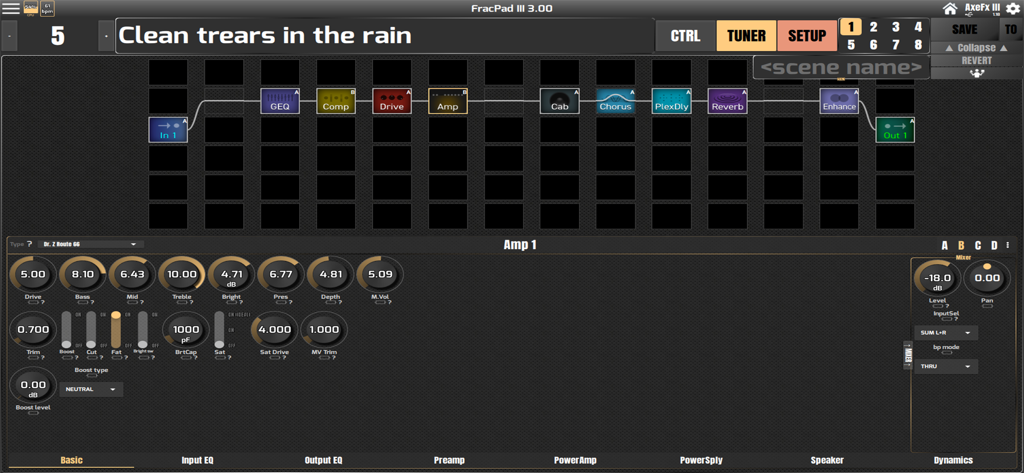
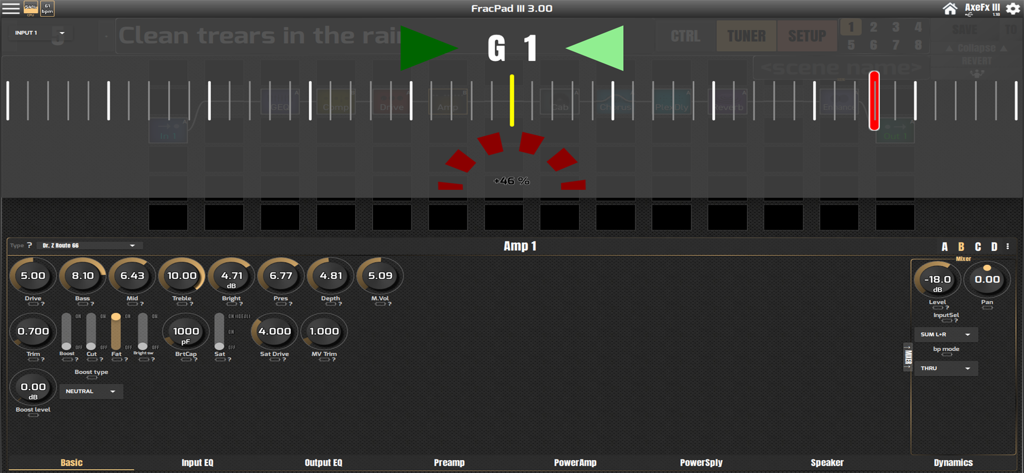
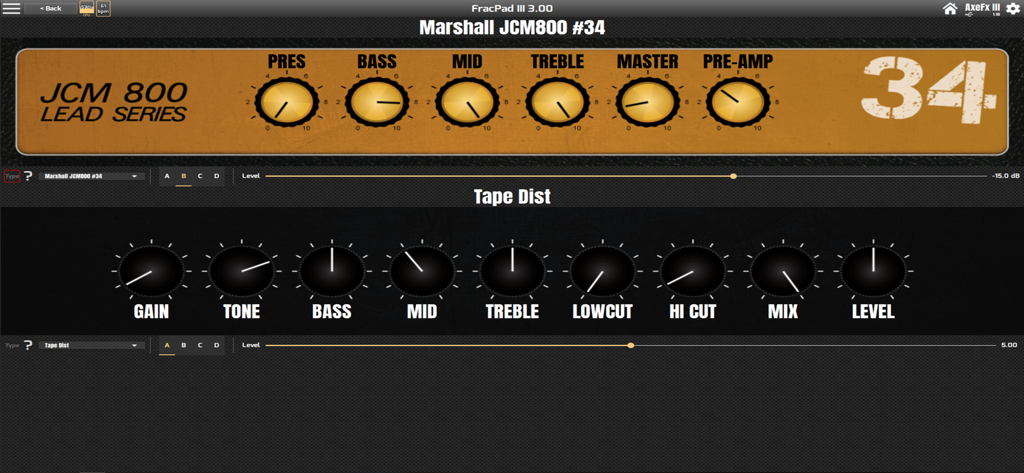
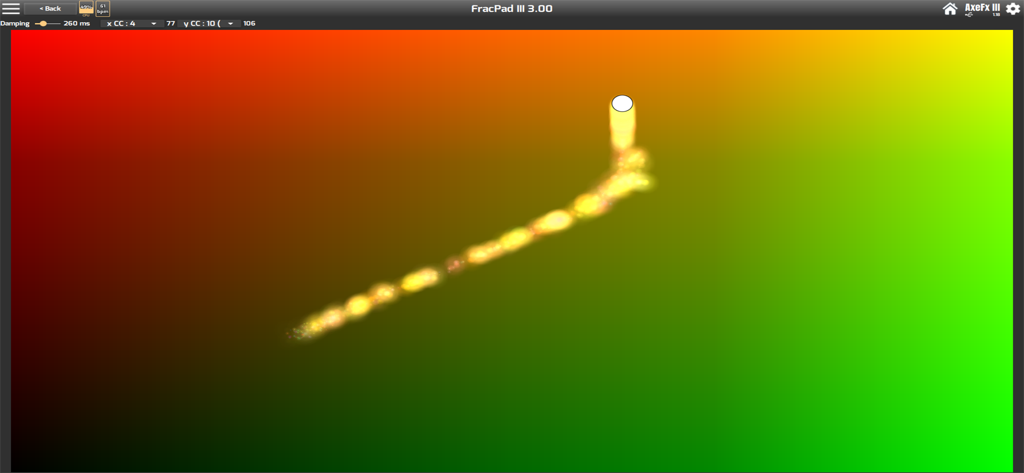
The tools that make this app stand out, trusted by 10K+ users.
Ditch the laptop. Access every block, parameter, and signal chain setting with a deep-dive interface designed specifically for your touchscreen.
Adjust your Global EQ or gain levels mid-soundcheck directly from your mic stand. Make professional adjustments in seconds without bending over your rack.
Effortlessly load, save, and organize your presets and layouts. Keep your entire library at your fingertips for instant recall during rehearsals or shows.
Everything you need to know about FracPad III.
Description
Latest Version
3.54
Size
59.9 MB
First Released
Oct 17, 2018
Join thousands of Fractal power-users. Download FracPad III now to edit presets, tweak blocks, and manage your rig effortlessly from your iPhone or iPad.
Top-ranked apps in the same category

Google LLC

Google LLC

China Mobile Online Services Co., Ltd.

Google LLC

Servicos e Informacoes do Brasil

DEEP FLOW SOFTWARE SERVICES - FZCO

Servicos e Informacoes do Brasil

CHINA TELECOM Corporation Ltd.

Microsoft Corporation
App information, icons, screenshots, and descriptions displayed on this page are sourced from the Apple App Store and are the property of their respective developers. Download estimates and rankings are based on MWM's proprietary models and may not reflect actual figures. This page is provided for informational and analytical purposes only.
Believe this page infringes your intellectual property? File a dispute