
This page is not an official page of the app or its developer, but an independent editorial publication created for informational and commentary purposes. Unless expressly stated otherwise, neither the app nor its developer is affiliated with, endorsed by, sponsored by, authorized by, or otherwise officially connected with MWM, Apple, Google Play, the app publisher, or the app's developer, and nothing on this page implies that the app was developed using MWM's services. Any trademarks, logos, screenshots, and other content remain the property of their respective owners.


iGlide Advanced
Master every cross-country flight with intuitive route planning, real-time wind calculations, and seamless OLC uploads. Designed for pilots who demand safety, precision, and performance in the cockpit.
Downloads
77K+User Rating
Total Ratings
0Publisher
Category
NavigationLocales
4Latest Version
2.9.65Size
59.7 MBFirst Released
Aug 9, 2012Master the Skies with Precision Navigation
Engineered for performance and safety, iGlide Advanced delivers mission-critical data, real-time traffic alerts, and seamless route planning directly to your cockpit.
Advanced Safety & Airspace Awareness
Fly with confidence using high-resolution topographical maps, vertical airspace views, and real-time traffic warnings via FLARM and ADS-B integration.
Precision Final Glide Calculator
Optimize every flight with MacCready theory, aircraft polar data, and accurate wind calculations to maximize your cross-country distance.
The following screenshots and description are sourced directly from the app's official store listing and are the property of the app developer.
App Store
Screenshots
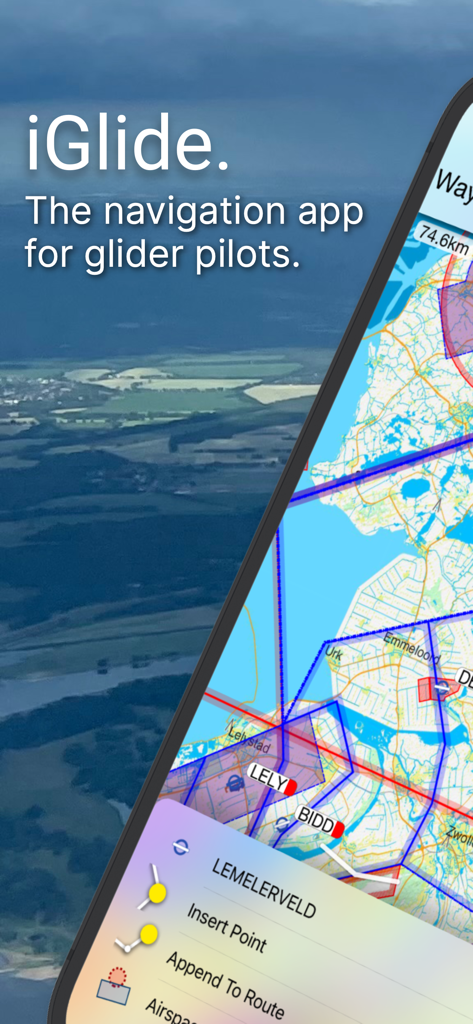
iGlide Advanced app screen with glider navigation map and flight route options
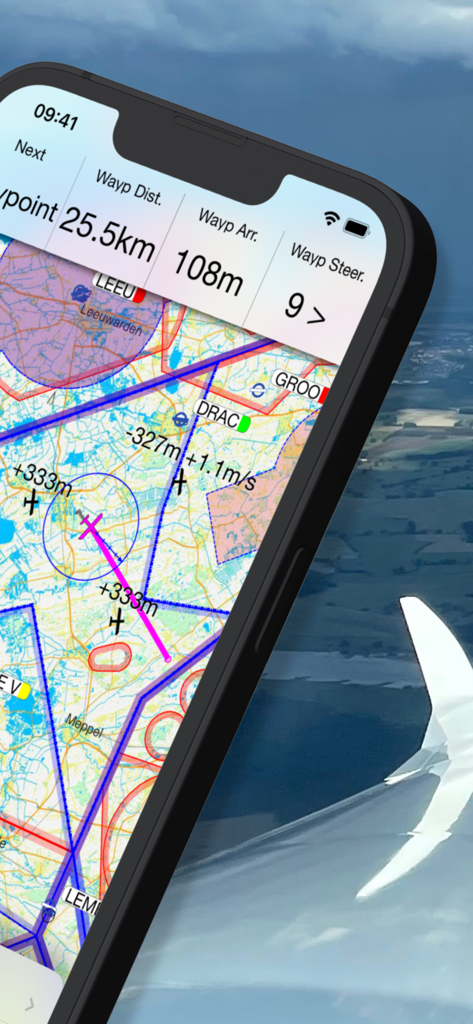
Detailed aeronautical map and flight telemetry on the iGlide Advanced soaring navigation app.
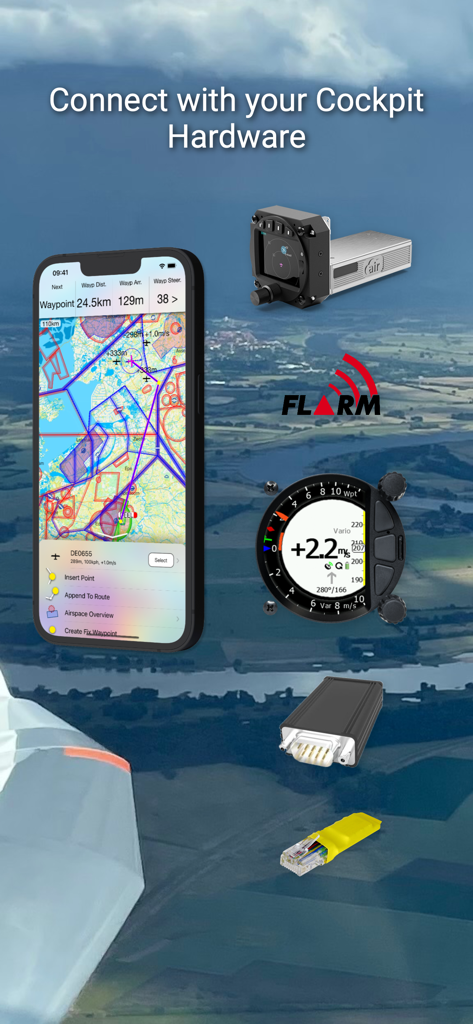
iGlide Advanced navigation app connecting with glider cockpit hardware
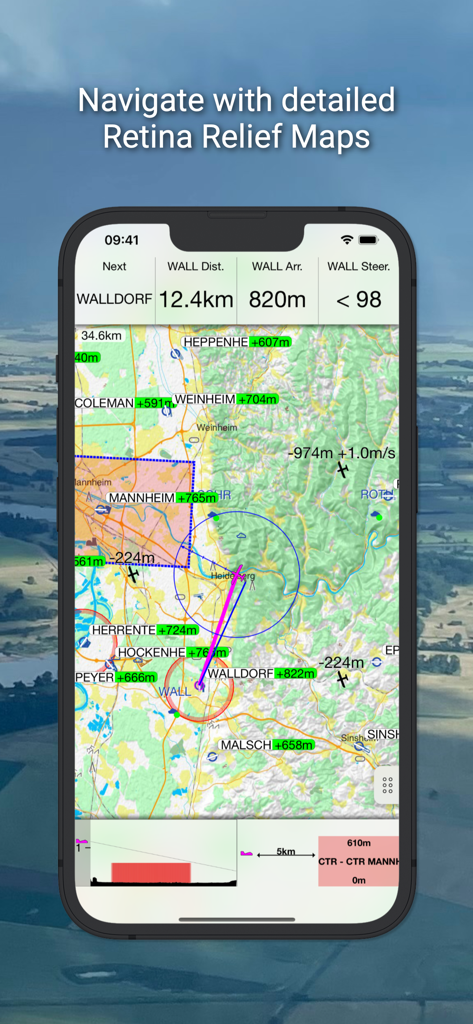
Glider navigation dashboard showing detailed topographical maps and real-time flight data.
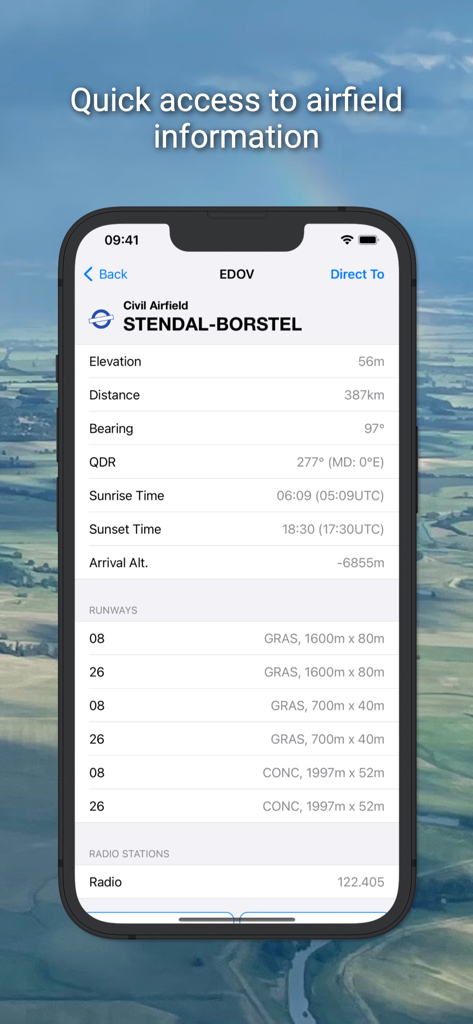
iGlide Advanced app screen displaying detailed information for Stendal-Borstel airfield including elevation runways and radio frequencies
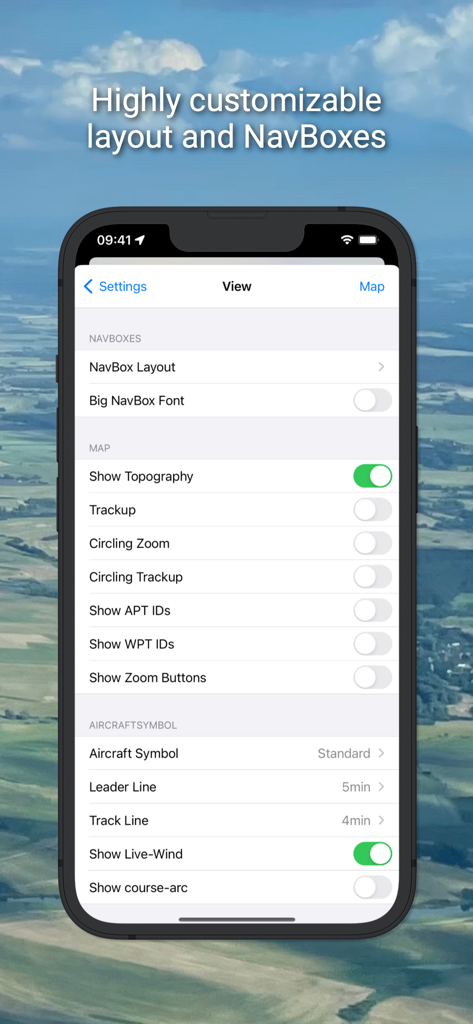
iGlide Advanced settings screen showing customizable layout and navbox options
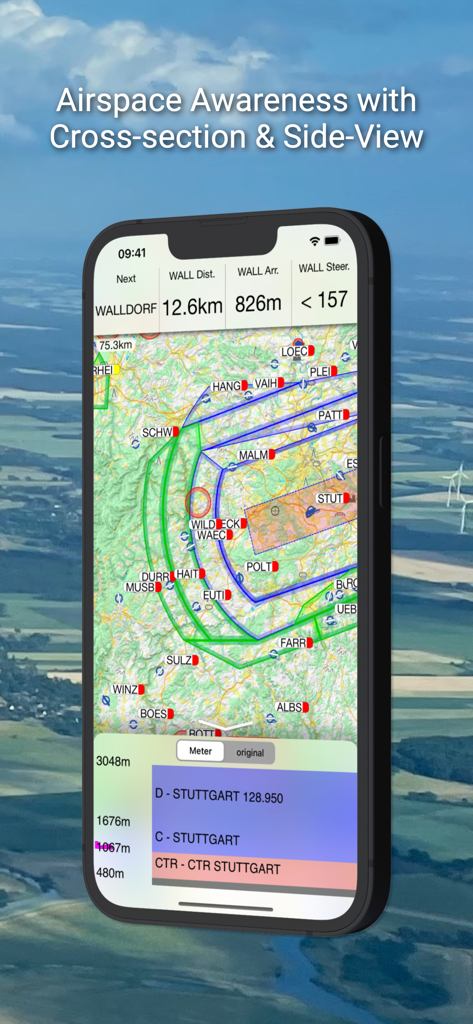
iGlide Advanced app interface showing a glider navigation map and a vertical airspace cross-section side view.
Description
Download
More Like This
Apps with similar features and user experience

Saki - Connect & Share
潇泳 庄

Gaggle Paragliding, Ultralight
Viszen Pty Ltd

Paragliding Tracker: Wingman
iSolid SPRL

Skida: Alpine Adventures
Mountainsnow AS

Relief Maps : backcountry gps
Batiste Vonderweidt

RealityMaps 3D tour planner
3D RealityMaps GmbH

Spot Assist Skydiving Tool
Andrey Kan
Flyskyhy
Rene Dekker

Paragliding Map
Craig Payne
This page is not an official page of the app or its developer, but an independent editorial publication created for informational and commentary purposes. Unless expressly stated otherwise, neither the app nor its developer is affiliated with, endorsed by, sponsored by, authorized by, or otherwise officially connected with MWM, Apple, Google Play, the app publisher, or the app's developer, and nothing on this page implies that the app was developed using MWM's services. Any trademarks, logos, screenshots, and other content remain the property of their respective owners.