
This page is not an official page of the app or its developer, but an independent editorial publication created for informational and commentary purposes. Unless expressly stated otherwise, neither the app nor its developer is affiliated with, endorsed by, sponsored by, authorized by, or otherwise officially connected with MWM, Apple, Google Play, the app publisher, or the app's developer, and nothing on this page implies that the app was developed using MWM's services. Any trademarks, logos, screenshots, and other content remain the property of their respective owners.


iLinks
Declutter your digital life with a beautiful, card-based organization system. Secure your most important links with Face ID and transform your productivity on iPhone and iPad.
Downloads
8K+User Rating
Total Ratings
0Publisher
Category
ProductivityLocales
3Latest Version
1.5.1Size
6.5 MBFirst Released
Aug 3, 2019Everything You Save, Beautifully Organized
Stop drowning in open tabs. iLinks transforms your digital clutter into a visual, searchable library of cards designed for the modern information curator.
Visual Card Management
Ditch the messy lists. See your links as sleek, customizable cards that make identifying and revisiting your favorite content effortless and aesthetic.
Secure Private Vaults
Keep your sensitive research and personal ideas safe. Use Face ID or Touch ID to lock specific collections, ensuring your private links stay for your eyes only.
The following screenshots and description are sourced directly from the app's official store listing and are the property of the app developer.
App Store
Screenshots
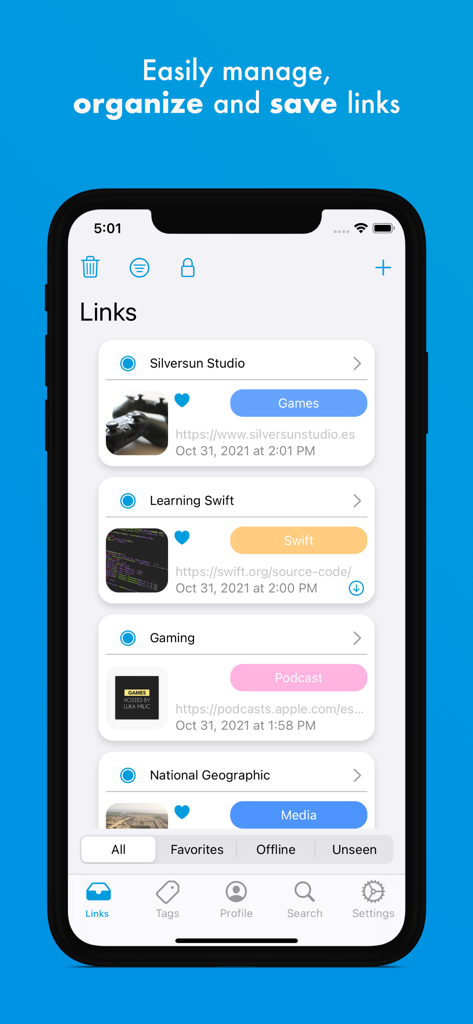
iLinks mobile app interface on an iPhone showing a visual list of saved web links organized into cards with category tags
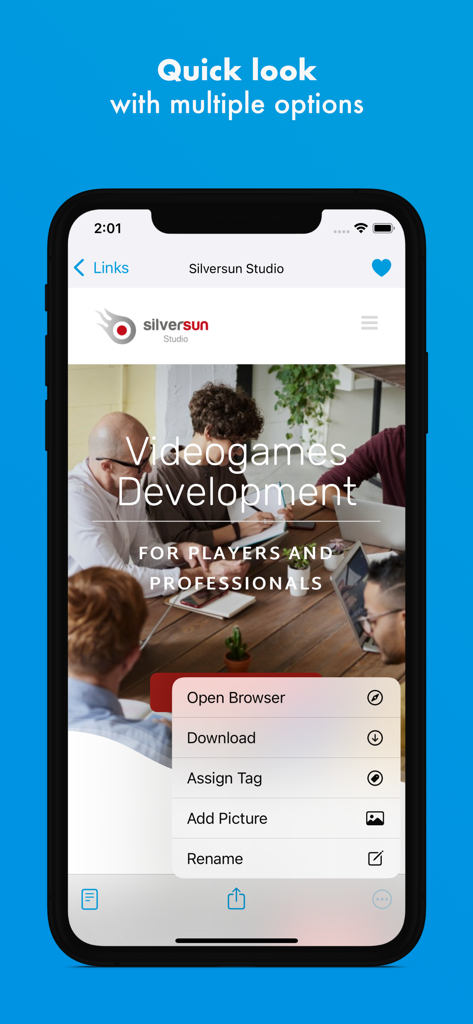
A smartphone screen showing the iLinks app quick look menu with options for opening a browser, downloading, assigning tags, adding pictures, and renaming links.
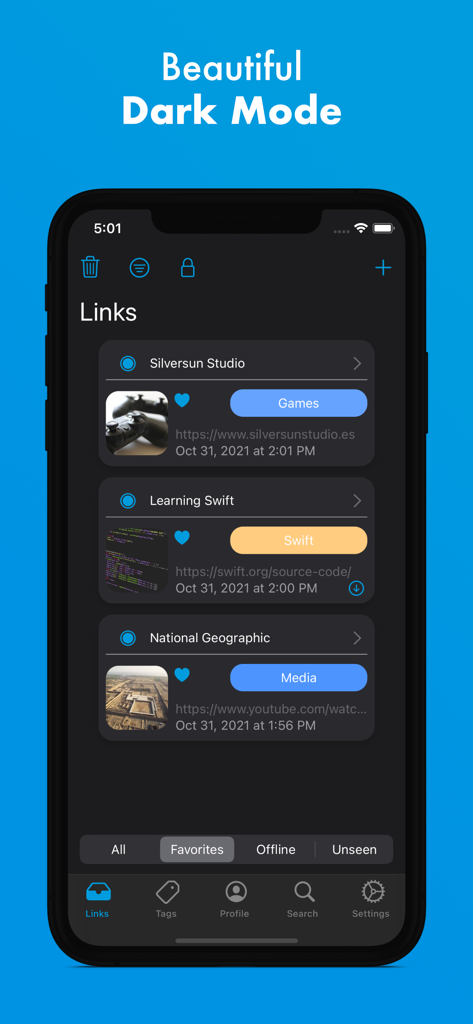
iLinks mobile app interface in dark mode showing a visual list of saved link cards with tags and thumbnails
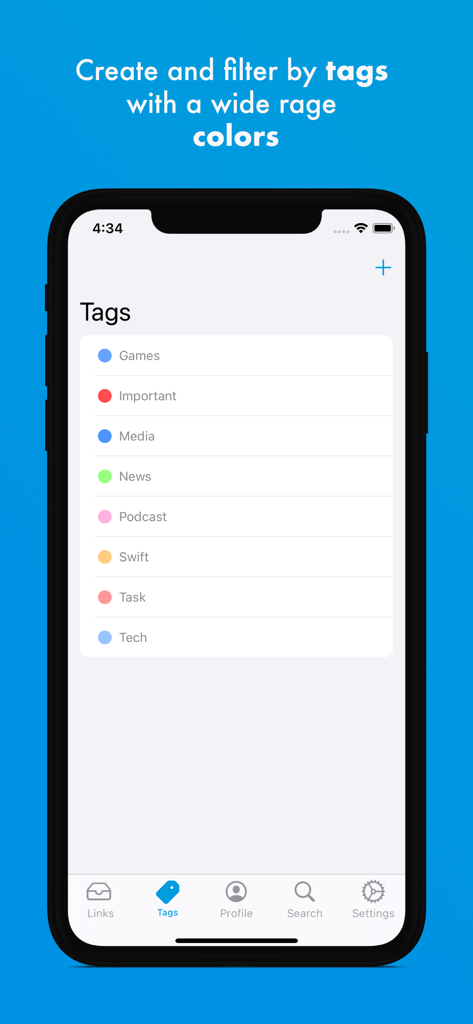
iPhone screenshot showing color-coded tags for link organization in the iLinks app
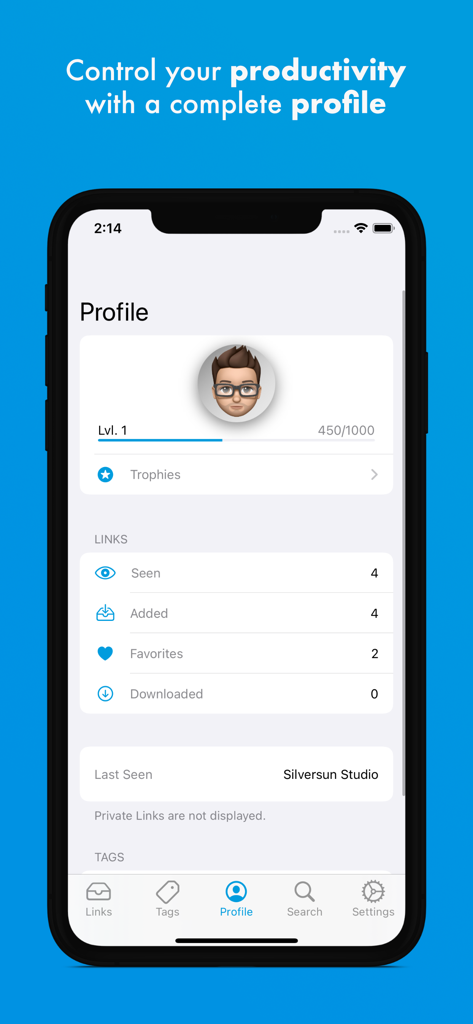
iLinks profile screen showing user level progress and link usage statistics like links seen and favorites
Description
Download
More Like This
Top-ranked apps in the same category

ChatGPT
OpenAI OpCo, LLC

Google Gemini
Google LLC

Grok
X.AI Corporation

Gmail - Email by Google
Google LLC

千问 - 阿里最强大模型官方AI助手
Shanghai Zhixin Puhui Technology Co., Ltd.

Google Drive
Google LLC

Microsoft Authenticator
Microsoft Corporation

Google Sheets
Google LLC

Google Docs
Google LLC
This page is not an official page of the app or its developer, but an independent editorial publication created for informational and commentary purposes. Unless expressly stated otherwise, neither the app nor its developer is affiliated with, endorsed by, sponsored by, authorized by, or otherwise officially connected with MWM, Apple, Google Play, the app publisher, or the app's developer, and nothing on this page implies that the app was developed using MWM's services. Any trademarks, logos, screenshots, and other content remain the property of their respective owners.