
This page is not an official page of the app or its developer, but an independent editorial publication created for informational and commentary purposes. Unless expressly stated otherwise, neither the app nor its developer is affiliated with, endorsed by, sponsored by, authorized by, or otherwise officially connected with MWM, Apple, Google Play, the app publisher, or the app's developer, and nothing on this page implies that the app was developed using MWM's services. Any trademarks, logos, screenshots, and other content remain the property of their respective owners.


Image Converter • JPG to PDF
Effortlessly convert HEIC, PNG, and 100+ formats into high-quality PDFs and JPGs. Designed for mobile-first professionals who need speed, security, and simplicity on the go.
Downloads
0User Rating
Total Ratings
0Publisher
Category
ProductivityLocales
31Latest Version
1.1.4Size
15.9 MBFirst Released
Jun 20, 2022Professional Conversion at Your Fingertips
Bridge the gap between mobile capture and professional requirements with support for over 100 file formats, designed for the modern mobile-first professional.
Ultimate Format Versatility
Effortlessly convert HEIC, PNG, and RAW files into industry-standard JPG or PDF, ensuring your documents are compatible with any corporate or government portal.
High-Speed Batch Processing
Save time by converting multiple images simultaneously. Select files directly from your Photos or Files app and watch them process in seconds.
The following screenshots and description are sourced directly from the app's official store listing and are the property of the app developer.
App Store
Screenshots
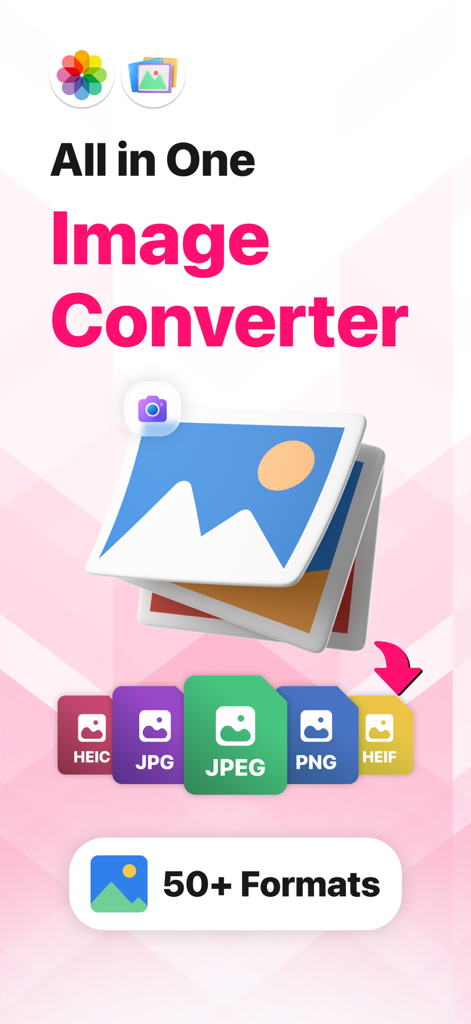
Mobile app interface for Image Converter showing support for over fifty photo formats
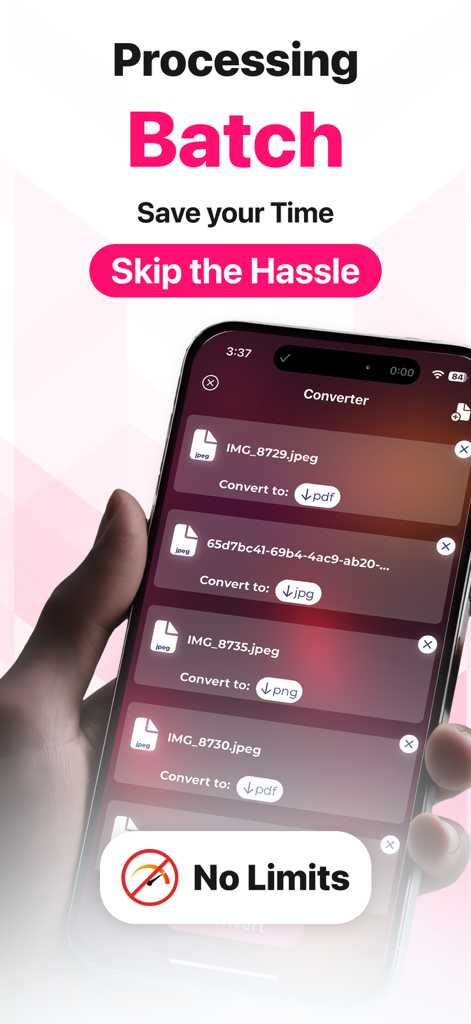
Mobile app screen showing batch conversion of multiple image files to different formats like PDF and JPG
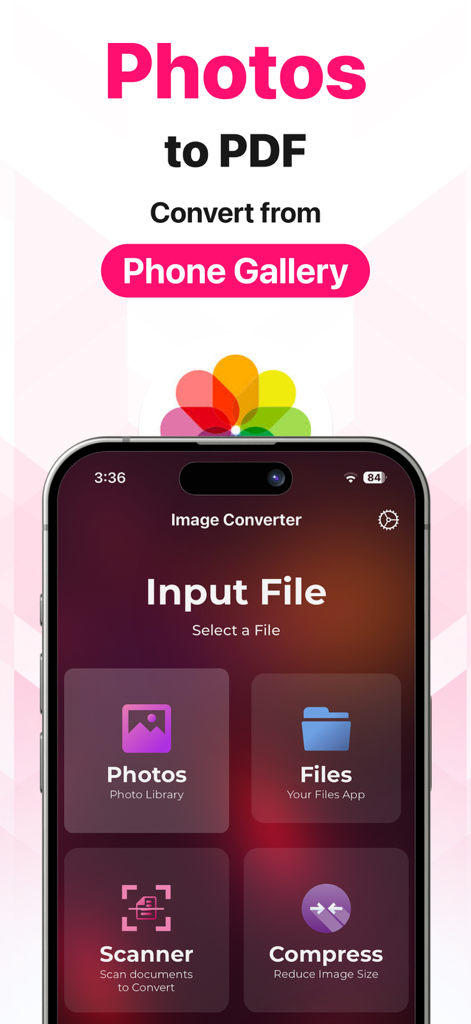
Image Converter app interface showing options to select photos files or scan documents for conversion
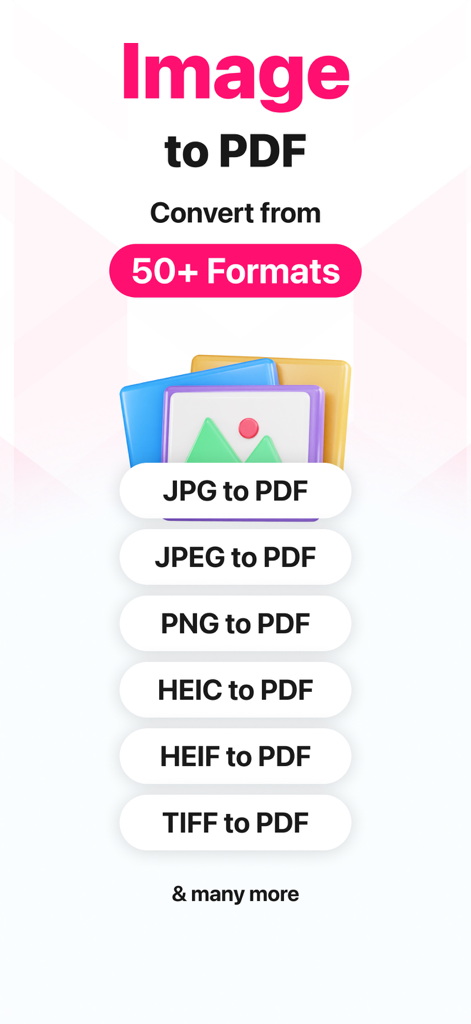
Image Converter app screen showing various file conversion options including JPG PNG and HEIC to PDF
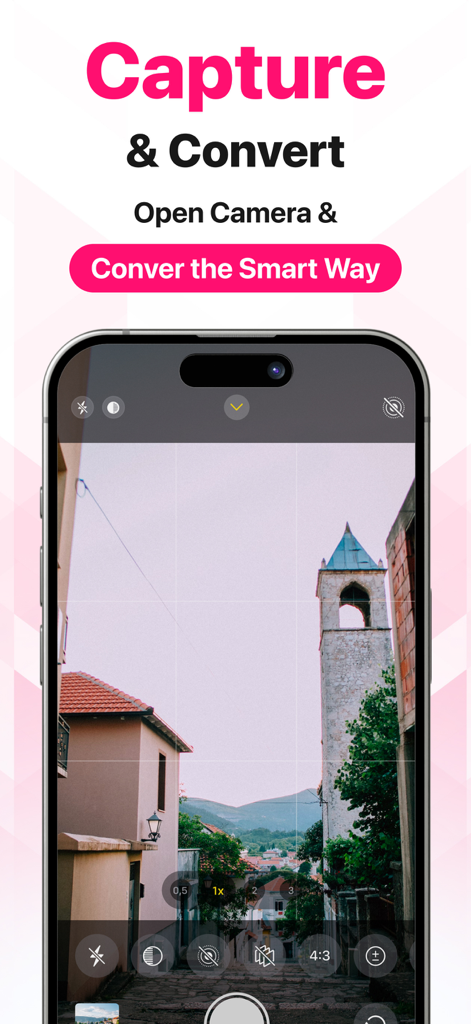
A smartphone screen showing the camera interface for the capture and convert feature of the app.
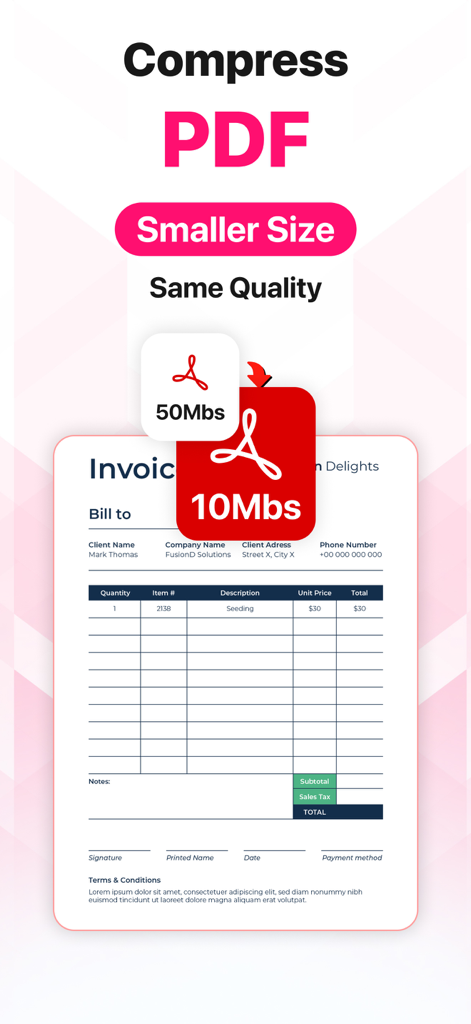
A feature showing PDF compression from 50MB to 10MB with the same quality.
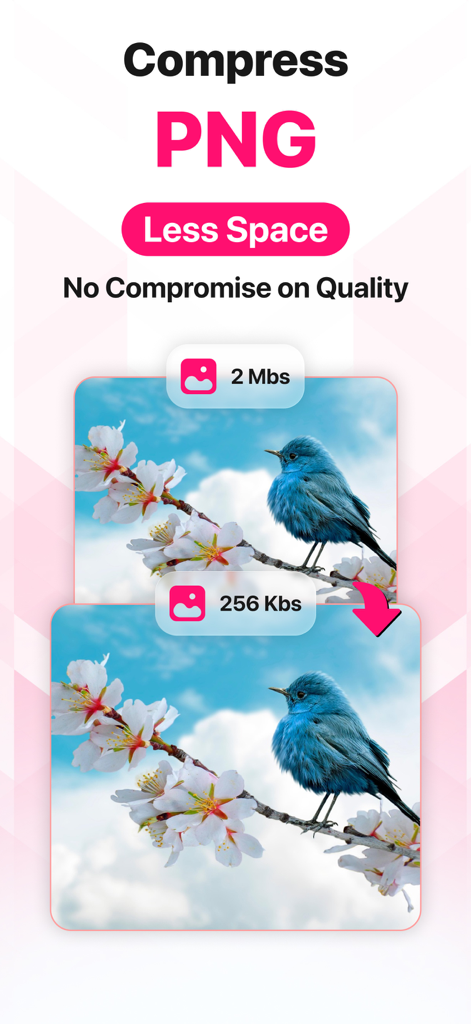
Visual comparison showing PNG compression from 2 megabytes down to 256 kilobytes without losing image quality.
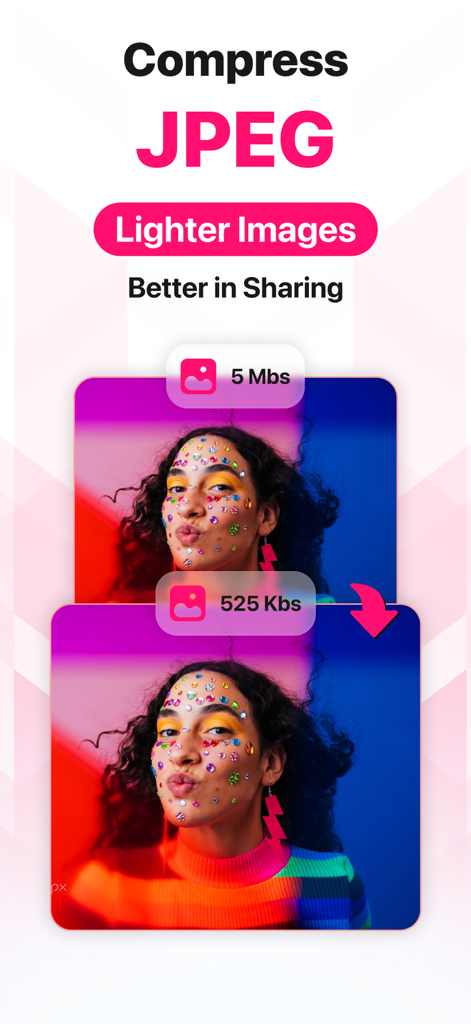
A screenshot showing the JPEG compression feature to reduce image file size for better sharing
Description
Download
More Like This
Top-ranked apps in the same category
ChatGPT
OpenAI OpCo, LLC
Google Gemini
Google LLC
Gmail - Email by Google
Google LLC

Claude by Anthropic
Anthropic PBC

千问 - 阿里最强大模型官方AI助手
Shanghai Zhixin Puhui Technology Co., Ltd.

Grok
X.AI Corporation
Google Drive
Google LLC

Microsoft Authenticator
Microsoft Corporation
Google Sheets
Google LLC
This page is not an official page of the app or its developer, but an independent editorial publication created for informational and commentary purposes. Unless expressly stated otherwise, neither the app nor its developer is affiliated with, endorsed by, sponsored by, authorized by, or otherwise officially connected with MWM, Apple, Google Play, the app publisher, or the app's developer, and nothing on this page implies that the app was developed using MWM's services. Any trademarks, logos, screenshots, and other content remain the property of their respective owners.