Image to Text Scanner OCR App

This page is not an official page of the app or its developer, but an independent editorial publication created for informational and commentary purposes. Unless expressly stated otherwise, neither the app nor its developer is affiliated with, endorsed by, sponsored by, authorized by, or otherwise officially connected with MWM, Apple, Google Play, the app publisher, or the app's developer, and nothing on this page implies that the app was developed using MWM's services. Any trademarks, logos, screenshots, and other content remain the property of their respective owners.
Logo of Image to Text Scanner OCR App

Image to Text Scanner OCR App

Stop manual typing and boost your productivity. Effortlessly digitize handwritten notes, complex math formulas, and blurred documents with pro-level accuracy and total security.

Key Figures

Downloads

0

User Rating

1.0/5

Total Ratings

0

Publisher

Amina Sehar

Category

Productivity

Locales

1

Latest Version

1.0

Size

68.2 MB

First Released

Feb 27, 2026
Features

Turn Your Photos into Professional Digital Workflows

Experience the ultimate productivity tool that eliminates manual typing. Scan, extract, and convert documents with industry-leading OCR accuracy.

Hyper-Accurate Text Extraction

Capture everything from handwritten notes to complex math equations with pinpoint precision while keeping your formatting intact.

High-Speed Batch Conversion

Process dozens of images or documents simultaneously. Save hours of data entry by converting your entire backlog in seconds.

The following screenshots and description are sourced directly from the app's official store listing and are the property of the app developer.

App Store

Screenshots
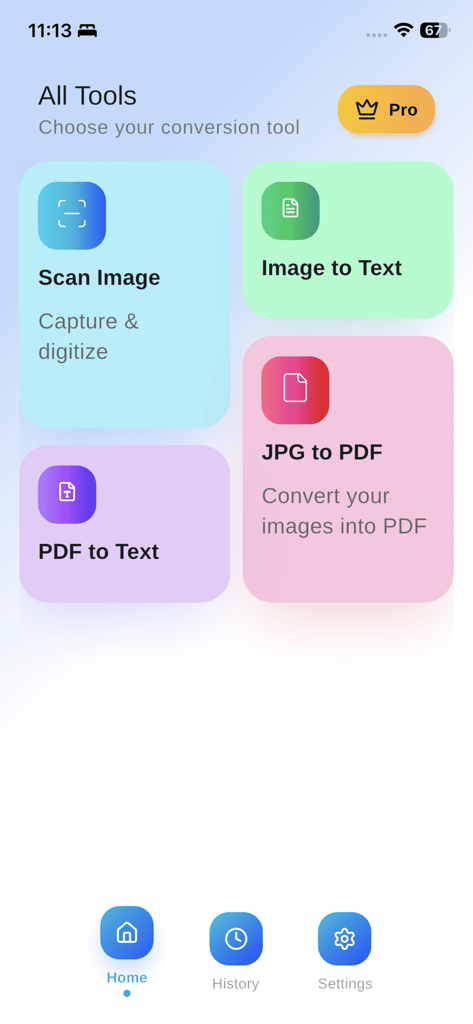
Image to Text Scanner OCR App - Home screen of the Image to Text Scanner OCR App showing various conversion tools like Scan Image, Image to Text, PDF to Text, and JPG to PDF
Home screen of the Image to Text Scanner OCR App showing various conversion tools like Scan Image, Image to Text, PDF to Text, and JPG to PDF

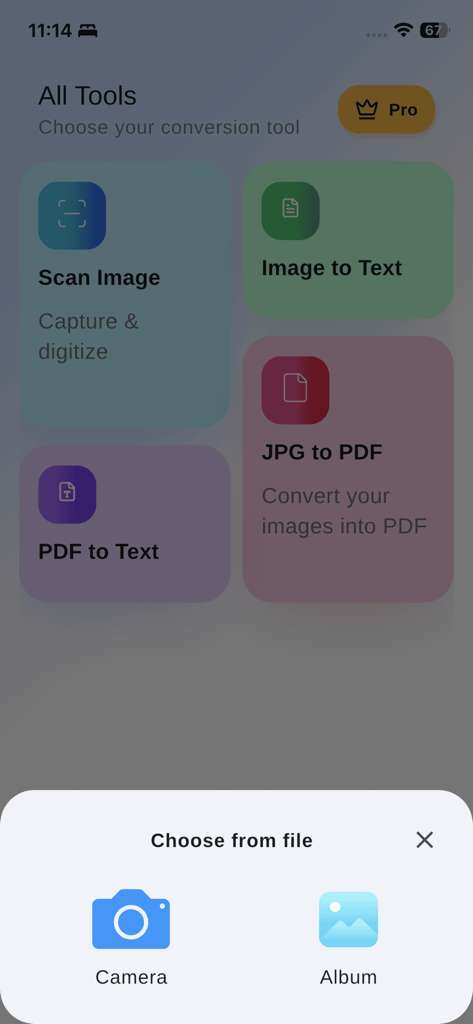
Image to Text Scanner OCR App - Dashboard of the OCR scanner app showing conversion tools and image source selection menu
Dashboard of the OCR scanner app showing conversion tools and image source selection menu

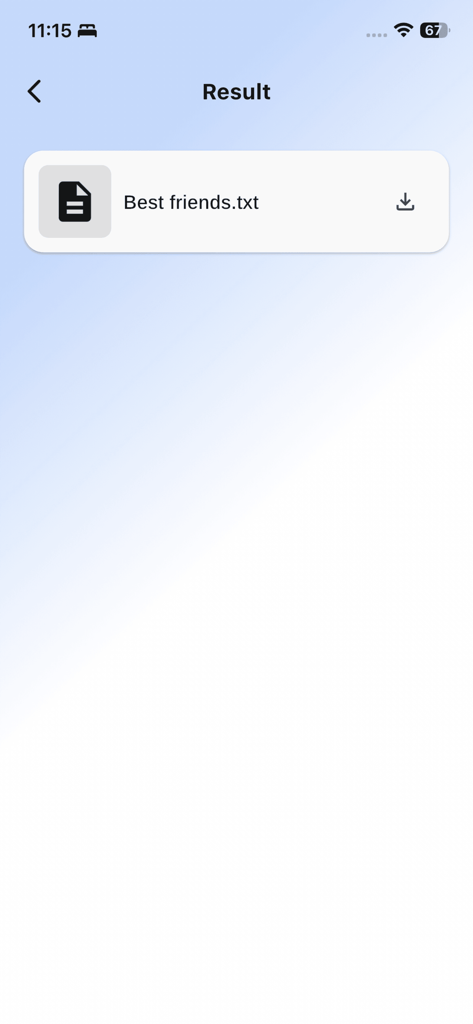
Image to Text Scanner OCR App - The result screen of the Image to Text Scanner OCR App displaying a converted text file ready for download.
The result screen of the Image to Text Scanner OCR App displaying a converted text file ready for download.

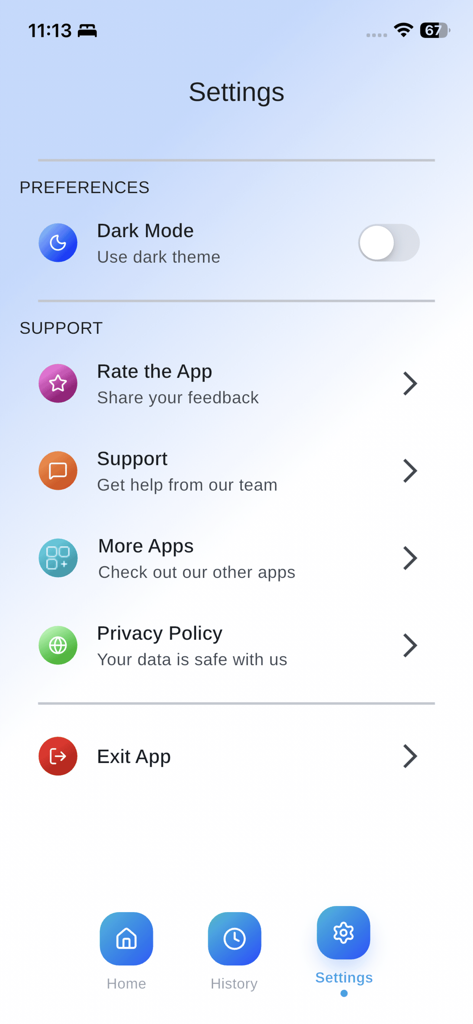
Image to Text Scanner OCR App - The settings screen of the Image to Text Scanner OCR App featuring preferences like dark mode and support options

The settings screen of the Image to Text Scanner OCR App featuring preferences like dark mode and support options

Description

Image to text converter app that accurately scans your images and converts them into editable. Besides images, the photo to text app can extract text from screenshots, scanned documents, and handwritten notes. It uses the latest OCR technology to accurately scan text from your images and extract it without losing formatting. Therefore, you will not need to perform any manual typing or other tasks. One standout feature of the app is that it offers multiple tools in one place. JPG to PDF This tool is helpful to convert any type of image into professional PDF documents. PDF to Text It works to automatically transform PDF files into editable TXT files. The OCR image to text scanner app is useful for professionals, data entry workers, and students to turn non editable or physical form data into editable and digital form. Using the image to text app is simple and quick. Just follow the below steps; Download and install the text scanner app. There you’ll see three different tools, including Image to Text, JPG to PDF, & PDF to Text. For Image to Text Conversion, submit your images into the app. Crop them if needed, and then click the Convert button to start. Our app will quickly extract all the text from your images. Now, you can Copy or download the TXT file. Similarly, you can us other tools of the app by following a few easier steps. Below are the useful features that make our photo to text converter a useful app; Simple User Interface: This photo to text app possesses a clear interface that any type of user can navigate easily. Accurate OCR: Our app ensures accuracy! It uses sophisticated OCR to precisely recognize text and symbols from your images. Process Blurred Images: Another standout feature of the app is that it can process your blurred images and old documents. Quick Working: To save the time of users, our app's working mechanism is made faster. It is capable of processing images immediately. Extract Text from Multiple Images: With this app, you can convert multiple images at once. This feature is useful to help you quickly handle bulk conversions. Crop Image Option: Our picture to text converter app offers a “Crop” option that you can use to refine your images before converting them into text. Stores History: The photo to text app stores the history of your conversions. You can access the previous work at any time. 100% Secure: We ensure that all of your images, PDGs, and extracted text are safe and secure. Mathematical Terms: The picture to text app is efficient in extracting mathematical expressions like symbols, formulas, and equations etc. Our OCR image to text app is a reliable solution for those who want to convert images into text, PDFs to text, and JPG to PDF. That’s all done at the same place on our app. It can be a useful addition to enhance your working productivity. Privacy Policy: https://www.freeprivacypolicy.com/live/22206497-76f6-4e63-a784-c15e54f5539d Terms & conditions: https://appsglobalstudio.blogspot.com/2024/07/terms-of-use.html?m=1

Download

This page is not an official page of the app or its developer, but an independent editorial publication created for informational and commentary purposes. Unless expressly stated otherwise, neither the app nor its developer is affiliated with, endorsed by, sponsored by, authorized by, or otherwise officially connected with MWM, Apple, Google Play, the app publisher, or the app's developer, and nothing on this page implies that the app was developed using MWM's services. Any trademarks, logos, screenshots, and other content remain the property of their respective owners.