
This page is not an official page of the app or its developer, but an independent editorial publication created for informational and commentary purposes. Unless expressly stated otherwise, neither the app nor its developer is affiliated with, endorsed by, sponsored by, authorized by, or otherwise officially connected with MWM, Apple, Google Play, the app publisher, or the app's developer, and nothing on this page implies that the app was developed using MWM's services. Any trademarks, logos, screenshots, and other content remain the property of their respective owners.


iMotion
Create stunning 4K animations and cinematic stories with total manual control. From viral social content to hobbyist masterpieces, bring your imagination to life in seconds.
Downloads
1M+User Rating
Total Ratings
10K+Publisher
Category
Photo & VideoLocales
1Latest Version
6.5Size
145.6 MBFirst Released
May 5, 2011Master the Art of Motion
From viral social content to cinematic brickfilms, transform your iPhone into a professional animation studio with high-end tools designed for the modern creator.
Hands-Free Smart Capture
Use the microphone trigger to capture frames without touching your device. Perfect for solo creators and stop-motion hobbyists who need to eliminate camera shake.
Pro-Grade Camera Control
Take full command of your lens with manual exposure, focus, and white balance settings, then export your masterpiece in stunning 4K UHD quality.
The following screenshots and description are sourced directly from the app's official store listing and are the property of the app developer.
App Store
Screenshots
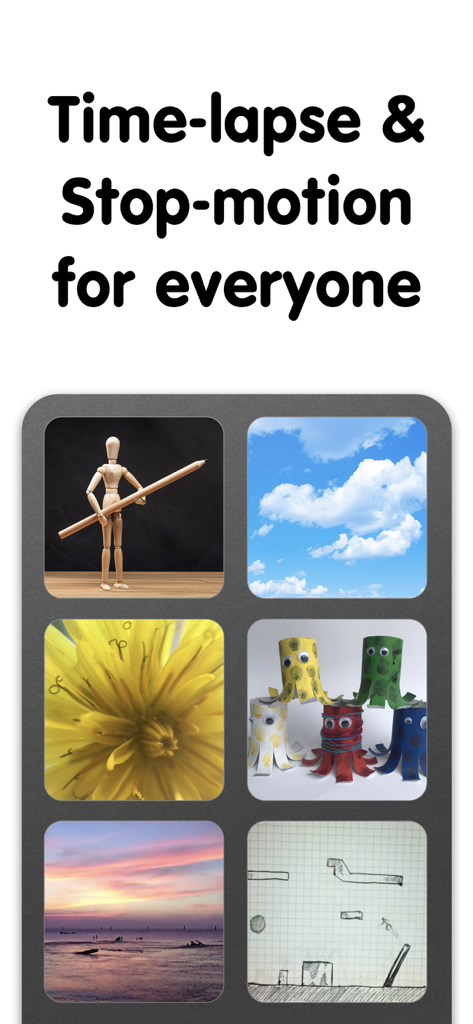
iMotion app screenshot showcasing time-lapse and stop-motion video project examples including clouds, nature, and handmade crafts
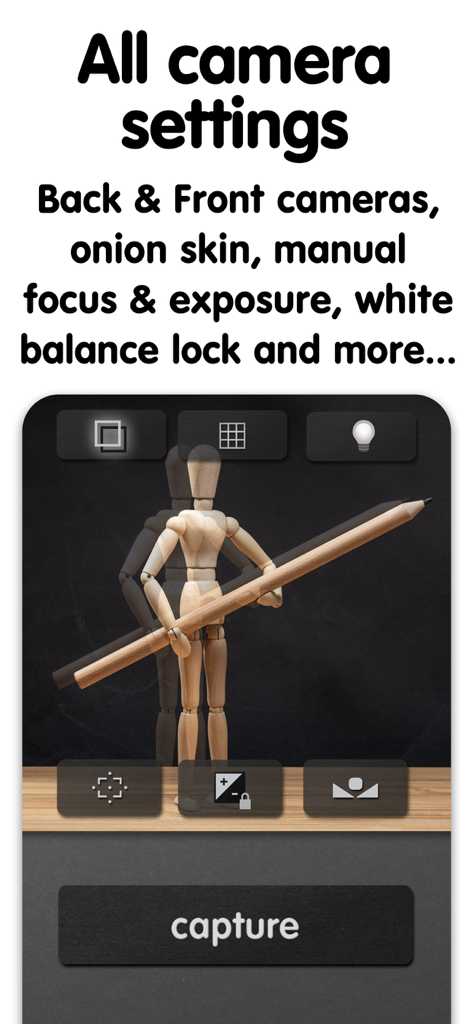
iMotion camera interface showing manual focus exposure and onion skin settings for stop motion animation
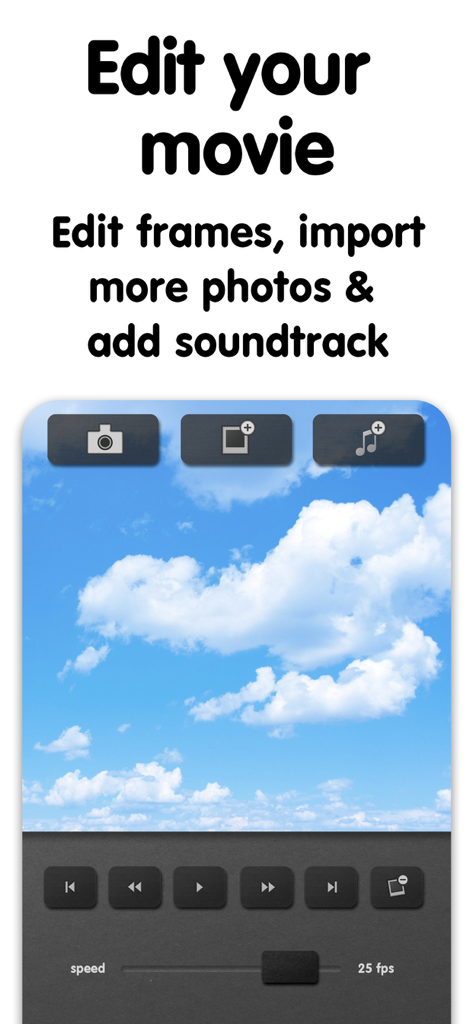
Interface of the iMotion app showing video editing tools for frames and soundtracks
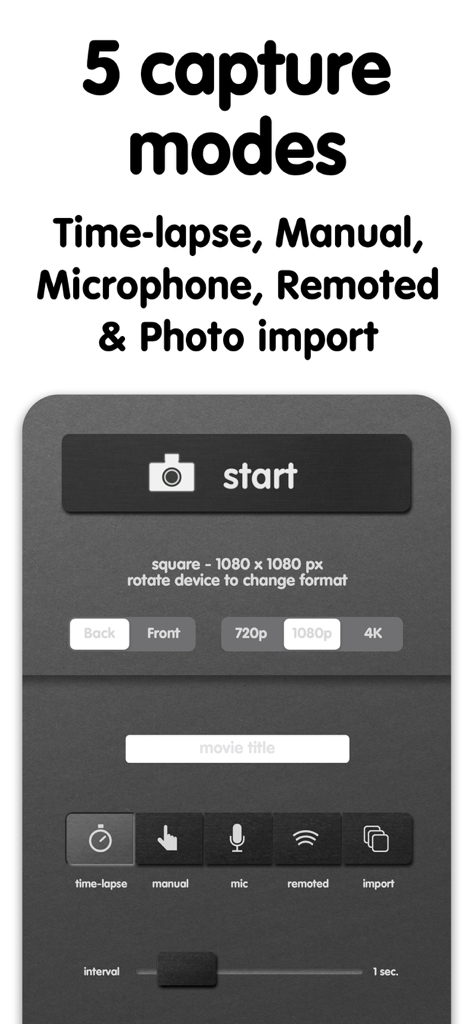
The iMotion app interface displaying five capture modes and resolution settings for stop-motion and time-lapse video.
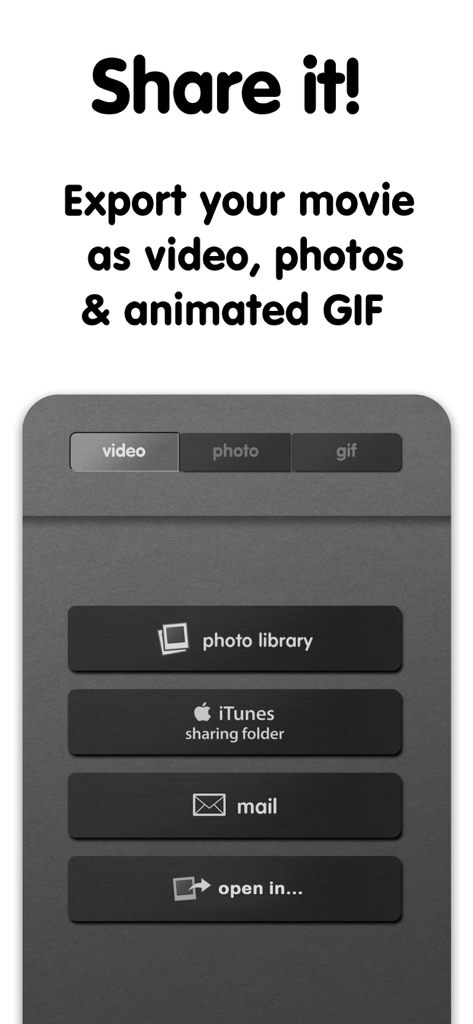
Interface of iMotion app showing export and sharing options for videos photos and animated GIFs
Description
Download
More Like This
Top-ranked apps in the same category

CapCut: Photo & Video Editor
BYTEDANCE PTE. LTD.

Instagram, Inc.

YouTube
Google LLC

Canva: AI Photo & Video Editor
Canva Pty Ltd

Snapchat
Snap, Inc.

快手
Beijing Kwai Technology Co., Ltd.

Edits: Video Editor
Instagram, Inc.

Meitu- AI Photo & Video Editor
Xiamen Meitu Technology Co., Ltd.

Google Photos: Backup & Edit
Google LLC
This page is not an official page of the app or its developer, but an independent editorial publication created for informational and commentary purposes. Unless expressly stated otherwise, neither the app nor its developer is affiliated with, endorsed by, sponsored by, authorized by, or otherwise officially connected with MWM, Apple, Google Play, the app publisher, or the app's developer, and nothing on this page implies that the app was developed using MWM's services. Any trademarks, logos, screenshots, and other content remain the property of their respective owners.