
This page is not an official page of the app or its developer, but an independent editorial publication created for informational and commentary purposes. Unless expressly stated otherwise, neither the app nor its developer is affiliated with, endorsed by, sponsored by, authorized by, or otherwise officially connected with MWM, Apple, Google Play, the app publisher, or the app's developer, and nothing on this page implies that the app was developed using MWM's services. Any trademarks, logos, screenshots, and other content remain the property of their respective owners.

Imprivata ID
Effortlessly meet DEA requirements for EPCS and secure network access. Authenticate instantly without manual codes—even when your phone is in your pocket.
Downloads
1M+User Rating
Total Ratings
400Publisher
Category
MedicalLocales
1Latest Version
2025.5.0Size
21.7 MBFirst Released
Jul 7, 2015Revolutionize Your Clinical Workflow
Secure, DEA-compliant authentication designed to save time and eliminate friction, allowing you to focus on what matters most—patient care.
Hands-Free EPCS
Authenticate electronic prescriptions for controlled substances wirelessly, even while your phone stays in your pocket or under clinical gloves.
One-Tap Push Approval
Eliminate manual token codes. Verify your identity for remote network access with a simple swipe and tap from your lock screen.
Frequently Asked Questions
Everything you need to know about Imprivata ID
What is Imprivata ID?
Imprivata ID is a secure authentication application designed to enhance clinical workflows for medical professionals. It supports electronic prescribing of controlled substances (EPCS) and remote network access.
How does Imprivata ID secure electronic prescribing of controlled substances (EPCS)?
Imprivata ID secures EPCS with Hands Free Authentication. It wirelessly retrieves and verifies a one-time password from the user's mobile device, meeting DEA two-factor authentication requirements without manual input.
Does Imprivata ID use token codes for authentication?
Yes, Imprivata ID uses token codes for authentication. It wirelessly retrieves and verifies a one-time password from the user’s mobile device, as indicated by the "Token Code" display in the application.
What is Hands Free Authentication in Imprivata ID?
Hands Free Authentication in Imprivata ID is a solution for EPCS that wirelessly retrieves and verifies a one-time password from a user's mobile device. This offers speed, security, and convenience while meeting DEA requirements.
How does Imprivata ID facilitate remote network access?
Imprivata ID facilitates remote network access through push notifications. Users receive a notification on their mobile phone, tap “Approve,” and the second factor of authentication is complete for fast access.
Can Imprivata ID automatically sign out a workstation?
Yes, Imprivata ID can automatically sign out a workstation. It locks the workstation automatically when the user walks away by utilizing Bluetooth Access, Location, and Motion & Fitness settings.
What permissions does Imprivata ID require for Simplified E-Prescribing?
For Simplified E-Prescribing, Imprivata ID requires users to turn on Bluetooth Access, Location, and Notifications. This allows secure signing of electronic prescriptions without picking up the phone.
What is the benefit of using Imprivata ID for clinical workflows?
Imprivata ID improves clinical workflows by providing secure, fast, and convenient authentication for EPCS and remote network access. It minimizes workflow impact with features like Hands Free Authentication.
The following screenshots and description are sourced directly from the app's official store listing and are the property of the app developer.
App Store
Screenshots
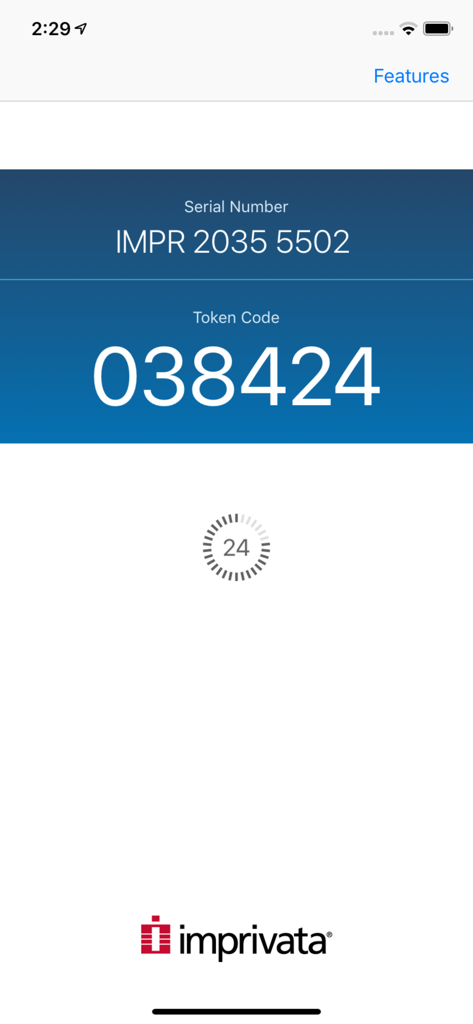
Imprivata ID app interface showing the serial number and a six digit token code for secure medical authentication
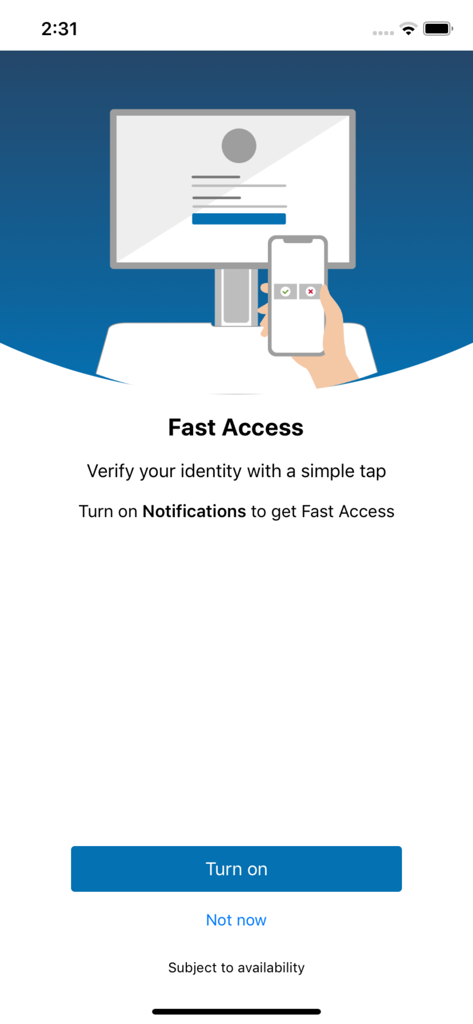
Imprivata ID app setup screen for enabling fast access notifications for identity verification
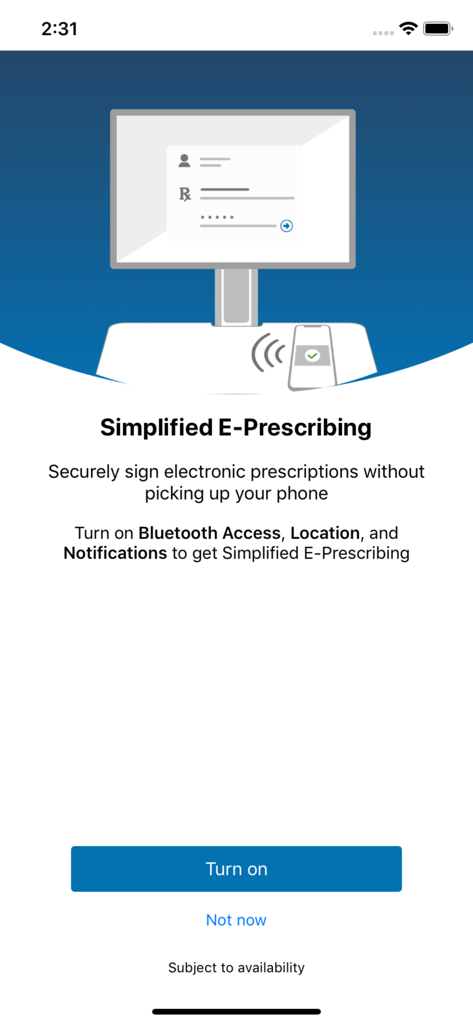
Setup screen for simplified e-prescribing in the Imprivata ID mobile application
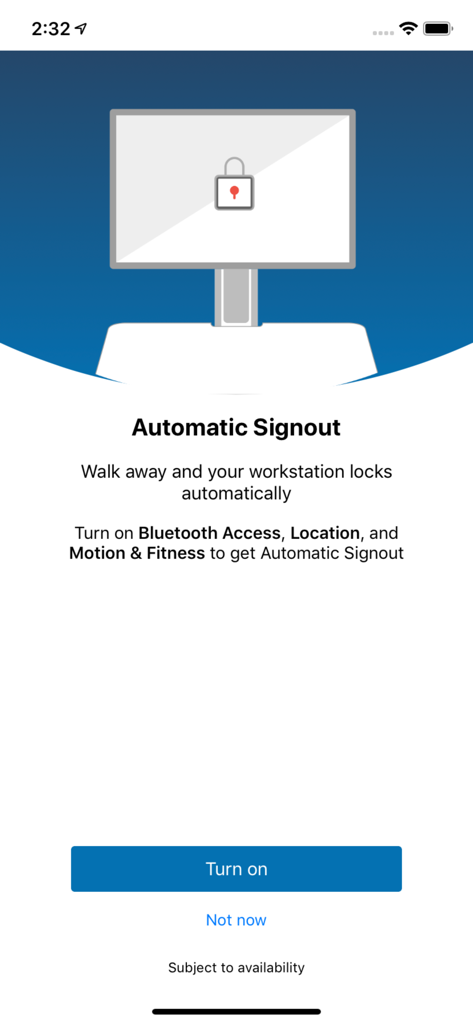
A mobile app screen for Imprivata ID explaining the Automatic Signout feature which locks a workstation when the user walks away
Description
Download
More Like This
Apps with similar features and user experience

WatchGuard AuthPoint
WatchGuard Technologies Inc.

Multifactor
MULTIFAKTOR, OOO

Smart Log On
Acceptto Corporation

Kavach Authentication
Tirender Wig

Aladdin 2FA
Aladdin R.D. ZAO

RSA Authenticator (SecurID)
RSA Security

Google Smart Lock
Google LLC

FortiToken Mobile
Fortinet, Inc

X5 Ключ
Closed Joint Stock Company"Trade House"Perekrestok
This page is not an official page of the app or its developer, but an independent editorial publication created for informational and commentary purposes. Unless expressly stated otherwise, neither the app nor its developer is affiliated with, endorsed by, sponsored by, authorized by, or otherwise officially connected with MWM, Apple, Google Play, the app publisher, or the app's developer, and nothing on this page implies that the app was developed using MWM's services. Any trademarks, logos, screenshots, and other content remain the property of their respective owners.